
We may earn a commission if you buy through links on this page. It never changes a score or a ranking. How we make money
The bottom line
A capable YouTube toolkit, especially for thumbnail testing and bulk edits, with unclear free-plan limits.
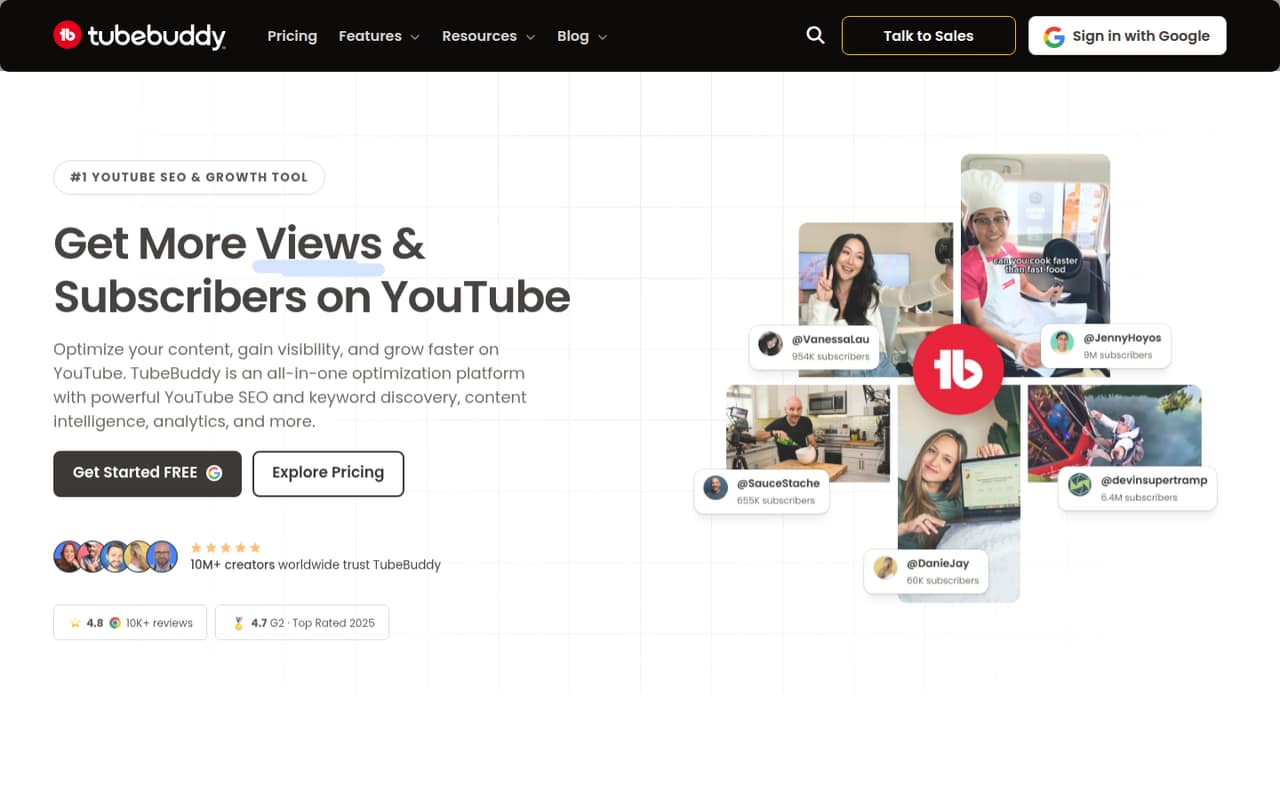
TubeBuddy bundles keyword research, SEO guidance, analytics, thumbnail and title testing, and content management for YouTube creators. Reddit users praise its A/B testing and bulk tools, though some say SEO work brings diminishing returns or that YouTube’s own tools are enough.
The pricing page lists a Free plan, Pro from $3 monthly, and Legend from $15 monthly. It doesn’t spell out the Free plan’s inclusions or a team-seat model, so small teams should confirm what each person can access before budgeting.
Good fit if
- Creators testing video thumbnails
- Small teams updating many videos
- YouTube channels using SEO workflows
Skip it if
- Teams needing published seat pricing
- Creators satisfied with YouTube Studio
- Teams expecting guaranteed view growth
ScoresHow it rates
What works
- A/B testing can compare thumbnail and title variants
- Bulk processing can save repetitive editing time
- Pro starts at $3 monthly
- Annual pricing lowers the listed monthly equivalent
- Legend includes advanced reporting and analytics
What doesn't
- Free-plan inclusions are not listed
- Enterprise pricing is custom
- Per-seat team billing is not published
- Some Reddit users question the value of SEO work
- Some users report popups and high resource use
01Who TubeBuddy is for
TubeBuddy is for YouTube creators who want keyword discovery, SEO recommendations, performance analytics, and channel-management tools in one place. Its A/B testing and bulk editing may be especially useful when a small team publishes regularly and has several videos to update or compare.
For a team of one to five, the budget question is less about the starting price and more about how many people need access. The pricing page lists individual creator plans and custom Enterprise pricing, but doesn’t publish a team seat model. If each person needs an individual subscription, Pro is $3 per person monthly or $2.67 per person per month at the annual rate. Reddit users disagree on how much SEO work pays off: some value the tools, while others say time is better spent on the videos themselves. TubeBuddy fits best when its testing or management features solve a recurring task.
02TubeBuddy free plan and trial
TubeBuddy has a Free plan, but the pricing page doesn’t list what it includes or its usage limits. That makes it hard to tell whether the free tier covers a team’s real workflow, such as repeated keyword research, testing, or bulk updates. The page also doesn’t list a free trial.
A Reddit commenter says TubeBuddy and a competitor offer free versions but “they don’t do much”; another reports that TubeBuddy’s free features felt limited after using the tool for a while. Those are individual experiences, not a complete feature list. Check the current plan screen for the exact free limits before relying on it. If you need listed features such as content strategy tools and Shorts linking, Pro starts at $3 monthly, or $2.67 per month at the annual rate.
03What a small team pays for TubeBuddy
The pricing page lists Pro at $3 per month or $2.67 per month at the annual rate. If three people each need a Pro subscription, that works out to $9 monthly or about $8.01 monthly equivalent on annual billing; for five people, it’s $15 monthly or about $13.35 monthly equivalent. The annual-rate arithmetic is about $96.12 for three people or $160.20 for five for a year.
Legend is $15 monthly or $12 per month at the annual rate. That’s $45 monthly or $36 monthly equivalent for three people, and $75 monthly or $60 monthly equivalent for five. Using the listed rates, annual billing is about $432 for three or $720 for five. The page says subscriptions renew until cancelled. It lists no add-ons, but doesn’t publish team-seat rules, so these are individual-plan calculations, not a confirmed team quote. Enterprise pricing is custom.
04Getting started with TubeBuddy
The product is built around YouTube work: keyword discovery, SEO suggestions, video analytics, testing, and content management. The vendor doesn’t publish a setup-time estimate or an integrations list, so ask what each team member needs to connect and whether any admin setup is required before choosing a plan.
The learning curve may depend on which tools you use. One Reddit commenter found TubeBuddy more intuitive than a competing tool, while others describe using its testing, thumbnail, and bulk-editing features for specific tasks. That points to a practical way to start: pick one job, such as comparing thumbnails or updating links across videos, and see whether the plan you’re considering includes it. Some Reddit users also report popups and high CPU or memory use while using the tool, so check how it behaves in your own setup rather than assuming it will be friction-free.
05When small teams outgrow TubeBuddy
The first pressure point is seats. Pro and Legend prices are listed per month, but the vendor doesn’t publish team seat rules. If each teammate needs a separate plan, costs rise with every person; ask TubeBuddy for a team quote if you need shared access or centralized billing. Enterprise is the listed option for multiple channels or larger organizations, with custom pricing.
The second pressure point is whether the tools still earn their keep. Reddit users report mixed experiences: some value A/B testing and bulk edits, while others say YouTube’s own features cover enough or that SEO returns have weakened. One commenter also complained about upgrade prompts and high resource use; another said bulk end-screen editing had become tightly limited on a higher tier. Those reports aren’t a definitive feature policy, so confirm current limits with the vendor. A growing team may also outgrow the tool if it needs integrations or collaboration controls that TubeBuddy doesn’t publish.
From the threadsWhat users say
Reddit sentiment is mixed. Some creators value TubeBuddy’s A/B testing, keyword tools, and bulk edits, while others question the payoff from SEO or report frustration with free limits, prompts, and resource use.
I purchased it for this feature alone, and it has been helpful, had some surprising results testing what I thought was a much better thumbnail only to find out that it performed much worse than the thumbnail I already had
Tubebuddy is great for some of the tools it has like A/B Testing, thumbnail tools, bulk tools, and more
spending lots of time working on SEO just isn't yielding the same results as it used to
They both offer free versions, but to be honest they don’t do much
Questions people ask
Does TubeBuddy have a free plan?
Yes. The pricing page lists a Free plan, but doesn’t specify its features or usage limits. A Reddit commenter says the free versions of TubeBuddy and a competitor “don’t do much,” while another describes feeling limited after using the free version. Check the current plan details before depending on it.
How much does TubeBuddy cost?
The pricing page lists Pro at $3 per month or $2.67 per month at the annual rate. Legend is $15 monthly or $12 per month at the annual rate. It also lists three-year packages for $49 for Pro - Long Term and $199 for Legend - Long Term, plus custom Enterprise pricing.
What is the difference between Pro and Legend?
Pro lists basic video and thumbnail tools, basic title and tag optimization, content strategy tools, YouTube Shorts linking, and topical analysis. Legend includes everything in Pro plus advanced reporting and analytics, full search and SEO access, and bulk processing and editing.
Can TubeBuddy test thumbnails and titles?
The product description lists A/B testing that rotates thumbnail and title variants, measures click-through rates, and identifies a winner. Reddit users describe thumbnail testing as one of TubeBuddy’s most useful features. Check the plan details with the vendor to confirm which tier includes the testing tools you need.
How do I stop my TubeBuddy subscription?
The pricing page says subscriptions renew until cancelled, but it doesn’t publish cancellation steps. Check your account’s billing settings or contact TubeBuddy support for the current process. Before cancelling, confirm whether any remaining access continues through the paid period and whether a long-term package follows different terms.