
We may earn a commission if you buy through links on this page. It never changes a score or a ranking. How we make money
The bottom line
Broad network policy control, with custom pricing that makes a small-team budget hard to pin down.
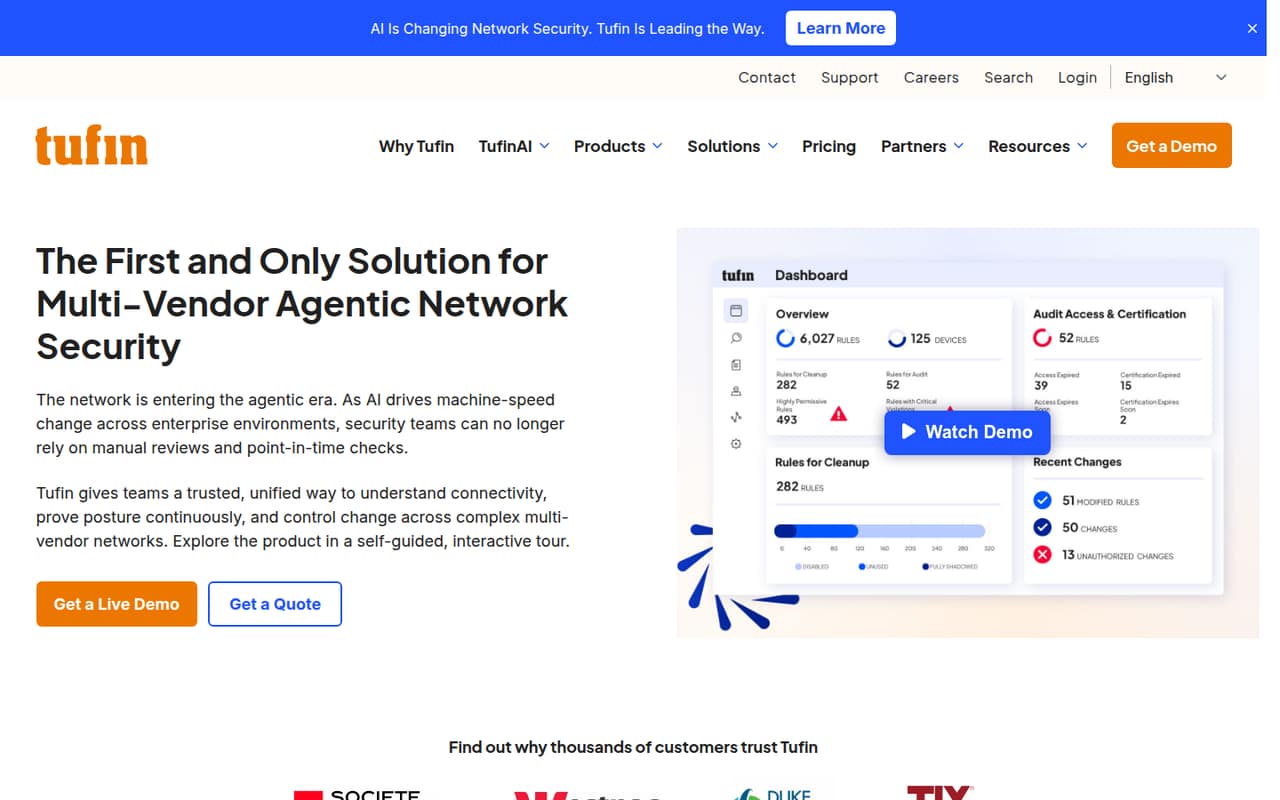
Tufin brings network visibility, policy monitoring, risk assessment, compliance checks, and change automation into one platform. It is aimed at complex, multi-vendor environments, not teams looking for a simple, low-cost security add-on.
There is no listed free plan or trial, and the pricing page gives no monthly or annual rates. SecureTrack+ is the listed option for visibility and risk assessment; pricing depends on devices and apps, not seats, and requires a custom quote.
Good fit if
- Teams managing complex networks
- Security teams governing network changes
- Organizations tracking policy compliance
Skip it if
- Teams needing a free plan
- Buyers requiring published prices
- Small networks with simple needs
ScoresHow it rates
What works
- Maps connectivity across firewalls, routers, SASE, and cloud
- Includes policy monitoring and risk assessment
- Automates network security change workflows
- Checks policies against named compliance frameworks
- Lists unlimited users across plans
What doesn't
- No free plan is listed
- No free trial is listed
- Monthly and annual prices are not published
- Device and app usage affects pricing
- Many add-on costs are not published
01Who Tufin Orchestration Suite is for
Tufin is for security teams that need to understand and govern policy across complex, multi-vendor networks. It maps connectivity across firewalls, routers, SASE, and cloud environments, then helps teams assess risk, monitor policies, review rule quality, and manage network security changes. Compliance checks cover frameworks including PCI DSS, HIPAA, SOX, DORA, and NIST.
For a team of 1–10, this can fit when network policy work is a real, recurring responsibility and the cost of manual oversight is worth addressing. It is a harder fit for a small company with a few straightforward systems: the product is aimed at enterprise environments, and prices require a custom quote. The listed plans charge based on devices and apps, not seats, so headcount alone won’t tell you whether it fits your budget. Ask Tufin to price your network inventory before comparing it with simpler security tools.
02Tufin Orchestration Suite free plan and trial
Tufin lists no free plan and no free trial. There is no free tier for a small team to use while it decides whether the platform’s visibility, risk assessment, or change controls meet its needs.
The lowest-scope listed option is SecureTrack+, described for teams needing network visibility and risk assessment. It includes unlimited users and unlimited scalability, with usage-based pricing for devices and apps. The price is custom, so there is no published starting rate to use for a quick budget check. SecureChange+ is the listed option for teams automating network security changes, also at a custom quote. Before choosing, ask Tufin for a quote based on your device and app count, plus any required add-ons.
03What a small team pays for Tufin Orchestration Suite
The pricing page lists three custom-quote plans: SecureTrack+, SecureChange+, and Enterprise. Monthly and annual prices are not published, so we can’t calculate a reliable price for one person or a three- or five-person team. The listed plans include unlimited users, and pricing is usage-based for devices and apps—not a per-seat rate. That means adding two teammates does not yield a published per-seat price; ask Tufin for a quote for your network inventory and team.
SecureTrack+ covers visibility and risk assessment; SecureChange+ is for automating network security changes. Both list unlimited scalability. Enterprise is for large, complex network environments and includes automated provisioning, app-based connectivity management, high availability, and Premium 24/7 Support.
Add-on prices are also unpublished. SecureTrack+ lists Topology, Provisioning, SecureApp, HA, Support, TufinMate, and TOS Discovery; SecureChange+ lists all of those except Topology. Enterprise lists TufinMate and TOS Discovery. Ask which items your quote includes, and whether any overage charges apply.
04Getting started with Tufin Orchestration Suite
Tufin’s stated job—mapping connectivity and governing network changes across multiple environments—means setup planning should start with the network devices and apps you want included. Its feature list covers firewalls, routers, SASE, and cloud environments, but does not name specific integrations or explain setup steps. Ask Tufin which of your products are supported and what information it needs to map your environment.
The vendor does not publish a setup time or an implementation checklist in the pricing information. We would budget time to define the assets and policies in scope, then confirm onboarding responsibilities with Tufin before signing. The platform combines visibility, risk assessment, policy monitoring, and change workflows, so a small team should also decide who owns each process. Ask whether training, implementation help, or support is included in your quote; support is listed as an add-on for SecureTrack+ and SecureChange+, while Enterprise includes Premium 24/7 Support.
05When small teams outgrow Tufin Orchestration Suite
Tufin does not list seat caps: its plans include unlimited users and unlimited scalability. So a growing team is less likely to hit a published user limit than to see its network inventory and requirements change. Because pricing is usage-based for devices and apps, ask how adding assets affects your quote and whether overage charges apply; those costs are not published.
A team may also need a different plan as its work changes. SecureTrack+ is listed for visibility and risk assessment, while SecureChange+ is for automating network security changes. Enterprise adds automated provisioning, app-based connectivity management, high availability, and Premium 24/7 Support. The pricing page does not publish thresholds for moving between plans or the cost of add-ons. Before expanding, compare a revised quote with the cost of the features and support your team actually needs. If a small network does not require cross-environment policy control, the custom-quote model may remain difficult to justify.
Questions people ask
Does Tufin Orchestration Suite have a free plan?
No free plan is listed, and Tufin does not list a free trial. The listed plans require custom quotes. SecureTrack+ is the listed option for teams seeking network visibility and risk assessment; ask Tufin for a quote based on your devices and apps.
How much does Tufin Orchestration Suite cost?
Tufin does not publish monthly or annual prices. SecureTrack+, SecureChange+, and Enterprise are custom-quote plans, with usage-based pricing for devices and apps and unlimited users listed. Request a quote for your network inventory and confirm which add-ons are included.
Does Tufin charge per user?
The listed plans include unlimited users, and the pricing page describes usage-based pricing for devices and apps. It does not publish overage costs or a per-seat rate. Ask Tufin to confirm how your device and app counts affect the quote.
What is the difference between SecureTrack+ and SecureChange+?
SecureTrack+ is listed for teams needing network visibility and risk assessment. SecureChange+ is for teams automating network security changes. Both list unlimited users and usage-based pricing for devices and apps. Ask Tufin which add-ons and support options are included in your quote.
What does the Enterprise plan include?
The Enterprise plan is listed for large, complex network environments. It includes automated provisioning, app-based connectivity management, high availability, and Premium 24/7 Support. Tufin does not publish its price; ask for a quote and confirm the costs of any additional items your team needs.