
We may earn a commission if you buy through links on this page. It never changes a score or a ranking. How we make money
The bottom line
Start free; move to Pro when your team needs comments, private packages, or code sync.
Small teams that create reports, papers, presentations, or technical documentation should consider Typst if they’re comfortable writing in markup. Its free plan includes editing and collaboration, while Pro starts at $7.99 per person per month.
The value is strong for a few seats, but Typst is newer than established academic workflows. Reddit users praise its live preview and approachable syntax, while also noting gaps in specialized packages and acceptance.
Good fit if
- Small teams writing structured documents
- Markup-friendly research and technical teams
- Budget-conscious collaborative writing
Skip it if
- Teams required to submit LaTeX sources
- Workflows dependent on niche packages
- Teams needing mature academic acceptance
ScoresHow it rates
What works
- Free plan includes editing and collaboration
- Live preview and actionable errors
- Markup supports functions, loops, and conditionals
- Exports to PDF and images
- Pro adds comments and code-host sync
What doesn't
- Free storage is limited to 200MB
- Pro costs per person
- Specialized packages may be missing
- Academic acceptance is still developing
- Annual total is not clearly published
01Who Typst is for
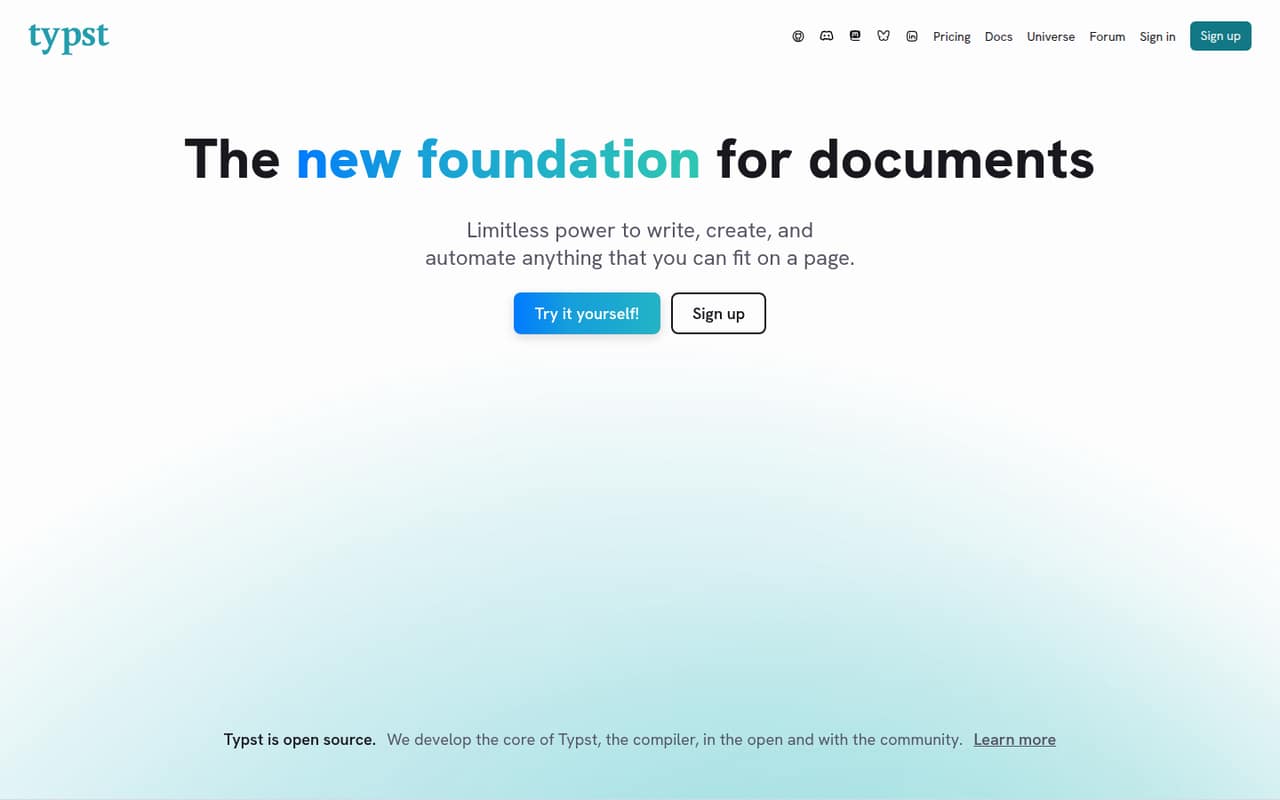
Typst is worth considering if your small team produces reports, papers, presentations, or technical documents and can work in a markup-based editor. You write structured content, use templates to handle formatting, and can add scripting such as loops and functions to automate repeated material. The browser app combines editing, preview, and collaboration; the open-source compiler also gives teams a local option.
For a 1–10 person team watching its software budget, the free plan can cover basic shared writing. Pro is the relevant paid plan when you need comments, private packages, or GitHub and GitLab sync. Reddit users describe using Typst for theses, cover letters, documentation, and reports. But it is not an automatic fit for every academic workflow: commenters say some specialized packages and broad academic acceptance are still lacking. Check the requirements for your publication or institution before moving a critical document.
02Typst free plan and trial
The Free plan costs $0 per month and includes 200MB of storage, up to 100 files per project, project creation and editing, and sharing and collaboration. That makes it a practical starting point for a small team drafting documents together, provided the storage and file limits suit your projects.
The plan comparison does not list comments, private packages, or GitHub and GitLab sync as Free features; those are included with Pro. The vendor does not list a free trial. It also does not publish a Free-plan seat cap in the plan details, so ask Typst if you need a confirmed collaborator limit before standardizing on it. The open-source compiler can be used locally, according to Reddit users, but the Free plan describes the browser app’s storage and collaboration limits.
03What a small team pays for Typst
Pro is listed at $7.99 per person per month. That puts one seat at $7.99 monthly, three at $23.97, and five at $39.95. Annual billing is advertised as 14% off, with a listed rate of $6.87 per person per month. At that rate, one seat works out to $82.44 per year, three to $247.32, and five to $412.20; these totals are calculated from the listed monthly equivalent. The vendor does not publish the exact annual charge on the published pricing details, so confirm the checkout total before committing.
Free remains $0 for any team size the vendor permits. Pro is the cheapest paid plan and includes 2GB of storage, up to 1,000 files per project, comments, private packages, and GitHub and GitLab sync. No add-ons are listed. On-Premises has custom pricing, starts at five organization members, and includes hosting in your own data center, LDAP access control, and priority support.
04Getting started with Typst
The simplest route is the browser app: create a project, write in Typst markup, and use the live preview to check the layout. The feature list says the app provides actionable errors, while templates handle much of the formatting. There is no installation step for that browser workflow. Teams already using GitHub or GitLab can get sync on Pro, not Free.
Reddit users report that the syntax feels easier to learn than LaTeX and that live preview makes writing more pleasant. Others use the open-source compiler locally with an editor extension; community comments mention VS Code and Tinymist, but those are user-described setups rather than a required first-day integration. If your team needs shared editing, invite collaborators by email or link and set view or edit access. Plan time to learn the markup and check whether your existing templates and specialized document needs are covered.
05When small teams outgrow Typst
The first reason to upgrade is a specific Pro feature: comments, private packages, or GitHub and GitLab sync. Storage can also push a team to Pro, which raises the listed allowance from 200MB to 2GB and the per-project file limit from 100 to 1,000. At $7.99 per seat monthly, the subscription grows with each paid collaborator. The vendor does not publish a Free-plan seat cap in the listed details, so confirm that limit as your group expands.
The bigger reason to move on may be compatibility, not price. Reddit users say Typst is still immature in some specialized areas and less accepted in academic publishing; one commenter uses it for research documents but keeps final journal manuscripts in LaTeX. Another says a university’s source-file requirements affected their choice. Before moving a whole team, check submission rules, package availability, and whether your collaborators can use the format. Larger organizations can ask about custom-priced On-Premises hosting, which starts at five organization members.
From the threadsWhat users say
Reddit sentiment is strongly positive about Typst’s live preview, syntax, and writing experience. Some users still flag gaps in specialized features and academic acceptance.
Getting a live preview as I type is really amazing
cleaner syntax, and programmable
it lacks packages in some specialised areas, specialised layouting features and acceptance in the academic world
Everything is a bit immature rn
Questions people ask
Is Typst free for a small team?
Typst lists a Free plan at $0 per month. It includes 200MB of storage, up to 100 files per project, project creation and editing, and sharing and collaboration. The plan details do not list a collaborator cap, so confirm that with Typst if your team’s size makes it important.
How much does Typst Pro cost for a team?
Pro is listed at $7.99 per person per month, or $6.87 per person per month with annual billing. That comes to $23.97 monthly for three people or $39.95 for five. Annual totals calculated from the listed rate are $247.32 for three and $412.20 for five; confirm the exact annual charge with Typst.
What does Typst Pro add?
The Pro plan includes 2GB of storage and up to 1,000 files per project, compared with 200MB and 100 files per project on Free. It also includes comments, private packages, and GitHub and GitLab sync. The listed price is $7.99 per person monthly, with an annual-billing rate of $6.87 per person monthly.
Can I use Typst without the browser app?
Yes. Reddit users describe using Typst’s open-source compiler locally with an editor, including VS Code and Tinymist setups. The browser app is not required for that workflow, though its collaboration and storage plans apply to the hosted service. Check the compiler and editor documentation for current setup steps.
Is Typst a good fit for academic papers?
It can work well for research writing, and Reddit users report using it for theses and research documents. But commenters also note that specialized packages and academic acceptance are still developing; one keeps final journal manuscripts in LaTeX. Check your institution’s source-file rules and your target publication’s requirements before switching.