
We may earn a commission if you buy through links on this page. It never changes a score or a ranking. How we make money
The bottom line
A low-cost way to sharpen images, with credits and team access worth checking first.
A small team only needs Unblur Image if blurry or noisy pictures are a recurring problem. It runs in a browser and can sharpen, reduce noise, and upscale images, with a free daily allowance for occasional jobs.
Paid plans start at $3.90 per month for 50 credits. That price is approachable, but credits expire after 30 days, and team seats or shared-account rules are not published. Treat it as a focused image tool, not a full creative workflow.
Good fit if
- Teams fixing occasional blurry photos
- Small shops improving product images
- People needing browser-based image cleanup
Skip it if
- Teams needing published seat management
- Heavy editing without credit limits
- Teams needing a full design suite
ScoresHow it rates
What works
- Free plan includes six image chances daily
- Works with PNG, JPG, and HEIC uploads
- Can sharpen, reduce noise, and upscale
- Paid plans start at $3.90 monthly
- One-time credits do not expire
What doesn't
- Subscription credits expire after 30 days
- Free processed images cap at 4000×4000 pixels
- Team seats and account sharing are not published
- Annual subscription pricing is not published
- Support options are not published
01Who Unblur Image is for
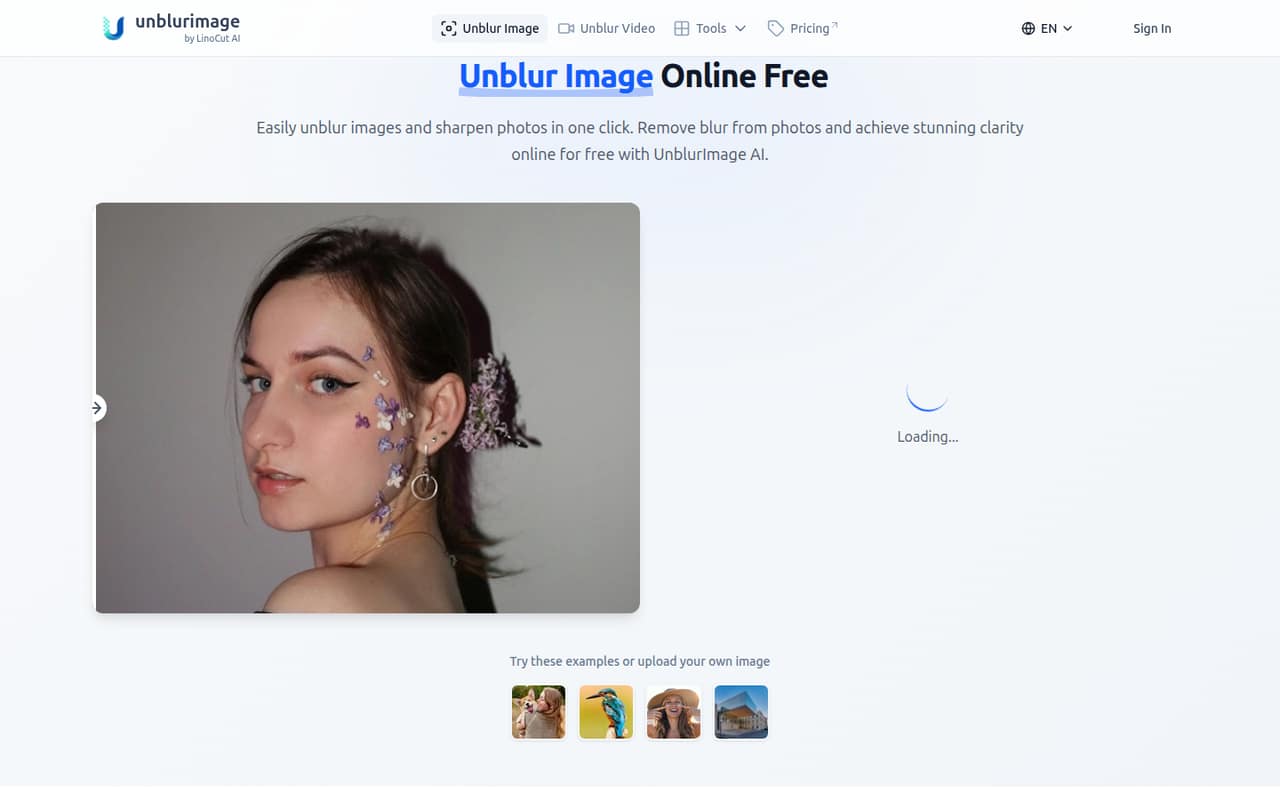
A small team only needs Unblur Image if it regularly receives pictures that are out of focus, motion-blurred, noisy, or too small for the intended use. The web-based editor is aimed at jobs such as product photos, print, design projects, and social media—not at replacing a general photo editor.
It could suit a one-to-five-person shop, marketing team, or design crew that wants a quick fix without buying a larger software package. The site describes AI sharpening, blur removal, noise reduction, and upscaling up to 4x and 4K. Uploads can be PNG, JPG, or HEIC.
For occasional fixes, start with the free allowance. If the work is regular, the $3.90 monthly plan is the cheapest paid option. The pricing page does not publish seat or account-sharing terms, so ask the vendor before assuming one subscription covers several teammates.
02Unblur Image free plan and trial
The free plan includes six image chances per day and 10 free video previews per week. The pricing page also lists a 4000×4000-pixel cap for processed images. That gives a small team a way to try occasional fixes before paying, though the daily image allowance is not a large shared editing budget.
A separate free trial is not listed. The cheapest paid option is the 50-credit subscription at $3.90 per month. Standard image processing uses one credit per image, while an Unblur Pro or Restore Pro image uses three. Credits expire after 30 days, so the free plan is a better fit for infrequent work than buying credits that may go unused. The pricing page does not say whether the daily allowance applies per user or per team.
03What a small team pays for Unblur Image
The pricing page lists monthly subscriptions at $3.90 for 50 credits, $8.90 for 200, $12.90 for 500, and $16.90 for 1,000. Annual pricing is not published. If each person needs an individual 50-credit subscription, one person costs $3.90 monthly, three cost $11.70, and five cost $19.50. Those totals are seat-by-seat math, not a published team rate; seat and account-sharing rules are not published.
The 50-credit plan covers up to 50 standard image jobs, or 16 Unblur Pro or Restore Pro images with two credits left. Video processing uses one credit per second. The larger tiers may suit more frequent work, but subscription credits expire after 30 days. For occasional extra use, the vendor lists one-time credit packs: 50 for $10, 200 for $30, 500 for $50, 2,000 for $70, or 5,000 for $90. Those credits do not expire. Automatic overage costs are not published; usage stops when subscription credits run out.
04Getting started with Unblur Image
The site describes Unblur Image as a web-based editor, so the basic setup appears light: open the tool and upload an image in PNG, JPG, or HEIC format. The listed jobs include sharpening, blur removal, noise reduction, and upscaling. We would expect a short learning curve for a team that only needs to submit images for cleanup, rather than manage a wider creative workflow.
The vendor does not publish integrations on the vendor's site, so teams should ask whether it connects to their storage, design, or commerce tools before building it into a process. The pricing page gives credit costs but does not explain team administration or shared workflows. For day one, agree on who handles uploads and tracks credits, especially if multiple people might use one paid plan. The vendor does not publish support response times or a detailed setup guide.
05When small teams outgrow Unblur Image
The first sign of a mismatch is regular work that exceeds the free allowance or the credits in a monthly plan. A 50-credit subscription uses one credit per standard image, but three credits per Unblur Pro or Restore Pro image; video uses one credit per second. Teams doing frequent Pro edits or longer video work can burn through credits faster than the plan name suggests.
Moving up costs $8.90 for 200 credits, $12.90 for 500, or $16.90 for 1,000 per month. That is a straightforward increase for a single buyer, but the pricing page does not publish team seats, account-sharing terms, or annual discounts. Ask the vendor before expanding across a team. Credits also expire after 30 days, so a higher tier may waste budget if work comes in bursts. Teams needing published seat controls, integrations, or predictable annual billing should confirm those needs before relying on this tool.
Questions people ask
Is Unblur Image free?
Yes. The free plan lists six image chances per day and 10 free video previews per week. Processed images are capped at 4000×4000 pixels. The pricing page does not say whether the daily image allowance applies per user or across a team.
How much does Unblur Image cost?
The lowest paid subscription is $3.90 per month for 50 credits. Other listed monthly plans cost $8.90 for 200 credits, $12.90 for 500, and $16.90 for 1,000. Annual subscription pricing is not published.
Do Unblur Image credits expire?
Subscription credits expire after 30 days. The vendor also sells one-time credit packs, which do not expire. If subscription credits run out, usage stops; automatic overage costs are not published.
What image formats does Unblur Image accept?
The listed upload formats are PNG, JPG, and HEIC. The product describes tools for sharpening, blur removal, noise reduction, and upscaling. Check with the vendor if your workflow depends on a format that is not listed.
Can several people share one Unblur Image subscription?
The pricing page does not publish seat counts or account-sharing rules. The listed prices are monthly credit plans, not published per-seat team plans. Ask the vendor whether multiple teammates can use one account before budgeting around a shared subscription.