
We may earn a commission if you buy through links on this page. It never changes a score or a ranking. How we make money
The bottom line
Useful cross-tool sync, but unpublished prices make it hard to budget for a small team.
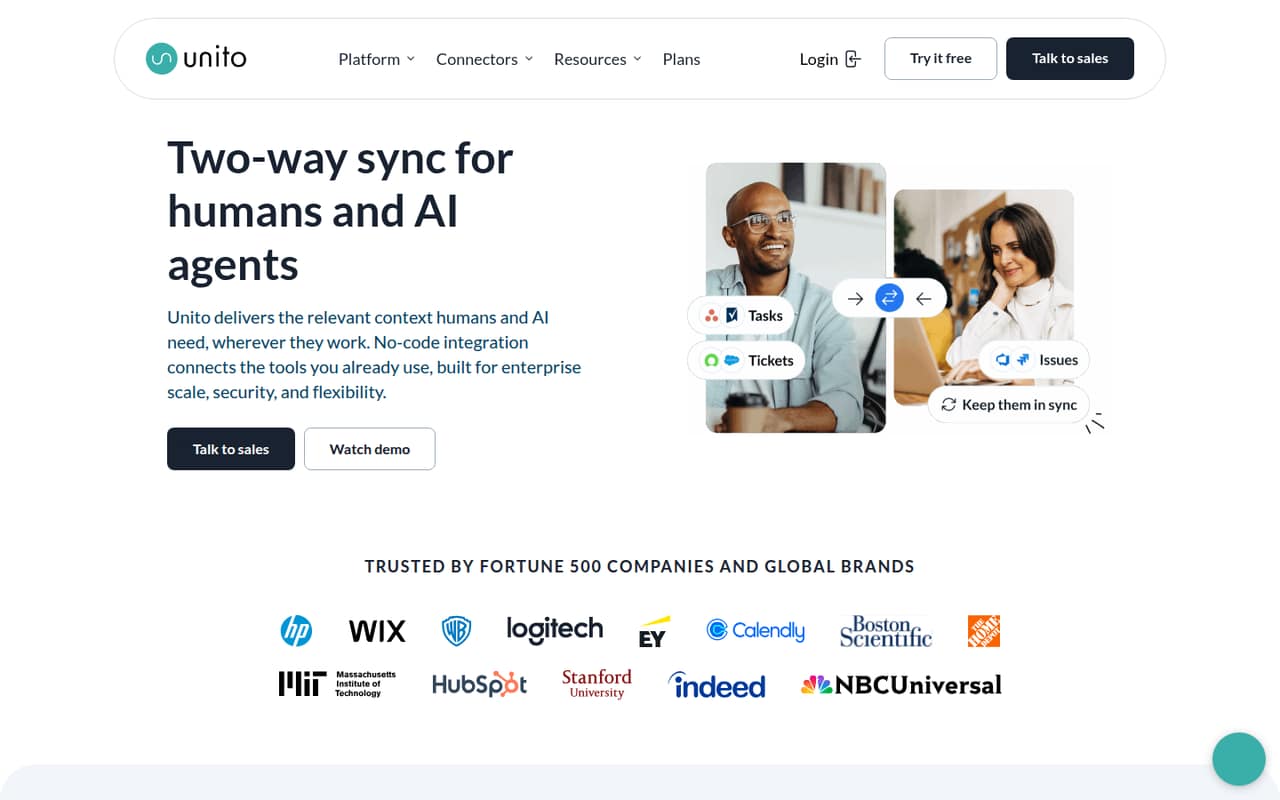
Unito syncs data between business apps, with configurable two-way rules, field mappings, and connectors for 60+ apps. It also supports syncing business data for AI-agent context, and its homepage says it is SOC 2 Type 2 certified.
There’s no free plan, and the vendor doesn’t publish Basic or Pro prices on its pricing page. Both list standard cloud connectors, 5–15-minute updates, and chat and email support. Ask Unito for a quote before deciding whether it fits a 1–10-person budget.
Good fit if
- Teams syncing work across business apps
- No-code workflow integrations
- Organizations needing custom connectors
Skip it if
- Teams that need a free tier
- Buyers needing public, predictable pricing
- Workflows requiring instant updates
ScoresHow it rates
What works
- Two-way sync keeps connected data aligned
- No-code configuration avoids complex scripting
- Rules and mappings control synced fields
- Connects 60+ business apps
- Enterprise plan includes a dedicated integration consultant
What doesn't
- No free plan
- Basic and Pro prices aren't published
- Standard cloud updates take 5–15 minutes
- Basic and Pro feature lists appear identical
- Enterprise pricing is sales-quoted
01Who Unito is for
Unito is for teams that need information to stay aligned across the business apps they already use. For a small team of 1–10 people, that can mean syncing records and updates between tools without building custom scripts. The product supports two-way sync, configurable rules, and field mappings, so teams can choose what moves between connected apps and how fields correspond.
It may suit a team with a clear cross-tool workflow and someone who can decide which data belongs in each system. Unito lists connectors for 60+ business apps, plus support for syncing business data to give AI agents cross-tool context. The Basic and Pro plans list standard cloud connectors and 5–15-minute updates. Prices aren’t published, though, so a small team watching every subscription should confirm the cost before investing setup time. Enterprise is aimed at organizations with more complex workflows and needs such as on-prem connectors, SSO, or developer platform access.
02Unito free plan and trial
Unito doesn’t offer a free plan, and the pricing page doesn’t list a free trial. That means there’s no free tier to use for a small pilot before committing. The cheapest listed option is Basic, described for small teams needing basic sync, but its monthly and annual prices aren’t published. The vendor says self-serve pricing appears in-app.
Basic lists standard cloud connectors, 5–15-minute updates, and chat and email support. Pro lists those same items in the pricing material, though it’s described as self-serve sync. Before choosing, ask Unito whether you can evaluate the exact connectors and workflow you need, whether any trial is available, and what the Basic plan costs. Don’t treat the absence of a published trial price as confirmation that a trial is available.
03What a small team pays for Unito
The pricing page lists Basic and Pro as monthly plans, but Unito doesn’t publish their monthly or annual prices. It says self-serve pricing appears in-app. Enterprise pricing is sales-quoted. As a result, we can’t give a grounded cost for one person or calculate totals for three or five people. The pricing material also doesn’t say whether the listed monthly unit is per seat, per workspace, or based on another measure. Ask for a written quote that covers your team size and billing term.
Basic is described for teams needing basic sync; Pro is described for teams needing self-serve sync. Both list standard cloud connectors, 5–15-minute updates, and chat and email support. Enterprise adds standard, premium, and on-prem connectors, advanced syncing, live and historical data syncing, a dedicated integration consultant, and enterprise procurement, SSO, and developer platform access. No add-ons are listed. Before signing, ask whether connector choice, sync volume, or other requirements change the quote, and whether annual billing is available.
04Getting started with Unito
Unito describes its setup as no-code: teams configure integrations without complex scripting. The vendor's site doesn’t give a setup-time estimate or a step-by-step onboarding process, so we wouldn’t assume a workflow is ready in minutes. Someone on the team still needs to choose the connected apps, decide which records and fields should sync, and set the rules for how data moves in both directions.
For day one, start with the two apps involved in your most important workflow and confirm that Unito supports the connectors you need. The product lists more than 60 business apps, but the plan descriptions distinguish standard cloud connectors from the premium and on-prem connectors listed for Enterprise. Basic and Pro list updates every 5–15 minutes, not instant updates. Ask Unito to confirm connector availability and walk through the specific rules and mappings your workflow needs before committing.
05When small teams outgrow Unito
A team may need to revisit its plan when its workflow requires capabilities beyond standard cloud connectors or 5–15-minute updates. The pricing material lists premium and on-prem connectors, advanced syncing, live and historical data syncing, SSO, and developer platform access under Enterprise. Those needs may make Enterprise relevant, but Unito doesn’t publish its price, so get a quote before planning a move.
Growth can also make the unknown pricing harder to manage: the vendor doesn’t publish Basic or Pro rates, and the material doesn’t state whether costs scale by seat, workflow, or another measure. We can’t calculate how much adding teammates will cost. Basic and Pro list the same connector, update, and support items, so ask Unito what distinguishes them in practice. If you need a free tier or a predictable public price for a growing seat count, Unito’s published pricing may not give you enough to budget confidently.
Questions people ask
Does Unito have a free plan?
No. Unito’s pricing material lists no free plan, and it doesn’t publish a free-trial offer. Basic is the cheapest listed plan, but its price isn’t published; the vendor says self-serve pricing appears in-app. Ask Unito whether a trial is available and what Basic costs before you commit.
How much does Unito cost for a small team?
Unito doesn’t publish Basic or Pro monthly or annual prices. The pricing material also doesn’t specify whether charges are per seat or calculated another way, so a reliable total for one, three, or five people isn’t available. Request a quote for your team size and billing term.
What is the difference between Unito Basic and Pro?
Basic is described for teams needing basic sync, while Pro is described for teams needing self-serve sync. Both list standard cloud connectors, 5–15-minute updates, and chat and email support. The vendor doesn’t publish their prices or a clear distinction in the listed features, so ask which plan fits your workflow.
How often does Unito sync data?
Basic and Pro list updates every 5–15 minutes. The Enterprise plan lists live and historical data syncing among its capabilities, but the pricing material doesn’t specify exactly how live syncing works or which workflows qualify. Confirm the timing for your connectors and use case with Unito.
Which integrations does Unito support?
Unito says it connects 60+ business apps out of the box. Basic and Pro list standard cloud connectors; Enterprise also lists premium and on-prem connectors. Check with Unito that your specific apps and required connector types are available on the plan you’re considering.