
We may earn a commission if you buy through links on this page. It never changes a score or a ranking. How we make money
The bottom line
Powerful infrastructure control planes, with a steep price of entry for small teams.
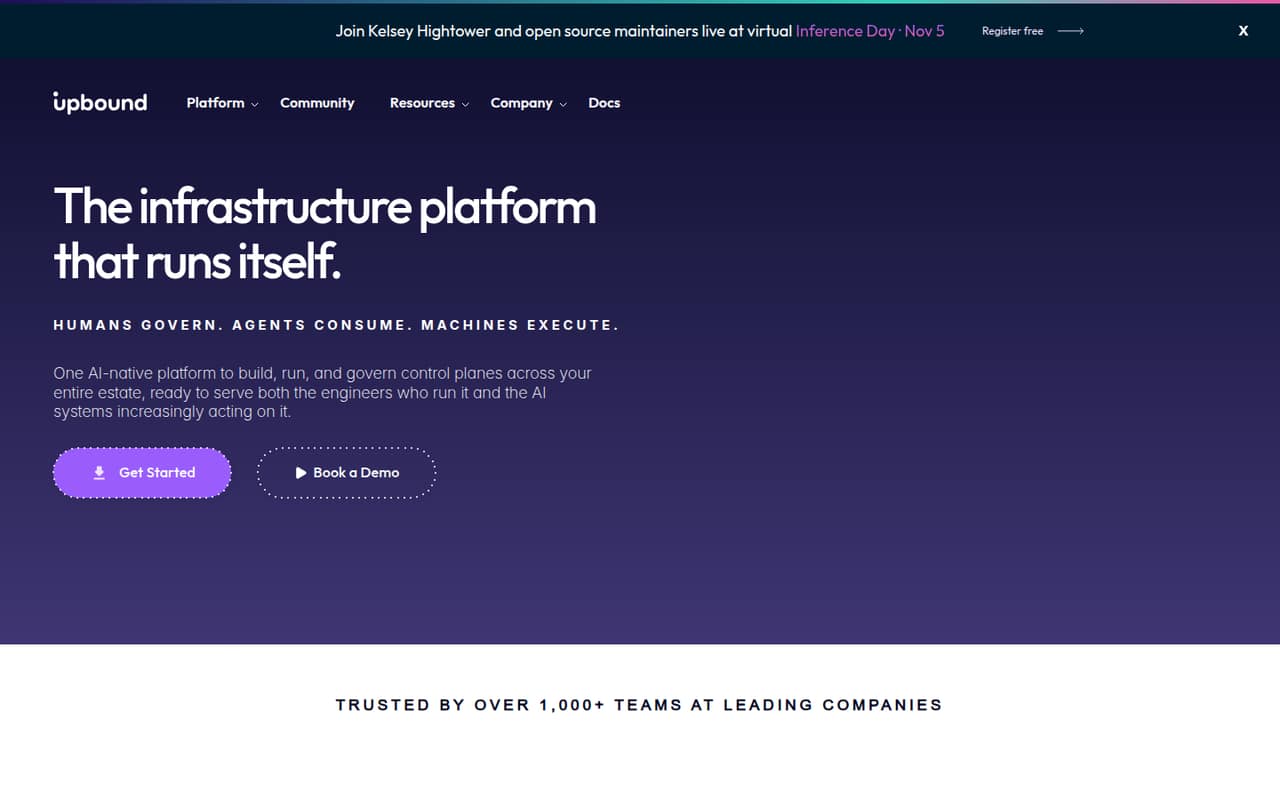
Upbound helps teams build, run, and govern infrastructure control planes on Crossplane. Its Community plan is free, but the listed plan details don’t specify what it includes; production teams start with Standard at $1,000 per month, plus usage charges.
Standard covers up to five control planes and 10 team members. That’s a lot of room for a small team, but a high starting bill. Check which usage charges apply before committing, and ask Upbound about annual pricing and Community plan limits.
Good fit if
- Platform teams running production infrastructure
- Teams standardizing infrastructure control planes
- Organizations needing fleet-wide governance
Skip it if
- Teams seeking a low-cost production tool
- Generalists wanting a simple setup
- Teams needing a published annual price
ScoresHow it rates
What works
- Free Community plan for exploring Upbound
- Standard supports up to five control planes
- Standard includes up to 10 team members
- Automatic reconciliation keeps infrastructure aligned with declared state
- Enterprise adds unlimited control planes and team members
What doesn't
- Standard starts at $1,000 per month
- Usage charges add to the starting price
- Community plan inclusions aren’t listed
- Annual pricing isn’t published
- Enterprise and Business Critical prices aren’t published
01Who Upbound is for
Upbound is for platform and infrastructure teams that need to build and manage control planes, not for a small business looking for a general-purpose cloud dashboard. It provides a platform for control planes built on Crossplane, the CNCF project Upbound helps develop. In plain terms, a control plane lets a team describe the infrastructure it wants, then reconciles infrastructure toward that declared state.
A team of one to 10 can fit within Standard’s limit of 10 team members and five control planes. But the $1,000 monthly starting price makes sense only if control planes are important enough to justify a dedicated budget. The platform’s shared API and view are intended for engineers, agents, and automation, while its listed governance, security, and cost controls suit teams managing infrastructure across a fleet. If you only need a small number of straightforward cloud resources, this is likely more platform than you need.
02Upbound free plan and trial
Upbound lists a free Community plan for teams exploring the platform. The plan’s listed inclusions and limits aren’t specified, so don’t assume it covers production use, a particular number of control planes, or a set number of team members. Ask Upbound what Community includes and whether its usage is restricted before building a project around it.
A free trial isn’t listed. For a small team that needs production control planes, the cheapest listed option is Standard, starting at $1,000 per month. It includes up to five control planes, up to 10 team members, Enhanced Runtime, Official Packages, and Basic Support. Usage-based charges can apply in addition to that starting price, so Community is the sensible route to explore first if its limits fit your evaluation.
03What a small team pays for Upbound
Standard starts at $1,000 per month and supports up to 10 team members. It isn’t priced per seat: one person, three people, or five people all have the same $1,000 monthly starting price, with usage charges on top. At the listed starting price, that’s $12,000 for 12 months; annual billing pricing isn’t published, so this is a simple annualized total, not an annual-plan quote.
The pricing page says plan tiers have consumption minimums and usage-based charges. The first resources are included, then listed rates are $1.095 per resource-month for the next 10,000, $1.022 for the next 10,000, $0.949 for the next 20,000, $0.876 for the next 60,000, $0.803 for the next 100,000, and $0.730 for the next 200,000. Contact sales for the next 400,000. Upbound Insights is a paid add-on with no published price. Ask which consumption minimums and resource charges apply to your expected usage.
04Getting started with Upbound
Plan for a platform-engineering project, not a quick setup for a generalist. Upbound’s product description centers on Crossplane control planes and automatic reconciliation of declared infrastructure. That points to a need for someone on the team who can work with infrastructure definitions and decide how those control planes should operate. The listed features don’t give a setup-time estimate or a step-by-step onboarding path, so ask Upbound what implementation help is available and what skills it expects.
The platform describes a shared API and view for engineers, agents, and automation. Its listed plans name Enhanced Runtime, Official Packages, and Basic Support on Standard, but don’t spell out specific cloud-provider integrations or connection steps. Before buying, confirm that your cloud providers and existing infrastructure tools are supported, and clarify how to configure access, policies, and reconciliation for your environment.
05When small teams outgrow Upbound
A Standard team hits the listed plan limits when it needs more than five control planes or 10 team members. Enterprise removes those caps and adds Enterprise Security, Control Plane Fleet Management, and SSO / SAML. Upbound doesn’t publish Enterprise pricing, so ask for a quote before treating the upgrade as a budgetable next step.
You may also need a higher tier if your security or hosting requirements exceed Standard’s listed features. Business Critical includes everything in Enterprise, plus self-hosted Space, Console, and Hub, Advanced Security, Advanced Hosting, and Dedicated Support. Its price isn’t published either. Even within Standard, rising resource use can increase costs: the listed rates step down across usage bands, and the next 400,000 resources requires contacting sales. Ask for an estimate based on your expected usage before your control-plane estate grows.
Questions people ask
What does Upbound do?
Upbound provides a platform for building, running, and governing infrastructure control planes built on Crossplane. Those control planes reconcile infrastructure toward a declared state. The platform also describes a shared API and view for engineers, agents, and automation, with listed features for fleet governance, security, and cost controls.
Does Upbound have a free plan?
Yes. Upbound lists a free Community plan for teams exploring the platform. Its included features and limits aren’t specified in the listed plan details, so ask Upbound what it covers before relying on it for a project. A free trial isn’t listed.
How much does Upbound cost for a small team?
Standard starts at $1,000 per month and supports up to 10 team members and five control planes. It isn’t priced per user, so the starting price is the same for one, three, or five people. Usage charges may apply, and annual pricing isn’t published.
Does Upbound charge per user?
Standard is listed at a monthly starting price and allows up to 10 team members; it isn’t presented as a per-user plan. A team of one or five pays the same $1,000 monthly starting price, before any applicable usage charges. Confirm consumption minimums with Upbound.
When should a team upgrade from Standard?
Consider Enterprise if you need more than five control planes, more than 10 team members, Enterprise Security, Control Plane Fleet Management, or SSO / SAML. Business Critical adds self-hosted components, Advanced Security, Advanced Hosting, and Dedicated Support. Ask Upbound for pricing on both tiers.