
We may earn a commission if you buy through links on this page. It never changes a score or a ranking. How we make money
The bottom line
Strong synthetic monitoring, but the $42 Core plan is a real starting cost for small teams.
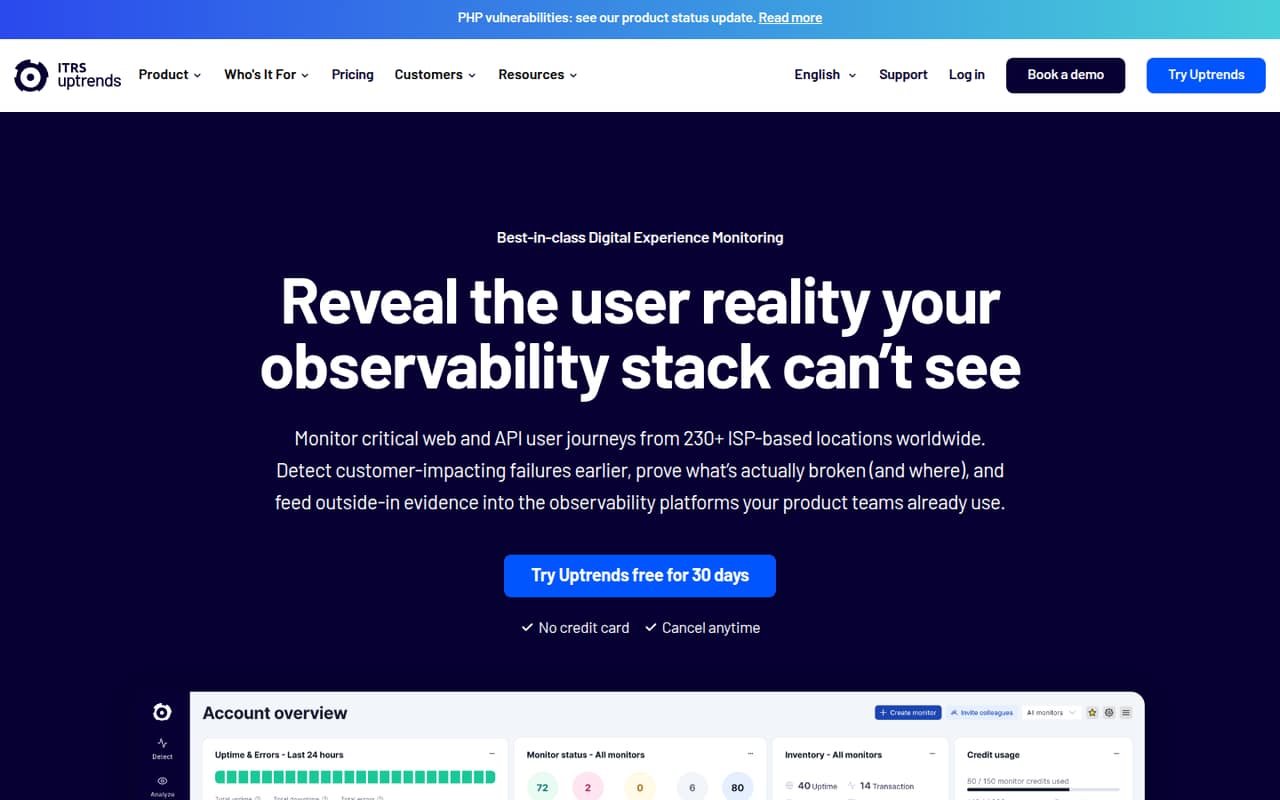
Uptrends monitors websites, APIs, and browser journeys from ISP-based locations and private checkpoints. Core starts at $42 per month with annual billing, includes 10 users, and there is no free plan.
For a small team, the price can make sense if regional checks or critical user journeys matter. One Reddit thread describes a past dispute over auto-renewal terms; treat it as a caution to review the contract before signing, not as proof of current billing practice.
Good fit if
- Teams checking regional website availability
- SREs monitoring critical user journeys
- Teams with private checkpoints
Skip it if
- Teams that need a free monitoring plan
- Buyers seeking one-seat pricing
- Teams needing published add-on totals
ScoresHow it rates
What works
- Core includes 10 users and 10 public status pages
- Checks can run from 230+ ISP-based locations
- Private checkpoints can monitor services behind a firewall
- Browser journeys cover SSO and MFA flows
- Enterprise includes OpenTelemetry and Terraform
What doesn't
- No free plan
- Core starts at $42 monthly with annual billing
- Monitor price units are not stated
- Additional monitoring credit bundle prices are not published
- A Reddit thread reports a past auto-renewal dispute
01Who Uptrends is for
Uptrends is for small SRE, operations, and observability teams that need to know whether websites, APIs, or multi-step journeys work for users in different places. It runs synthetic checks from ISP-based locations and can use private checkpoints for services behind a firewall. Browser checks cover end-to-end journeys, including SSO and MFA flows.
The Core plan is the likely starting point for a team of one to 10 users: it lists 10 users, uptime checks every two minutes, 10 public status pages, and 180 days of data retention. It costs $42 per month with annual billing or $46 month to month. That is a meaningful commitment for a team that only wants a basic uptime ping. It fits better when regional availability, browser journeys, or API monitoring are important enough to justify a dedicated monitoring budget.
02Uptrends free plan and trial
Uptrends does not list a free plan. The pricing page lists a 30-day free trial, but the trial’s specific limits and included features are not published. Ask the vendor what checks, users, and monitoring credits are available during the trial before building a production setup around it.
The cheapest listed paid option is Core: $46 per month month to month, or $42 per month with an annual commitment. Core lists 10 users, uptime checks every two minutes, 10 public status pages, 240 SMS credits, and 180 days of data retention. That gives a small team room to share access, but there is no lower-priced free tier for a solo user or a simple test project.
03What a small team pays for Uptrends
Core costs $46 per month month to month or $42 per month with annual billing, which the pricing page says requires an annual commitment. The listed plan includes 10 users, so a one-person team pays the full plan price: an effective $46 or $42 per listed user if all 10 seats are counted, but $46 or $42 for the single user actually using it. For three people, that is about $15.33 or $14 per person monthly; for five, $9.20 or $8.40 per person. The plan total stays the same in these examples.
Pro costs $66 monthly or $60 with annual billing, and includes 25 users, 230+ checkpoints, checks every minute, and 365 days of retention. Its full-plan effective rate is $2.64 or $2.40 per listed user, though a three- or five-person team still pays the full plan price. The monitor table lists Uptime, Browser, Transaction Step, and API Step prices, but does not state their unit. Extra monitoring credit bundles are available; bundle prices are not published.
04Getting started with Uptrends
The Uptrends homepage describes low-code setup, so a small team should not need to build its own monitoring framework to get started. Plan to choose the websites, APIs, or user journeys to check, then decide whether public ISP-based locations or private checkpoints fit each target. Browser journeys can cover end-to-end flows such as SSO and MFA.
The homepage also describes Terraform automation for managing monitors, while Enterprise lists OpenTelemetry support for streaming synthetic data to compatible observability platforms. Those may matter once monitoring becomes part of a wider infrastructure workflow; a small team can start by identifying the checks it needs and confirming trial limits with the vendor. The setup steps, learning curve, and specific day-one integrations are not published on the vendor's site, so ask about them if your team has unusual authentication or network requirements.
05When small teams outgrow Uptrends
A team may need to move from Core to Pro when two-minute uptime checks are too slow, it needs 230+ checkpoints, or it wants the listed one-minute check interval. Pro also raises the included user count from 10 to 25 and data retention from 180 to 365 days. Enterprise is the listed option for unlimited users, 30-second uptime and API checks, 730 days of retention, OpenTelemetry, and Terraform; its price is custom.
Costs can also rise when you add monitors or monitoring credits. The pricing page lists some monitor prices but does not state their unit, and it does not publish monitoring-credit bundle prices. One Reddit thread recounts a past dispute involving auto-renewal terms and legal demands. That account is not evidence of current policy, but it is a reason to read renewal and cancellation terms carefully before committing. Teams that only need basic uptime checks may also outgrow the value proposition before they outgrow the feature set.
From the threadsWhat users say
The available Reddit discussion is strongly negative, centering on one user’s past dispute about auto-renewal and follow-up legal costs. It is a single thread and does not establish Uptrends’ current contract terms or broader customer sentiment.
Sounds like fraud, but at least counts as bad business practices
A burner card isn't going to get you out of a contract
the price of fighting it is higher than the paying it
Questions people ask
Does Uptrends have a free plan?
No. The pricing page lists no free plan and offers a 30-day free trial. It does not publish the trial’s specific limits, so ask the vendor which checks, users, and monitoring credits are included before relying on it for a production evaluation.
How much does Uptrends Core cost?
Core costs $46 per month with month-to-month billing or $42 per month with annual billing. The annual rate requires an annual commitment. Core lists 10 users, uptime checks every two minutes, 10 public status pages, 240 SMS credits, and 180 days of data retention.
Can Uptrends monitor APIs?
Yes. Uptrends lists API monitoring for safeguarding web services. Enterprise includes uptime and API checks every 30 seconds. The pricing page also lists an API Step monitor price for Pro, but it does not state the unit for that price.
Can Uptrends monitor services behind a firewall?
Yes. Uptrends supports private checkpoints for monitoring services behind a firewall. The product details do not publish the setup requirements or pricing for private checkpoints, so ask the vendor what infrastructure and plan are needed for your environment.
Can Uptrends test SSO and MFA journeys?
Yes. Its browser journeys use commercial browsers to test end-to-end flows, including SSO and MFA. If your team has a particular identity provider or authentication flow, confirm its compatibility and any related monitor costs with Uptrends before choosing a plan.