
We may earn a commission if you buy through links on this page. It never changes a score or a ranking. How we make money
The bottom line
Choose UXPin for interactive, code-backed prototypes—not just basic mockups.
UXPin is a specialized UI/UX tool for teams that need interactive prototypes built with code-backed components. Its free plan covers limited use, while Core starts at $29 per seat per month with annual billing or $49 month to month.
We’d consider it when prototypes need realistic logic or a closer connection to development. For simpler design work, the price and learning curve may be hard to justify; Reddit users report both useful prototyping features and frustrating performance or usability problems.
Good fit if
- Teams prototyping complex web apps
- Designers working with React components
- Product teams improving developer handoff
Skip it if
- Teams needing only basic mockups
- Designers on a strict seat budget
- Teams avoiding a learning curve
ScoresHow it rates
What works
- Interactive prototypes support variables and conditional logic
- React component libraries can connect design and development
- Core includes unlimited prototypes
- Free plan includes MUI components
- Growth adds Storybook integration
What doesn't
- Core costs $49 per seat monthly without annual billing
- Free plan is limited to two prototypes
- Core version history lasts seven days
- Reddit users report performance and save problems
- Some users report a steep learning curve
01Who UXPin is for
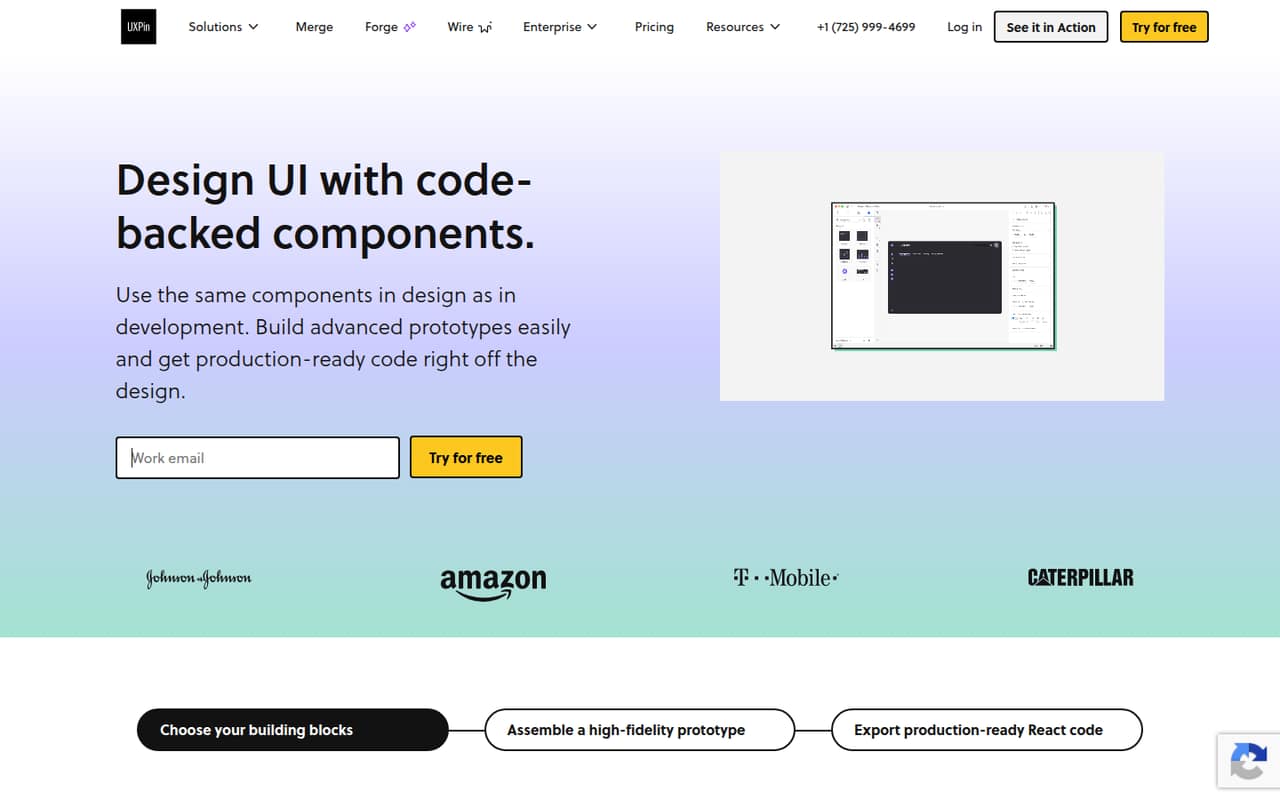
UXPin is for product designers and developers who need more than linked screens. It lets teams build interactive prototypes using code-backed components, add variables and conditional logic, and share design specs or React code with developers. Teams can use built-in React libraries or sync a Git component repository.
For a one-to-ten-person team, the case is strongest when realistic behavior and development handoff are regular parts of the job. If your team mostly needs static layouts or straightforward click-throughs, paying per seat for Core may be difficult to justify. UXPin is also a more specialized choice than a general-purpose design tool: one Reddit commenter says its variables and expressions require some code knowledge, while another describes complex prototypes as its strength. Budget for a learning curve as well as the subscription, and try the free plan before adding seats.
02UXPin free plan and trial
The free plan costs $0 and includes 50 AI credits, two prototypes, and the MUI library with 20 components. That gives a small team a way to explore the interface and try a limited prototype, but two prototypes may not cover ongoing project work. The plan listing does not specify a seat limit, so ask UXPin before planning a shared team workspace around it.
UXPin also lists a 14-day free trial. The pricing page does not say what features or seat count the trial includes, so confirm those details before relying on it for a team evaluation. One Reddit user complained that a trial felt too short, which is a reason to define what you want to test beforehand: component workflows, prototype logic, and developer handoff. If you need unlimited prototypes, Core is the cheapest paid plan listed.
03What a small team pays for UXPin
Core is the entry paid plan: $49 per seat per month with monthly billing, or $29 per seat per month billed annually. That means one seat costs $49 monthly or $29 monthly on the annual rate; three seats cost $147 or $87 per month, and five cost $245 or $145 per month. Annual billing means paying for the year upfront; at the listed rates, that is $348 per seat, $1,044 for three, or $1,740 for five. The pricing page says annual billing saves 40%.
Core includes 200 AI credits per month, unlimited prototypes, seven-day version history, and basic AI models. Growth costs $69 per seat monthly or $40 on annual billing: three seats are $207 or $120 monthly, and five are $345 or $200. Growth adds 500 credits, 30-day history, advanced AI models, and Storybook integration. If you run short on AI credits, add-ons range from 200 for $13 monthly to 2,000 for $115 monthly. Check credit usage before adding seats or extras.
04Getting started with UXPin
A low-risk first step is to use the free plan’s MUI library and build one representative prototype before inviting the whole team. The feature set includes interactive behavior such as variables, conditions, and dynamic content, plus code-backed components and developer handoff. Teams can start with built-in React libraries or sync a Git component repository; decide which route fits your codebase before setting up a shared workflow.
Expect some learning time if the team wants to use the more advanced prototyping controls. One Reddit commenter says variables, conditions, and expressions require understanding code, while another reports that basic concepts were quick but complex designs became time-consuming. User reports also include complaints about web-app performance and saving, so evaluate reliability with a real project rather than assuming the workflow will fit. UXPin does not publish setup time in the pricing details; ask the vendor about onboarding if you need help connecting a repository or establishing a design system.
05When small teams outgrow UXPin
A team may need to move up from Core when seven-day version history is too short, or when it wants Storybook integration, advanced AI models, or 500 monthly AI credits. Growth raises the per-seat price to $69 month to month or $40 with annual billing. For a five-person team, that is $345 monthly or $200 per month on the annual rate. Enterprise lists custom pricing and adds Git integration, unlimited version history, dedicated support, and training and onboarding.
You may also outgrow UXPin in the other direction: if the team rarely uses code-backed components or complex prototype logic, the per-seat spend and learning effort may be more than the work requires. Reddit feedback is divided. Some users praise its high-fidelity prototyping, while others report buggy performance, save issues, difficult auto-layout behavior, and limitations with components. Treat those as user reports, not guaranteed outcomes, and test your own workflow before committing to an annual plan.
From the threadsWhat users say
Reddit sentiment is mixed: some designers value UXPin for complex, realistic prototypes, while others describe performance, usability, and reliability problems. Several comments also flag a learning curve and concerns about cost.
UXPin has everything I need built-in. I can do it all on single canvas
Learning curve is too high for what it's worth imo
Real performance issues, buggy, save issues
UXPin is indeed great for prototyping however it can get very time consuming to use
Questions people ask
Is UXPin free?
Yes. UXPin lists a free plan with 50 AI credits, two prototypes, and an MUI library containing 20 components. That is a limited starting point rather than an unlimited project plan. The pricing details do not specify a seat limit for Free, so ask UXPin if you need to use it with several people.
How much does UXPin cost for a small team?
Core is $49 per seat per month with monthly billing or $29 per seat per month billed annually. Three seats cost $147 monthly or $87 per month at the annual rate; five cost $245 or $145. Annual billing is paid for the year and the pricing page says it saves 40%.
Does UXPin offer a free trial?
UXPin lists a 14-day free trial. The pricing details do not specify which plan features or how many seats the trial includes, so confirm that before planning a team evaluation. The free plan is a separate option, with 50 AI credits, two prototypes, and 20 MUI components.
Can UXPin export React code?
UXPin supports copying or exporting production-ready React code with dependencies, and teams can design with built-in React libraries or sync a Git component repository. If your project relies on a particular component setup, check compatibility with UXPin before moving a shared design workflow into the tool.
When should a team upgrade from Core to Growth?
Growth is worth considering if Core’s seven-day version history is too short, or you need Storybook integration, advanced AI models, or 500 AI credits per month. It costs $69 per seat monthly or $40 per seat with annual billing. Compare those needs against Core’s 200 credits and unlimited prototypes before upgrading.