
We may earn a commission if you buy through links on this page. It never changes a score or a ranking. How we make money
The bottom line
Good for interactive 3D and AR; the five-seat Team plan is a costly step up.
Vectary is worth considering if your small team needs browser-based 3D concepts, interactive presentations, or Web AR—not just a basic 3D mock-up. Its free plan covers one person and five projects, while paid plans add seats, projects, and AI credits.
The price jump matters: Starter is $25 per month for two seats, but a team of three needs the $250-per-month Team plan, which includes five seats. Reddit comments are mixed on ease of use, and one user reported a trial converting to a yearly charge before later receiving a refund.
Good fit if
- Small teams sharing 3D presentations
- Designers making browser-based AR experiences
- Individuals learning 3D design
Skip it if
- Teams needing three seats on a tight budget
- Users wanting a simple 3D mock-up tool
- Teams needing published annual pricing
ScoresHow it rates
What works
- Free plan includes five projects and one seat
- Runs in a browser with no downloads or code
- Imports common 2D and 3D file formats
- Supports links, embeds, and Web AR sharing
- Starter includes 3,000 monthly AI credits
What doesn't
- Starter supports only two workspace seats
- Team jumps to $250 monthly for five seats
- Annual prices are not listed
- 3D project distribution is paid, with no published price
- One Reddit user said the tool was difficult to use
01Who Vectary is for
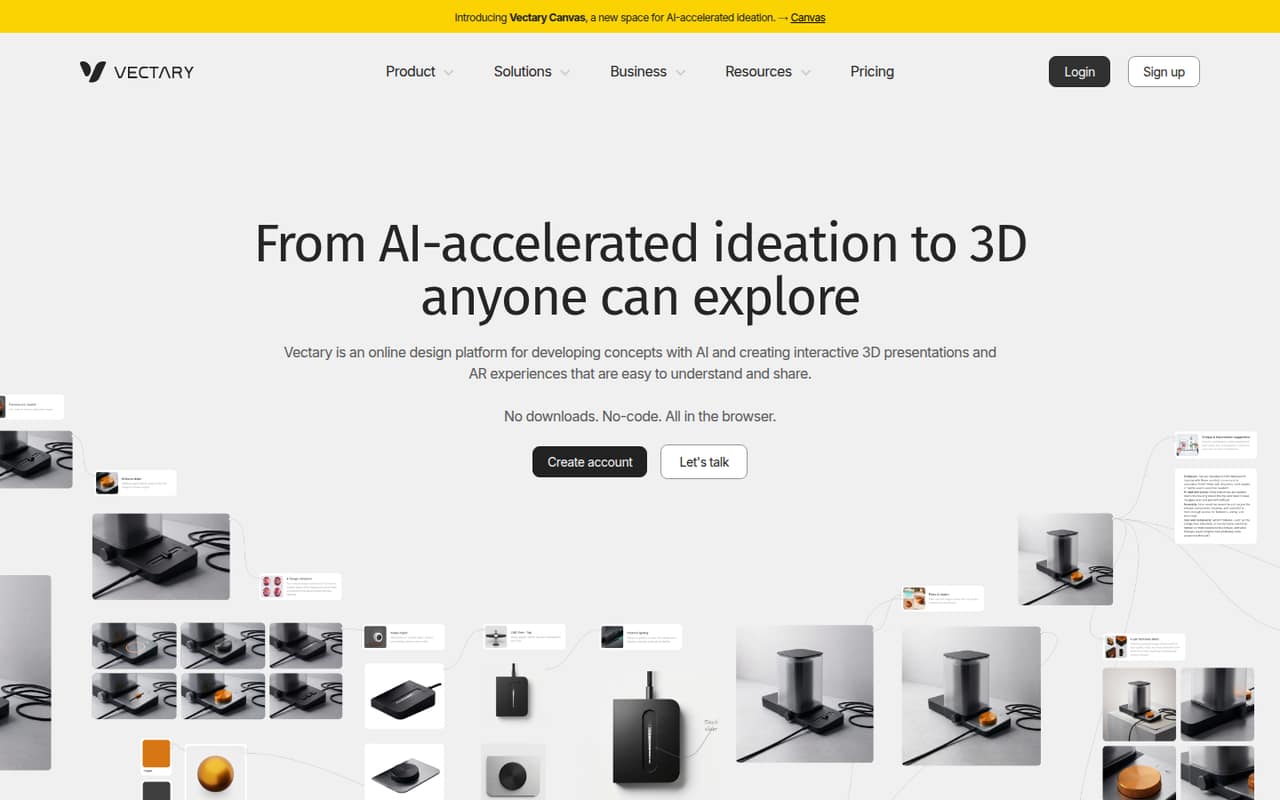
Vectary suits a solo designer or a small team that needs to make and share 3D visuals, interactive presentations, or augmented reality experiences. It runs in a browser, requires no downloads or code, and brings 2D, 3D, and AR work into one environment. That can be useful when clients or teammates need to view a concept through a link or embedded experience rather than install design software.
For one or two people, Starter costs $25 per month and includes 25 projects and two workspace seats. The free plan is enough to explore the basics with one seat and five projects. The budget fit weakens once you need a third seat: the listed Team plan costs $250 monthly and includes five seats. A Reddit user described Vectary as difficult to use, while another said it felt more intuitive at first for technical presentations. We’d weigh that learning curve against whether interactive sharing and AR are central to the work.
02Vectary free plan and trial
Vectary’s free plan costs nothing and includes five projects, one workspace seat, Studio + Canvas, and 3D import. It’s a reasonable way for one person to learn the basics or try a small concept. The listed limits make it less suited to an ongoing collaboration: there is only one seat and five projects.
The pricing details don’t list a free trial. A Reddit user reported being charged for a yearly subscription after a trial and later said an admin agreed to refund them. That is one person’s account, not a description of the current checkout terms, so check the billing and cancellation conditions before starting any trial offer. The cheapest listed paid option is Starter at $25 per month, with two seats, 25 projects, 3,000 monthly AI credits, commenting, and notifications.
03What a small team pays for Vectary
The pricing page lists Starter at $25 per month for two workspace seats. For one person, that’s $25 for the paid plan, or $0 if the free plan’s five projects and one seat are enough. A two-person team can share the Starter plan at $12.50 per seat. But Starter doesn’t cover three people: the next listed option is Team at $250 per month for five seats. That works out to $50 per seat if all five are used, or about $83.33 per person for a three-person team.
Team includes 250 projects, 40,000 monthly AI credits, and CAD import and optimize. Annual prices are shown as “—,” so the vendor doesn’t publish an annual rate in the listed pricing. Credit top-ups cost $25 for 2,500, $75 for 10,000, $150 for 20,000, $250 for 35,000, or $650 for 100,000. 3D project distribution is a paid option, but its price isn’t published.
04Getting started with Vectary
Vectary runs in a browser and requires no downloads or code, so there’s no desktop installation to plan for. The product description says users can import 2D and 3D files, including GLTF, GLB, OBJ, STL, FBX, DAE, STEP, and IGES. From there, the platform supports browser-based rendering adjustments, animations, trigger-based interactions, and sharing by link or embed. Web AR is also part of the described workflow.
For a small team, the basic setup is to create a workspace, import a model, and decide who needs a seat. The listed plans include comments and notifications on Starter and above. The pricing details don’t name third-party integrations; ask Vectary if you depend on a specific tool or workflow. Learning may take some patience: one Reddit poster said they found Vectary difficult to use, while a commenter in a technical-presentation discussion called it more intuitive at first. The vendor doesn’t publish a setup time.
05When small teams outgrow Vectary
The first squeeze is seats. Free is limited to one, Starter to two, and Team includes five. A three-person group has to pay the full $250 monthly Team price for its five seats; a larger group would need Business, which lists unlimited seats and projects but has no published price. Business also lists custom monthly credits, single sign-on, and the Vectary Viewer API, so ask the vendor for a quote if those matter.
Project limits may also push an active team upward: Free includes five projects, Starter 25, and Team 250. CAD import and optimize appears on Team, not the lower plans. Credit top-ups have set prices, but 3D project distribution is paid with no listed price. User feedback flags a different kind of limit: one Reddit poster found Vectary difficult to use, and a commenter looking for detailed assembly guides said Vectary was better for general interactive visuals than structured instructions. If that workflow is central, check fit before committing.
From the threadsWhat users say
Reddit sentiment is mixed and comes from a small number of discussions. Users praise Vectary’s initial intuitiveness for technical presentations, but one person found it difficult to use and another described a trial-to-yearly-billing problem that was later resolved with a refund.
I’ve tried using Vectary, but I find it difficult to use
Vectary is more intuitive at first
as soon as i got the receipt i sent a refund request but they denied me
he will refund me following up with user agreement terms where it says that he lawfully is not obliged to refund me, but yet he did
Questions people ask
What does Vectary’s free plan include?
The free plan includes five projects, one workspace seat, Studio + Canvas, and 3D import. It can work for an individual learning the basics or making a small number of concepts. The listed plan doesn’t include extra seats, so it won’t cover a shared workspace for a team.
How much does Vectary cost for a small team?
Starter costs $25 per month and includes two seats. A three-person team needs the listed Team plan at $250 per month, which includes five seats. Annual prices aren’t listed. The free plan costs nothing but is limited to one seat and five projects.
Does Vectary offer a free trial?
The listed pricing details don’t show a free trial. One Reddit user reported a trial converting to a yearly subscription and later said they received a refund after contacting an admin. Check the current offer’s billing and cancellation terms directly with Vectary before signing up.
What file formats can Vectary import?
The product details list GLTF, GLB, OBJ, STL, FBX, DAE, STEP, and IGES, along with 2D file importing. CAD import and optimize is listed as a Team feature. If your workflow relies on a particular format or conversion, confirm support with Vectary before choosing a plan.
Can I share Vectary projects as AR experiences?
Vectary’s product description says projects can be shared by link, embedded, or placed in physical spaces using Web AR. It also lists interactive experiences, including animations and trigger-based interactions. 3D project distribution is a paid option, but its price isn’t published, so ask the vendor what distribution will cost.
Sources
- Vectary homepage
- Vectary pricing page
- Reddit: [A Level] Which software can be used to design products for PW?
- Reddit: Vectary wont refund me
- Reddit: Vectary vs Cadasio
- Reddit: Trying to get my head around Web AR, what solution has Vectary implemented here? It loads a rock solid solution in the browser, but seems to be leveraging a native library on my phone (iPhone)