
We may earn a commission if you buy through links on this page. It never changes a score or a ranking. How we make money
The bottom line
Good for turning raster artwork into editable vectors; less clear on team access and image rights.
Small teams that need to convert images now and then can start with a free interactive preview, then pay $9.99/month for unlimited web uploads, previews and production downloads. The browser tool offers useful shape, color and background controls, plus SVG, EPS, DXF and PDF exports.
The main caveats are that the published web plan doesn't spell out team seats, and Reddit users have raised questions about image rights and open SVG paths. We’d check the terms and test important files before making it part of a production workflow.
Good fit if
- Small teams converting artwork occasionally
- Designers needing several vector export formats
- People who want browser-based image cleanup
Skip it if
- Teams needing published seat management
- Workflows requiring guaranteed closed paths
- Users uncomfortable with image-rights uncertainty
ScoresHow it rates
What works
- Free interactive preview before paying
- Unlimited web uploads and production downloads
- Exports SVG, EPS, DXF and PDF
- Tools to edit colors and individual shapes
- Web plan costs $9.99 monthly
What doesn't
- Free download allowance is not published
- Team seats and shared access are not specified
- Annual billing is not listed
- A Reddit user reports open SVG paths
- Reddit users question the upload license terms
01Who Vectorizer.AI is for
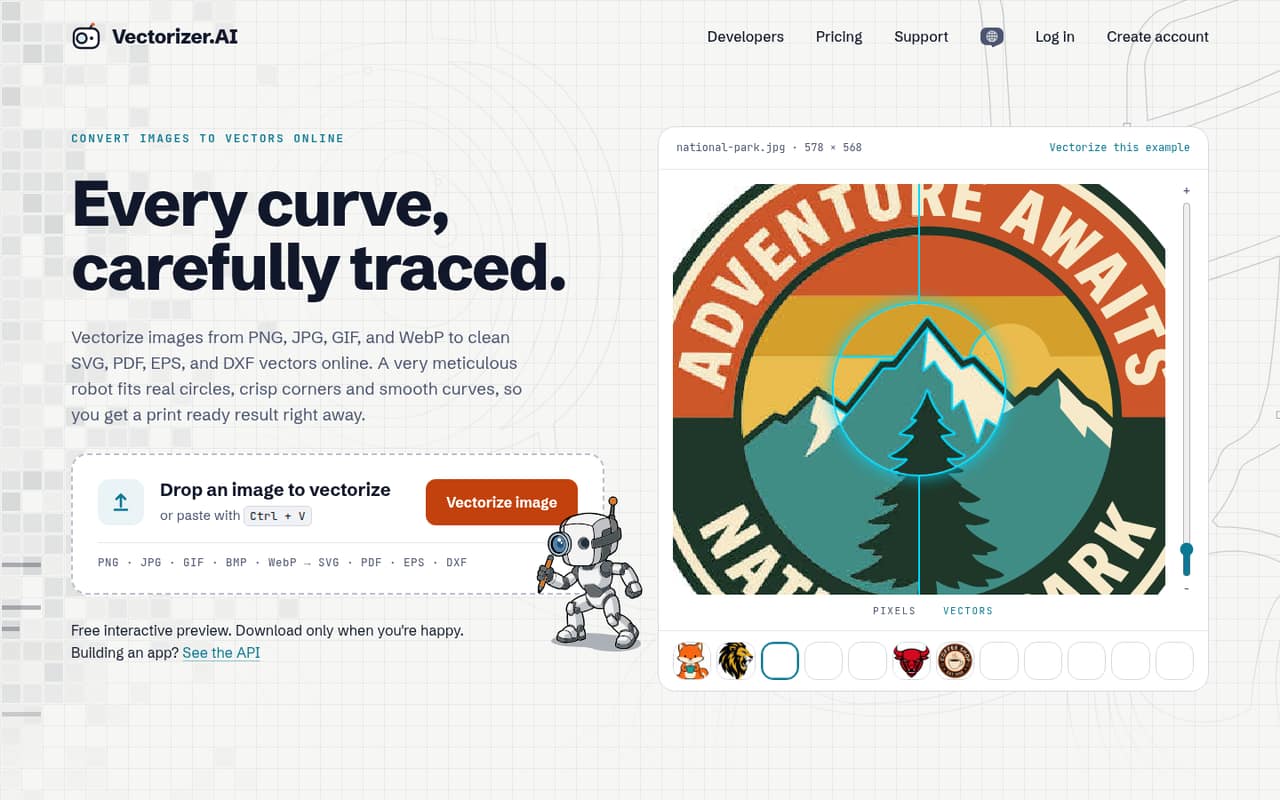
Vectorizer.AI is for a small team—or a solo operator inside one—that needs to turn raster images such as JPGs or PNGs into editable vector artwork. It runs in a browser, so the basic job is to upload an image, inspect the preview, adjust the result and export it in a supported format.
The tool fits a team with occasional or moderate conversion needs and a modest software budget: the web plan is $9.99 per month, with unlimited uploads and production downloads. Its controls cover shape fitting, background removal, region edits and palette adjustment, which can help when an automatic trace needs cleanup. It is less clearly a shared team workspace: the pricing page doesn't list seats, collaboration controls or shared libraries. For a one-to-ten-person team, we’d treat it as an image-conversion tool, not a broader design or asset-management system.
02Vectorizer.AI free plan and trial
Vectorizer.AI has a free option that includes an interactive preview, so a buyer can inspect a conversion before deciding whether to pay. The pricing details list unlimited production downloads on the $9.99-per-month Unlimited Web Images plan, but they don't specify a free download allowance or list the other limits of the free option. A free trial is not listed.
If you need a finished file for a real project, check whether the free option allows the export you need; the published plan details don’t answer that. The cheapest listed paid route for browser use is Unlimited Web Images at $9.99 per month. It includes unlimited uploads, previews and production downloads, but no API access. The pricing page lists monthly billing and says plans can be canceled anytime.
03What a small team pays for Vectorizer.AI
The pricing page lists Unlimited Web Images at $9.99 per month, billed monthly, with no annual billing listed. That’s $9.99 for one subscription. If each person needs a separate subscription, three would total $29.97 per month and five would total $49.95. Those totals are simple per-account math, not published team pricing: the vendor doesn’t say whether one subscription supports multiple users or how many seats it includes. Ask before treating one account as a team plan.
The web plan includes unlimited uploads, previews and production downloads, but no API access. For automated processing, the smallest listed option is API — 50 credits at $9.99 per month; one API image uses one credit, and unused credits roll over up to five times the monthly credits. API preview results cost 0.200 credits each. The pricing page says to contact Vectorizer.AI for pricing on more API credits. For a small team converting images manually, the web plan is the relevant starting price; API plans are for automation.
04Getting started with Vectorizer.AI
Setup is likely light for a basic conversion workflow: Vectorizer.AI runs in a browser, and the listed process is to upload a raster image, preview the result, make adjustments and download an export. The available controls include background removal, recoloring, merging or removing shapes, and adjusting the number of colors. A team can begin without setting up an API workflow if people are converting images manually.
The learning curve should be manageable for someone who already handles image files, though the published material doesn’t publish a setup guide, onboarding time or training requirements. It also doesn’t list integrations with design apps, storage services or team tools. One Reddit user says the service ran in their browser even when disconnected, but that is an individual report, not a documented setup guarantee. Before adopting it, check the vendor’s current instructions and confirm that your required export and editing steps work for your files.
05When small teams outgrow Vectorizer.AI
The web plan has no listed upload or production-download cap, so a team may not outgrow it just because it converts more images. The pressure points are more likely to be collaboration and automation: the web plan has no API access, while API processing starts at $9.99 per month for 50 credits. The pricing page doesn’t describe team seats or shared access, so ask the vendor how multiple people can work under one subscription before you build a process around it.
There are also quality and rights questions to resolve. A Reddit user converting JPG and PNG files for laser engraving reports that some SVG paths remained open. Another Reddit thread raises concerns about the upload license terms; that is a user warning, not a verified assessment of the current terms. If closed paths or sensitive artwork matter, check the terms and inspect sample exports before relying on the service. Teams needing guaranteed workflows or clearer shared-account controls may need a different tool.
From the threadsWhat users say
Reddit sentiment is mixed: users praise the conversion quality, while others raise licensing concerns and report an SVG path issue. The small number of comments gives us limited evidence about broader user satisfaction.
hi, may i can help you, feel free to dm
Although the service works well, if you care about retaining ownership of images I’d stick to using Illustrator or another tool
This particular converter, while excellent with this, leaves paths open after converting
But now vectorizer.ai is no longer free :( . Are there any free alternatives that allow you to download the pictures in PNG format?
Questions people ask
Does Vectorizer.AI have a free plan?
Yes. Vectorizer.AI offers a free interactive preview, so you can inspect a conversion before paying. The published pricing details don’t specify a free download allowance or list all free-plan limits, and no free trial is listed. The cheapest listed paid plan for browser use is Unlimited Web Images at $9.99 per month.
How much does Vectorizer.AI cost for a small team?
Unlimited Web Images costs $9.99 per month and includes unlimited uploads, previews and production downloads. The vendor doesn’t publish seat or shared-account details. If three or five people each need a separate subscription, the arithmetic is $29.97 or $49.95 monthly, respectively; confirm with the vendor whether separate accounts are needed.
What file formats can Vectorizer.AI export?
The product supports vector downloads in SVG, EPS, DXF and PDF, as well as cleaned-up PNG output. The pricing details list production downloads on the paid Unlimited Web Images plan. If you need a specific format for a production process, check a sample export before adopting the tool.
Does Vectorizer.AI offer an API?
Yes. API access is sold separately from the browser plan. The smallest listed API option is 50 credits per month for $9.99, and one API image uses one credit. Unused credits roll over up to five times the monthly credits. API preview results cost 0.200 credits each.
Are Vectorizer.AI's SVG paths always closed?
The vendor's site doesn’t promise that every exported SVG path will be closed. A Reddit user converting JPG and PNG files for laser engraving reported open paths after conversion. If your workflow requires closed paths, inspect exported files and confirm the result on representative images before relying on it.