
We may earn a commission if you buy through links on this page. It never changes a score or a ranking. How we make money
The bottom line
A cheap browser editor with useful AI extras, but check seat and offline details first.
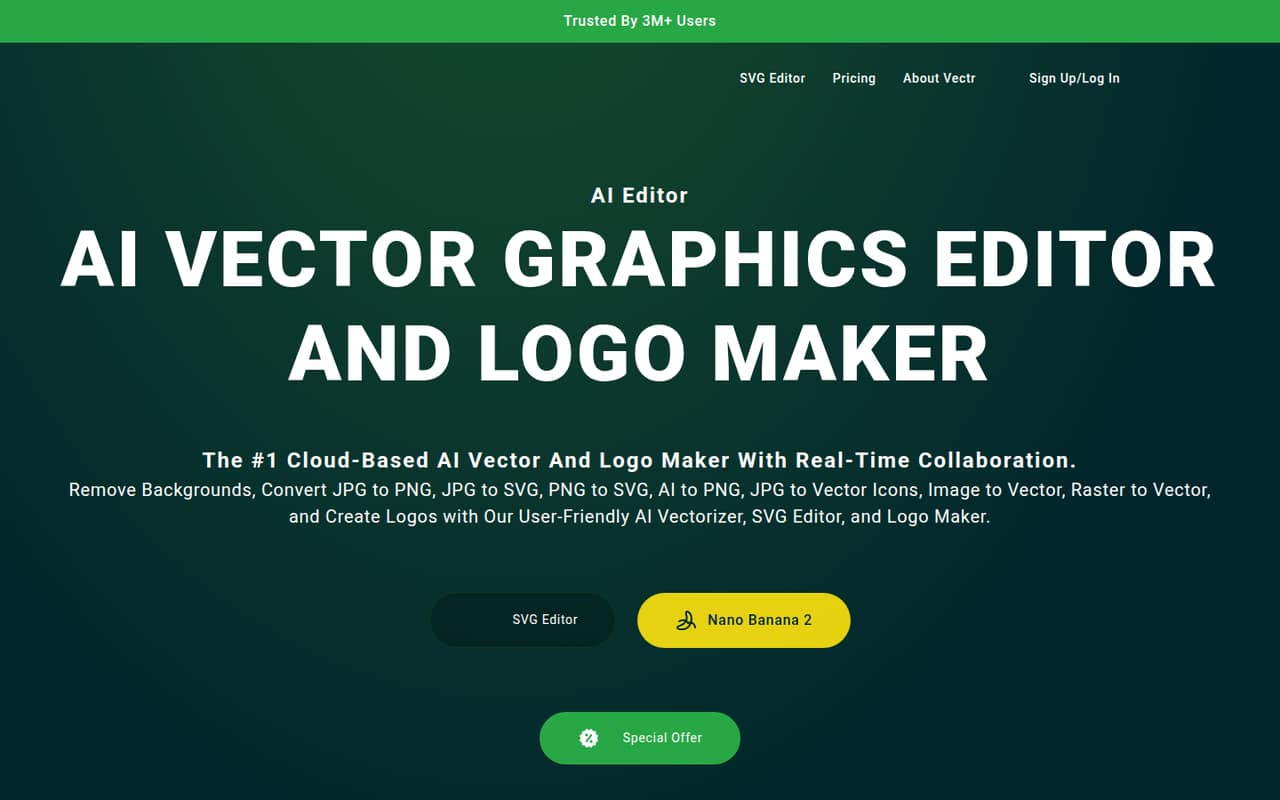
Vectr is worth considering if your small team needs a browser-based tool for vector graphics, logos, icons, and image conversion. It also offers AI generation and real-time collaboration through a shared URL.
The pricing page lists no free plan. Plus starts at $1.99 per month billed yearly, while Premium lists three concurrent sessions; pricing for five people and the relationship between sessions and seats aren’t published.
Good fit if
- Solo designers on a tight budget
- Small teams sharing vector drafts
- Logo and icon creation
Skip it if
- Teams that need a free plan
- Five-person teams needing clear seat pricing
- Designers who need offline access
ScoresHow it rates
What works
- Browser-based editing with cloud access
- AI image generation and vector conversion
- Real-time collaboration through a shared URL
- Plus starts at $1.99 monthly with annual billing
- Exports include SVG, PNG, and JPG
What doesn't
- The current pricing page lists no free plan
- Five-person pricing is not published
- Premium lists sessions, not a clear seat count
- Vendor does not publish plan details for Education
- A Reddit user complained about always-online use
01Who Vectr is for
Vectr fits a solo designer or a small team that needs to make and edit vector graphics without starting with a complex design suite. It runs in a browser and supports shapes, paths, text, logos, and icons. AI tools can generate images or convert images into editable vector graphics, and the tool also offers live collaboration through a shared URL.
For one person watching a tight budget, Plus starts at $1.99 per month when billed yearly, or $3.99 month to month. A team of up to three concurrent sessions can consider Premium, but the pricing page does not say whether sessions correspond one-to-one with team members. That makes Vectr harder to cost confidently for a five-person team. It may suit teams making lightweight graphics and logo drafts; teams with demanding collaboration or offline needs should confirm those details before committing.
02Vectr free plan and trial
Vectr’s current pricing page lists no free plan and no free trial. The cheapest listed option is Plus, at $3.99 per month or $1.99 per month billed yearly. Plus includes one session (one seat), 1 GB of storage, 50 monthly or 600 yearly AI credits, more than 23,000 exclusive elements, and SVG, PNG, JPG, and VECTR exports.
Older Reddit discussion describes Vectr as free with signup or social login, but that does not match the current listed plans. One commenter also questioned why an account was needed to try the software. If a free option matters to your team, ask Vectr whether one is still available before signing up; the current pricing page does not list one.
03What a small team pays for Vectr
For one person, Plus costs $3.99 month to month or $1.99 per month billed yearly, which works out to $23.88 for a year at the listed annual rate. Plus includes one session (one seat), 1 GB of storage, and 50 monthly or 600 yearly AI credits.
For a team of three, Premium lists three concurrent sessions, 5 GB of storage, and 200 monthly or 2,400 yearly AI credits. It costs $9.98 month to month or $4.99 per month billed yearly, or $59.88 for a year at the listed annual rate. The pricing page does not say whether concurrent sessions equal seats, so confirm that before treating Premium as a three-person plan.
For five people, the total is not published. The page does not list an add-on price or a way to buy more seats, so we wouldn’t multiply the three-session plan to estimate a five-person bill. No add-ons are listed. Ask Vectr about seat expansion and any storage or AI-credit overages before budgeting.
04Getting started with Vectr
Vectr is browser-based, so the basic starting point is opening the editor online rather than setting up a desktop design environment. Its cloud-based access and shared-URL collaboration are meant to let people work across devices and review designs together. The feature information does not specify integrations, so teams that rely on connections to other tools should ask Vectr what it supports before choosing a plan.
A Reddit user described signing up to try the software, while another found the always-online approach annoying. Those comments are older and don’t establish the current signup or offline requirements. The editor’s shapes, paths, and text tools are familiar vector-design building blocks, but Vectr does not publish a learning-time estimate. Keep the first project small and check whether the interface fits your team before moving important work into it.
05When small teams outgrow Vectr
The first pressure point is team size. Plus is listed for one seat, while Premium includes three concurrent sessions; the vendor does not publish a five-person price or a clear way to add seats. A team growing beyond three should ask Vectr how accounts, sessions, and billing work before relying on it for shared production work.
Storage and AI credits are also capped by plan: Plus lists 1 GB and 50 monthly credits, while Premium lists 5 GB and 200 monthly credits. The pricing information does not say what happens when a team exceeds those allowances. A Reddit commenter said the always-online approach was annoying, and another described Vectr as feeling heavy; those are individual reports, not a guarantee of everyone’s experience. Teams that need offline access or clearer capacity terms may want to compare alternatives before their workload grows.
From the threadsWhat users say
The Reddit comments are mixed: some users praised Vectr for mockups and ease of use, while others raised concerns about signup, always-online use, and the interface. The discussions are older, so they may not reflect the current product.
Free with signup or social login, that is
What's the deal with needing to signup for an account (after installing it), just to try the program out?
I've been using it for 3 months now doing UI and all kinds of mock-ups - really awesome software which gets more powerful each week
Vectr is awesome, but the online all the time approach is annoying, and the software overall seems quite heavy
Questions people ask
Is Vectr free?
The current pricing page lists no free plan or trial. Plus is the cheapest listed plan, at $3.99 per month or $1.99 per month billed yearly. An older Reddit discussion described free access with signup, so ask Vectr whether that option is still available if a free editor is essential.
Can a small team collaborate in Vectr?
Vectr offers real-time collaboration by sharing a URL. Premium lists three concurrent sessions, but the pricing page does not say whether those sessions map directly to individual seats. Confirm how many teammates can work at once before choosing a plan.
Can I use Vectr to make logos?
Yes. Vectr includes a logo maker and AI tools, alongside vector editing for shapes, paths, and text. The product also lists SVG, PNG, JPG, and VECTR exports on its paid plans.
Does Vectr work offline?
Vectr is described as a browser-based editor, and its offline availability is not published. One Reddit user complained about the online-all-the-time approach. If offline editing is important, ask Vectr to confirm its current requirements before buying.
What does Vectr cost for five people?
The vendor does not publish a five-person price. Plus lists one seat, and Premium lists three concurrent sessions, but the pricing page does not explain adding seats or sessions. Ask Vectr for a quote and confirm whether Premium covers the way your team works.