
We may earn a commission if you buy through links on this page. It never changes a score or a ranking. How we make money
The bottom line
Strong vendor-risk coverage, but sales-only pricing makes the small-team cost hard to judge.
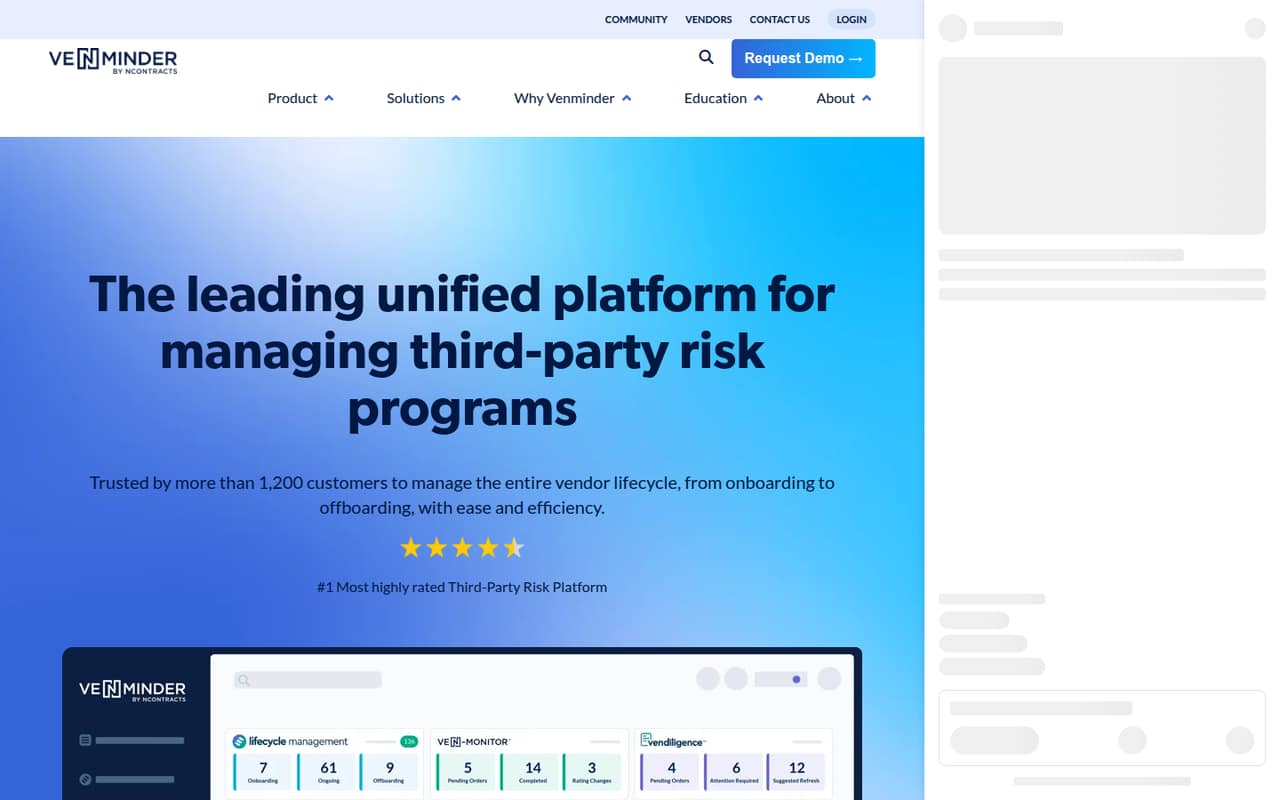
Venminder brings vendor onboarding, questionnaires, contract tracking, risk assessments, due diligence, and ongoing monitoring into one platform. That breadth can suit a small team with meaningful third-party oversight needs, especially when vendor risk and compliance work are already taking time.
The catch is cost transparency: Venminder publishes neither plan prices nor seat or usage limits. There is no listed free plan, and a trial is not published. Ask sales for a quote for the Professional plan and any assessments or monitoring you need before deciding whether it fits a lean budget.
Good fit if
- Teams managing many third-party risks
- Small compliance teams needing vendor oversight
- Organizations needing expert vendor assessments
Skip it if
- Teams seeking a free risk tool
- Buyers needing clear per-seat pricing
- Teams with only occasional vendor reviews
ScoresHow it rates
What works
- Supports vendor relationships from onboarding through offboarding
- Customizable questionnaires help gather vendor information
- Centralizes contract tracking and compliance
- Offers expert-driven risk assessments and due diligence
- Add-on options include ongoing risk monitoring
What doesn't
- Professional and Enterprise prices are not published
- Seat and usage limits are not published
- No free plan is listed
- Trial availability is not published
- Add-on and overage prices are not published
01Who Venminder is for
Venminder is for organizations that need a structured way to manage vendors and the risks they bring. Its tools cover onboarding, ongoing relationships, offboarding, questionnaires, contracts, risk assessments, due diligence, and monitoring. That makes it relevant to a small compliance or operations team responsible for keeping vendor information and reviews in order.
For a team of 1–10, the fit depends less on headcount than on the amount of vendor oversight involved. A small team with significant assessment or compliance work may value having those tasks in one platform. A company that checks only a few vendors now and then may find the scope—and an undisclosed price—hard to justify. Venminder does not publish a minimum team size or seat limit, so ask whether Professional fits your team and workload before budgeting. In plain terms, it helps organize vendor relationships and assess third-party risk; it is not a simple contact list.
02Venminder free plan and trial
Venminder does not list a free plan, and trial availability is not published. There is no stated free tier with a specific number of vendors, users, or assessments to try before committing.
The listed entry plan for organizations needing vendor risk management is Professional. Its price, seat limits, and usage limits are not published, so there is no confirmed low-cost self-serve option to start with. Contact sales to ask whether a trial or demonstration is available, what Professional includes for your number of vendors, and whether assessments or monitoring cost extra. Get the answers in writing before planning a rollout; without them, a small team cannot tell how much of the platform it can use within its budget.
03What a small team pays for Venminder
Venminder lists Professional for organizations needing vendor risk management and Enterprise for organizations with enterprise vendor-risk needs. The pricing page does not publish monthly or annual prices, and it does not list seat limits. So we cannot calculate a verified cost for one person, three people, or five people—or compare monthly and annual billing. Contact sales for a quote for your team size and vendor workload.
The add-ons to ask about include individual expert assessments or packages, vendor site audits, cybersecurity ongoing monitoring, and business health ongoing monitoring. Venminder says these are available à la carte or through annual flex packages, but add-on and overage prices are not published. Ask for an itemized quote that separates the plan, seats, assessment volume, and monitoring. That gives a small team a clearer view of recurring costs and what may change as its vendor list grows. Without that breakdown, the entry plan name alone does not tell you what the cheapest workable setup will cost.
04Getting started with Venminder
Venminder’s described scope spans vendor records, questionnaires, contracts, risk assessments, due diligence, and monitoring. For a small team, the setup effort will likely depend on how many vendors and existing records you want to bring into the process, and which of those workflows you plan to use first. That is a planning consideration, not a published implementation estimate.
The setup steps, time to launch, and integrations to use on day one are not published in the available product details. Before signing, ask Venminder what information your team needs to prepare, whether it helps configure questionnaires and risk ratings, what training is included, and which integrations are available for your systems. Start by identifying the vendors and review processes you need to manage; then ask for a walkthrough of those specific workflows. That should help you estimate the internal effort rather than assuming every feature needs to go live at once.
05When small teams outgrow Venminder
Venminder’s published plan lineup distinguishes Professional, for organizations needing vendor risk management, from Enterprise, for enterprise vendor-risk needs. It does not publish the seat or usage limits that separate them, so a growing team cannot tell from the plan descriptions when an upgrade becomes necessary. Ask sales to identify the thresholds and any price changes before you commit.
A team may need to revisit its plan as its vendor workload, assessment needs, or monitoring requirements increase. Expert assessments, site audits, and cybersecurity or business-health monitoring can be add-ons, and their prices are not published. Those costs may matter as much as seats when comparing a plan with your budget. Venminder does not publish enough pricing detail to identify a definite point where a team should move to Enterprise or another tool. Request written costs for your current needs and a larger vendor workload so you can set a sensible review point.
Questions people ask
Does Venminder have a free plan?
Venminder does not list a free plan. The listed Professional plan is for organizations needing vendor risk management, but its price and limits are not published. Contact sales to ask about a trial or demonstration and what is included for your team.
How much does Venminder cost for a small team?
Venminder does not publish monthly or annual plan prices, seat limits, or usage limits. That means the cost for one, three, or five people cannot be calculated from its published pricing. Ask sales for a quote based on your team size and vendor workload.
What is included in Venminder?
Venminder describes vendor lifecycle management, questionnaires, contract tracking, risk assessments, due diligence, and continuous monitoring. Expert assessments and certain monitoring options are add-ons, available à la carte or through annual flex packages.
Does Venminder offer a free trial?
Trial availability is not published. Ask Venminder whether your team can try the platform or receive a demonstration, and whether the evaluation includes the workflows and add-ons you expect to use.
Does Venminder include vendor assessments and monitoring?
Venminder describes risk assessments and due diligence, including expert-driven insights. Expert assessments and ongoing cybersecurity or business-health monitoring are listed as add-ons. Their prices are not published, so ask for an itemized quote.