
We may earn a commission if you buy through links on this page. It never changes a score or a ranking. How we make money
The bottom line
Good range of video tools, but no free tier and unclear seat rules make budgeting harder.
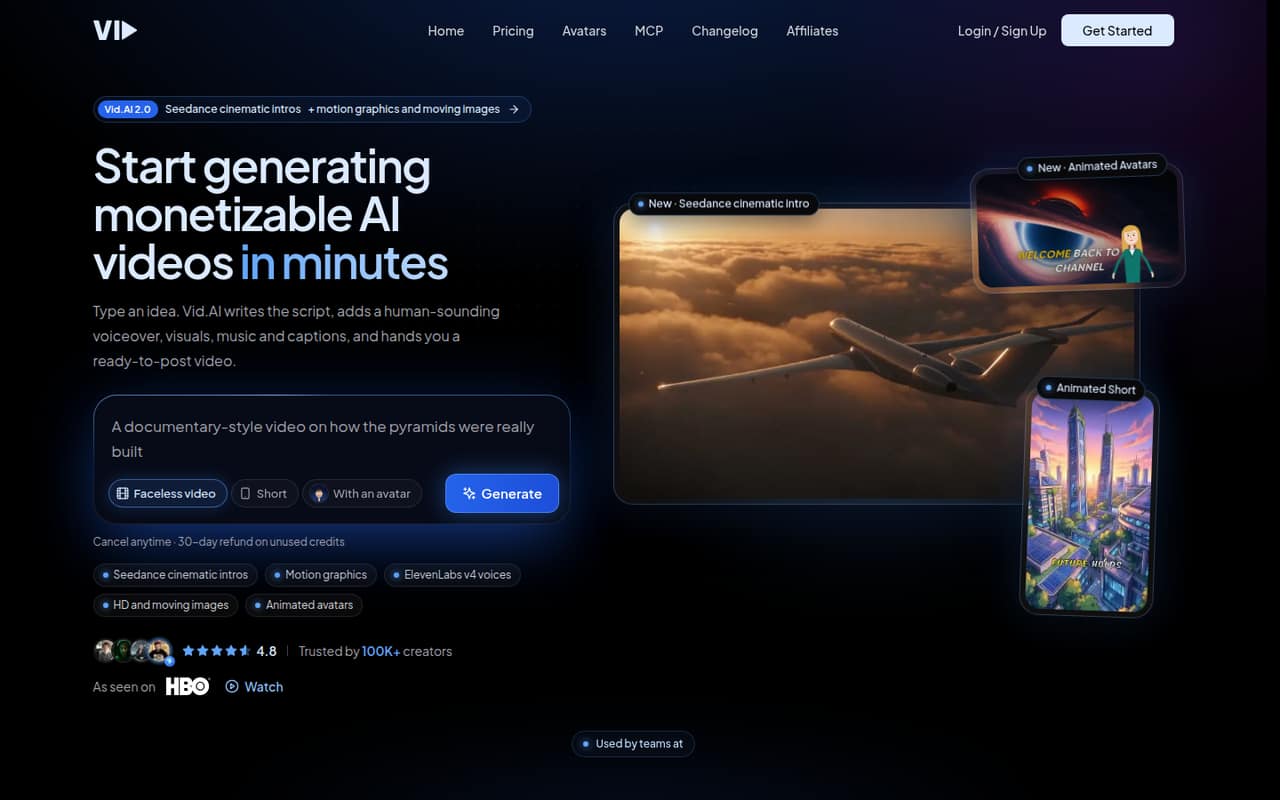
Vid.ai turns an idea or script into a video with generated scenes, narration, music and captions. It also lists ElevenLabs voice options, Storyblocks footage, animated avatars, video styles and API/MCP access.
The catch for a small team is cost clarity: there’s no free plan, Starter starts at $59 monthly, and the pricing page doesn’t publish seat allowances. Confirm whether one subscription covers your team before signing up.
Good fit if
- Teams publishing social videos regularly
- Faceless video creators
- Script-to-video workflows
Skip it if
- Teams needing a free tier
- Buyers needing clear seat pricing
- Occasional video creators on tight budgets
ScoresHow it rates
What works
- Turns an idea or script into a video
- Includes AI scripts, voiceovers and captions
- Offers ElevenLabs narrators and voice library access
- Lists licensed Storyblocks footage
- Supports API and MCP access
What doesn't
- No free plan is listed
- Free-trial terms aren't published
- Seat allowances aren't published
- Extra-credit add-on pricing isn't published
- Starter limits long-form videos to four monthly
01Who Vid.ai is for
Vid.ai suits a solo creator or a small team that needs to turn scripts into publishable videos without assembling every scene, voiceover and caption by hand. It can generate a script from an idea or start with one you provide, then create scenes, narration, music and captions. The listed use cases include faceless videos, short-form social posts and longer videos.
For a team of 1–10, the fit depends less on headcount than on publishing volume and whether everyone needs access. Starter includes 40 one-minute short-form videos and four ten-minute long-form videos each month, with a 20-minute maximum video length. That is a meaningful allowance for regular publishing, but $59 monthly is a real commitment for an occasional creator. The pricing page doesn’t say how many seats a plan includes, so ask about team access before treating one subscription as a shared tool.
02Vid.ai free plan and trial
Vid.ai doesn’t list a free plan. Its pricing information also doesn’t publish free-trial terms, so don’t count on a trial period unless the vendor confirms one. That makes the first step a paid subscription rather than a no-cost test.
The cheapest listed option is Starter: $59 per month with monthly billing, or $549 per year, billed annually. The annual price works out to $45.75 per month. Starter includes AI scripts, voiceovers and captions, plus 40 one-minute short-form videos and four ten-minute long-form videos per month. It allows videos up to 20 minutes. If your team only makes a few videos now and then, consider whether that monthly commitment fits your budget before subscribing.
03What a small team pays for Vid.ai
Starter costs $59 monthly for one subscription, or $549 for a year paid upfront ($45.75 per month). The pricing page doesn’t publish seat allowances or a per-seat rate, so we can’t confirm whether one plan covers several people.
For a simple budget comparison, if each person needs a separate Starter subscription, three people would pay $177 monthly or $1,647 annually; five would pay $295 monthly or $2,745 annually. If one subscription covers the whole team, the plan price would instead stay at $59 monthly or $549 yearly—but confirm that access rule with Vid.ai first. Those figures are arithmetic, not published team pricing.
Plus is $99 monthly or $947 annually ($78.92 per month); Pro is $199 monthly or $1,919 annually ($159.92 per month). The app offers up to 300 extra monthly credits, but the add-on price isn’t published. Ask about both seat access and credit costs before you commit.
04Getting started with Vid.ai
The listed workflow is straightforward in concept: start with an idea or your own script, choose video elements such as a voice and style, then edit and export. Vid.ai lists ElevenLabs narrators, Storyblocks footage, animated avatars and 12 image styles. The amount of editing needed, setup time and learning curve aren’t published, so we wouldn’t promise a specific time to first video.
For a basic manual workflow, the listed creation features may be enough to get started. If your team wants to create videos through an existing AI assistant, Vid.ai lists Claude, ChatGPT and AI-agent access over Streamable HTTP, as well as API and MCP access. Check the vendor’s docs for connection steps and supported workflows. The pricing information doesn’t explain whether setup help is available on each plan; Pro is the plan that lists priority support.
05When small teams outgrow Vid.ai
You may need to upgrade when your publishing volume or video length exceeds Starter’s limits: it includes 40 one-minute short-form videos, four ten-minute long-form videos and a 20-minute maximum length. Plus raises those allowances to 120 short-form and 12 long-form videos, with a 60-minute maximum. It also lists Veo 3.1 Fast, Seedance 2.5 and Kling 2.5 Turbo. Pro raises the monthly allowances to 300 short-form and 30 long-form videos, keeps the 60-minute maximum and adds priority support.
The price jump is substantial: Plus is $99 monthly and Pro is $199 monthly, compared with Starter at $59. Extra credits may help with additional work, but the price for up to 300 monthly credits isn’t published. A growing team may also need clearer seat controls or permissions; Vid.ai doesn’t publish seat allowances, so ask whether its access model fits before expanding.
Questions people ask
Is Vid.ai good for making videos from a script?
Vid.ai is built to turn an idea or script into a video with generated scenes, narration, music and captions. It also lists voiceovers, Storyblocks footage, avatars and editing tools. Whether the output fits your needs will depend on your style and workflow; the listed plans don’t include a free tier.
Can Vid.ai make faceless videos?
Yes. Faceless videos are one of Vid.ai’s listed use cases. The product can create videos from an idea or script with generated scenes, narration, music and captions. It also offers voice options and stock footage, according to the product details.
Can I use my own script with Vid.ai?
Yes. Vid.ai supports generating a script from an idea or starting with your own script. Its listed video workflow can add generated scenes, narration, music and captions. The vendor doesn’t publish a setup-time estimate, so check its docs for the exact editing and export steps.
How long can a Vid.ai video be?
Starter allows videos up to 20 minutes. Plus and Pro list a 60-minute maximum. The included monthly video counts differ by plan: Starter includes four ten-minute long-form videos, Plus includes 12, and Pro includes 30.
Can Vid.ai connect to ChatGPT or an API?
Vid.ai lists video creation through Claude, ChatGPT or an AI agent over Streamable HTTP. Its plans also include API and MCP access. Check the vendor’s docs for connection requirements and which workflows are supported before planning an integration.