
We may earn a commission if you buy through links on this page. It never changes a score or a ranking. How we make money
The bottom line
A handy template editor, but no listed free plan and unclear seat pricing temper its appeal.
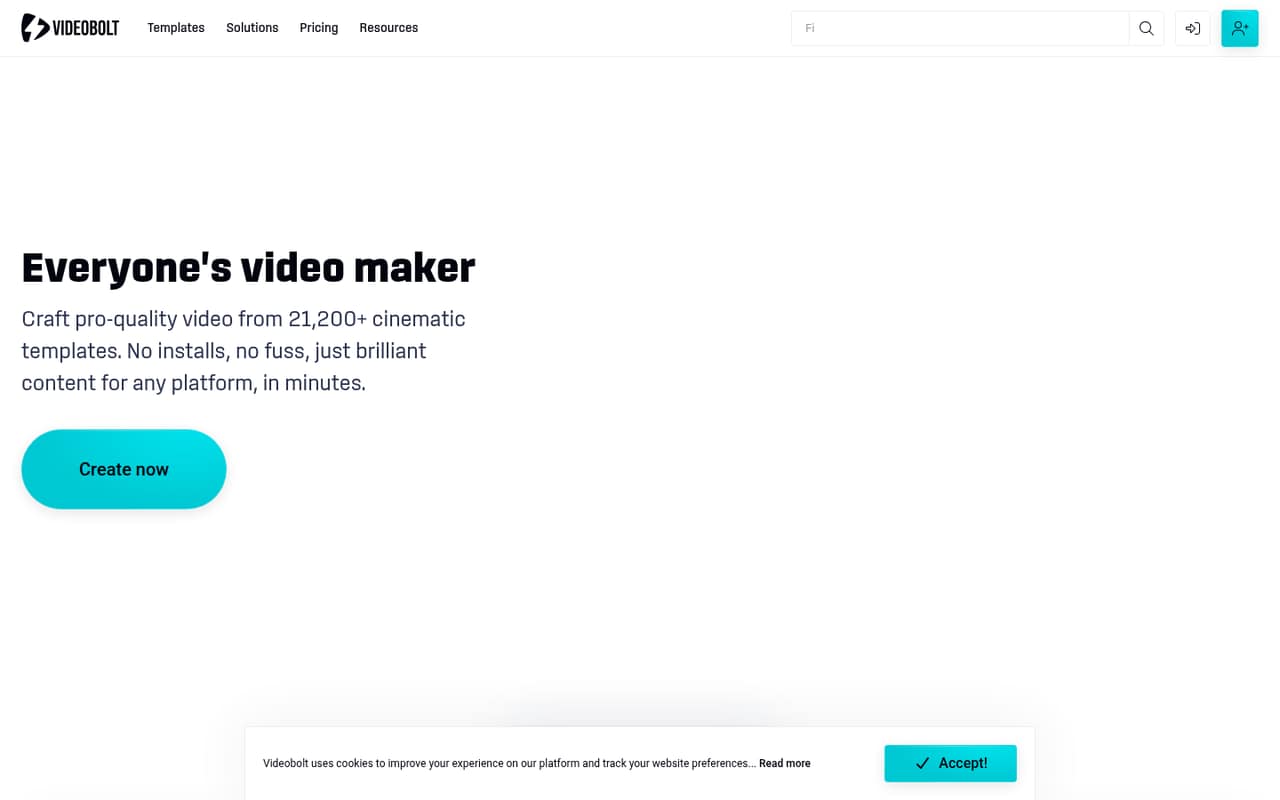
VideoBolt is an in-browser video maker with more than 21,200 templates, including intros, promos, slideshows and visualizers. You can customize text, media, music, colors and effects without installing editing software, and paid plans include unlimited exports.
The pricing page lists Lite from $9.99 per month billed annually, but no free plan or monthly-billing price. Reddit users have praised how quickly they could make visualizers; other commenters raised billing and copyright concerns. We’d check seat terms and cancellation details before buying for a team.
Good fit if
- Small teams making branded promos
- Musicians creating visualizers
- Creators who prefer templates
Skip it if
- Teams needing a free ongoing plan
- Editors seeking full creative control
- Teams needing clear seat pricing
ScoresHow it rates
What works
- More than 21,200 customizable video templates
- Edit in a browser without installing software
- Unlimited exports on all listed plans
- Brand Kit stores logos, fonts and colors
- Pro and Business support exports up to 4K, 60fps
What doesn't
- The pricing page lists no free plan
- Monthly-billing prices are not shown
- Plan pricing does not clarify seat counts
- Lite exports top out at 720p, 24fps
- A Reddit user reported a copyright claim
01Who VideoBolt is for
VideoBolt fits a small team that needs finished videos more often than it needs a flexible editing suite. The browser-based maker offers more than 21,200 templates for intros, promos, slideshows, visualizers and other formats. Team members can change text, media, music, colors and effects in a template rather than building every video from scratch.
For a one- to five-person team on a budget, the main question is whether 720p exports are enough. Lite is the cheapest listed plan, at $9.99 per month billed annually, and includes commercial licensing. Teams that need 4K exports or a shared brand look may need Pro, which lists one Brand Kit. The pricing page does not say how many people can use a subscription, so confirm seat access before budgeting for several editors. VideoBolt is a better fit for repeatable social or promotional videos than projects that call for precise, hands-on editing.
02VideoBolt free plan and trial
The pricing page lists no free plan, and a free trial is not published. The cheapest listed way in is Lite at $9.99 per month when billed annually. It includes unlimited exports, 720p at 24fps, videos up to 10 minutes, 20GB of cloud storage and a commercial license.
There is an older Reddit post in which a user says they made free 15-second watermarked videos. That post is not the same as a current free-plan offer: the pricing page lists paid plans and does not list a free tier. If you only need to test the workflow, ask VideoBolt whether it currently offers a trial or free preview before subscribing. Monthly-billing prices are also not shown.
03What a small team pays for VideoBolt
Lite is listed at $9.99 per month, billed annually, or $119.88 for a year. Pro is $24.99 per month billed annually ($299.88 a year), and Business is $39.99 per month billed annually ($479.88 a year). The pricing page describes rates per month, but does not say whether a plan covers one person or multiple seats.
For a rough budget only, if each person needs a separate Lite subscription, three people would cost $29.97 per month, or $359.64 a year; five would cost $49.95 per month, or $599.40 a year. At Pro, those same counts would be $74.97 or $124.95 per month, respectively, billed annually. These are multiplications of the listed rate, not confirmed seat prices. Monthly-billing prices are not shown, and no add-ons are listed. Ask VideoBolt about seat access before treating these totals as a quote.
04Getting started with VideoBolt
The basic workflow should be approachable for a small team: choose a template, then customize media, text, music, colors and effects in the browser. The product is described as needing no software installation or editing skills, so setup should be lighter than adopting a desktop editor. VideoBolt also lists an Asset Library for media, brand assets and audio, plus a Brand Kit for logos, fonts and colors.
The source describes AI lyric syncing in the lyric video maker. A Reddit user also mentioned SoundCloud import for visualizers, but we would confirm that this is still available and relevant to your workflow. No other integrations are listed here. Before a team standardizes on the tool, decide who owns the Brand Kit and shared assets, and check how access works across seats; the pricing page does not publish those details.
05When small teams outgrow VideoBolt
The first pressure point is output quality: Lite is capped at 720p and 24fps, while Pro and Business list up to 4K and 60fps. Video length also varies by plan, from up to 10 minutes on Lite to one hour on Pro and two hours on Business. Storage rises from 20GB to 60GB and 100GB. Pro includes one Brand Kit; Business includes unlimited Brand Kits.
A growing team may also want more control than a template workflow offers. A commenter on r/WeAreTheMusicMakers said After Effects allows more nuance and customization, while another described choosing clips and editing manually for more creative control. A commenter on r/SmallYoutubers reported a copyright claim involving a VideoBolt template, and another warned about automatic charges. Those are individual reports, not proof of a general problem, but they’re reasons to check licensing, billing and cancellation terms before committing.
From the threadsWhat users say
Reddit discussion is mixed: a music maker praised the quick visualizer workflow, while other users raised concerns about creative control, copyright and automatic billing. These are individual accounts, not a broad measure of customer satisfaction.
I made a video last night for one of my songs as a result
you get more nuance and customization out of the visualizers
I've received a copyright claim and did my initial dispute, and the "copyright holder" rejected it
They are charging also automatically even if you are not using it
Questions people ask
Is VideoBolt free to use?
The current pricing page lists no free plan and no free trial. An older Reddit post says a user made free, 15-second watermarked videos, but that is not listed as a current plan. Lite is the cheapest listed option at $9.99 per month billed annually.
Which VideoBolt plan supports 4K exports?
Pro and Business list exports up to 4K at 60fps. Lite lists 720p at 24fps. If 4K is a must-have, compare the annual prices and confirm seat access with VideoBolt before choosing a plan.
Does VideoBolt include a commercial license?
Lite explicitly includes a commercial license in its listed features. The published pricing details for Pro and Business do not state whether a commercial license is included, so ask VideoBolt to confirm the terms for those plans and the specific templates you intend to use.
How many people can use a VideoBolt plan?
The pricing page does not publish seat counts or say whether the listed price covers multiple users. Ask VideoBolt whether seats are included, whether users can share a Brand Kit and Asset Library, and whether additional seats change the price.
Can I pay for VideoBolt monthly?
The listed rates are per-month prices billed annually, and the pricing details say yearly billing saves up to 33%, or four months free. Monthly-billing prices are not shown. Ask VideoBolt for the current month-to-month rate and cancellation terms before signing up.