
We may earn a commission if you buy through links on this page. It never changes a score or a ranking. How we make money
The bottom line
A useful all-in-one video toolkit, if its token limits and subscription costs fit your workload.
Vidfly AI brings text-to-video, image animation, avatars, and more than 300 effects into one platform. The free plan is enough to try basic tools, but exports are watermarked and commercial use is for paid subscribers.
Basic starts at $20 monthly or $17 per month with annual billing, paid upfront. That’s a reasonable entry point for one creator, but separate subscriptions add up for a small team, and token top-up pricing is not published.
Good fit if
- Solo creators testing AI video
- Small teams making social clips
- Creators wanting varied video effects
Skip it if
- Teams needing published seat pricing
- High-volume video production
- Users requiring specific integrations
ScoresHow it rates
What works
- Text-to-video and image-to-video tools
- AI avatars with lip-sync
- More than 300 video effects
- Paid plans include commercial use
- Free plan includes daily reward tokens
What doesn't
- Free exports have a watermark
- Token top-up prices are unpublished
- Plan seat limits are not listed
- Token use per generation is not listed
- Annual plans require upfront payment
01Who Vidfly AI is for
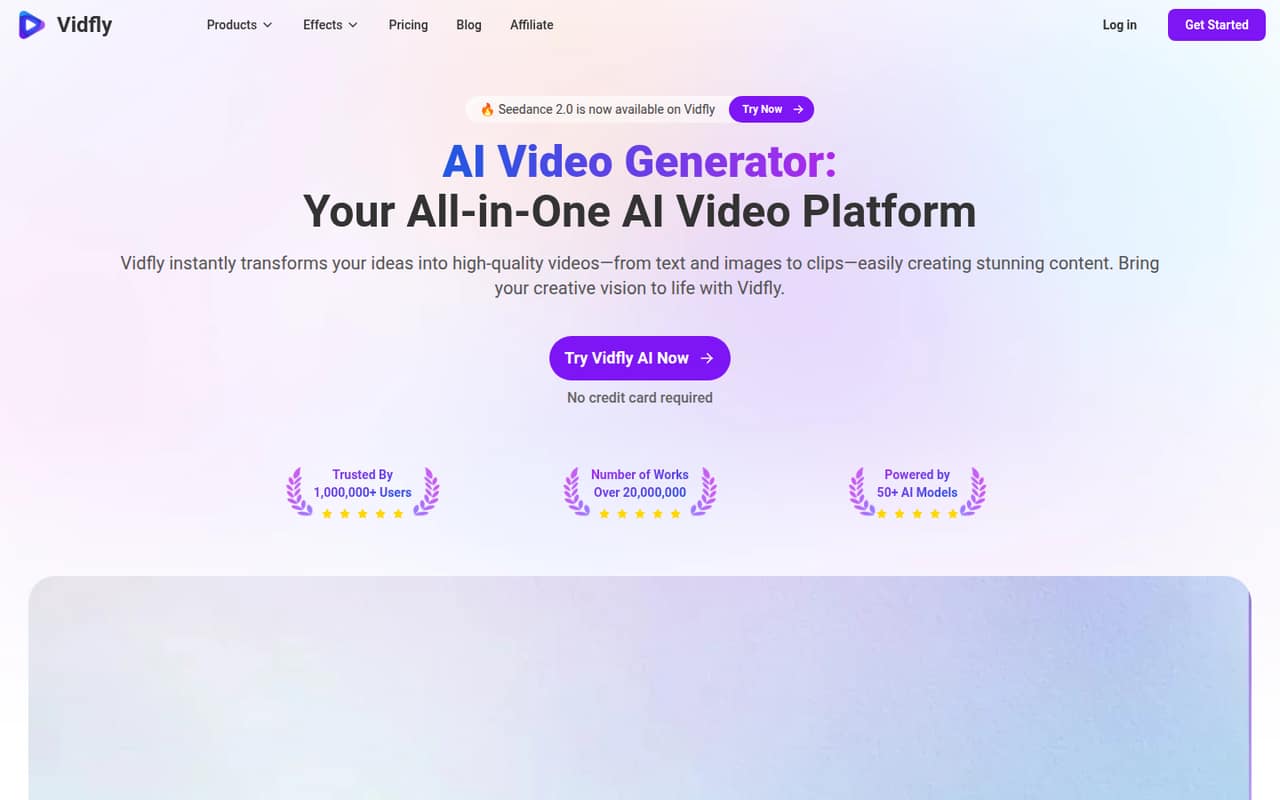
Vidfly AI suits a solo creator or a small team of roughly one to five people that needs short video assets without subscribing to a separate tool for every format. It turns text prompts and images into video, can make avatar videos with lip-sync, and offers more than 300 AI effects. The homepage also lists access to 50+ AI models.
For a one-person operation, Basic is the first paid plan with no-watermark exports and commercial-use eligibility. A team should budget separately for each person who needs their own subscription: Vidfly’s listed plans describe tokens and concurrent tasks, not a number of user seats. That makes the tool a better fit for a few people producing occasional campaign or social content than for a larger production group that needs predictable per-seat costs or high, steady output.
02Vidfly AI free plan and trial
Vidfly’s free plan costs $0 and includes 100 initial tokens, 10–30 daily reward tokens, and one concurrent task. It’s a way to try basic video and image tools before paying, but the exports are watermarked. The listed plan details do not include commercial-use rights for free users; paid-plan subscribers are the ones listed as able to use generated videos and images commercially.
A separate free trial is not listed. The main catch is that Vidfly does not publish how many tokens a typical generation uses, so the token balance alone won’t tell you how much output you can make. If you need clean exports for commercial work, Basic is the cheapest listed option: $20 monthly or $17 per month on annual billing, paid upfront.
03What a small team pays for Vidfly AI
Basic is $20 per month, or $204 upfront for a year (equivalent to $17 per month). It includes 2,000 tokens a month, two concurrent tasks, 100+ models, 300+ effects, and no-watermark exports. If each person needs an individual subscription, three people cost $60 monthly or $612 upfront annually; five cost $100 monthly or $1,020 upfront annually. Those annual totals work out to $51 and $85 per month, respectively.
That per-person math is an estimate, not a published seat price: Vidfly lists plan prices and concurrent tasks, but not seats or shared-account rules. Pro costs $45 monthly or $432 upfront annually ($36 per month equivalent) and adds 4,500 tokens plus 500 bonus tokens and four concurrent tasks. Business is $100 monthly or $900 upfront ($75 per month equivalent), with 10,000 tokens plus 1,000 bonus and six concurrent tasks. Token top-ups are available, but their prices are not published.
04Getting started with Vidfly AI
Vidfly’s prompt-based video creation and image animation suggest a straightforward starting point: choose a tool, provide text or an image, and work from the generated result. Avatar videos and a large effects library give the team more options to learn, though the number of models and effects may mean some experimentation before settling on a repeatable process.
Vidfly does not publish a setup-time estimate or a supported integration list in the available product details. That makes it hard to know whether the platform fits an existing editing or publishing workflow without asking the vendor. Before rollout, check which models and tools are available on your chosen plan, how tokens are charged for each type of generation, and whether teammates can share access. Start with the free plan if watermarked exports and personal use are enough for evaluation.
05When small teams outgrow Vidfly AI
The first pressure point is generation capacity. Basic includes 2,000 monthly tokens and two concurrent tasks; if work regularly exceeds that, Pro raises the allowance to 4,500 tokens plus 500 bonus and four concurrent tasks. Business offers 10,000 tokens plus 1,000 bonus and six concurrent tasks. Those upgrades cost more, and token top-up pricing is not published, so teams should compare the listed monthly allowance with their actual generation needs.
A second limit is team structure. The listed plans specify concurrent tasks, not seats, user permissions, or shared-account terms. As more people need access, ask Vidfly for those details and a full team quote before treating the plan price as a per-person rate. Teams that need a known integration, published seat costs, or dependable high-volume capacity may find the available plan details insufficient to budget confidently.
Questions people ask
Can I use Vidfly AI videos commercially?
Vidfly lists commercial use for generated videos and images for paid-plan subscribers. The free plan is described as for personal use and its exports are watermarked. If your work depends on commercial rights, confirm the terms for your specific content and intended use with Vidfly before publishing.
How much does Vidfly AI cost for one person?
Basic costs $20 per month, or $204 upfront for annual billing, equivalent to $17 per month. Pro is $45 monthly or $432 annually, and Business is $100 monthly or $900 annually. The free plan costs $0 but has watermarked exports and is listed for personal use.
Does Vidfly AI have a free plan?
Yes. The free plan includes 100 initial tokens, 10–30 daily reward tokens, and one concurrent task. Exports are watermarked, and commercial use is listed for paid subscribers. Vidfly does not publish how many tokens each generation uses, so the amount of video you can make is difficult to estimate in advance.
How many videos can I make with Vidfly AI tokens?
Vidfly lists monthly token allowances but does not publish a standard token cost per video or generation in the plan details. Basic includes 2,000 tokens monthly; Pro includes 4,500 plus 500 bonus; Business includes 10,000 plus 1,000 bonus. Ask Vidfly for typical token costs for your chosen tools.
Can my team share one Vidfly AI subscription?
The listed plans show concurrent task limits, from one on Free to six on Business, but they do not state how many user seats are included or whether account sharing is allowed. Ask Vidfly about users, permissions, and shared access before calculating a team budget from the individual plan prices.