
We may earn a commission if you buy through links on this page. It never changes a score or a ranking. How we make money
The bottom line
VisualTime schedules rooms, workspaces and appointments, starting at $2.99 per resource monthly, paid annually.
VisualTime is for teams coordinating bookable spaces, equipment, classes and appointments. The pricing page lists a starting price of $2.99 per resource per month, billed annually in advance—not per user.
There’s no free plan or trial listed. A small team should confirm which items count as resources and whether it needs paid add-ons before committing to a year.
Good fit if
- Teams booking rooms and workspaces
- Organizations scheduling classes or appointments
- Buyers comfortable with annual prepayment
Skip it if
- Teams looking for a free scheduler
- Buyers who need monthly billing
- Teams shopping for time tracking
ScoresHow it rates
What works
- Schedules rooms, workspaces, classes and appointments
- Can schedule equipment and labs
- Self-serve scheduling is available as an add-on
- Starting price is listed clearly
- Resource-based pricing can suit small setups
What doesn't
- No free plan is listed
- No free trial is listed
- Annual payment is due in advance
- Self-serve bookings cost an extra $299 yearly
- Setup details and integrations are not published
01Who VisualTime is for
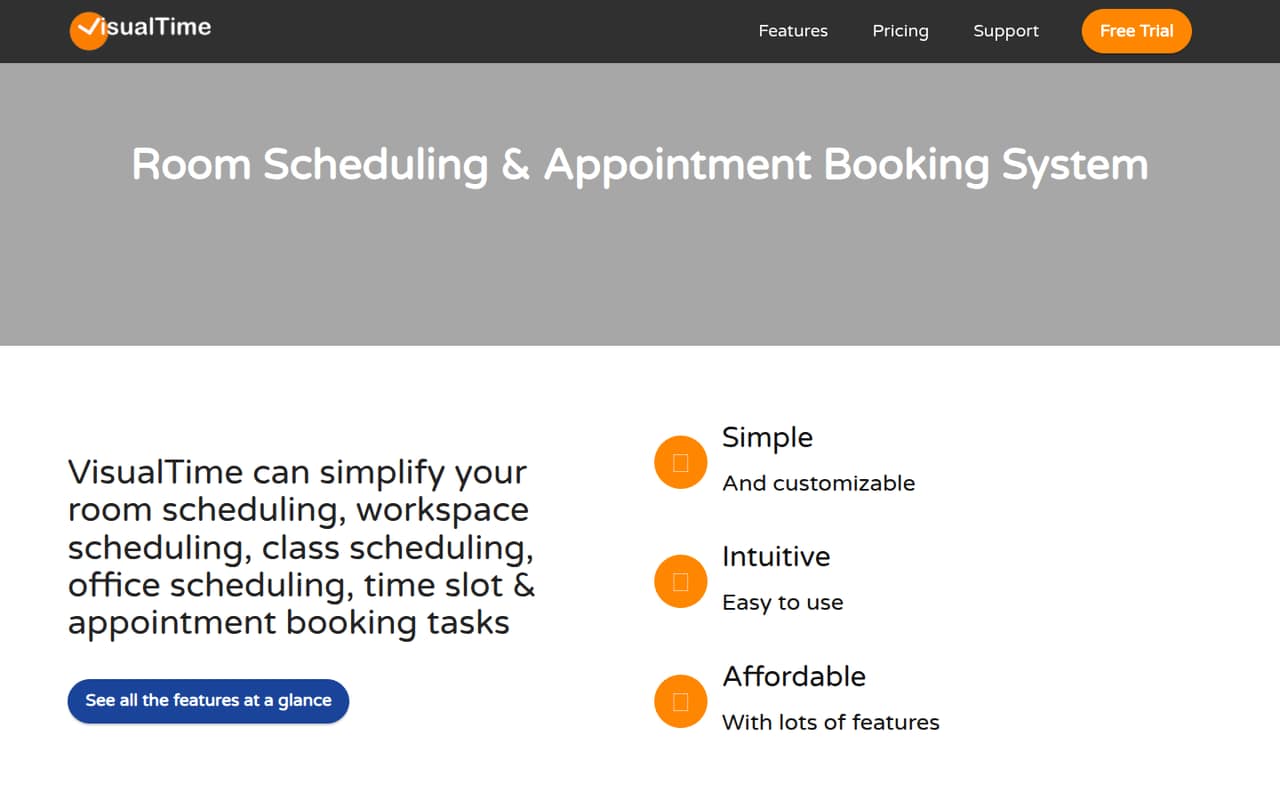
VisualTime is aimed at teams that need to coordinate bookable things, not track employee hours. It covers rooms, workspaces, classrooms, appointments, equipment and time slots. That can suit a small office, school or service team juggling a few shared spaces or schedules.
For a team of 1–10, the main budget question is how many bookable resources you need. The listed price is per resource, not per user, so a three-person team may not need three resources—or may need more if it schedules several rooms and pieces of equipment. Ask VisualTime to confirm how it counts your setup before comparing costs. The tool makes the most sense when keeping those bookings organized is worth paying for. If your main need is employee time tracking, VisualTime’s described job is different.
02VisualTime free plan and trial
The pricing page lists neither a free plan nor a free trial. That means there’s no listed no-cost way to try the scheduler before buying, and a small team should plan for a paid commitment rather than a free starting tier.
The cheapest listed option is the Monthly Plan at $2.99 per resource per month. Despite the plan name, the price is billed annually in advance; the pricing page lists no monthly billing option. A resource is a bookable or scheduled object, so ask the vendor which of your rooms, desks, staff or other items count. Also check whether you need self-serve bookings, reporting, service providers or multi-site support, since those are priced separately.
03What a small team pays for VisualTime
VisualTime lists $2.99 per resource per month, billed annually in advance. That works out to $35.88 upfront for one resource. If each person in a three-person team needs a separate resource, the equivalent is $8.97 per month, or $107.64 upfront for the year. For five people mapped one-to-one to resources, it’s $14.95 per month, or $179.40 upfront. These are resource counts, not seat prices; your actual total depends on what you schedule.
The add-ons can change the bill substantially: self-serve bookings and reporting are each $299 per year, while service providers and multi-site are each $399 per year. The pricing page doesn’t list a monthly payment option for the base plan. Before signing, ask for a quote that spells out your resource count, required add-ons and total annual charge.
04Getting started with VisualTime
VisualTime’s listed jobs are clear: schedule rooms, workspaces, classes, appointments, equipment and time slots, with self-serve booking available as an add-on. But the vendor doesn’t publish a setup estimate, learning curve, integration list or step-by-step onboarding details in the information available for buyers. We can’t tell from the published details how much configuration a small team should expect.
Before buying, make a list of the spaces and items you want people to book, who can schedule them, and whether users should book for themselves. Then ask VisualTime how to configure those rules, whether it connects to the calendar or other tools your team already uses, and whether any integration costs extra. Get the answers alongside a resource count and annual quote so setup needs don’t come as a surprise after purchase.
05When small teams outgrow VisualTime
A growing team may outgrow VisualTime’s price model before it outgrows the scheduling idea. Each additional bookable resource adds $2.99 per month, billed for a year in advance, and paid add-ons can add $299 or $399 annually each. If you add locations or need reporting and self-serve booking, include those costs in the yearly budget rather than comparing only the starting rate.
The vendor’s listed pricing doesn’t state a maximum resource count or describe feature limits, so there’s no published threshold at which a team must upgrade or move. Ask how the cost changes as rooms, equipment and locations increase, and what support is included. If your needs shift toward time tracking or integrations that VisualTime can’t confirm, it may be time to compare scheduling products built around those requirements. Don’t assume the listed starting price covers every growing-team need.
Questions people ask
How much does VisualTime cost?
The pricing page lists $2.99 per resource per month for its Monthly Plan, billed annually in advance. That is $35.88 upfront for one resource. The price is resource-based rather than per user, and paid add-ons cost extra.
Does VisualTime have a free plan or trial?
The pricing page lists no free plan and no free trial. The cheapest listed way in is the $2.99-per-resource monthly rate, with annual payment in advance. Ask VisualTime whether it can offer a demonstration or another way to evaluate the product before purchase.
What counts as a VisualTime resource?
VisualTime defines a resource as a bookable or scheduled object. The product covers rooms, workspaces, classes, appointments and equipment, but confirm with the vendor which items in your setup count toward billing before estimating your annual total.
What does VisualTime’s self-serve booking add-on cost?
The pricing page lists Self Serve Bookings at $299 per year. It lists this separately from the $2.99-per-resource monthly plan. Ask whether the add-on fits your booking workflow and include it in the total annual quote.
Does VisualTime support monthly billing?
The listed plan is called Monthly Plan, but its price is billed annually in advance. The pricing page lists no monthly billing option. If paying month to month is important, ask VisualTime whether another billing arrangement is available before committing.