
We may earn a commission if you buy through links on this page. It never changes a score or a ranking. How we make money
The bottom line
A focused social-video toolkit with a useful free tier and some buyer cautions.
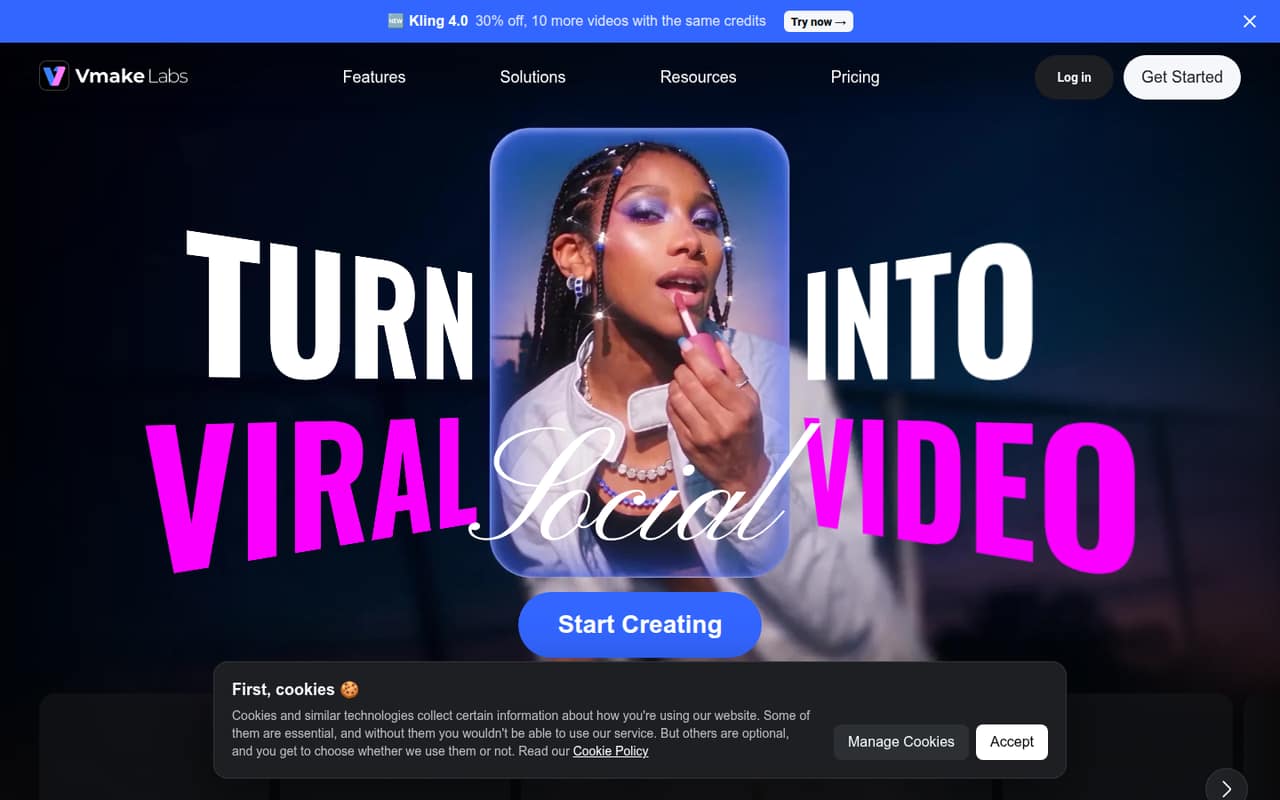
Vmake AI is aimed at creators and small businesses making social videos from product images, footage, and selling points. Its features include UGC-style videos, avatars, translations, and video enhancement, so it covers more than basic editing.
The free plan is limited to personal, watermarked 720p exports. Plus starts at $9.99 monthly or $5.83 per month billed annually; Reddit comments include both quick cancellation and complaints about slow replies or difficult cancellation.
Good fit if
- Small teams making product videos
- Creators testing AI video tools
- Teams needing video translation
Skip it if
- Teams needing published seat controls
- Commercial users on the free plan
- Teams requiring assured support response times
ScoresHow it rates
What works
- Turns product images and selling points into social videos
- Includes UGC-style video and AI avatar tools
- Free plan offers 20 daily credits
- Plus includes watermark-free exports up to 1080p
- Annual Plus pricing works out to $5.83 monthly
What doesn't
- Free exports are limited to 720p and include a watermark
- Free use is non-commercial only
- Credit add-on and overage prices are unpublished
- Team billing and seat controls are unpublished
- Reddit users report cancellation and support frustrations
01Who Vmake AI is for
Vmake AI is for solo creators and small businesses—roughly one to ten people—that need social videos but do not want every piece to start with a filmed production. It can turn product images and selling points into videos and ads, create UGC-style product content, recreate video styles, make avatar-led shoppable clips, translate videos, and clean up footage.
That makes it worth considering if your regular job is producing short promotional content from assets you already have. It is less clearly a fit for a team looking for a general-purpose editor or a shared production workspace: the pricing details do not publish team seats or collaboration controls. Start with the free plan to see whether its limited tools fit your workflow. For commercial output, budget for a paid plan and confirm which plan grants the usage rights you need. Pro explicitly includes commercial use; the Plus listing does not specify commercial rights.
02Vmake AI free plan and trial
Vmake lists a free plan at $0, with 20 credits each day. Those credits expire after one day, and the plan includes limited AI models and features. Exports are capped at 720p, carry a watermark, and are for non-commercial use only. That is enough to explore the core tools, but it is not a practical plan for publishing polished client or business videos.
A free trial is not listed. The cheapest paid option is Plus: $9.99 per month, or $69.99 per year, which works out to about $5.83 per month. Plus includes 1,000 credits per month, up to 10 files daily for core tools, 1080p exports without a watermark, and 30 days of generation history. Before paying, check whether the specific tool you want is available on that plan.
03What a small team pays for Vmake AI
The lowest paid tier is Plus at $9.99 per month or $69.99 per year ($5.83 per month equivalent). Assuming each person needs a separate subscription, one person pays $9.99 monthly or $69.99 annually. Three people would pay $29.97 monthly or $209.97 annually; five would pay $49.95 monthly or $349.95 annually. The annual totals equal about $17.50 a month for three people and $29.16 for five.
Those are simple per-person calculations, not published team prices. Vmake does not list team billing or seat controls in the pricing details, so ask whether one account can support a shared workflow. Pro with 4,500 credits costs $29.99 monthly or $209.99 annually, equivalent to $17.50 per month billed annually. It adds commercial use, selected 2K and 4K output, and higher file limits. API access is usage-based, while API rates, credit packs, and overage rates are not published. Pro tiers with 10,000 and 20,000 credits also have no published prices.
04Getting started with Vmake AI
The product's described workflow is straightforward in concept: provide product images and selling points for a video, or bring footage to enhance, translate, or otherwise refine. The tool list also covers UGC-style generation, avatars, and video recreation. That breadth may take some experimentation to match a particular campaign, but Vmake does not publish setup times or a learning curve in the pricing details.
Plan a small test with a few representative products or clips before building a regular process around it. The free tier's daily credits and limited features can help with initial exploration, though its watermark and non-commercial restriction limit its use for final business output. Vmake's pricing details do not publish an integration list. Ask the vendor whether it connects to your store, asset library, or social publishing tools before assuming it will fit your workflow. Reddit users have also described difficulty getting answers, so clarify support and account-management steps before committing.
05When small teams outgrow Vmake AI
The first pressure point is volume. Free credits expire daily, Plus provides 1,000 monthly credits and up to 10 files daily for core tools, and the 4,500-credit Pro tier allows up to 50 files daily for selected tools and batches of up to 30 files. A team regularly hitting those limits may need Pro, but the price for a few people can add up if each needs a separate subscription. Vmake does not publish team seat pricing or rates for extra credits.
The second pressure point is reliability and account support. One Reddit commenter said a subscription was canceled quickly, while others described waiting days for video enhancement, unanswered messages, and trouble finding cancellation controls. These are individual reports, not a guarantee of what your team will experience, but they are a reason to test a short workflow and confirm cancellation instructions before buying. If you need shared team controls, predictable add-on costs, or dependable turnaround commitments, ask Vmake directly; if those answers are essential, compare other tools before scaling your process.
From the threadsWhat users say
Reddit feedback is mixed but leans negative, with one user reporting a quick cancellation and others describing delays, support issues, or cancellation confusion. Treat those comments as individual experiences and verify account and support details before subscribing.
Honestly I'm not complaining, they responded quickly and in 1 hour my subscription was cancelled
Been waiting 5 days for three 13 minute sections of a long video since they can only handle 15 min max
The worst part is when you subscribe for one month, and there is NOTHING to cancel the subscription anywhere
I've been sending several messages to that email to reset my logins and still not getting any replies
Questions people ask
What is Vmake AI used for?
Vmake AI is a toolset for creating and refining social videos. Its listed capabilities include product videos from images and selling points, UGC-style content, video recreation, AI avatars, translation with dubbing and lip sync, and video enhancement.
Is Vmake AI free?
Yes. The free plan includes 20 credits daily, but credits expire after one day. It has limited models and features, exports up to 720p with a watermark, and is for non-commercial use. Vmake does not list a free trial separately.
How much does Vmake AI cost?
Plus costs $9.99 monthly or $69.99 annually, equivalent to $5.83 per month when billed annually. Pro with 4,500 credits costs $29.99 monthly or $209.99 annually. Prices for the 10,000- and 20,000-credit Pro tiers are not published.
Can I use Vmake AI videos commercially?
The free plan is listed for non-commercial use, while Pro with 4,500 credits explicitly includes commercial use. The Plus plan listing does not specify commercial rights. Check with Vmake before using Plus output for business or client work.
Does Vmake AI support video translation?
Yes. Vmake lists video translation with dubbing and lip sync among its capabilities. The pricing details do not specify which translation features are available on each plan, so confirm plan access and credit use with Vmake before choosing a subscription.