
We may earn a commission if you buy through links on this page. It never changes a score or a ranking. How we make money
The bottom line
Worth considering for multilingual video; check seat limits and extra-seat pricing before you commit.
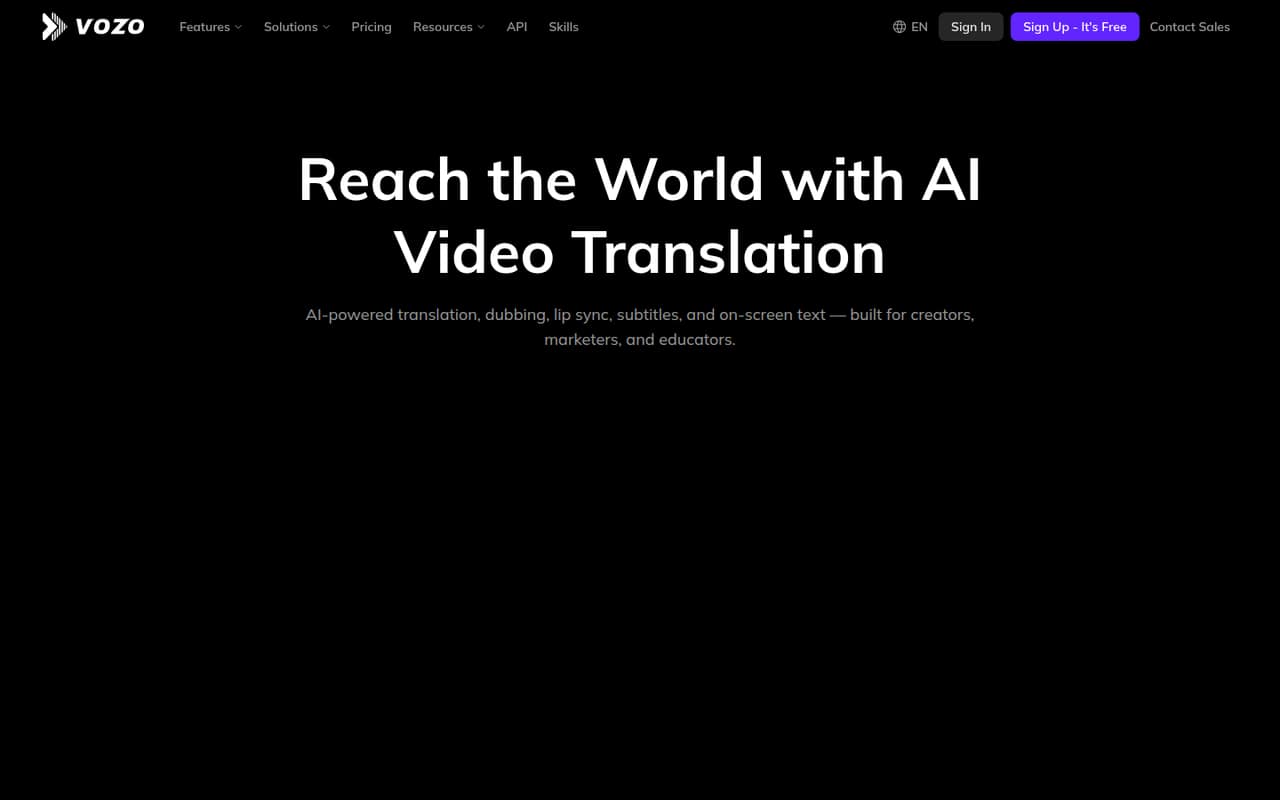
Vozo AI is for teams that need to localize video, not for teams looking for a general-purpose editor. It offers translation into 160+ languages, dubbing, lip sync, subtitles and on-screen text translation, with controls for timing and terminology.
The free plan gives you three projects and 20 AI points, while the cheapest paid plan is $29/month for one seat. A three-person team can use Studio for $99/month; five-seat pricing isn’t published. One Reddit poster liked the quality they had seen but wanted a lower-cost way to try it.
Good fit if
- Creators localizing videos
- Small marketing teams
- Educators translating lessons
Skip it if
- Teams needing five seats at a known price
- Projects with no AI-point budget
- Teams seeking a general video editor
ScoresHow it rates
What works
- Translates videos into 160+ languages
- Combines dubbing, lip sync and subtitles
- Translates on-screen text with Visual Translate
- Free plan includes three projects
- Editing controls cover timing and terminology
What doesn't
- Free plan is limited to 20 AI points
- Creator includes just one seat
- Five-seat pricing isn’t published
- Annual prices aren’t listed
- AI point pack prices aren’t published
01Who Vozo AI is for
Vozo AI fits a solo creator, a small marketing team or an educator who regularly needs to adapt videos for viewers in other languages. Its feature set covers translation into 160+ languages, AI dubbing, lip sync, translated subtitles and on-screen text translation. That keeps several localization jobs in one product rather than treating speech and visual text as separate tasks.
For a one-person operation, the free plan is a way to try the workflow, while Creator costs $29 per month and includes one seat. A team of three can look at Studio at $99 per month, with three seats and tools such as bulk upload and glossary and brand governance. That is a meaningful step up in spend, so it makes most sense when localization is recurring work. Teams of five should get a seat quote before budgeting: the listed plans don’t give a price for that headcount.
02Vozo AI free plan and trial
Vozo’s Free plan costs $0 and includes three projects, 20 AI points, one seat and one concurrent task. Videos can be up to 20 minutes long. That gives a solo user a small starting allowance to explore the product’s translation and localization tools, but it is not a generous ongoing production plan if you have many videos or need more than one task running at a time.
The listed plan details don’t specify a separate free trial or how far 20 AI points go across different jobs. Ask Vozo how points are consumed for your typical video before planning a regular workflow around the free tier. The cheapest paid option is Creator at $29 per month, with 150 AI points per month, one seat, two concurrent tasks and videos up to 60 minutes. It also removes the watermark and includes API access.
03What a small team pays for Vozo AI
Vozo’s plans have fixed monthly prices and seat allowances, rather than a published per-seat rate. One person can start on Free at $0 or choose Creator for $29 per month, or $348 for 12 months at the listed monthly price. Creator includes one seat. For three people, Studio costs $99 per month, or $1,188 for 12 months, and includes three seats. It also provides 600 AI points per month and six concurrent tasks.
For five people, Studio’s $99 monthly price covers only three seats. Studio XL lists six seats, but its price is not published; the listed $0 should not be treated as a confirmed free plan price. The vendor also doesn’t publish prices for extra seats or one-time AI point packs. Creator and Studio show monthly billing, and the yearly toggle advertises 25% off, but annual prices aren’t listed. Ask sales for the five-seat total and confirm what happens when you run out of points.
04Getting started with Vozo AI
Setup effort depends on how much control your team wants over each localized video. Vozo lists editing controls for text, dubbing, timing, terminology and translation style, so teams with a consistent voice or vocabulary should plan time to review those choices. Studio adds glossary and brand governance, which may help teams keep recurring translations consistent.
The feature list describes localization and editing, but doesn’t publish setup steps, learning time or integrations. Check with Vozo about how your team will bring videos in and export finished work, and whether it connects to your existing editing, storage or publishing tools. A solo creator can begin with the free plan, but a team sharing work should account for the listed seat and concurrent-task limits: Free has one of each, while Studio has three seats and six concurrent tasks. The Reddit discussion offers no detailed setup reports.
05When small teams outgrow Vozo AI
The first likely ceiling is the Free plan’s 20 AI points, three projects and one concurrent task. Creator raises the allowance to 150 AI points per month and two concurrent tasks, but still has one seat. A team sharing the work may need Studio at $99 per month, which includes three seats, 600 monthly points and six concurrent tasks.
A five-person team cannot price its full seat count from the listed monthly rates: Studio includes three seats, while Studio XL lists six but has no published price. More seats or points are available through sales, with prices not published, and one-time point packs also have no published price. That makes it worth asking for a quote before building Vozo into a growing team’s budget. Reddit discussion is thin: one poster said the quality looked good from what they had seen, but wanted a lower-cost way to try it; a commenter suggested asking support about an offer. Neither is a report of actual product use.
From the threadsWhat users say
The limited Reddit discussion is cautiously positive about perceived quality but raises a price concern. It offers no detailed report on support or day-to-day use, so sentiment is hard to judge.
The quality looks really good from what I've seen
Would love to try it out at a lower price first
Before I commit to a plan
Smaller AI companies often have flexibility they don't advertise publicity
Questions people ask
What does Vozo AI do?
Vozo AI localizes video into 160+ languages. Its listed features include translation, AI dubbing, lip sync, translated subtitles and Visual Translate for on-screen text. Editing controls let users adjust text, dubbing, timing, terminology and translation style.
Does Vozo AI have a free plan?
Yes. The Free plan costs $0 and includes three projects, 20 AI points, one seat, one concurrent task and videos up to 20 minutes. The listed plan details don’t specify how many minutes or translation jobs 20 points cover, so check point use for your workflow.
How much does Vozo AI cost for a small team?
Creator costs $29 per month and includes one seat. Studio costs $99 per month and includes three seats. The listed price for Studio XL, which includes six seats, is not published. Ask Vozo for a quote if your team needs more than three seats.
Does Vozo AI translate text on screen?
Yes. Vozo’s Visual Translate feature detects, erases and translates on-screen text while preserving its style, placement and motion. The feature list doesn’t specify a separate price for Visual Translate, so ask Vozo whether usage draws on the plan’s AI points.
Does Vozo AI offer annual billing?
The Creator and Studio plans show monthly billing. Vozo’s yearly toggle advertises 25% off, but annual prices aren’t listed. Ask the vendor for the annual total before comparing it with monthly billing; the listed monthly rates are $29 for Creator and $99 for Studio.