
We may earn a commission if you buy through links on this page. It never changes a score or a ranking. How we make money
The bottom line
A capable faceless-video maker, but its $99 starting price is steep for a small team.
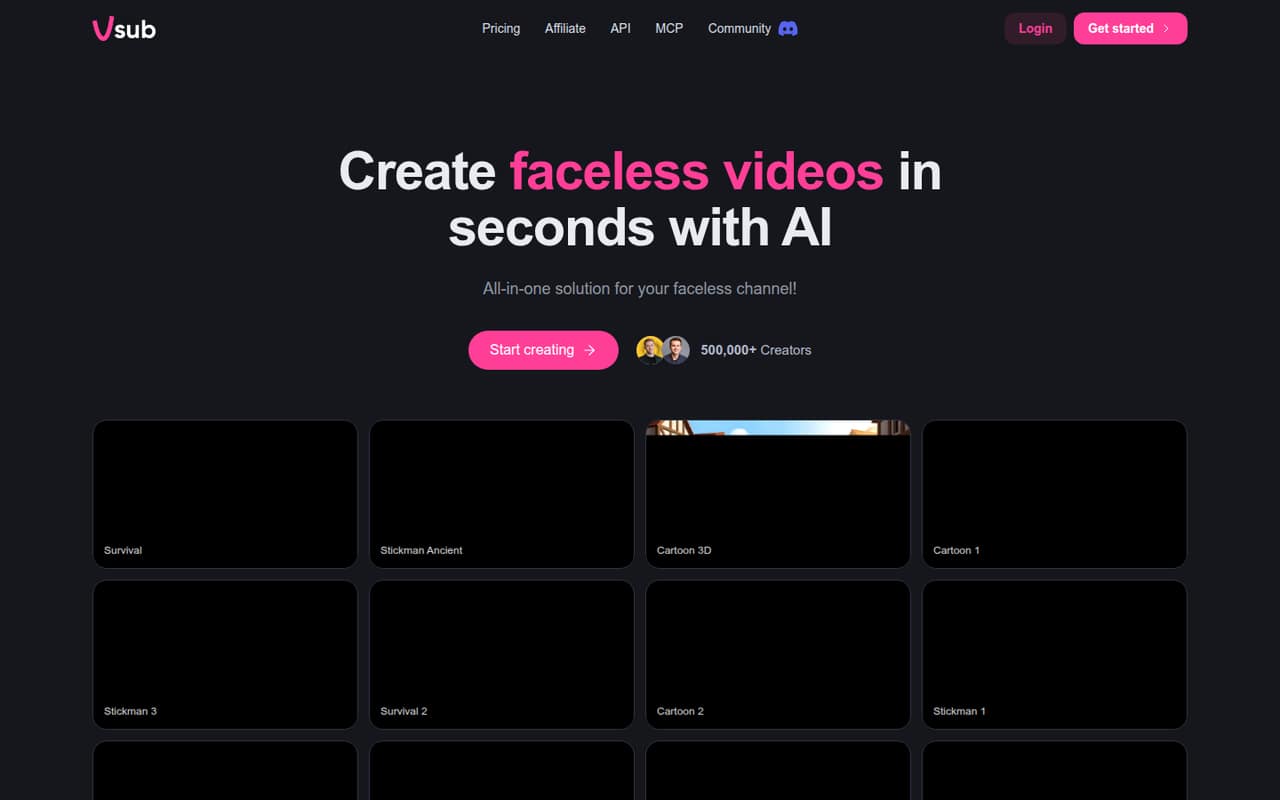
Vsub turns scripts into narrated, edited faceless videos, with templates, style cloning, avatar videos and an MCP option. That makes it worth considering if video production is a regular job, not an occasional task.
The catch for a small team is the entry price: the pricing page lists Premium at $99 monthly and no free plan. Team collaboration is included, but seat pricing and annual billing prices aren't published, so confirm how a shared team account works before budgeting.
Good fit if
- Creators publishing faceless videos regularly
- Teams reusing a consistent video style
- Short-form video workflows
Skip it if
- Teams needing a free starter plan
- Occasional video creators on tight budgets
- Buyers needing clear seat pricing
ScoresHow it rates
What works
- Turns scripts into narrated video scenes
- Ready-made templates reduce blank-page work
- Can clone a style from a reference video
- Includes avatar and short-form templates
- MCP option supports Claude, ChatGPT and Cursor
What doesn't
- No free plan is listed
- Premium starts at $99 per month
- Annual billing prices aren't published
- Seat rules and per-seat prices aren't published
- Support channels and response times aren't published
01Who Vsub is for
Vsub is for creators and small teams that need to make faceless videos regularly. It turns a script into narration, scenes and an edited video, with ready-made templates for people who don't want to build a visual style from scratch. Teams can also upload a reference video to create a reusable style, and the feature list includes avatar videos and short-form templates.
For a team of one to five, the main question is whether video output is important enough to justify a $99 monthly starting price. Vsub lists team collaboration, but doesn't publish how many seats a plan includes or whether each collaborator needs a paid account. That makes it harder to set a firm team budget before talking to the vendor. If you mainly need occasional clips, the cost may be difficult to justify; if video creation is a recurring job, the script-to-video workflow may fit.
02Vsub free plan and trial
Vsub doesn't list a free plan. The vendor also doesn't publish trial availability, so ask before signing up if you need to evaluate the workflow without paying. That matters for a small team: the pricing page's cheapest listed option is Premium at $99 per month, not a free starter tier.
Premium includes about 81 video minutes and 27,500 credits monthly, plus team collaboration. The page also lists credit top-ups, but those are paid add-ons rather than a free way to extend the plan. If you want to check whether Vsub's templates, narration and editing suit your needs, ask the vendor what evaluation option is available and whether it includes the features you plan to use.
03What a small team pays for Vsub
The pricing page lists Premium at $99 per month, Premium+ at $199 and Max at $499. Premium is the cheapest listed plan, with about 81 video minutes and 27,500 credits monthly. At that rate, one account costs $99 per month. If each person needs a separate Premium account, three people would total $297 monthly and five would total $495. Those are illustrative per-account totals: Vsub lists team collaboration but doesn't publish seat rules or per-seat pricing, so confirm whether a shared plan covers your team.
Annual billing prices aren't published, so we can't compare monthly and annual commitments. Premium+ lists about 193 video minutes and 66,000 credits monthly; Max lists about 616 minutes and 206,000 credits. Credit top-ups cost $1 for 275 credits on Premium, 330 on Premium+ or 412 on Max. Ask how credits are used and whether your typical video volume will require top-ups before choosing a tier.
04Getting started with Vsub
The listed workflow starts with a script: Vsub creates narration, scenes and a video. A team can choose a published template, upload a reference video to create a reusable style, or use an avatar video template. The product also lists an MCP connection for asking Claude, ChatGPT or Cursor to create a video; that appears to be an option, not a stated requirement for making videos.
Vsub doesn't publish a setup-time estimate or a detailed learning curve in the information available. A team should plan to prepare scripts and decide whether it will use templates or create a recurring style, then check how collaborators share work. The pricing page lists team collaboration, but doesn't explain seat setup. Before committing, ask the vendor for onboarding steps, supported account roles and any extra requirements for MCP. The available Reddit comment is promotional and doesn't give practical setup guidance.
05When small teams outgrow Vsub
A team may need to move up when it regularly exceeds Premium's listed allowance of about 81 video minutes or 27,500 credits per month. Premium+ raises that to about 193 minutes and 66,000 credits; Max lists about 616 minutes and 206,000 credits. Those higher tiers cost $199 and $499 monthly, respectively. Top-ups are another option, but their credit-per-dollar rate varies by plan.
Seat needs can also become a sticking point. Vsub lists team collaboration, but doesn't publish how many collaborators are covered or whether each needs a paid plan; get that clarified as your team grows. The available Reddit discussion makes broad promotional claims about speed and viral shorts, but doesn't report on scaling limits or team costs. We wouldn't treat it as evidence that Vsub will suit a larger operation. Ask about seat pricing, usage rules and support before relying on it for a growing production workflow.
From the threadsWhat users say
The available Reddit discussion is positive but promotional, praising speed and short-form video creation. It's too limited to establish a broader user consensus or say much about day-to-day reliability.
all-in-one solution for your faceless channel!
Create viral videos 10x faster
Keep up with current trends and go viral
Generate AI shorts with one click
Questions people ask
Can you use Vsub for free?
Vsub doesn't list a free plan. The pricing page's cheapest option is Premium at $99 per month. Trial availability isn't published, so ask Vsub whether it offers an evaluation option before paying.
How much does Vsub cost?
The pricing page lists Premium at $99 per month, Premium+ at $199 and Max at $499. Annual prices aren't published. Credit top-ups are also available, with the amount of credits per dollar depending on the plan.
What does Vsub do?
Vsub turns scripts into faceless videos with AI-generated narration, scenes and editing. Its listed features include ready-made templates, style cloning from a reference video, avatar videos, short-form templates and an MCP connection for requesting video creation through Claude, ChatGPT or Cursor.
Does Vsub support team collaboration?
Team collaboration is listed as included with Premium, Premium+ and Max. Vsub doesn't publish how many seats each plan covers or whether collaborators need separate paid accounts. Ask the vendor to confirm the seat rules and total cost for your team.
How many videos can I make with Vsub?
Vsub lists monthly video-minute and credit allowances rather than a fixed number of videos. Premium includes about 81 minutes and 27,500 credits; Premium+ includes about 193 minutes and 66,000 credits; Max includes about 616 minutes and 206,000 credits. Actual video counts depend on usage.