
We may earn a commission if you buy through links on this page. It never changes a score or a ranking. How we make money
The bottom line
A capable video creator for teams that want animated stories, but the per-seat price adds up fast.
A team may not need Vyond if it only makes occasional screen recordings or straightforward explainers. It’s a better fit when you need character-based scenarios, training videos, or branded business content without building every scene from scratch.
There’s no free plan, and the cheapest option, Business, starts at $58 per user per month with annual billing. That makes Vyond a meaningful subscription for a small team, especially when multi-seat pricing requires a sales quote.
Good fit if
- Teams making scenario-based training
- Small groups creating character-led stories
- Businesses adapting videos for audiences
Skip it if
- Teams needing a free video editor
- Creators seeking realistic footage
- Organizations on tight seat budgets
ScoresHow it rates
What works
- Templates cover training, marketing, and presentations
- AI video creation starts from instructions
- Offers avatars with different faces and personalities
- Lists instant translation and screen recording
- Professional includes 95-language video translation
What doesn't
- No free plan is listed
- Business starts at $58 per user monthly, billed yearly
- Monthly Business billing is $99 per user
- Multi-seat pricing requires a sales conversation
- Some Reddit users find the animation style childish
01Who Vyond is for
Vyond makes videos for training, marketing, and business communication. Its homepage highlights AI-assisted creation, templates, avatars, and tools for adapting videos to different audiences. For a team of one to ten, that’s most useful when you regularly need scenarios, animated characters, or short visual stories—not just the occasional screen capture.
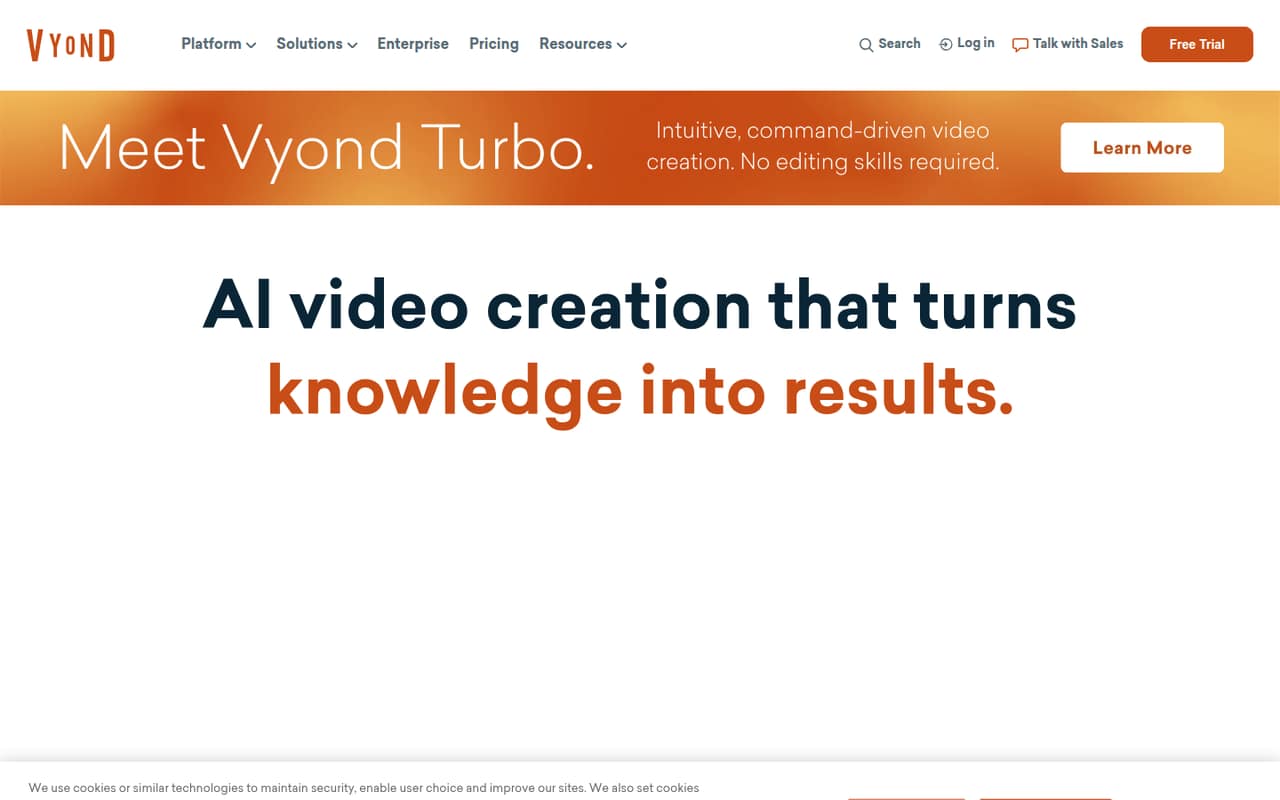
The homepage says Vyond Turbo can create custom videos from instructions. Templates cover eLearning, presentations, storytelling, and marketing, while the platform also lists brand control, instant translation, and screen recording. Those features may suit a small learning and development group, a marketing team, or a founder who needs repeatable video content.
The budget is the catch. Business costs $58 per user per month with annual billing, or $99 with monthly billing. A Reddit commenter described using three licenses for a team of six instructional designers, rather than buying one for everyone. That kind of selective seat assignment may make more sense than licensing every teammate.
02Vyond free plan and trial
Vyond does not list a free plan, and trial availability is not published in the pricing details. That means a small team should not count on a no-cost tier for regular video creation. Ask Vyond whether a trial is available before budgeting or building a workflow around it.
The cheapest listed option is Business. It costs $58 per user per month with annual billing, billed yearly, or $99 per user per month with monthly billing. Business includes 10,000 credits per user per month, 100 video downloads per month, a 25-minute maximum video length, 650+ text-to-speech voices, and 1,300+ AI avatars.
If you only need occasional videos, compare that recurring cost with tools your team already pays for. If you need Vyond’s character-based storytelling regularly, Business is the lowest listed way in.
03What a small team pays for Vyond
Business is the lowest-priced plan: $58 per user per month with annual billing, or $99 per user per month on monthly billing. At the listed per-seat rates, one seat comes to $58 or $99 monthly. Three seats work out to $174 or $297 monthly; five seats to $290 or $495. Annual billing is paid yearly, so the monthly figures are not the amount charged each month.
Those totals are per-seat arithmetic, not a guaranteed multi-seat quote. Vyond says multi-seat pricing requires contacting sales, so ask for the actual price before assigning licenses to a team.
Professional costs $100 per user per month with annual billing or $199 with monthly billing. It adds 20,000 credits per user per month, 200 downloads per month, a 40-minute maximum video length, 95-language video translation, and access to 4M+ Shutterstock assets. Enterprise and Agency are annual-only; their listed monthly prices are $137 and $167 per user, billed yearly. Custom avatars, voice cloning, and custom assets are also priced through sales.
04Getting started with Vyond
The homepage presents Vyond as a way to create videos with AI assistance, templates, avatars, brand controls, translation, and screen recording. That gives a small team several starting points: build from a template, create from instructions with Vyond Turbo, or record a screen. The vendor does not publish setup time in the pricing details, so plan for some time to settle on a style, review scripts, and agree on who can publish videos.
The learning curve may depend on the kind of video you want. A Reddit commenter said tools like Vyond simplify video creation for people without editing backgrounds; another described the text editing as a “nightmare.” Users also point to writing and visual choices as important to whether the result works.
Supported integrations and a day-one setup checklist are not listed in the pricing details. Before buying, ask Vyond about your existing tools, team permissions, and how shared seats work. A commenter on r/instructionaldesign reported that their six-person team bought three licenses because not every project needed Vyond.
05When small teams outgrow Vyond
The first pressure point is cost. Business runs $58 per user per month with annual billing, while Professional is $100 per user per month on the same billing basis. A team that needs more capacity, longer videos, translation, or Shutterstock assets may need Professional; it raises the listed per-seat price by $42 monthly compared with annual Business. Multi-seat pricing requires a sales quote, so confirm the actual jump before expanding access.
The second pressure point is creative fit. Reddit users praise Vyond for storytelling and character-based scenarios, but some say its animation can feel childish, dated, or overused. One commenter said their healthcare clients found the style too cartoony. Others prefer simpler visuals or another editing tool for explainers.
If your team needs more customization, a more realistic look, or video outputs alone are not enough, compare alternatives before renewing. A Reddit commenter also noted that Vyond makes video files and GIFs, while a separate eLearning authoring tool serves a different purpose. Vyond may remain useful for specific projects, but it need not be every teammate’s default editor.
From the threadsWhat users say
Reddit sentiment is mixed: users value Vyond for character-based stories and accessible video creation, while others criticize its style and editing experience. Some see it as a practical training tool; others find animated characters too cartoony for their audience.
My team uses Vyond to incorporate scenarios and “talking heads” in our online learning
They simplify video creation for those in the field that don’t have the background/skillls to edit/create video content using Camtasia or Premiere
It just feels sooo clunky compared to the limitless possibilities of articulate storyline 360, etc. not to mention the nightmare that is editing text
Once the novelty of the animation wears off they’re not that engaging and they feel a little childish
Questions people ask
Can I use Vyond for free?
Vyond does not list a free plan. Trial availability is not published in the pricing details, so ask the vendor whether you can try the platform before paying. The lowest listed plan is Business, starting at $58 per user per month with annual billing.
How much does Vyond cost for a small team?
Business is $58 per user per month with annual billing or $99 with monthly billing. At those listed rates, three seats calculate to $174 or $297 monthly, and five seats to $290 or $495. Vyond says multi-seat pricing requires contacting sales, so request a quote for your team.
What can I make with Vyond?
Vyond is for training, marketing, and business communication videos. Its homepage lists templates for eLearning, presentations, storytelling, and marketing, as well as AI avatars, screen recording, brand controls, and instant translation.
Can Vyond translate videos?
The homepage lists instant translation as a video creation feature. Professional specifically includes 95-language video translation. If translation is a key requirement, confirm with Vyond what the feature covers and whether Business includes the workflow you need.
Does Vyond work for a team?
Vyond lists per-user plans, and multi-seat pricing requires contacting sales. A Reddit commenter described a six-person instructional design team using three licenses, assigning seats where projects needed them. Ask Vyond how shared access and seat assignment work for your team.