
We may earn a commission if you buy through links on this page. It never changes a score or a ranking. How we make money
The bottom line
Good for occasional watermark cleanup; annual credits and unclear team details complicate budgeting.
WatermarkRemover.io uses AI to remove watermarks and other overlays from images, PDFs, and videos. A free plan covers three credits and three downloads a month, with up to two images daily available without an account.
For regular use, subscriptions start at $44.99 per year per account. That’s a manageable price for a few occasional edits, but the vendor doesn’t publish seat pricing or the credit cost per job, so estimate your workload before buying.
Good fit if
- Small teams with occasional cleanup
- Quick edits across image and video formats
- Trying watermark removal without an account
Skip it if
- Teams needing published seat pricing
- High-volume work with predictable job costs
- Organizations requiring documented security details
ScoresHow it rates
What works
- Free plan includes three credits and downloads monthly
- Try up to two images daily without an account
- Accepts images, PDFs, and videos
- Live preview shows original beside result
- One-time credit packs avoid subscriptions
What doesn't
- Subscriptions are billed yearly and auto-renew
- No monthly subscription price is listed
- Credit cost per task is not published
- Team seats and shared billing are not published
- Standard-plan support details are not listed
01Who WatermarkRemover.io is for
WatermarkRemover.io suits a one-to-ten-person team that occasionally needs to clean up product images, social graphics, or other visual files. It uses AI to remove watermarks and overlays, and supports images, PDFs, and videos. The site lists image uploads up to 5,000 × 5,000 pixels, PDFs up to 25 pages, and videos up to two minutes.
That makes it worth considering when a designer, marketer, or founder needs a quick browser-based fix rather than a regular editing workflow. A live preview lets you compare the original with the result before downloading, and premium users can process image batches. For a cash-conscious team, start with the free allowance and see whether the result and credit use fit your jobs. If several people need regular access, clarify how accounts and credits work first: the vendor doesn’t publish team-seat pricing.
02WatermarkRemover.io free plan and trial
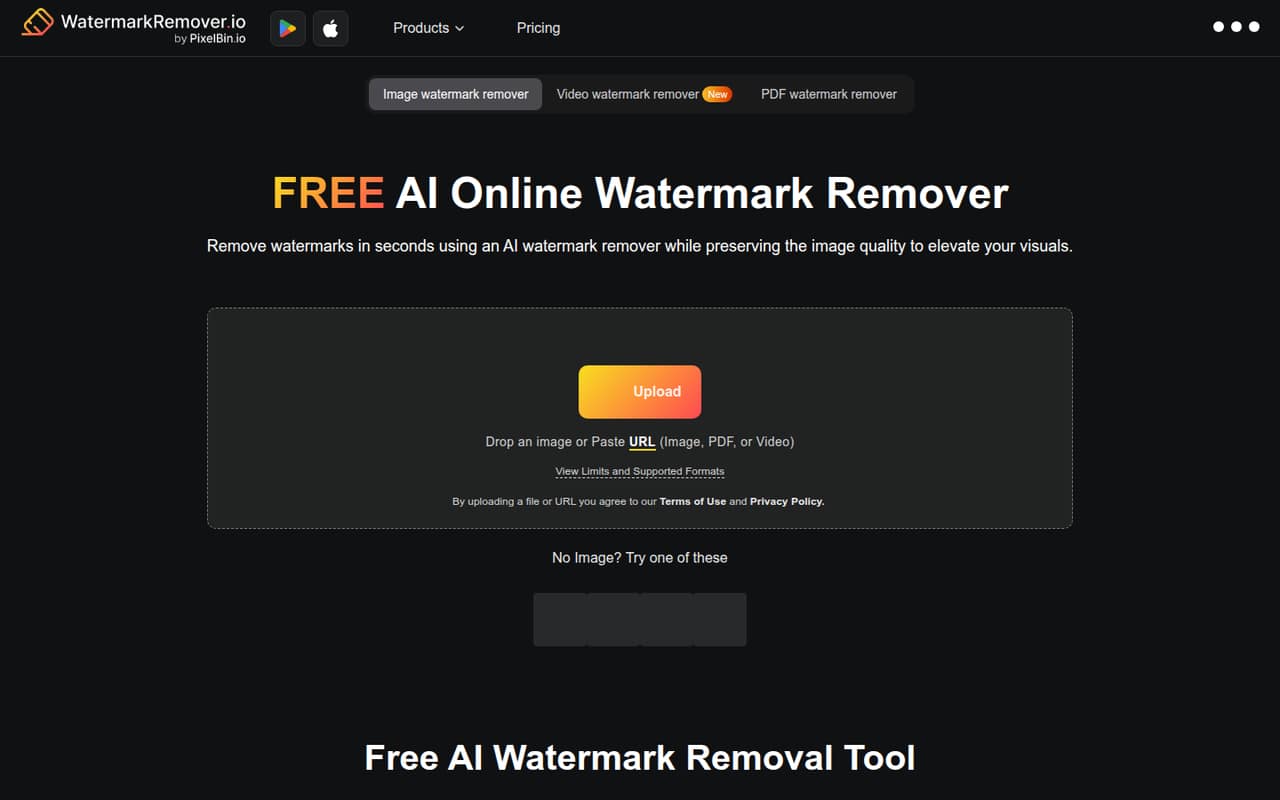
The free plan costs $0 and includes three credits and three downloads per month, plus access to the AI suite. The pricing FAQ also says you can try up to two images daily without an account. That’s enough to check the workflow or handle a few small jobs, but it isn’t a dependable allowance for ongoing team production.
The vendor doesn’t list a separate free trial. The free plan is the low-risk way in, though the site doesn’t publish how many credits each kind of removal consumes. That means the number of files you can process may depend on the task. If you need more, the cheapest subscription is 1,200 credits per year for $44.99 billed yearly, or $3.75 per month on an annual equivalent. One-time credit packs start at $8.99 and are valid for a year.
03What a small team pays for WatermarkRemover.io
The cheapest subscription is 1,200 credits per year for $44.99, billed yearly and set to auto-renew. That works out to $3.75 per month for one account, but the vendor doesn’t offer a listed month-to-month subscription price. If each person needs a separate subscription, three people would cost $134.97 per year ($11.25 per month equivalent); five would cost $224.95 per year ($18.75 per month equivalent). These are per-account calculations, not published team rates—seat sharing and team billing aren’t specified.
Higher annual options list 2,400 credits for $69.99, 6,000 for $99.99, and 12,000 for $159.99. One-time packs run from $8.99 for 30 credits to $34.99 for 500, with credits valid for one year. Additional credits are available, but their prices aren’t listed. The vendor also doesn’t publish the credit charge per job, so ask how your image, PDF, or video tasks draw down credits before choosing a plan.
04Getting started with WatermarkRemover.io
WatermarkRemover.io is an online tool, so the listed workflow starts with uploading a supported file rather than installing desktop software. The site supports PNG, JPEG, JPG, WebP, HEIC, PDF, MP4, MOV, and WebM files, with separate size or duration limits for images, PDFs, and videos. A live preview puts the original beside the enhanced result before you download it.
The pricing FAQ says you can try up to two images daily without creating an account, which lowers the effort for a one-off check. The vendor doesn’t publish setup requirements, team onboarding steps, or integrations, so we wouldn’t assume it connects to your storage, design, or project tools. A small team can begin with a sample file and check the result manually. Before rolling it out, ask about account setup, file handling, and whether credits can be shared; those details aren’t published.
05When small teams outgrow WatermarkRemover.io
The free plan tops out at three credits and downloads a month, while subscriptions require yearly billing. A team processing files frequently may need a larger credit bundle, but the vendor doesn’t publish the credit cost per task or additional-credit prices. That makes it harder to forecast spend as volume grows. Premium users can process image batches, but the vendor doesn’t list batch size or confirm bulk processing for PDFs and videos.
A growing team may also need clearer seat management, shared billing, support response times, or documented file-handling terms. Those details aren’t published for standard plans, so ask the vendor before making it a production workflow. Reddit discussion about WatermarkRemover.io is limited: one r/computervision thread asks how to build a similar tool for a private dataset, and commenters discuss training approaches. It doesn’t offer a direct verdict on this service’s quality or team fit. If consistent results or predictable high-volume costs matter, compare a larger plan with a purpose-built workflow before committing.
From the threadsWhat users say
The available Reddit discussion is about building a similar tool, not reviewing WatermarkRemover.io itself. It offers no clear endorsement or complaint, so sentiment is mixed and too limited to treat as a broad user verdict.
I’m trying to build an internal tool similar to https://www.watermarkremover.io/ or https://dewatermark.ai, but only for our own image dataset
your u-net is likely overfitting to the specific spatial locations (positional biaas) rather than learning generalized watermark features
how many dataset should i use ?
I got much better results using SAM2 (and SAM3)
Questions people ask
Is WatermarkRemover.io safe to use?
The vendor’s published details here don’t specify file retention, encryption, or privacy practices. For non-sensitive files, you can first try the no-account image allowance. Before uploading confidential business material, ask the vendor how files are stored, who can access them, and when they are deleted.
What does WatermarkRemover.io’s free plan include?
The free plan includes three credits and three downloads per month, plus access to the AI suite. The pricing FAQ also says you can try up to two images daily without an account. The vendor doesn’t publish the credit cost for each task, so check how your intended jobs use credits.
How much does WatermarkRemover.io cost for a small team?
The cheapest subscription lists 1,200 credits per year for $44.99, billed yearly and auto-renewing. If each person needs a separate account, three would cost $134.97 yearly and five $224.95. Those are calculations from the listed price, not team rates; shared accounts and seat pricing aren’t published.
What files can WatermarkRemover.io process?
The listed formats are PNG, JPEG, JPG, WebP, HEIC, PDF, MP4, MOV, and WebM. The site lists image uploads up to 5,000 × 5,000 pixels, PDFs up to 25 pages, and videos up to two minutes. Check the relevant limit before uploading a large or long file.
Does WatermarkRemover.io support bulk processing?
Bulk image processing is available to premium users. The vendor doesn’t publish the batch-size limit, or whether bulk processing covers PDFs and videos, so ask before planning a high-volume workflow. Subscription plans list annual credit allowances, but the credit cost per image isn’t published.