
We may earn a commission if you buy through links on this page. It never changes a score or a ranking. How we make money
The bottom line
Wazzup connects customer chats to your CRM, but costs scale by channel and there’s no free plan.
Wazzup is worth considering if your sales team needs customer messaging tied to CRM records. It syncs chats and contacts, can create deals and contacts, and gives team leads visibility into conversations.
The catch for a budget-conscious team: there’s no free plan, and prices are per channel, not per person. The cheapest plan is $12 per channel per month with annual billing, or $15 with monthly billing. A three-day trial is available.
Good fit if
- Sales teams working in a CRM
- Teams needing shared chat visibility
- Businesses messaging customers first
Skip it if
- Teams that need a free plan
- Teams needing group chats on the cheapest plan
- Teams comparing per-seat pricing
ScoresHow it rates
What works
- Syncs chats and contacts to a CRM
- Can create deals and contacts from messages
- Team leads can view chats
- Auto-replies and templates support after-hours responses
- Mobile app lets managers message clients
What doesn't
- No free plan
- Prices are per channel, not per seat
- Start is limited to 50 chats
- Start does not include group chats
- Trial lasts three days
01Who Wazzup is for
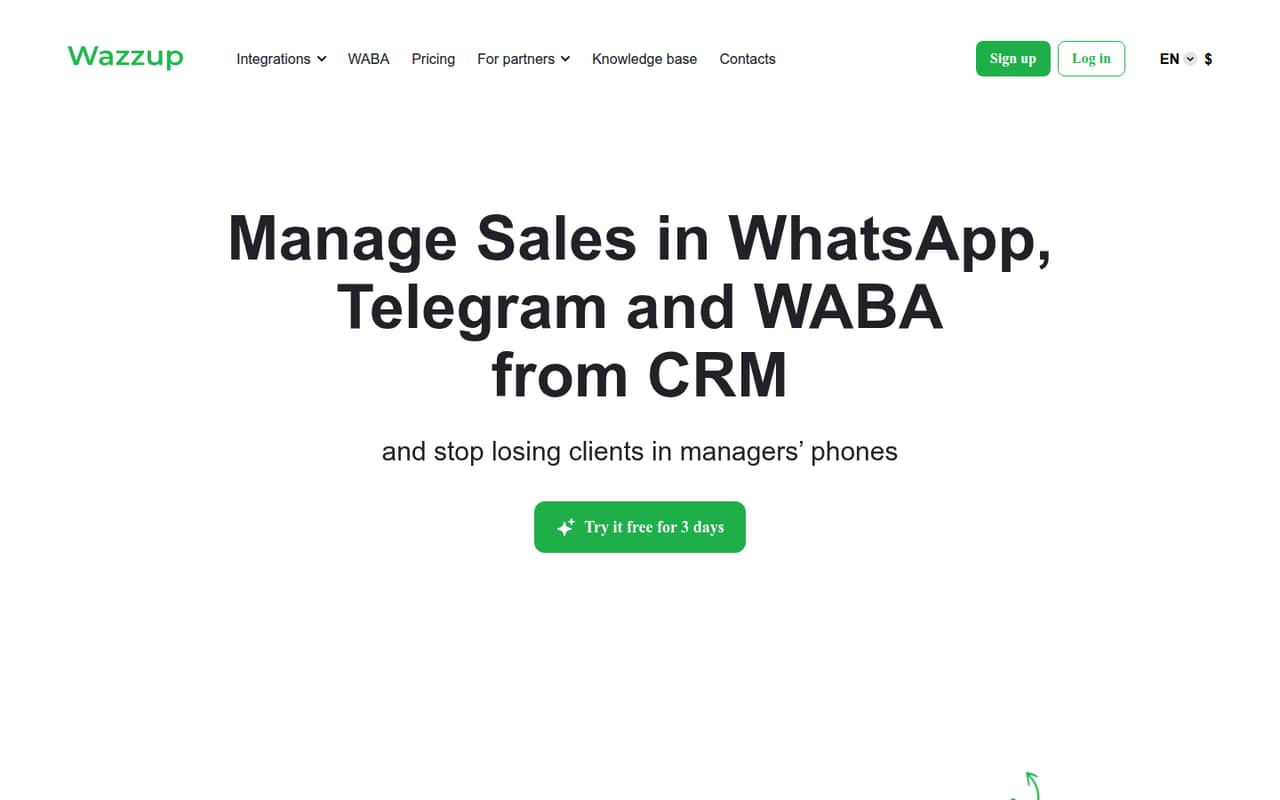
Wazzup is for small sales teams that already work in a CRM and want customer conversations visible alongside sales records. It connects messaging apps and social media with CRM systems, syncs chats and contacts, and can automatically create deals and contacts from client messages.
For a team of one to ten, the main budgeting question is how many channels you need, not simply how many people are on payroll. Wazzup lists prices per channel per month, so the price for a team depends on the channels it connects and how access is arranged. The lowest-cost plan, WhatsApp Start, is aimed at teams that message customers first. It includes 50 chats but excludes group chats. That can suit a small team with straightforward one-to-one outreach. If the job depends on handling incoming conversations, group chats, or more chat capacity, compare the higher plans before you commit.
02Wazzup free plan and trial
Wazzup does not have a free plan. The pricing page lists a three-day free trial, but it does not publish the trial’s chat limits or which plan features are included. Check those details with the vendor before you rely on the trial to test a specific workflow.
The cheapest way in is WhatsApp Start: $15 per channel per month with monthly billing, or $12 per channel per month with annual billing. Start includes 50 chats and lets a team message customers first. It does not include group chats or audio transcription. If your team mainly needs to handle incoming messages, the Inbox plan starts at $30 per channel per month monthly, or $24 with annual billing. There is no no-cost option for a team to keep using after the trial.
03What a small team pays for Wazzup
Wazzup prices by channel, not by seat. On WhatsApp Start, one channel costs $15 per month with monthly billing or $12 per month with annual billing. If a three-person team needs three separate channels, that is $45 monthly or $36 per month on an annual plan. For five channels, it is $75 monthly or $60 per month on an annual plan. These are channel examples, not per-seat quotes; ask Wazzup how your team’s users share channel access.
The pricing page lists Inbox at $30 monthly or $24 annually per channel, Pro at $45 or $36, and Max at $90 or $72. Inbox is for incoming messages; Pro adds group chats and customer-first messaging; Max adds unlimited chats and audio transcription. Annual figures are monthly equivalents billed annually. The page also lists a six-month option at 10% less and a one-year option at 20% less. No add-ons are listed. Check whether your chosen channel and CRM combination is supported before calculating your total.
04Getting started with Wazzup
The basic job is clear: connect a messaging channel and a CRM so customer chats and contacts appear in the sales workflow. The product also supports deal and contact creation, team oversight, templates, auto-replies, file attachments, and a mobile app. A small team should decide which channels it wants to connect and how those conversations should map to CRM records before setup.
The vendor does not publish a setup-time estimate or a named list of supported messaging apps and CRM integrations in the pricing details. That makes it hard to promise a quick setup or confirm that your exact stack will work. Check the vendor’s documentation or ask support about your CRM, channel, user access, and any automation rules you need. The learning curve will depend on those choices; setup effort and onboarding requirements are not published.
05When small teams outgrow Wazzup
A team may need to move up from Start when it exceeds 50 chats, needs group conversations, or wants audio transcription. WhatsApp Inbox raises the chat allowance to 500 but is for incoming messages only. Pro also has 500 chats and supports group chats and messaging customers first. Max is the listed option for unlimited chats and audio transcription. Prices rise from $12 per channel per month annually on Start to $72 on Max.
Wazzup may also become a poor budget fit when growth means adding channels: the pricing is per channel, so the bill can rise even though it is not quoted per seat. Before upgrading, confirm how many channels your team actually needs and whether users can share them as intended. If you need a free tier, published per-seat pricing, or a feature not listed on these plans, ask the vendor whether it is available or compare another tool.
Questions people ask
Does Wazzup have a free plan?
No. The pricing page lists a three-day free trial, but no ongoing free plan. It does not publish the trial’s included features or chat limits, so confirm those with Wazzup before starting. After the trial, the cheapest listed option is WhatsApp Start at $15 per channel per month monthly, or $12 with annual billing.
How much does Wazzup cost for a small team?
Prices are per channel, not per seat. WhatsApp Start is $15 per channel per month with monthly billing, or $12 per channel per month with annual billing. Three channels would cost $45 monthly or $36 per month on an annual plan; five would cost $75 or $60. Ask the vendor how your users share channel access.
Which Wazzup plan supports group chats?
WhatsApp Pro and WhatsApp Max list group chats as included. WhatsApp Start and WhatsApp Inbox do not. Pro includes 500 chats and costs $45 per channel per month monthly or $36 with annual billing. Max lists unlimited chats and costs $90 monthly or $72 with annual billing.
Can Wazzup connect to my CRM?
Wazzup connects messaging apps and social media with CRM systems, syncing chats and contacts and supporting deal and contact creation. The specific CRM integrations are not listed in the pricing details. Check the vendor’s documentation or ask support whether your CRM and messaging channel are supported before you buy.
What is the difference between WhatsApp Start and Inbox?
Start is for teams that message customers first and includes 50 chats. Inbox is for handling incoming messages and includes 500 chats, but it is incoming-messages-only. Neither plan includes group chats or audio transcription. Start costs $15 per channel monthly or $12 annually; Inbox costs $30 monthly or $24 annually.