
We may earn a commission if you buy through links on this page. It never changes a score or a ranking. How we make money
The bottom line
Good fit for small teams needing time clocks and PTO, if the monthly fees fit your budget.
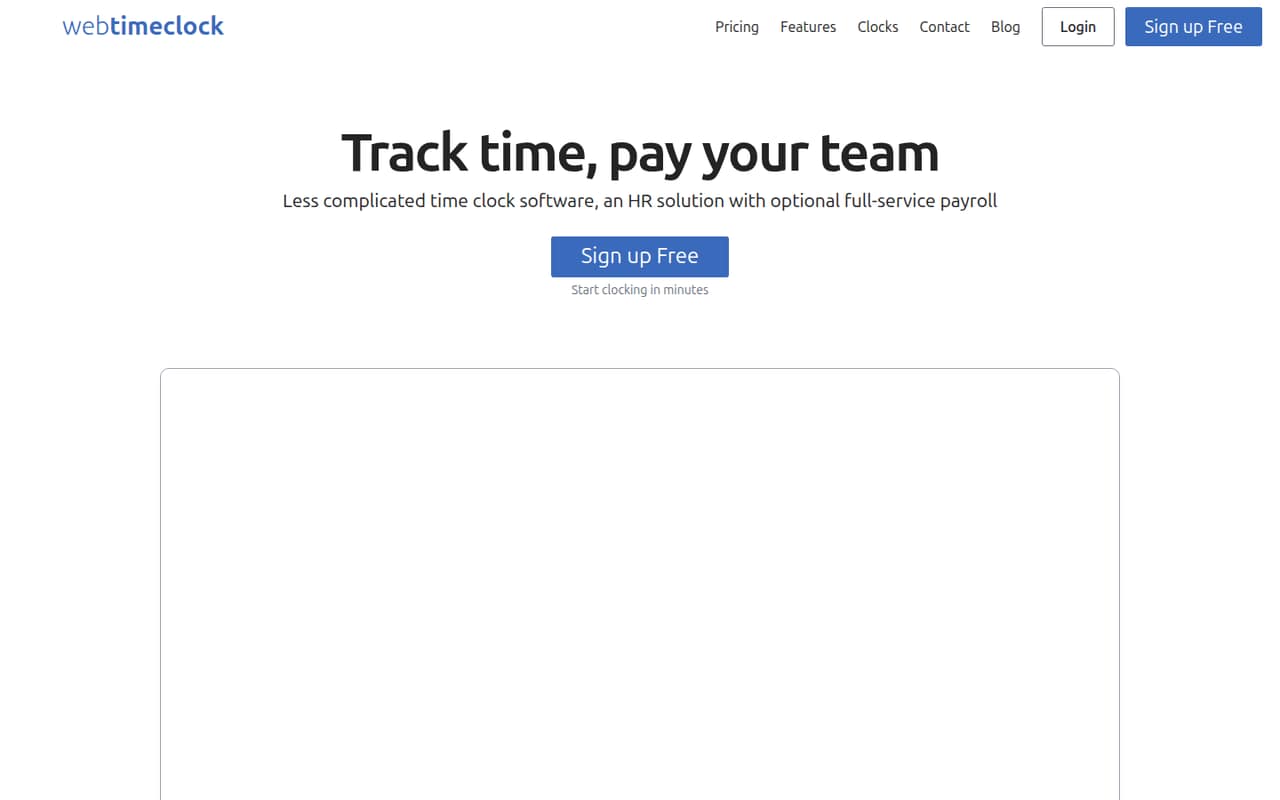
WebTimeClock gives small teams browser, kiosk, and connected-clock options for tracking time, plus scheduling, time-off requests, PTO balances, and reports. Optional full-service payroll is available on a separate priced plan.
The free plan is listed, but its inclusions aren’t published. Paid time tracking starts at $9 monthly plus $3 per active employee, so one employee costs $12. Get the free-plan terms and any payroll add-on fees before choosing.
Good fit if
- Small teams tracking hourly shifts
- Businesses managing PTO and schedules
- Teams wanting optional payroll
Skip it if
- Buyers needing clear free-plan limits
- Teams requiring published annual pricing
- Businesses avoiding monthly base fees
ScoresHow it rates
What works
- Browser, kiosk, and connected-clock options
- Employees can request time off
- PTO balances for employees to view
- Shift scheduling and configurable shift rules
- Custom timecard and summary reports
What doesn't
- Free-plan inclusions aren’t published
- A $9 monthly fee applies to time tracking
- Payroll adds a $40 monthly fee
- Payroll may incur additional, unpublished fees
- Annual prices aren’t published
01Who WebTimeClock is for
WebTimeClock suits a small business that needs employees to record shifts and wants timecards, schedules, and time off in one place. It’s aimed at teams with one to ten people who can budget a monthly base fee plus a charge for each active employee. The time-tracking plan starts at $9 per month plus $3 per active employee.
Employees can clock in and out through a computer or mobile browser, a kiosk, or a connected time clock. The product also supports time-off requests, PTO balances, shift scheduling, shift rules, and custom reports. Optional full-service payroll is available on a separate plan. That mix could suit a team trying to manage hourly shifts and leave without buying payroll by default. Before choosing, confirm the free-plan terms and whether the clocking options fit your workplace.
02WebTimeClock free plan and trial
WebTimeClock lists a free plan, but the vendor doesn’t publish its inclusions, limits, or eligibility details in the pricing information available. We can’t confirm whether it covers time tracking, how many employees it supports, or whether any clocking options are excluded. Ask the vendor what the free plan includes and whether it can be used for your team before relying on it.
A free trial isn’t listed. If you need a known price, the cheapest published option is Time Tracking at $9 per month plus $3 per active employee. That makes one active employee $12 per month. The pricing page lists monthly prices; annual billing prices aren’t published.
03What a small team pays for WebTimeClock
The pricing page lists Time Tracking at $3 per active employee per month plus a $9 monthly fee. That works out to $12 monthly for one employee, $18 for three, and $24 for five. At the listed monthly rate, those totals are $144, $216, and $288 for 12 months, respectively. Annual billing prices aren’t published.
With Payroll costs $6 per active employee per month plus a $40 monthly fee. One employee costs $46 per month, three cost $58, and five cost $70. At the listed monthly rate, that’s $552, $696, and $840 for 12 months, respectively. The vendor says payroll may also incur fees such as W2 mailing and next-day payroll, but doesn’t publish their amounts. Ask for a full quote if you need those services.
04Getting started with WebTimeClock
WebTimeClock is browser-based, and employees can use a computer or mobile browser, a kiosk, or a connected time clock. The product description also lists scheduling, PTO balances, time-off requests, shift rules, and reporting. A small team can decide which clocking method fits its workplace and whether it needs to set up schedules and PTO alongside time tracking.
The setup steps, typical time to get running, and learning curve aren’t published in the available product details. Neither are specific integrations, so ask the vendor whether WebTimeClock connects to the payroll or HR tools you already use. If you’re considering a connected device, confirm which PIN, badge, fingerprint, or facial clock options are supported and what they cost. We can’t confirm setup effort from the published details alone.
05When small teams outgrow WebTimeClock
The clearest pressure point is the monthly cost as active headcount grows. Time Tracking adds $3 per active employee to its $9 monthly fee; With Payroll adds $6 per active employee to its $40 fee. A growing team should compare that ongoing total with its budget and ask for any extra payroll charges before adding services.
The vendor doesn’t publish annual prices or the free plan’s limits, and payroll-related fees such as W2 mailing and next-day payroll don’t have published amounts. Those gaps can make it harder to forecast costs as your needs change. The available details also don’t establish employee, report, or device limits, so confirm them directly if you’re adding staff or clocking locations. If you need capabilities beyond time tracking, schedules, PTO, reports, and optional payroll, ask the vendor what’s supported before committing.
Questions people ask
How much does WebTimeClock cost for a small team?
The Time Tracking plan is $9 per month plus $3 per active employee. That comes to $18 monthly for three employees or $24 for five. With Payroll is $40 monthly plus $6 per active employee, or $58 for three and $70 for five. Additional payroll fees may apply.
Does WebTimeClock have a free plan?
WebTimeClock lists a free plan, but the vendor doesn’t publish what it includes, its employee limit, or its eligibility rules. Ask for those details before counting on it for your team. A free trial isn’t listed in the available pricing information.
How can employees clock in with WebTimeClock?
Employees can clock in and out through a computer or mobile browser, a kiosk, or a connected time clock. Listed connected-clock methods include PIN, badge, fingerprint, and facial recognition. Confirm supported devices and any related costs with the vendor.
Does WebTimeClock include payroll?
Full-service payroll is available through the With Payroll plan, listed at $6 per active employee per month plus a $40 monthly fee. Payroll may also incur fees such as W2 mailing and next-day payroll; the vendor doesn’t publish those amounts.
Can employees request time off in WebTimeClock?
Yes. Employees can request time off through their account, and administrators can approve or deny requests. The product also lists PTO, vacation, or sick-time balances that employees can view. The available details don’t specify accrual rules, so ask the vendor about the setup you need.