
We may earn a commission if you buy through links on this page. It never changes a score or a ranking. How we make money
The bottom line
Good for quick, low-cost group drawing; less convincing for teams with security concerns or shared billing needs.
Whiteboard Fox gives small groups a shared browser whiteboard, with link or ID access and controls for who can draw. Its free Personal plan covers basic use, while Pro starts at $7.90 per month for more colors and board controls.
For a company team, the Team plan starts at eight users and is listed at $15 per user per month when billed annually. Reddit users have also posted serious security allegations, which are not independently confirmed in those discussions; teams handling sensitive work should investigate before relying on it.
Good fit if
- Friends drawing together online
- Small groups with simple needs
- Free, short-lived whiteboards
Skip it if
- Teams needing fewer than eight Team seats
- Sensitive or confidential collaboration
- Workshops needing advanced board tools
ScoresHow it rates
What works
- Free Personal plan for basic drawing
- Participants join by link or Whiteboard ID
- View-only and drawing permissions are available
- Works in modern web browsers
- Pro adds colors, opacity, and expiry controls
What doesn't
- Free boards expire after 14 days
- Team plan requires at least eight users
- No monthly Team price is published
- Third-party integrations are not listed
- Reddit users raise unresolved security concerns
01Who Whiteboard Fox is for
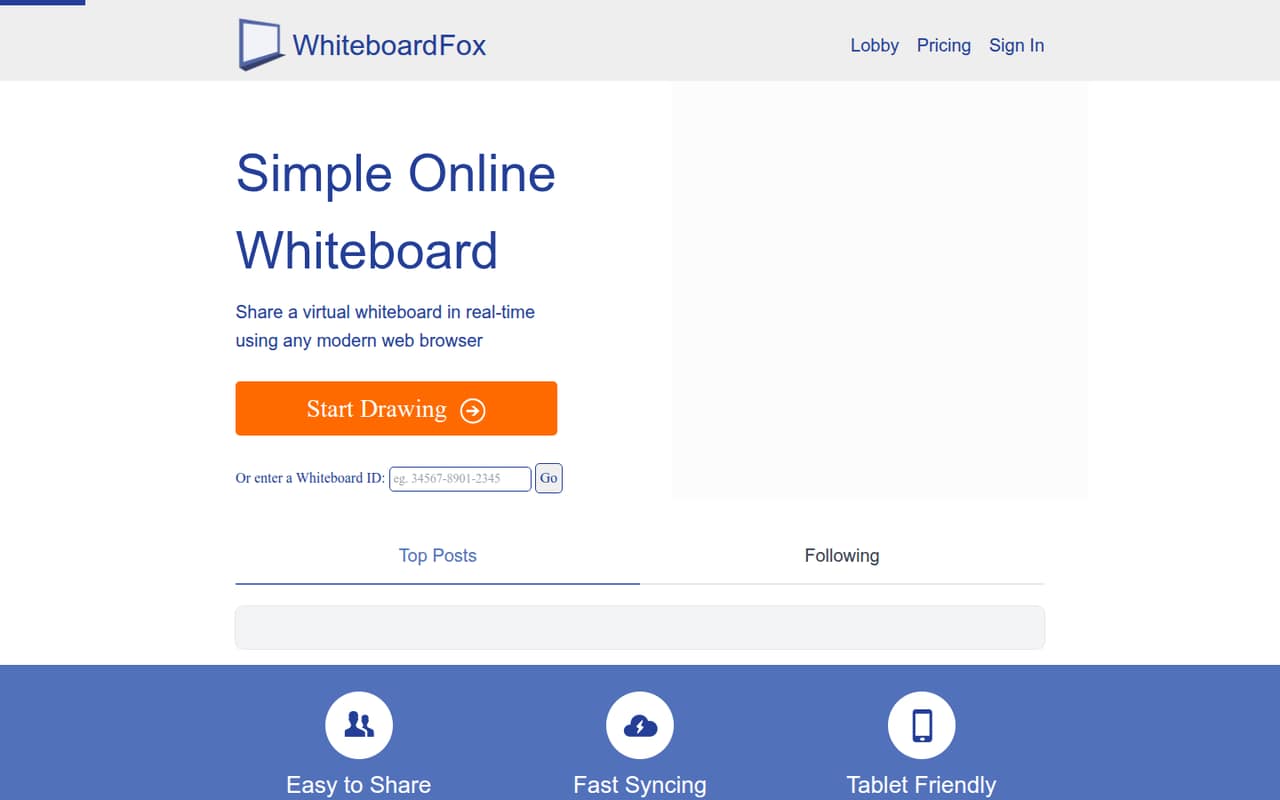
Whiteboard Fox suits a small group that needs a shared canvas for doodling, informal lessons, or quick visual collaboration. It runs in a modern web browser, and participants can open a board through a link or by entering its Whiteboard ID. That keeps the basic job straightforward: share a board, draw together, and choose who can edit or only view.
For a one-person project or a few friends, the free Personal plan may be enough. A team of 3–5 can each pay for Pro if they want its extra controls, but the pricing page lists no shared billing option below the eight-user Team minimum. We would keep it to non-sensitive work until the security concerns raised on Reddit are better understood. If your team needs structured workshops, integrations, or a longer-lived workspace, check those requirements before making it your default.
02Whiteboard Fox free plan and trial
The pricing page lists a free Personal plan at $0 per month. It includes seven drawing colors, and whiteboards expire after 14 days. That is a reasonable no-cost option for casual sessions or a short project, but the expiry may not work for a team that expects to revisit boards later.
There is no free trial listed. The cheapest paid option is Pro at $7.90 per month. It adds 67 drawing colors with multiple opacity, lets you choose when whiteboards expire, and includes Dark Mode and no ads. The free plan does not list those Pro controls. If you need paid features for a group, note that the separate Team plan has an eight-user minimum rather than a small-team tier.
03What a small team pays for Whiteboard Fox
The pricing page lists Pro at $7.90 per month, with no annual price published. One person pays $7.90 monthly. If three people each take Pro, that is $23.70 per month; for five people, it is $39.50. Those figures are per-person maths, not a shared-billing quote, and the pricing page does not list a Pro team plan.
Team is listed from $15 per user per month when billed annually, with a minimum of eight users. That works out to at least $120 per month, or $1,440 per year, for eight seats. The vendor does not publish a monthly Team price, and teams of three or five do not meet the seat minimum. Team includes Pro features, flexible billing options, and premium customer support. No add-ons are listed. For a small group, compare the cost and account setup of separate Pro subscriptions with the minimum Team commitment before choosing.
04Getting started with Whiteboard Fox
Getting a group onto a board appears simple: Whiteboard Fox runs in a modern web browser, and people can join using a shared link or Whiteboard ID. The feature list also describes email invitations for viewing or editing. Participants can be set to edit their own drawing, edit anything, or view only, so a host can limit what others change.
The listed workflow does not describe a software installation or formal training requirement, though the vendor does not publish a setup-time estimate. Tablet users can use pinch-to-zoom and a stylus if available. For day-one coordination, a team needs a browser and a way to share the board link; no third-party integrations are listed. Fast syncing is described as relaying changes within a few seconds, rather than instantly. Confirm the permission settings and board expiry you need before inviting a larger group.
05When small teams outgrow Whiteboard Fox
The clearest pricing hurdle comes when a team wants shared billing or premium support: the Team plan requires at least eight users and is listed at $15 per user per month when billed annually. That is a steep commitment for a 3–5-person group. Free boards also expire after 14 days, while Pro is needed to choose when boards expire. The listed features focus on drawing, permissions, and basic sharing; the vendor does not list integrations or more advanced collaboration tools.
Security is another reason to pause. Reddit posts accuse Whiteboard Fox of unsafe settings and possible data exposure, but commenters also ask for evidence, and the posts do not establish those claims as verified facts. Some users say they value the tool’s simplicity, while others recommend stopping use or canceling Pro. Teams considering it for confidential work should seek current security information from the vendor. If its answers do not meet your requirements, move sensitive collaboration elsewhere.
From the threadsWhat users say
Reddit sentiment is sharply mixed: some users appreciate Whiteboard Fox’s simplicity, while security allegations have prompted calls to stop using it. Those discussions raise concerns but do not independently verify them.
I really enjoy the simplicity of the website
I strongly recommend you all STOP using the site as soon as possible, your data is being collected and distributed by malicious people
if i was you i would absolutely cancel your pro subscription
is there a source to this?? whered you find out abt this??? dont get me wrong, im just curious if theres any proof
Questions people ask
Is Whiteboard Fox free?
Yes. The pricing page lists a Personal plan at $0 per month with seven drawing colors. Boards on that plan expire after 14 days. Pro starts at $7.90 per month and adds more colors, opacity options, custom expiry choices, Dark Mode, and no ads.
How much does Whiteboard Fox cost for a small team?
Pro is listed at $7.90 per month, so three separate Pro subscriptions would total $23.70 monthly and five would total $39.50. Team starts at $15 per user per month billed annually, but requires at least eight users. The vendor does not publish a monthly Team price.
Can I control who edits a Whiteboard Fox board?
Yes. Whiteboard Fox lists permission options that let participants edit their own drawing, edit anything, or only view. Participants can join through a board link or Whiteboard ID. The feature list also describes inviting people by email with a link to view or edit.
How long do Whiteboard Fox boards last?
The free Personal plan’s boards expire after 14 days. Pro lets you choose when whiteboards expire. The pricing page does not specify a default expiry period for Pro or list a separate retention policy, so ask the vendor if your team needs a particular schedule.
Is Whiteboard Fox safe for confidential work?
Reddit users have posted allegations about security and possible data exposure, while some commenters ask for proof. Those discussions do not independently confirm the claims. We would not use the service for confidential work without first asking Whiteboard Fox for current details about security, data handling, and account deletion.