
We may earn a commission if you buy through links on this page. It never changes a score or a ranking. How we make money
The bottom line
A generous free tier for technical teams, with Enterprise costs to check before you scale.
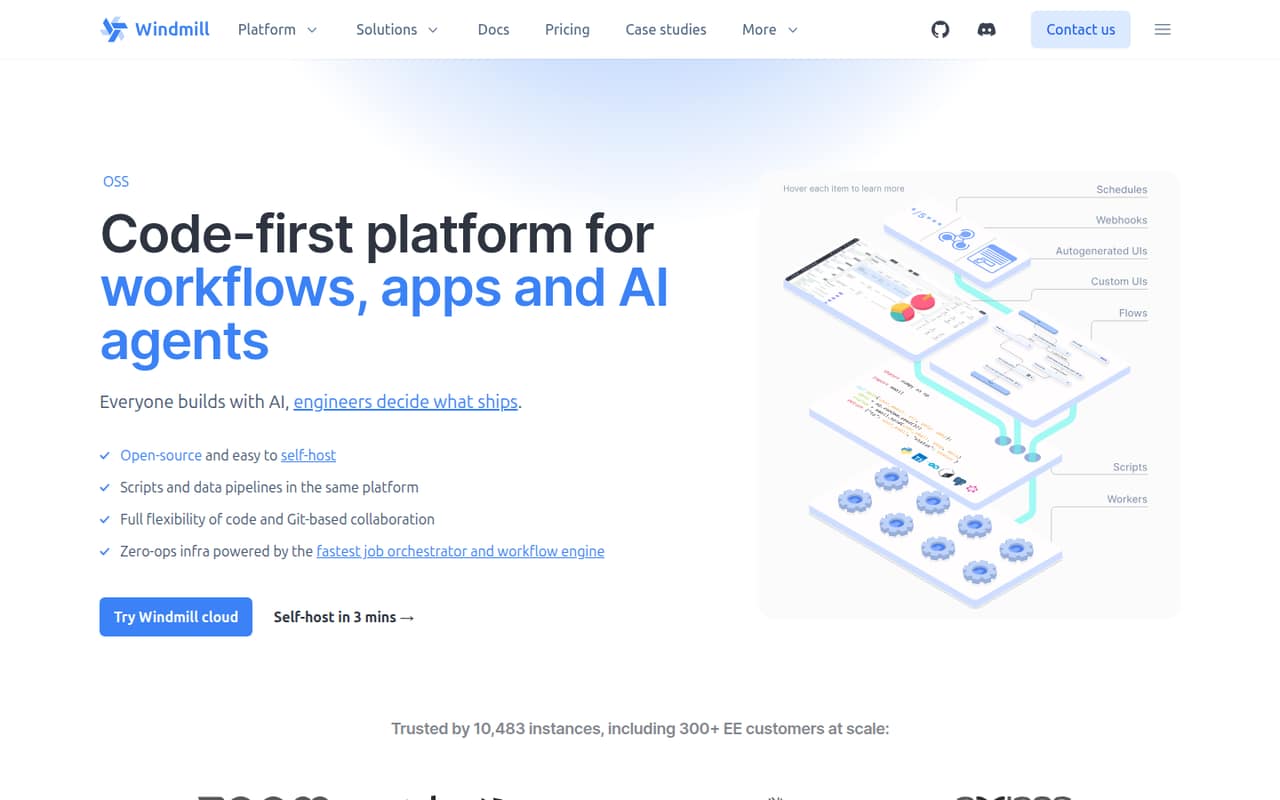
Windmill combines scripts, workflows, data pipelines, internal apps, and AI agents in one job orchestration platform. Teams can build in its UI or locally, work through Git, and self-host with Docker or Kubernetes.
The Free and Open-source plan covers up to 50 users and unlimited executions. Enterprise starts at $120 per month, but seat and compute commitments can raise the bill. We’d start free and ask Windmill for a full quote before relying on paid-plan math.
Good fit if
- Code-comfortable teams automating internal work
- Small teams that can self-host
- Teams building workflows and internal apps
Skip it if
- Teams looking for a no-code-first tool
- Buyers needing predictable seat totals
- Teams needing published annual pricing
ScoresHow it rates
What works
- Free plan includes unlimited executions
- Free plan supports up to 50 users
- Scripts can become API endpoints and forms
- Workflows support retries and parallel branches
- Cloud or self-hosted deployment options
What doesn't
- Code-first approach may take time to learn
- Enterprise starts at $120 per month
- Seat and compute totals need careful confirmation
- Annual per-month prices are not published
- Free storage is limited to 10 GiB
01Who Windmill is for
Windmill fits a small, technical team that wants to build internal tools and automate work without buying a separate platform for scripts, workflows, apps, and data pipelines. Its free plan supports up to 50 users, so a team of one to ten can start without a per-user subscription. The trade-off is effort: Windmill is code-first, and the product is aimed at teams comfortable working with scripts or learning a low-code editor.
A team can turn scripts into API endpoints and forms, connect steps in DAG-based workflows, build internal interfaces, and run DuckDB or Python data steps on its buckets. AI agents support 12 providers or a model behind an OpenAI-compatible endpoint. Teams can build in the UI or locally, collaborate through Git, and self-host using Docker or Kubernetes. It is a broad toolkit, not the simplest choice if all you need is a basic, no-code automation.
02Windmill free plan and trial
The Free and Open-source plan costs $0 per month and includes unlimited executions, three workspaces, up to 50 users, 100 guest app users per 30 days, and 10 GiB of workspace object storage. It also includes community support on Discord. For a small team evaluating Windmill or willing to self-host, that is enough room to explore the platform without a paid seat bill.
The free plan’s listed limits are workspaces, guests, and storage; it does not list Enterprise features such as audit logs, SAML, group synchronization, or 24/7 priority support. Above 100 guests per 30 days, four guests count as one seat, rounded up. Windmill also lists a one-month trial, but the pricing page does not specify its terms. Ask the vendor what the trial covers before planning around it.
03What a small team pays for Windmill
The pricing page lists Enterprise at a starting price of $120 per month. It also lists builders at $20 per month each and non-builders or external JWT users at $10 each. As a simple illustration, three builders at the listed add-on rate would be $60 in builder charges; five would be $100. The page does not make clear how those charges relate to the $120 starting price or how many seats that starting price includes, so those figures are not reliable all-in totals. Ask Windmill for a quote based on your seats and compute needs.
The pricing page says Enterprise subscriptions are based on committed seats and compute units. Its simulator example totals $170 monthly for its configured seats and compute, including two standard workers at $100. Workers are listed at $50 per worker monthly, and eight native subworkers at $50 in the example. The first 100 guests per 30 days are free; beyond that, four guests count as one seat, rounded up. Monthly and annual billing are offered, but annual per-month prices are not published.
04Getting started with Windmill
Windmill gives teams two ways to build: use its UI or work locally. The code-first approach means setup is likely a better fit for someone comfortable writing scripts than for a team expecting a visual-only automation tool. Workflows use DAGs and can include retries, approvals, and parallel branches; internal apps can use a low-code editor or React and Svelte frontends.
A small team can start on the hosted Free and Open-source plan, or deploy on its own infrastructure with Docker or Kubernetes. For day-one data work, the product supports DuckDB and Python steps on your buckets or importing a dbt project. AI agents can use 12 providers or an OpenAI-compatible endpoint. Those are the listed options; the published material does not detail particular third-party integrations or a step-by-step setup time. Teams planning a self-host should account for their own deployment work.
05When small teams outgrow Windmill
A team may need to move beyond the free plan when it needs more than three workspaces, 10 GiB of workspace object storage, or 100 guest app users per 30 days. Above the guest allowance, four guests count as one seat, rounded up, so a popular internal app can affect seat costs. The free plan supports up to 50 users, which is ample for many small teams but still a stated ceiling.
Enterprise is the listed route for audit logs, SAML, group synchronization, uncapped SSO, and 24/7 priority support with a three-hour response time. Its starting price is $120 per month, with seat and compute commitments affecting the bill. Before upgrading, ask which seats and compute units are included and how your workload changes the quote. If your team mainly wants a simple visual automation builder, Windmill’s code-first approach may be a reason to choose a different tool rather than upgrade.
Questions people ask
Is Windmill free for a small team?
Yes. The Free and Open-source plan is listed at $0 per month and includes unlimited executions, three workspaces, up to 50 users, 100 guest app users per 30 days, and 10 GiB of workspace object storage. It also includes community support on Discord.
How much does Windmill cost for a small team?
The Free and Open-source plan costs $0. Enterprise starts at $120 per month, and the pricing page lists builders at $20 monthly each and non-builders or external JWT users at $10 each. The full total depends on committed seats and compute, so ask Windmill for a quote.
Can we self-host Windmill?
Yes. Windmill describes self-hosting on your own infrastructure with Docker or Kubernetes. The Free and Open-source plan is presented for teams evaluating or self-hosting Windmill. Check the vendor’s deployment guidance for infrastructure and maintenance requirements that fit your setup.
What can we build with Windmill?
Windmill combines scripts, DAG-based workflows, data pipelines, internal apps, and AI agents. Scripts can become API endpoints and forms; workflows can use retries, approvals, and parallel branches. The product also lists DuckDB and Python data steps, dbt project import, and low-code, React, or Svelte app interfaces.
What happens when we exceed the free guest allowance?
The first 100 guest app users per 30 days are free. After that, four guests count as one seat, rounded up. The pricing page lists non-builders and external JWT users at $10 per month each, but ask Windmill how guest seats will be classified and billed for your account.