
We may earn a commission if you buy through links on this page. It never changes a score or a ranking. How we make money
The bottom line
A capable free starting point; paid phishing simulations come with a 25-seat minimum and three-year term.
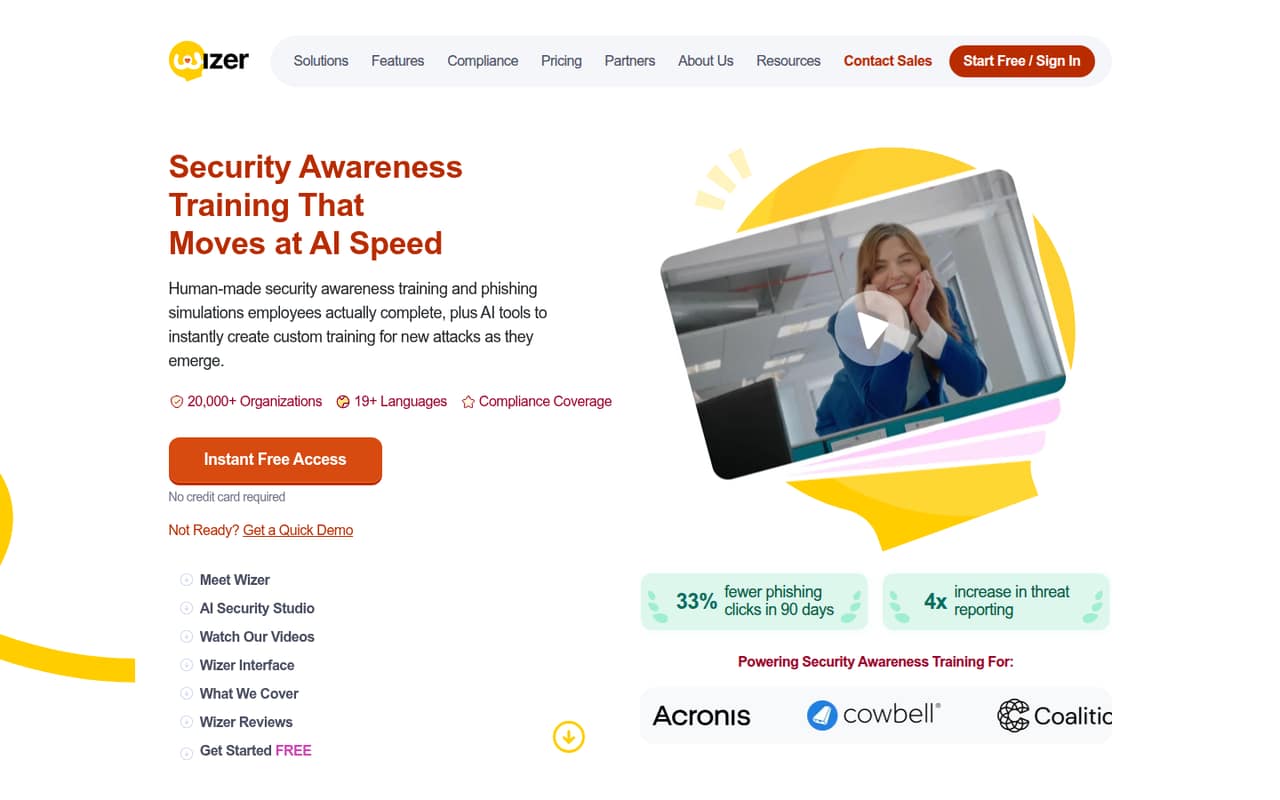
Wizer gives small teams basic security awareness training for free, with phishing simulations and advanced reporting in its paid Boost plan. Its courses cover common security topics, and WizerAI Studio can turn documents, policies or topics into training videos.
Boost lists a price equivalent to $25 per user per year, but online purchase requires at least 25 users on a three-year term. That makes the free plan the easy fit for a tiny team; ask the vendor about one-year pricing and paid add-ons before budgeting.
Good fit if
- Small teams starting security training
- Organizations needing phishing exercises
- Teams making custom training videos
Skip it if
- Teams needing paid seats below 25
- Buyers avoiding three-year commitments
- Teams needing published add-on prices
ScoresHow it rates
What works
- Free basic security awareness training
- Courses cover phishing and ransomware
- Boost includes monthly phishing exercises
- AI Studio creates training videos
- Boost lists integrations and APIs
What doesn't
- Boost online purchase requires 25 users
- Boost requires a three-year term
- Free plan has limited reporting
- Add-on prices are not published
- Setup time and support terms are unclear
01Who Wizer is for
Wizer fits a small team that needs a straightforward way to teach employees about security risks. It offers awareness courses on topics such as phishing, ransomware, compliance and social engineering, plus phishing simulations on its paid Boost plan. WizerAI Studio can turn documents, policies or topics into training videos, while the platform also lists deepfake training, developer training and a course calendar.
For a team of one to ten, the free plan is the practical place to start if basic awareness training is enough. If you need simulations, advanced reporting or integrations, Boost is the paid option, but its online purchase requires 25 users and a three-year term. That makes it a harder fit for a tiny team buying only a few seats. Ask Wizer about one-year pricing and whether a smaller purchase is available before committing.
02Wizer free plan and trial
Wizer Free costs $0 and includes basic security awareness training, a Learner Console and limited reporting. The pricing page lists no credit card requirement. It does not list a free trial, and the free plan’s stated inclusions do not include phishing simulations, advanced reporting, integrations or APIs.
A Reddit commenter who identified as Wizer’s founder described the community edition as open to unlimited users. The pricing details do not state a seat limit, so confirm the current user allowance and feature boundaries with Wizer if you are enrolling a larger group. For a small team that mainly needs introductory training, Free is the cheapest way in. Move to Boost if phishing exercises or its advanced reporting are must-haves.
03What a small team pays for Wizer
Wizer Free is $0 for one person or a small group. Boost is listed at $2.08 per user per month as an annual equivalent, or $25 per user per year, on a three-year term billed annually. The pricing page says online purchase has a 25-user minimum, so one, three or five seats are cost illustrations—not purchasable Boost orders at that minimum.
At the listed $25-per-user annual rate, one seat would equal $25 a year ($2.08 a month equivalent); three would equal $75 a year ($6.25 a month); and five would equal $125 a year ($10.42 a month). The 25-seat minimum makes the listed entry point $625 per year, billed annually, with a three-year commitment. There is no monthly Boost billing price listed. Wizer says to contact sales for one-year pricing. Managed service, Secure Code Training, SCORM and WizerAI Studio are add-ons with prices the vendor does not publish; ask for a quote before treating them as part of your budget.
04Getting started with Wizer
The product includes a Learner Console for training, ready-made awareness courses and a drag-and-drop course calendar. Boost also lists integrations and APIs. Those features suggest a team can start with existing courses and add scheduling or connected tools as needed, but the vendor does not publish a setup-time estimate in its pricing details. We would ask for a walkthrough of enrollment, assigning courses and setting up phishing exercises before choosing a plan.
The listed course topics make the purpose easy to explain to employees, but there is no published learning-curve or administrator time estimate to rely on. For day one, confirm whether your current identity, email or learning systems are supported; the pricing details do not name specific integrations. If you want custom videos, ask what WizerAI Studio requires and whether it is included or separately priced. A Reddit commenter mentions a custom scenario editor, but confirm its current availability and plan.
05When small teams outgrow Wizer
The first reason to move beyond Wizer Free is needing phishing simulations, advanced reporting, integrations or APIs, which the pricing page lists under Boost rather than Free. The next hurdle is commercial: online Boost purchases require at least 25 users and a three-year term. A team with only a handful of employees should ask sales about one-year pricing and smaller purchases before deciding that the per-user rate is its actual cost.
A growing program may also need add-ons such as managed service, Secure Code Training, SCORM or WizerAI Studio. Their prices are not published, so budget them only after getting a quote. One Reddit thread includes a founder’s claim that the free community edition is open to unlimited users, while another commenter mentions more than 50 phishing scenarios and a custom scenario editor. These are useful leads, not a substitute for confirming current limits, features and plan availability with Wizer.
From the threadsWhat users say
The Reddit comments lean positive about Wizer, but the sample is small and includes a comment from someone identifying as the founder. Another commenter describes scenario options, while the discussion does not give much independent detail on support or day-to-day use.
We got a free community edition that's open to unlimited users
I'm shamelessly throwin' my vote for Wizer
There are just over 50 scenarios available currently, and there's a custom scenario editor where you can create your own
a ton of the security vendors have their own products as well if your "client" is already using one
Questions people ask
What does Wizer do?
Wizer provides security awareness training and phishing simulations for employees. Its courses cover subjects including phishing, ransomware, compliance and social engineering. The product also lists deepfake training, developer training, a course calendar and WizerAI Studio, which turns documents, policies or topics into training videos.
How much does Wizer cost?
Wizer Free costs $0 and includes basic awareness training, a Learner Console and limited reporting. Boost is listed at $25 per user per year, billed annually on a three-year term; online purchase requires at least 25 users. Wizer says to contact sales about one-year pricing. Add-on prices are not published.
Does Wizer offer a free plan or free trial?
Wizer has a free plan with basic security awareness training, a Learner Console and limited reporting, and the pricing page says no credit card is required. The pricing details do not list a free trial. They also do not state a seat limit for the free plan, so ask Wizer to confirm the current allowance.
Does Wizer include phishing simulations?
The pricing page lists monthly videos and phishing exercises in Boost, not in the Free plan’s stated inclusions. Boost also lists advanced reporting, integrations and APIs. If simulations are essential, confirm the available scenarios and whether a smaller purchase is possible before signing up, since online Boost orders require 25 users.
Is Wizer a legitimate company?
Wizer presents itself as a security awareness and phishing simulation platform, and a Reddit commenter who identified as its founder discussed the product. That is not a substitute for vendor due diligence. Before buying, ask Wizer for current contract terms, security documentation, data-handling details and references relevant to your organization.