
We may earn a commission if you buy through links on this page. It never changes a score or a ranking. How we make money
The bottom line
Womp makes browser-based 3D design accessible, but team pricing and print costs need checking.
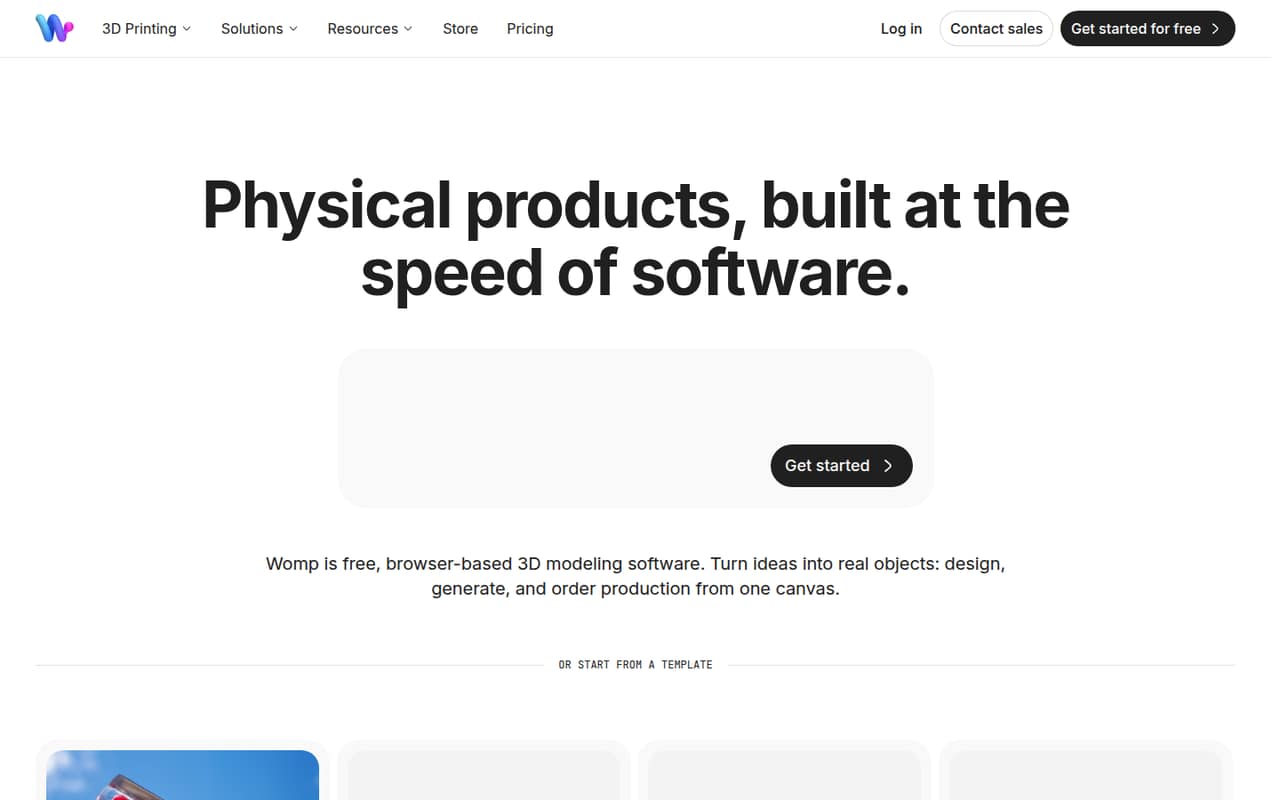
Womp is browser-based software for designing 3D models and preparing them for production. Its Starter plan is free and includes 3D import and export, while Pro adds more AI credits, materials, and higher-resolution exports.
For a small team, the main budget question is collaboration: Team is listed at $19.99 per seat per month with annual billing, and monthly rates are not published. Print ordering is available, but print prices are not listed in the plan details.
Good fit if
- Solo creators learning 3D modeling
- Small teams designing physical products
- Creators who want print ordering
Skip it if
- Teams needing published monthly rates
- Buyers who need predictable print costs
- Teams requiring named integrations
ScoresHow it rates
What works
- Free Starter plan includes 3D model import and export
- Browser-based design and production preparation
- Liquid shapes, freehand drawing, and a 3D asset library
- Real-time checks for print readiness
- Team plan includes a shared library and Slack support
What doesn't
- Pro and Team monthly billing rates are not published
- Starter has limited 4K exports
- Print order prices are not listed in the plan details
- Named integrations are not published
- Team costs scale by seat
01Who Womp is for
Womp fits solo creators and small teams of roughly one to 10 people who need to shape ideas into 3D models, prepare them for production, or order a physical print. The browser-based tool is aimed at designing, generating, and preparing models rather than replacing a general project-management system.
Its modeling tools include liquid shapes that blend, merge, and carve, plus freehand strokes that can become solid geometry. Teams can add objects from an asset library, apply procedural or glass-like materials, and check print readiness while they work. Womp also handles printing and shipping for orders placed through the service.
The free Starter plan makes it reasonable for a solo person or budget-conscious team to explore the workflow before paying. Pro is positioned for individual creators who need more materials and 4K exports. Team is the plan to consider when shared libraries, team access, and Slack support matter. If your work depends on specific integrations or predictable print costs, ask Womp about those before committing.
02Womp free plan and trial
The pricing page lists Starter at $0 per month. It includes 300 AI credits per day, about 15 images per day, full-HD image and video export, limited 4K exports, and 3D model import and export. That is a useful way to explore modeling and basic exports without adding a subscription.
The listed limits to keep in mind are the daily AI credits and the limited 4K exports. The plan details do not specify further export or collaboration limits, so check with Womp if those affect a project. Womp does not list a separate free trial; Starter is the no-cost entry point. Pro is the cheapest paid plan, listed at $9.99 per month with annual billing, though its monthly billing rate is not published.
03What a small team pays for Womp
The pricing page lists Pro at $9.99 per month with annual billing, or $119.88 for a year. That is the clearest paid option for one creator. A one-seat Team subscription is listed at $19.99 per seat per month with annual billing, equivalent to $239.88 for a year. Team's monthly billing rate is not published.
For three Team seats, the listed annual-billing rate works out to $59.97 per month equivalent, or $719.64 for a year. Five seats work out to $99.95 per month equivalent, or $1,199.40 for a year. Team includes 15,000 AI credits per seat per month, unlimited team members, a shared library, SOC Type 2 compliance, and Slack support.
Womp lists no add-ons. Print ordering is available, but print costs are not listed in the plan details, so include that unknown in your budget. The Enterprise listing shows $119.99 per seat per month, while its billing note says custom pricing; confirm the actual quote with Womp.
04Getting started with Womp
Womp is browser-based, so the core design workflow takes place in a browser. The listed features point to a practical path: build or import a model, shape it with liquid forms or freehand drawing, apply materials, then check print readiness or export the model. We would budget time for learning the modeling workflow rather than assume every new user will be productive immediately.
Womp's plan details do not name integrations or give a setup checklist. If your team needs files to move between Womp and another design or production tool, ask Womp which formats and integrations fit that workflow before choosing a plan. The pricing page lists Slack support for Team and priority Slack support for Enterprise; it does not list a support channel for Starter or Pro. For a small team, confirm who will own the shared library and whether your members need individual seats.
05When small teams outgrow Womp
The first pressure point is likely to be seats and billing. Team is priced per seat at an annual-billing rate of $19.99 per month, so the listed cost rises to $59.97 per month equivalent for three people and $99.95 for five. Womp does not publish Team's monthly billing rate, which makes short-term budgeting harder.
A team may also need more than Starter's 300 daily AI credits, about 15 images per day, or limited 4K exports. Pro adds 12,000 monthly AI credits, 500+ Super Materials, 4K images and 4K/60fps video, plus a 10% discount on print orders. Team adds shared libraries and Slack support. Organizations that need single sign-on or advanced security controls are directed to Enterprise.
If print costs or integrations are central to your process, get those details from Womp before scaling. The plan details do not list print prices or named integrations, so those may be the deciding factors rather than modeling features.
Questions people ask
Is Womp free to use?
Yes. Womp lists Starter at $0 per month. It includes 300 AI credits per day, about 15 images per day, full-HD image and video exports, limited 4K exports, and 3D model import and export. Womp does not list a separate free trial; Starter is its free entry plan.
How much does Womp cost for a small team?
Team is listed at $19.99 per seat per month with annual billing. That works out to $59.97 per month equivalent for three seats or $99.95 for five. Womp does not publish the monthly billing rate for Team, so confirm the price and billing terms before signing up.
Can I order a 3D print through Womp?
Yes. Womp says users can choose a material and size and place a print order through the service; Womp handles printing and shipping. The plan details do not list print prices, so check the order cost before budgeting for a product run.
What export options does Womp include?
Starter includes full-HD image and video exports, limited 4K exports, and 3D model import and export. Pro lists 4K images and 4K/60fps video. The plan details do not specify file formats or further export restrictions, so ask Womp if a particular format is required.
Does Womp support team collaboration?
Womp's Team plan lists unlimited team members and a shared team library, with 15,000 AI credits per seat per month. The plan is priced per seat and includes Slack support. If your workflow depends on specific integrations or permissions, confirm those details with Womp before choosing the plan.