
We may earn a commission if you buy through links on this page. It never changes a score or a ranking. How we make money
The bottom line
Good free browser-based Word; paid plans add storage and apps, but team pricing needs a closer look.
Word for the web is worth considering if your small team mainly needs basic documents in a browser and wants to keep software costs at zero. A Microsoft account gets one person free web and mobile access with 5 GB of storage.
Paid plans add storage and, on some tiers, desktop apps and premium features. For three or five people, Microsoft 365 Family costs less per person than buying Personal accounts, but its plan is presented for households, so check whether it fits your work use.
Good fit if
- Teams that need basic documents
- People already using Microsoft accounts
- Budget-conscious browser-based writing
Skip it if
- Teams needing desktop Word for everyone
- People who depend on flexible text boxes
- Buyers seeking a work-specific team plan
ScoresHow it rates
What works
- Free web and mobile access
- Free tier includes 5 GB storage
- Runs in a browser
- Paid plans add storage and apps
- Family plan covers up to six people
What doesn't
- Free plan is listed for one person
- Desktop apps require a paid plan
- Family plan is presented for households
- Text box controls can be unintuitive
- No small-team add-ons are listed
01Who Word for the web is for
Word for the web suits a one-to-ten-person team when the job is writing and editing ordinary documents in a browser, not getting every desktop Word feature. It’s a sensible starting point for a founder, a small admin team, or people who need to open Word documents without paying for desktop apps. Microsoft says anyone with a Microsoft account can use Word in a browser for free.
The free plan is listed for one person, so a team should not assume that one account covers everyone. Microsoft presents its paid Family plan for up to six people, while Personal is for one person. Those consumer plans may suit a small group’s budget, but the pricing page frames Family for households, not work teams. If your team needs desktop apps, more storage, or premium features, Microsoft says paid Microsoft 365 plans include them. For simple browser-based writing, start free and upgrade only for a specific need.
02Word for the web free plan and trial
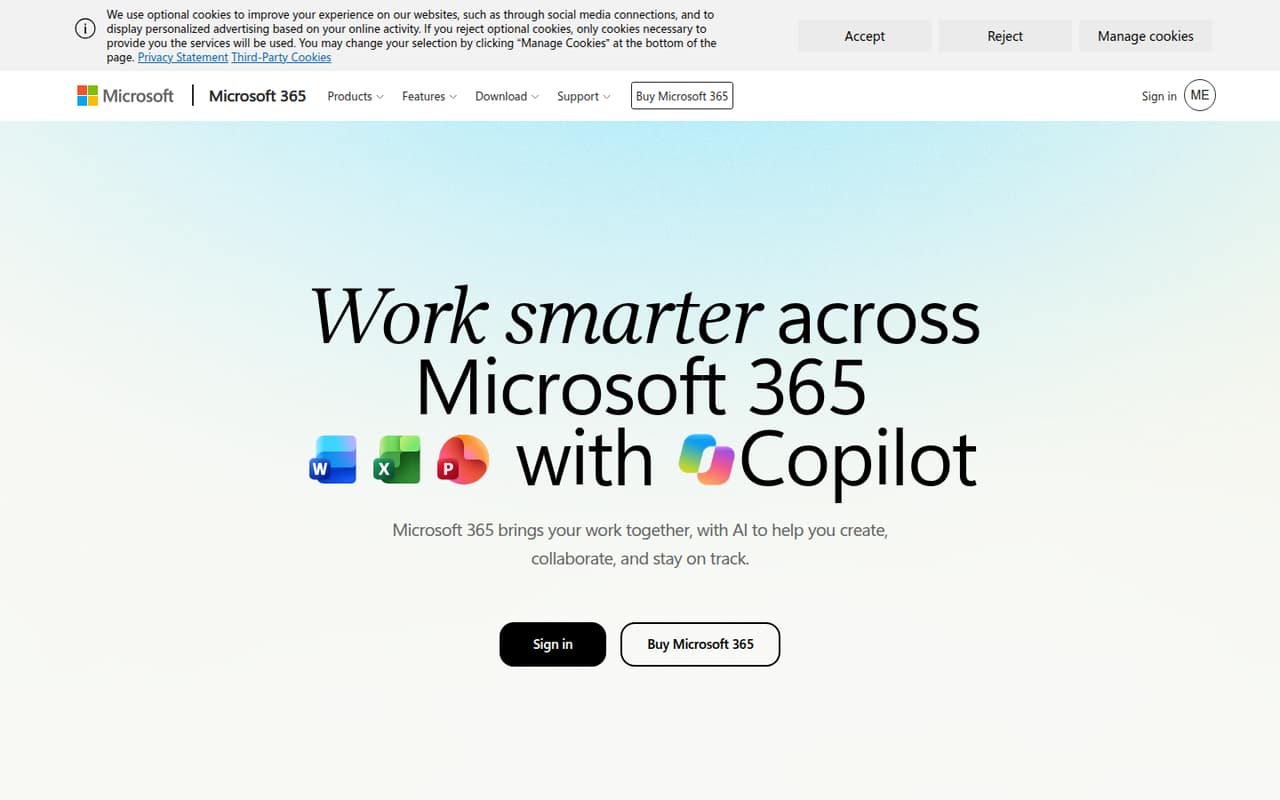
Microsoft 365 for the web (Free) costs $0 and lists one person, 5 GB of cloud storage, and web and mobile app access. That is enough to try browser-based Word and handle basic document work without a subscription. Microsoft also describes Word with Copilot as helping people draft, and its homepage suggests rewriting text to sound more professional and less verbose.
The free plan does not list desktop apps, extra storage, or premium features; Microsoft presents those as reasons to consider paid Microsoft 365 plans. The pricing data lists a one-month free trial, but does not specify which plan it applies to, so check the offer before relying on it. If you only need more storage, Basic starts at $1.99 month to month, or $19.99 per year.
03What a small team pays for Word for the web
One person can stay on the free plan at $0. If they want more storage, Basic is $1.99 monthly or $19.99 per year, which works out to about $1.67 per month. Personal is $9.99 monthly or $99.99 per year, about $8.33 per month; its listed benefits include 1 TB of storage and sign-in on five devices at once.
For three or five people, Family is the lowest listed plan that covers that many people: $12.99 monthly or $129.99 per year, about $10.83 per month. That averages about $4.33 per person monthly for three people, or $2.60 for five, with monthly billing. On annual billing, the averages are about $3.61 and $2.17 per person per month. Family covers up to six people, but Microsoft presents it for households, so confirm it suits your work use. There are no add-ons listed. The pricing page says paid plans add storage, desktop apps, and premium features; compare those needs before choosing.
04Getting started with Word for the web
Getting started is light: Microsoft says Word for the web works in a browser with a Microsoft account, and the free tier includes web and mobile access. The pricing page does not publish a setup-time estimate or a step-by-step onboarding guide. For a small team, the first decision is simply whether each person needs their own access and whether the free plan’s 5 GB of storage is enough.
Microsoft presents Word alongside Excel, PowerPoint, Outlook, Teams, and OneDrive, and says Microsoft 365 apps help people create and collaborate. The published material does not spell out which integrations or collaboration controls are included with the free Word plan, so check those details if shared editing is central to your workflow. One Reddit commenter found the text-box route under Insert > Drawing unintuitive; another suggested changing text wrapping to move an object. That’s a useful heads-up if your documents rely on layout elements.
05When small teams outgrow Word for the web
The clearest reason to upgrade is needing desktop apps, more storage, or additional premium features: Microsoft lists those with paid Microsoft 365 plans. Basic raises storage to 100 GB, while Personal lists 1 TB and desktop apps are among the paid-plan benefits Microsoft promotes. The free plan is listed for one person, so a growing group should check the person limit and plan terms rather than assume the free tier is a shared team workspace.
A Reddit thread shows a more specific friction point: a user struggled to move a text box in the browser version. One commenter said Word for the web was never meant to replace the full product; another explained that changing text wrapping can make the object movable. That points to a practical limit for layout-heavy work, not proof that every document will run into trouble. For a team that needs desktop features, ask Microsoft which plan covers each worker. Family pricing is attractive for a few people, but Microsoft presents it for households.
From the threadsWhat users say
The Reddit discussion is mixed: one user is frustrated by browser text-box behavior, while commenters offer workarounds and frame the web version as a lighter alternative to desktop Word. That is a narrow sample, so it does not establish broader satisfaction.
WfW is a stripped-down, free version provided by MS. It isn't, and never was, meant to be a replacement for the full product
Not exactly intuitive
If you select the object and change the text wrapping to "behind text" or "in front of text" you can move it around with the arrows
Word for the web runs in a browser, so trying a different browser may improve your results
Questions people ask
How do I access Word for the web?
Microsoft says you can use Word in a browser for free with a Microsoft account. The free plan lists web and mobile app access for one person, with 5 GB of cloud storage. If you need desktop apps or more storage, compare the paid Microsoft 365 plans.
Is Word for the web free?
Yes. Microsoft 365 for the web (Free) is listed at $0 and includes one person, 5 GB of cloud storage, and web and mobile app access. Paid plans add storage and, according to Microsoft, desktop apps and additional premium features.
Is Word for the web the same as desktop Word?
No. Microsoft presents Word for the web as browser-based access and says paid Microsoft 365 plans include desktop apps and additional premium features. A Reddit commenter also described the web version as a stripped-down alternative, and a user reported trouble moving a text box.
How much does Word for the web cost for a small team?
The free plan is listed for one person. Microsoft 365 Family covers up to six people and costs $12.99 monthly or $129.99 per year, but Microsoft presents it for households. Check whether that plan fits your work use before treating it as team pricing.
Can Word for the web help draft or rewrite text?
Microsoft describes Word with Copilot as helping users draft smarter and finish faster. Its homepage also suggests rewriting text to make it more professional and less verbose. The pricing information lists extensive Copilot usage with Microsoft 365 Premium; check the plan details for the access included in other tiers.