
We may earn a commission if you buy through links on this page. It never changes a score or a ranking. How we make money
The bottom line
Worth considering for repeat Docs-to-WordPress publishing; check paid pricing before you outgrow the free tier.
Wordable automates publishing from Google Docs to WordPress, with media uploads, image alt text, draft publishing, and user permissions. Its free Hobbyist plan lists two users, one site, and five exports per month—enough to try a light publishing workflow.
For a team that needs more exports or seats, the value is hard to judge before getting a quote: paid prices and billing details aren't published. We’d confirm the cost and included limits before making it part of the regular publishing process.
Good fit if
- Small teams publishing from Google Docs
- WordPress sites with repeat publishing work
- Teams that can work within five exports
Skip it if
- Teams needing more than five free exports
- Buyers who need clear paid pricing
- Teams publishing outside WordPress
ScoresHow it rates
What works
- Publishes Google Docs content to WordPress
- Free plan lists five monthly exports
- Free plan includes two users and one site
- Can upload media during publishing
- Supports drafts and image alt text
What doesn't
- Free plan is capped at five exports monthly
- Paid plan prices aren't published
- Paid plan limits aren't clear
- Monthly and annual billing details aren't published
- Setup steps and effort aren't published
01Who Wordable is for
Wordable is for small teams that draft in Google Docs and publish to a WordPress site. It moves content from one tool to the other, with options for media uploads, image alt text, publishing as a draft, and user permissions. The job it targets is straightforward: reduce the manual work between a finished document and a WordPress post.
For a solo publisher or a team of two with occasional posts, the free plan may cover a light workflow. A 3- to 10-person team could still find the workflow useful, but the free plan only lists two users and five exports a month, so it won't cover everyone or a busy publishing schedule. Paid plans are listed, but the vendor doesn't publish their prices or limits. If your team needs predictable costs before adopting a publishing tool, ask Wordable for a quote and plan details first.
02Wordable free plan and trial
The Hobbyist plan is listed at $0 annually and includes two users, one site, and five exports per month. That's a practical starting point for a small team testing a low-volume Google Docs-to-WordPress workflow. The five-export cap is the main boundary: a team publishing more often will need to check the paid options.
The pricing information doesn't publish a monthly price for Hobbyist, and it doesn't give details for a free trial. It also doesn't explain what happens when you hit the export limit. Ask the vendor whether exports reset monthly, whether the site or user limits can be changed, and what plan covers your expected publishing volume. Paid plan names are listed, but their prices and included limits aren't published.
03What a small team pays for Wordable
The only listed price is Hobbyist at $0 annually, with two users, one site, and five monthly exports. One person or two people fit within that listed user allowance; a team of three or five exceeds it. The vendor doesn't publish the price for a paid plan, so we can't calculate a reliable monthly or annual cost for those teams—or compare per-seat costs.
Pricing listings name Basic, Pro, Premium, Solo, Team, Business, Agency, and Enterprise, but don't publish prices, billing details, or plan limits for them. That leaves it unclear which option a three- or five-person team should choose. No add-ons are listed in the pricing information. Before budgeting, ask the vendor for the price, billing term, included seats, site allowance, export cap, and any extra charges for your expected volume. The free plan is the known entry point; paid starting prices are not published.
04Getting started with Wordable
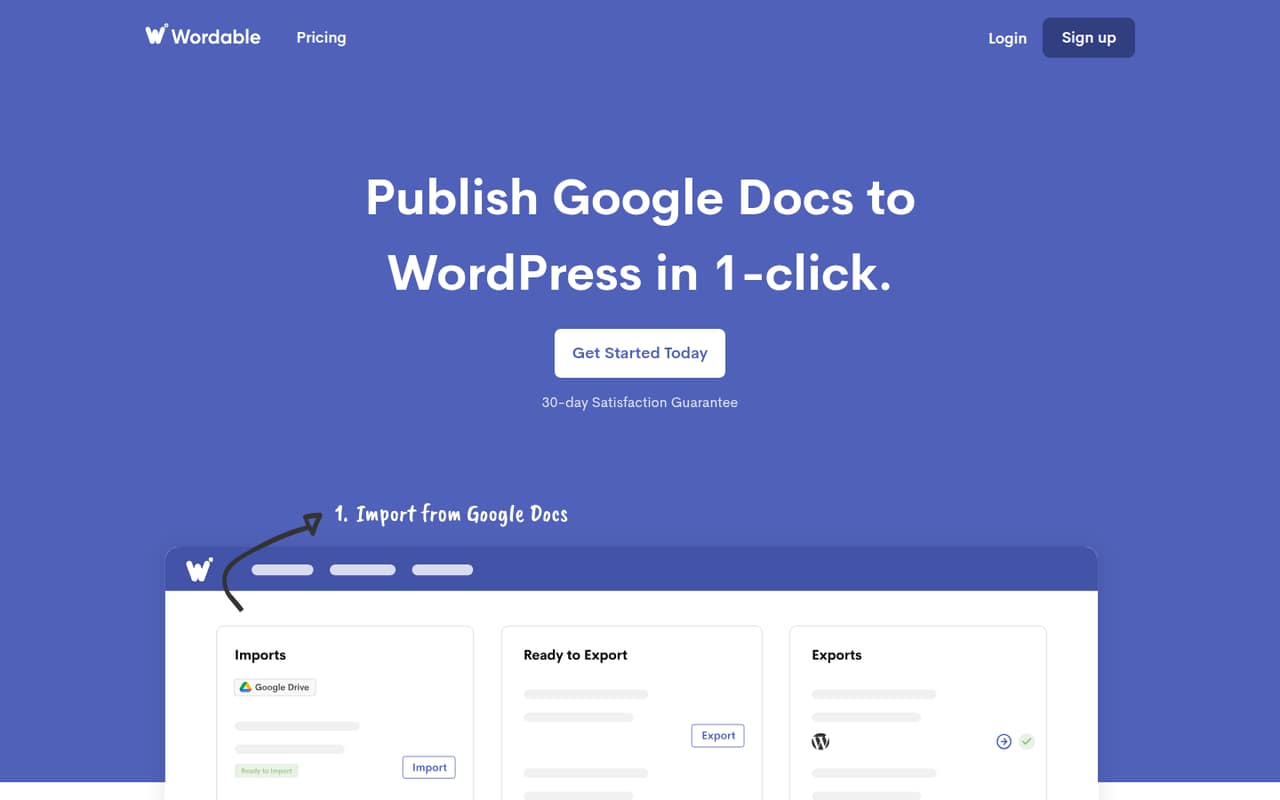
The core workflow is Google Docs to WordPress: Wordable is designed to export a document to WordPress in one click. The listed workflow also covers media uploads, image alt text, saving content as a draft, and user permissions. Those are the essentials a small publishing team may want to check before relying on it.
The vendor doesn't publish a setup time or a detailed setup checklist in the available product and pricing details. The learning curve may be light once the connection is in place, but we can't verify how connecting accounts, configuring permissions, or handling media works. Google Docs and WordPress are the integrations named for this workflow; other integrations aren't specified. Before signing up, ask the vendor what access is required, how a team connects its WordPress site, and whether setup differs for multiple users.
05When small teams outgrow Wordable
The clearest reason to outgrow the free plan is volume: it includes five exports a month, one site, and two users. A team with more than two people, multiple sites, or a busier publishing calendar will need to check paid options. The pricing listings name several paid plans, but the vendor doesn't publish their prices or included limits, so there's no reliable way to tell when an upgrade will fit or what it will cost.
Before moving a larger publishing workflow onto Wordable, ask which plan covers your user count, sites, and monthly exports, and what happens when you exceed a limit. Also confirm that the publishing options you need—such as drafts, media uploads, and image alt text—are included in that plan. If the paid cost or limits don't fit your budget, the free tier's small allowance may make it difficult to scale the workflow.
Questions people ask
What does Wordable do?
Wordable automates publishing content from Google Docs to WordPress. Its listed features include one-click publishing, media uploads, image alt text, saving a post as a draft, and managing user permissions. The workflow is intended for teams that prepare content in Google Docs and publish it on a WordPress site.
Does Wordable have a free plan?
Yes. The Hobbyist plan is listed at $0 annually and includes two users, one site, and five exports per month. The vendor doesn't publish a monthly price or explain what happens after the monthly export limit is reached, so check those details if you expect to publish more often.
How much does Wordable cost for a team?
Paid prices aren't published in the available pricing information, so we can't give a reliable total for a team of three or five. Those team sizes exceed Hobbyist's two-user allowance. Ask Wordable for the plan price, billing term, seat allowance, site limit, and export cap before budgeting.
Can Wordable save a post as a draft?
Yes. Draft publishing is one of Wordable's listed features, alongside publishing content to WordPress. The available details don't specify whether draft publishing is available on every plan, so confirm plan access with the vendor if drafts are central to your workflow.
Can Wordable upload images and add alt text?
Wordable lists media upload as part of its publishing workflow and includes a feature for adding alt text to images. The available details don't explain supported media types or whether there are plan-specific limits. Ask the vendor about those specifics if your publishing process depends on them.