
We may earn a commission if you buy through links on this page. It never changes a score or a ranking. How we make money
The bottom line
Good breadth for PDF work; check the per-seat annual bill before rolling it out.
If your team edits, converts, signs, or organizes PDFs regularly, Xodo bundles those jobs across web, desktop, and mobile. The free plan is fine for occasional tasks, but one action per day is a tight limit for shared business use.
For a browser-based workflow, Xodo Web starts at $7.99 per user per month equivalent, billed annually. Xodo Document Suite is $8.99 per user per month equivalent on its current annual rate; monthly billing prices are not published. Reddit comments praise its PDF reading and annotation, while some users report paywalls or crashes.
Good fit if
- Teams handling PDFs every week
- People needing web and desktop tools
- Occasional users on the free plan
Skip it if
- Teams needing generous free usage
- Buyers who require monthly pricing
- Teams needing published support terms
ScoresHow it rates
What works
- PDF editing, conversion, annotation, and signing
- Browser tools require no install
- Desktop app works offline
- Web, desktop, and mobile options
- Free plan includes 1GB Xodo Drive
What doesn't
- Free plan allows one action per day
- Free plan excludes premium online tools
- Paid monthly billing prices are not published
- Team pricing is custom
- Reddit users report crashes and paywalls
01Who Xodo is for
Xodo suits a small team of one to ten people that handles PDFs often enough to need more than a reader: think editing, annotating, redacting, converting, organizing, or getting signatures. It combines browser tools with desktop and mobile apps, so staff can choose online work or offline PDF editing. The desktop app also offers OCR.
For a tight budget, the free plan can cover a few occasional tasks, but its one-action-per-day limit makes it a poor fit for a team processing documents throughout the day. Xodo Web starts at $7.99 per user per month equivalent when billed annually. If people need both online and desktop tools, the current annual rate for Xodo Document Suite is $8.99 per user per month equivalent. Xodo for Teams has custom pricing, so it is worth asking for a quote if you need team licensing or volume pricing.
02Xodo free plan and trial
Xodo Free includes one free action per day and 1GB of Xodo Drive. It does not include premium online tools, so it is best for occasional document tasks rather than everyday team work. If someone regularly edits or converts files, that daily cap could interrupt the workflow; a Reddit user described hitting a paywall while trying to save a file.
The pricing page lists a three-day free trial, but does not publish its terms, such as which plan it applies to or whether a payment method is required. For regular browser-based work, Xodo Web is the cheapest listed paid plan at $7.99 per month equivalent, billed annually. Monthly billing prices are not published.
03What a small team pays for Xodo
The pricing page lists Xodo Web at $7.99 per user per month equivalent, billed annually: one person is $95.88 a year, three are $23.97 per month equivalent or $287.64 a year, and five are $39.95 per month equivalent or $479.40 a year. Web includes 40+ online tools and unlimited document downloads.
Xodo Document Suite is currently listed at $8.99 per user per month equivalent, billed annually, instead of its $14.99 standard annual rate. That works out to $107.88 a year for one person, $26.97 per month equivalent or $323.64 a year for three, and $44.95 per month equivalent or $539.40 a year for five. It includes 40+ online tools and 60+ desktop tools, with web, desktop, and mobile access.
Xodo for Teams uses custom pricing; the vendor does not publish a per-seat price. Monthly billing prices are not published for the listed plans. Web and Suite offer seat-tier discounts, but the pricing details do not specify the seat breakpoints. Desktop discounts start at 26 seats, so they are less useful for most small teams.
04Getting started with Xodo
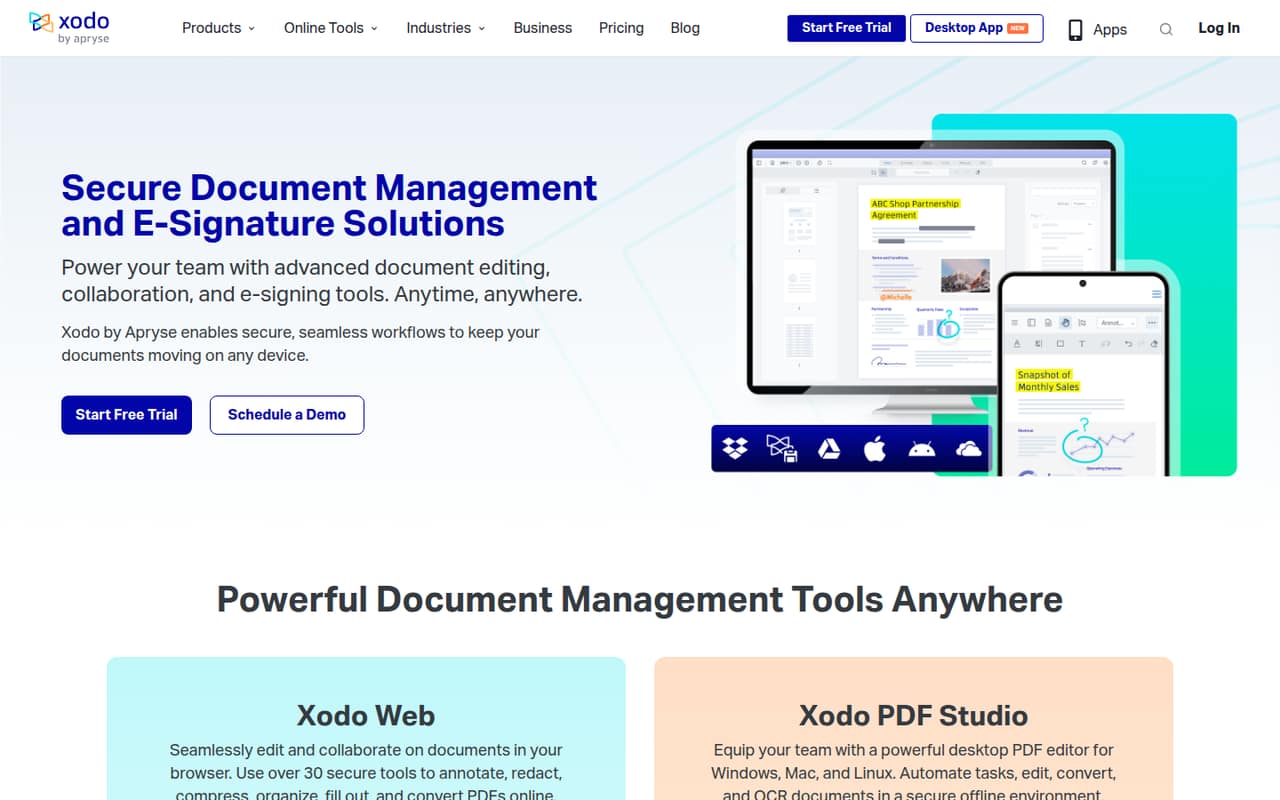
The lightest setup is Xodo Web: the plan includes online tools and says no install is required. That makes it a straightforward starting point for a small team that mainly needs browser-based PDF editing, conversion, or signing. If staff need offline editing, the Xodo Desktop (PDF Studio) plan works on Windows, macOS, and Linux; the team will need to install the desktop app.
Xodo also offers mobile PDF tools for iOS and Android, including scanning, annotating, and e-signing. The source details do not list integrations or a team setup guide, so we would confirm any required connections—such as cloud storage or identity management—with the vendor before committing. The 40+ online tools and 60+ desktop tools cover a broad set of tasks, but new users may need time to find the right tool for each job. A three-day trial is listed if you want to check the workflow before paying.
05When small teams outgrow Xodo
The first pressure point is the free plan: one action per day and no premium online tools will not suit a steady stream of team documents. Moving to a paid plan gives access to more tools, but the price scales by user. At the listed annual rates, five seats cost $39.95 per month equivalent for Web or $44.95 for Document Suite; monthly billing prices are not published.
Teams may also outgrow the published plan information itself. Xodo for Teams has custom pricing, and the vendor does not publish its per-seat price. Ask for a quote if you need team licensing or want to compare seat discounts. Reddit feedback is mixed: one user reported a paywall when saving, and another said the app crashed and lost work. Other commenters call Xodo a favorite for reading and annotating. If reliability is critical, test the exact workflow with the trial before moving a whole team.
From the threadsWhat users say
Reddit comments are mixed: users praise Xodo for reading and annotating, while others describe crashes or hitting a paywall. These are individual reports, not a guarantee of how it will work for every team.
Xodo is my favorite for reading and annotating
The app just crashed and I lost an hours worth of work
It also allows very easy page crop to eliminate all the white border, giving you a better view on small screens
Got a shock amid some urgent work when Xodo threw a paywall when trying to save my file
Questions people ask
Is Xodo free?
Xodo has a free plan with one free action per day, no premium online tools, and 1GB of Xodo Drive. The pricing page also lists a three-day trial, but does not publish the trial terms. For ongoing browser-based work, Xodo Web is the cheapest listed paid plan at $7.99 per month equivalent when billed annually.
Is Xodo trustworthy for business documents?
Xodo describes its online signing as having audit trails and SOC 2 compliant data protection. That information is specific to online signing; it should not be taken as a blanket security assessment of every product or workflow. If your team has specific security requirements, confirm the relevant protections with Xodo before uploading sensitive documents.
Can Xodo edit PDFs offline?
Yes. Xodo Desktop (PDF Studio) is listed as working offline and is available for Windows, macOS, and Linux. Its plan includes 60+ professional tools. The pricing page also lists a perpetual-license option, but does not publish its price.
Does Xodo include OCR?
The desktop app can OCR documents. Xodo Desktop (PDF Studio) is the listed plan for offline editing and includes 60+ professional tools. The pricing details do not specify OCR limits or whether every desktop license includes the same OCR capabilities, so check those details with the vendor if OCR is central to your workflow.
Can my team use Xodo on phones and computers?
Xodo offers web, desktop, and mobile access. The Document Suite includes access across those platforms, and its desktop tools work on Windows, macOS, and Linux. Mobile PDF tools are available on iOS and Android for scanning, converting, annotating, e-signing, and managing PDFs.