
We may earn a commission if you buy through links on this page. It never changes a score or a ranking. How we make money
The bottom line
Good Jira-native test management; the lack of a free plan is a hurdle for lean teams.
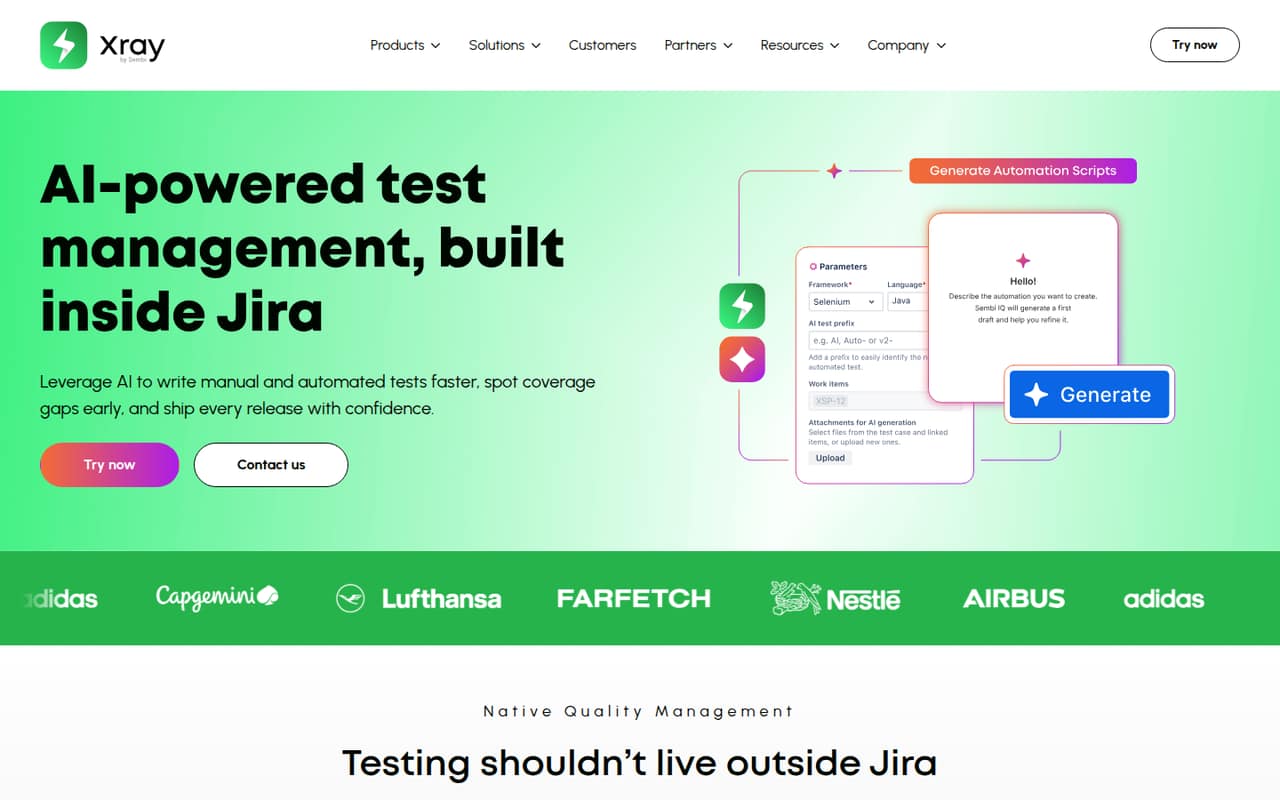
Xray brings manual and automated test planning, execution, and reporting into Jira, with AI features for authoring and coverage gaps. Standard starts at $10 monthly for up to 10 users, and there’s a 30-day trial but no free plan.
For a small team already using Jira, that entry tier may be workable. Teams watching every subscription should weigh the cost against their need for Jira-based test workflows: one Reddit post describes a company dropping Xray because of the expense.
Good fit if
- Jira teams managing test cases
- QA teams needing linked requirements
- Teams wanting AI test authoring
Skip it if
- Teams that need a free plan
- Teams not using Jira
- Teams seeking published setup guidance
ScoresHow it rates
What works
- Plans and reports manual and automated tests in Jira
- Links development requirements with testing
- AI can create manual and BDD tests
- Standard includes 100 GB cloud storage
- 30-day trial available
What doesn't
- No free plan
- Jira user tier must match the instance tier
- Standard AI prioritization is limited to 75 tests per run
- Visual test models require Enterprise
- Annual prices are calculator-derived examples
01Who Xray is for
Xray is for teams that already work in Jira and want test planning, execution, and reporting connected to their development requirements. It covers both manual and automated tests, so it can fit a small QA group that needs to manage test cases and see how testing relates to requirements without leaving Jira.
For a team of one to 10, the Standard tier is the lowest-cost option listed: $10 monthly for up to 10 users, or an annual example of $100 for 10 users. That’s a real subscription to budget for, with no free plan to fall back on. A team that only needs a lightweight place to track tests may find the price hard to justify. One Reddit post says its company stopped using Xray and Jira because of cost, then used Excel and Confluence while looking for a free alternative.
02Xray free plan and trial
Xray has no free plan. The pricing information lists a 30-day trial, but does not publish what features or usage limits the trial includes. Ask Xray whether the trial gives your team access to the features and capacity you need before relying on it for an evaluation.
The cheapest paid option is Xray Standard, listed at $10 per month for up to 10 users, or $8.33 per month when using the annual example of $100 for 10 users. The annual figure is calculator-derived, not a static price list. Standard lists 100 GB of cloud storage, a 60-request-per-minute API limit, and AI test prioritization of 75 tests per run. Your Jira user tier must match your instance tier.
03What a small team pays for Xray
The pricing page lists Xray Standard at $10 per month for up to 10 users. That means one, three, or five people fit within the same listed tier: $10 total monthly, or an effective $10, $3.33, or $2 per person per month, respectively. The annual example is $100 for 10 users, equivalent to $8.33 monthly for that tier. If the same tier price applies to fewer users, the effective annual cost is about $8.33, $2.78, or $1.67 per person for one, three, or five seats. Confirm the exact quote with Xray; annual pricing is calculator-derived.
Standard includes 100 GB of cloud storage and 75 AI-prioritized tests per run. Advanced is listed at $15 monthly for up to 10 users; its annual price requires the calculator. Enterprise is $27.50 monthly for up to 10 users, with a $275 annual example for 10. The vendor publishes no add-ons or overages. Above 10 users, Standard and Enterprise list progressive per-user rates. All tiers require the Jira user tier to match the instance tier.
04Getting started with Xray
Xray is built into Jira, so Jira is the main requirement for a team getting started. The vendor describes workflows for creating, executing, and reporting on manual and automated tests, plus linking requirements to testing. The pricing information also says your Jira user tier must match your instance tier, so check that before choosing a plan.
Setup time and a step-by-step onboarding process aren’t published on the vendor's site available here. The same goes for a detailed learning curve, so a small team should ask for a walkthrough if it needs to estimate rollout effort. AI can help create manual and BDD test cases and identify coverage gaps; automation-script generation is listed for Advanced and Enterprise, while visual test models are an Enterprise feature. One Reddit post mentions Excel and Confluence as a fallback after leaving Xray, but does not report on setup or day-to-day use.
05When small teams outgrow Xray
The first pressure point is cost: a team that wants free test management has no permanent free Xray tier to grow from. Standard is listed for up to 10 users at $10 monthly, and moving past that tier means checking the vendor’s progressive rates. The pricing information gives examples for 25 users, but not a complete static price list for every team size.
Feature limits may also prompt an upgrade. Standard’s AI test prioritization is limited to 75 tests per run, compared with 150 on Advanced. Generating automation scripts is listed for Advanced and Enterprise, and visual test models are Enterprise-only. One Reddit post says its company stopped using Xray and Jira because of cost and sought a free alternative; it describes using Excel and Confluence, not a specific migration plan. Teams considering a move should compare the cost of their current Jira setup and testing needs before switching.
From the threadsWhat users say
The available Reddit discussion is about cost, not a broad assessment of Xray’s usability or support. One post describes leaving Xray and Jira for a spreadsheet-and-Confluence workflow while seeking a free alternative.
Because of the cost, our company stopped using it
now we need a free alternative that is professional
Right now, I’m using Excel and Confluence
easier to manage
Questions people ask
Does Xray have a free plan?
No. Xray has no free plan, but the pricing information lists a 30-day trial. The trial’s included features and usage limits aren’t published there, so confirm those details with Xray. Standard is the cheapest listed paid tier, at $10 per month for up to 10 users.
How much does Xray Standard cost for a small team?
The pricing page lists Standard at $10 per month for up to 10 users. Its annual example is $100 for 10 users, or $8.33 per month equivalent. Annual prices are calculator-derived examples, so check the exact amount for your team before budgeting.
Does Xray work without Jira?
Xray is described as a test management product built into Jira, and the pricing information says the Jira user tier must match the instance tier. If your team does not use Jira, ask Xray whether its product fits your setup before evaluating it.
Which Xray tier includes automation scripts?
Xray lists automation-script generation from manual tests for Advanced and Enterprise. Visual test models are listed for Enterprise. Standard includes AI test prioritization of up to 75 tests per run, while Advanced lists 150 per run.
Does Xray offer a trial?
Yes. Xray lists a 30-day trial. The trial’s feature access and usage limits aren’t published in the pricing details, so ask whether it includes the plan capabilities your team wants to evaluate before starting.