
We may earn a commission if you buy through links on this page. It never changes a score or a ranking. How we make money
The bottom line
A flexible visual planner for individuals; shared team workspaces cost more.
Small teams that plan visually may find xTiles a useful home for projects, tasks, ideas, and daily plans. The free plan covers unlimited pages and projects, but shared spaces are a Pro feature.
Plus costs $19 per user monthly or $12.42 per user/month with annual billing. For a team that needs shared workspace controls, Pro starts at $35 per user monthly. Reddit feedback is mixed: some users like the visual approach, while others ask for clearer onboarding and more integrations.
Good fit if
- Visual planners and project organizers
- Solo users trying a free plan
- Teams that want shared workspaces
Skip it if
- Teams needing low-cost shared spaces
- People who want a simple task list
- Teams requiring specific integrations
ScoresHow it rates
What works
- Free plan includes unlimited pages and projects
- Daily planning and project organization in one workspace
- AI Assistant credits included on Free
- Templates cover ADHD, academic, and creative work
- AI workflows connect with ChatGPT, Claude, and Gemini
What doesn't
- Shared spaces require the $35-per-user Pro plan
- Plus AI Integrations add-on price is not published
- Free file uploads are limited to 5 MB
- Some users find the planner hard to understand
- Reddit users request more calendar and Microsoft integrations
01Who xTiles is for
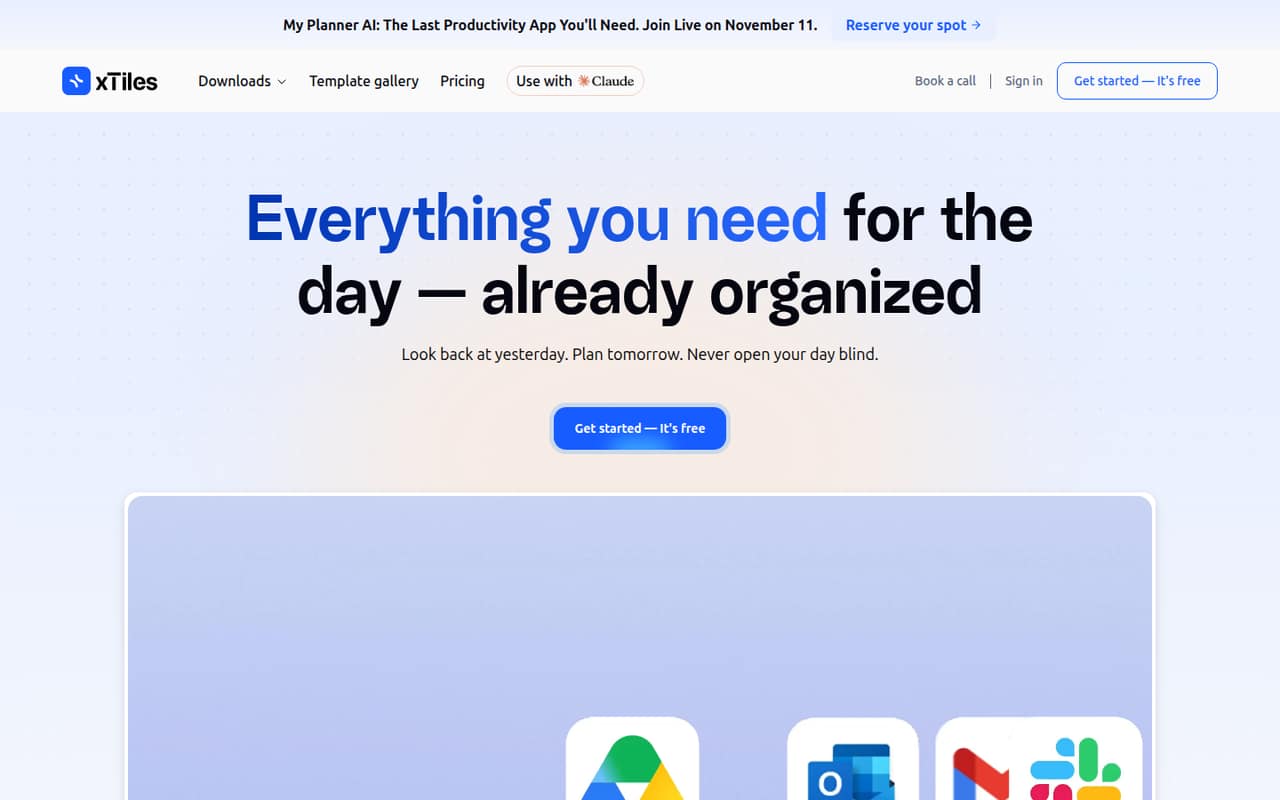
xTiles is a visual planner for putting projects, tasks, ideas, and daily plans in one workspace. It suits a solo founder or a small team of 1–10 people that likes arranging information visually and wants a place to review yesterday and plan the day ahead. Its templates include options for ADHD, academics, and creative work, and its AI workflows can help with daily briefs, weekly reviews, and task triage.
The free plan is a sensible starting point for one person or for teammates who can each work in personal spaces. But if your team needs a shared workspace, the pricing page lists that under Pro, at $35 per user monthly or $24.92 per user/month with annual billing. That is a meaningful jump for a budget-conscious team. We’d shortlist xTiles when visual planning is part of the work, not just a decorative layer on top of a conventional task list.
02xTiles free plan and trial
The pricing page lists a Free plan at $0 per user/month. It includes unlimited pages and projects, three personal spaces, 1,000 AI Assistant credits, and file uploads up to 5 MB. That is enough to try organizing personal work and see whether the visual planner suits your routine.
The limits to watch are the three personal spaces, the AI credit allowance, and the upload size. The Free plan does not list shared spaces; those appear under Pro. Plus adds unlimited personal spaces and unlimited AI Assistant, while Pro adds unlimited shared spaces and unlimited AI Integrations. The pricing page does not list a free trial, so a team can start with the free plan rather than budgeting for a trial period. If you need shared team controls from day one, Free is a preview, not the working tier.
03What a small team pays for xTiles
For an individual, Plus costs $19 per month, or $12.42 per user/month with annual billing. That is $228 a year on monthly billing, or $149.04 a year at the annual-billing rate. A three-person team pays $57 monthly for Plus, or $37.26 per month equivalent with annual billing ($447.12 a year). Five seats cost $95 monthly, or $62.10 per month equivalent with annual billing ($745.20 a year).
Those Plus prices cover personal spaces, not shared team spaces. For shared workspace controls, the pricing page lists Pro at $35 per user monthly or $24.92 per user/month with annual billing. That makes three seats $105 monthly or $74.76 per month equivalent annually ($897.12 a year); five seats are $175 monthly or $124.60 per month equivalent annually ($1,495.20 a year). Plus users can add AI Integrations, but the add-on price is not published. Enterprise pricing is custom.
04Getting started with xTiles
The basic idea is to organize work visually, then use pages, projects, and planner templates to make a setup that fits your routine. xTiles presents workflows for daily briefs, weekly reviews, and task triage, and lists connections with ChatGPT, Claude, and Gemini. The pricing page describes two 45-minute onboarding sessions for Pro, which may help a team get its shared workspace in order. A setup-time estimate for other plans is not published.
The main setup risk is deciding how the planner and projects should fit together. In one Reddit thread, a user said the permanent My Planner view was confusing and they were unsure how items stayed tied to other projects. Another commenter wanted more Microsoft tools, including Teams or SharePoint. We’d pick one real weekly workflow, try it on Free, and check that the team can connect its planning habits before moving shared work over.
05When small teams outgrow xTiles
The first upgrade point is collaboration: Free and Plus list personal spaces, while unlimited shared spaces and team controls are on Pro. At $35 per user monthly, Pro costs $105 for three people or $175 for five before annual billing. That may be a hard sell if your team mainly needs a shared task list rather than a visual workspace.
Teams may also hit workflow gaps. Reddit users have asked for Google Calendar syncing for planner projects, built-in Pomodoro or time tracking, unfinished tasks carrying over automatically, and Microsoft integrations. Another commenter wanted import from Evernote or Notion and export to Markdown for an offline copy. These are user requests, not confirmed product limits, but they are worth checking against your needs before migration. If your team depends on one of those workflows, ask xTiles about its current status and export options before committing important work.
From the threadsWhat users say
Reddit sentiment is mixed. Some users praise xTiles’ visual approach and report positive support interactions, while others criticize its comparison marketing or say the planner is confusing and want more integrations and data portability.
The whole visual mode speaks to me a lot
I want a way to make the sidebar and the top of the page on the website disappear
I really want an import function for Evernote and/or Notion notes
Based on this alone, I would put this company on my never list, it emanates toxic energy
Questions people ask
Is xTiles free to use?
Yes. The pricing page lists a Free plan at $0 per user/month with unlimited pages and projects, three personal spaces, 1,000 AI Assistant credits, and file uploads up to 5 MB. Shared spaces are listed under Pro, so a team that needs shared workspace controls should budget for a paid plan.
Does xTiles use AI?
Yes. xTiles presents AI workflows for daily briefs, weekly reviews, and task triage, and describes turning conversations into organized projects and tasks. Free includes 1,000 AI Assistant credits. Plus lists unlimited AI Assistant, while AI Integrations are included with Pro; the Plus AI Integrations add-on price is not published.
Is xTiles good for ADHD?
It may suit people who like visual planning and simple-looking templates. xTiles lists planner templates for ADHD, and a user on Reddit said bringing information together in one place appealed to them. Other commenters asked for features such as Pomodoro or time tracking and automatic carryover of unfinished tasks, so check whether your routine depends on those.
Can a small team use xTiles together?
The pricing page lists unlimited shared spaces and team workspace controls on Pro, at $35 per user monthly or $24.92 per user/month with annual billing. Free includes personal spaces, and Plus lists unlimited personal spaces. If shared collaboration is essential, confirm the Pro setup fits your workflow before moving team work into xTiles.
Can xTiles connect to ChatGPT, Claude, or Gemini?
xTiles lists AI connections with ChatGPT, Claude, and Gemini. Pro includes unlimited AI Integrations, while Plus users can buy an AI Integrations add-on whose price is not published. The plan listings distinguish AI Assistant from AI Integrations, so check which one covers the workflow you want before choosing a plan.
Sources
- xTiles homepage
- xTiles pricing page
- Reddit: I admit they've won their marketing game, but I still don't like the way they compared xTiles to Obsidian. Looking for someone to dislike it together =)
- Reddit: What’s missing for you in xTiles? (especially if you have ADHD)
- Reddit: Want to make the switch from Notion to xTiles