
We may earn a commission if you buy through links on this page. It never changes a score or a ranking. How we make money
The bottom line
Worth a look for captions and creative tools; confirm team pricing before you commit.
Zeemo combines video captions and translation with image, video, music and voice tools. The free plan gives you 120 credits a year, but its 720p export, one-minute video limit and three-day storage make it better for trying the service than running a regular workflow.
The pricing page lists Pro at $8 per month equivalent with annual billing, but the vendor doesn't publish monthly-billing prices or whether subscriptions are per seat. A small team should check that pricing detail before budgeting for multiple people.
Good fit if
- Creators captioning short videos
- Small teams exploring AI media
- People needing multilingual captions
Skip it if
- Teams needing clear seat pricing
- High-volume video production on free
- Teams needing verified integrations
ScoresHow it rates
What works
- Free plan includes 120 credits yearly
- Captions listed in 95 languages
- Translation listed in 124+ languages
- Pro includes 1080p exports
- One service covers several media types
What doesn't
- Monthly billing prices are not published
- Seat-based pricing is not specified
- Free exports stop at 720p
- Free videos are limited to one minute
- Free storage lasts three days
01Who Zeemo is for
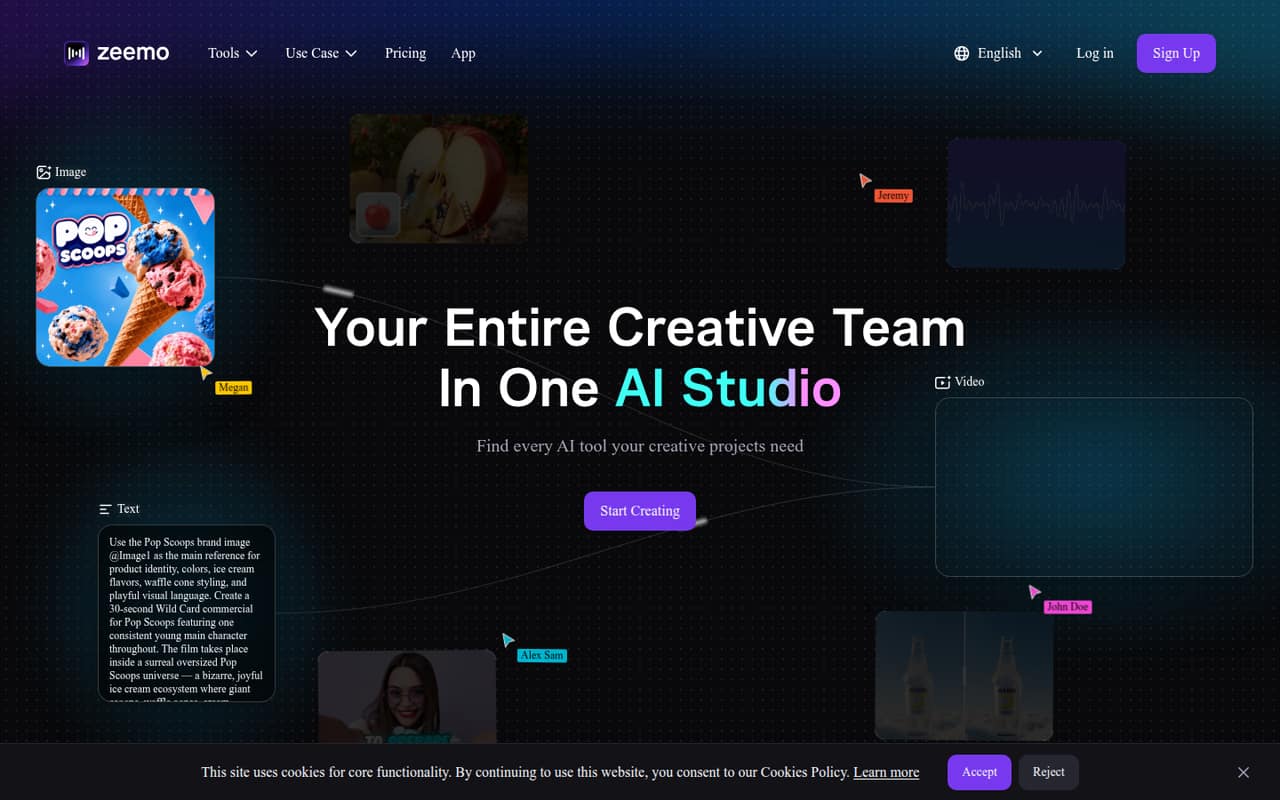
Zeemo makes the most sense for a solo creator or a small team of one to five people that regularly captions videos and wants image, voice or other AI creation tools in the same service. The homepage highlights text-to-speech, image upscaling and video captioning; the pricing page also lists video, image and music generation, plus translation.
For a team watching its budget, the free tier is a low-commitment way to explore the tools, while Pro is the cheapest paid plan listed. It starts at $8 per month equivalent with annual billing. That price may suit one person, but the vendor doesn't specify whether plans are priced per seat, so don't assume the same figure covers several teammates. Zeemo's listed limits also make it a better fit for short creator workflows than for teams handling long videos or needing a clearly defined shared workspace.
02Zeemo free plan and trial
Zeemo's pricing page lists a free plan with 120 credits per year, videos up to one minute and 200 MB, a maximum 720p export, and three-day storage. There's no free trial listed separately. The site doesn't say how many projects a given number of credits will cover, so check the credit cost for the tools you plan to use before relying on the allowance.
Those limits make Free useful for sampling the service, not a dependable home for regular production: short clips only, lower maximum export resolution, and brief storage. If you need more room, Pro is the cheapest paid plan listed at $8 per month equivalent when billed annually. Its monthly-billing price isn't published, so ask the vendor for that rate before signing up.
03What a small team pays for Zeemo
The pricing page lists Pro at $8 per month equivalent with annual billing, or $96 per year for one subscription. If each person needs a separate Pro subscription, the arithmetic is $24 per month equivalent and $288 per year for three, or $40 per month equivalent and $480 per year for five. These are conditional estimates, not confirmed team totals: the vendor doesn't state whether the listed price is per seat. Monthly billing is available, but its prices aren't published.
Expert is listed at $13.39 per month equivalent and Business at $16.07, both with annual billing. Business lists access on up to 10 devices, but the pricing page doesn't clarify how that relates to people or seats. The listed plans include annual credit amounts, video limits, export resolutions and storage periods; Business and Expert both list 7,200 credits yearly, videos up to five hours and 5 GB, 4K exports, and 30-day storage. No add-ons are listed. Ask the vendor for a written three- or five-person quote before comparing plans.
04Getting started with Zeemo
Zeemo's homepage presents several kinds of creative tools, including captioning, text-to-speech and image upscaling. That breadth may mean a little exploring before a small team settles on a repeatable workflow, but the vendor's site doesn't describe onboarding steps or a learning curve. We can't verify how much setup a new account requires from the listed details alone.
The vendor doesn't publish integration details in the pricing and feature information available here. If your team needs to move video files between Zeemo and another editing, storage or publishing tool, ask whether that connection is supported before building a process around it. A practical first step is to choose one short clip, check the credit cost and export limits for the intended task, and confirm where finished files are stored. Reddit comments praise the caption styles, but they aren't a substitute for confirming your own workflow requirements.
05When small teams outgrow Zeemo
The clearest reason to move beyond Free is hitting its one-minute video cap, 720p maximum export, 200 MB file limit or three-day storage window. Pro raises those limits to three-minute videos, 500 MB, 1080p and 15-day storage. Teams working with longer projects may need Expert or Business, which list videos up to five hours and 5 GB, 4K exports and 30-day storage.
Cost can become harder to predict as the team grows. The vendor lists annual-billing monthly equivalents, but doesn't publish monthly rates or explain whether plans charge per seat. Business lists access on up to 10 devices, though that doesn't clarify the number of users. Reddit discussion is mostly positive about captions and templates, but it is small and includes promotional-sounding material, so it offers limited evidence about larger-team use. Before upgrading, ask the vendor to confirm seat rules, shared access and the cost for your team size.
From the threadsWhat users say
The Reddit comments we found are positive about Zeemo's captioning and templates, but the discussion is sparse and includes promotional-sounding material. Treat it as a modest signal, not proof of consistent customer satisfaction.
Totally with you on Zeemo’s auto-captions and templates
fast captions, clear styles, no need to babysit timing
Editing captions can break your spirit
captions are the unsung heroes of public transport sanity
Questions people ask
What does Zeemo's free plan include?
The pricing page lists 120 credits per year, videos up to one minute and 200 MB, 720p maximum export, and three-day storage. The vendor doesn't list a separate free trial. Credit usage for each task isn't specified in the published plan details, so check the cost of your intended tools before counting on the allowance.
How much does Zeemo Pro cost?
The pricing page lists Pro at $8 per month equivalent with annual billing, or $96 for a year at that rate. Monthly billing is available, but its price isn't published. The vendor also doesn't specify whether the listed price is per seat, so confirm the billing basis before estimating a team subscription.
How many languages does Zeemo support for captions and translation?
The pricing page lists captions in 95 languages and translation in 124+ languages. These are separate figures for the listed capabilities. If your team relies on a particular language or needs a specific caption workflow, confirm that language and workflow with the vendor before buying.
What video limits come with Zeemo's paid plans?
Pro lists videos up to three minutes and 500 MB, with 1080p maximum export and 15-day storage. Expert and Business list videos up to five hours and 5 GB, 4K maximum export and 30-day storage. The free plan lists one-minute videos up to 200 MB, 720p export and three-day storage.
Does Zeemo have a plan for a team of up to 10?
The Business plan lists access on up to 10 devices, along with 7,200 credits per year, videos up to five hours and 5 GB, 4K exports and 30-day storage. The vendor doesn't explain whether devices correspond to users or seats, so ask how team access works and what your team will pay.