
We may earn a commission if you buy through links on this page. It never changes a score or a ranking. How we make money
The bottom line
Good for a shared handoff source of truth; optional if your design tool already does the job.
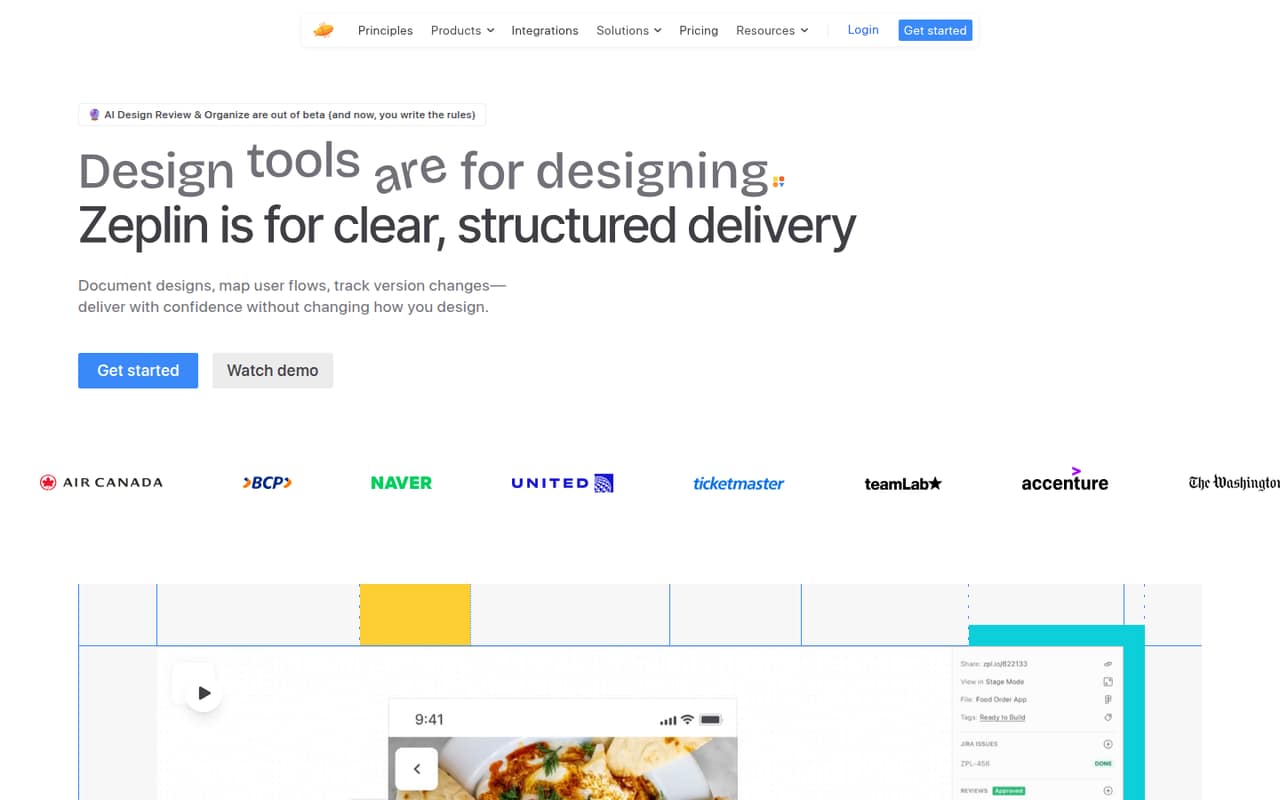
Zeplin gives product teams a separate place to publish designs, add requirements, map flows, track versions, and share design-system details. Its free plan allows one project and unlimited members, which is enough to try a real handoff with a small team.
The catch is overlap: some designers and developers on Reddit say their existing design tool already covers handoff. Basic costs $13.75 per project monthly when billed annually; Advanced costs $12 per seat monthly, also paid annually. Monthly rates are not published.
Good fit if
- Teams needing a separate handoff space
- Developers reviewing finalized design screens
- Small teams sharing one project
Skip it if
- Teams satisfied with built-in handoff
- Designers wanting automatic screen syncing
- Teams needing published monthly prices
ScoresHow it rates
What works
- Free plan includes unlimited members
- Free plan allows 100 screens
- Design notes stay with the screens
- Version history helps compare changes
- User flows and styleguides support handoff
What doesn't
- Free plan is limited to one project
- Basic pricing is per project, not seat
- Monthly rates are not published
- Some Reddit users prefer one design workspace
- A Reddit user wanted automatic screen syncing
01Who Zeplin is for
Zeplin suits a small product team—roughly a founder, designer, and a few developers—that wants a dedicated place for finalized designs and handoff notes. It publishes frames from design tools, then gives the team a place to document requirements, map user flows, review versions, and share components and tokens through Styleguides.
For a team watching its software budget, the free plan is a practical starting point: it includes one project, 100 screens, and unlimited members. Basic is the cheapest paid option at $13.75 per project per month when billed annually, so one project can serve multiple people without a per-seat charge. But Zeplin is not essential for every team. Some Reddit commenters say their existing design tool covers their handoff needs, while another values Zeplin as a simpler, separate source of truth for developers and approvals. It fits best when that separation solves a real coordination problem.
02Zeplin free plan and trial
The Free plan includes one project, up to 100 screens in that project, and unlimited members. It also includes three AI screen reviews per week and three AI organization runs per week. That is enough for a small team to organize one handoff project without paying per person.
The limit is project capacity: teams managing multiple projects need to choose a paid plan. Basic starts at $13.75 per project per month, billed annually, and includes 1,000 screens per project. Zeplin does not list a free trial separately; the Free plan is the no-cost way in. A commenter on Reddit described creating a project and syncing it with the Figma plugin as straightforward, but also wished screens would sync automatically after small changes.
03What a small team pays for Zeplin
Basic is priced per project, not per seat. One project costs $13.75 per month when billed annually, or $165 for the year; that price covers a project with unlimited members. Three projects cost $41.25 per month equivalent, or $495 annually. Basic offers project quantities of 1, 3, 6, 9, or 12, so a team needing five projects would have to select six: $82.50 per month equivalent, or $990 annually. Monthly billing rates are not published.
Advanced is $12 per seat per month, paid annually. That works out to $12 monthly equivalent for one person, $36 for three, or $60 for five; annual totals are $144, $432, and $720. Advanced includes 50 projects and unlimited screens. The pricing page advertises annual billing as saving up to two months. No add-ons are listed. For a single project and a few people, Basic can cost less than buying Advanced seats; compare the project count you actually need before choosing.
04Getting started with Zeplin
The basic process is to create a project and publish finalized frames from a design tool. A Reddit user who switched back to Zeplin said creating a project and syncing it with the Figma plugin was straightforward. That same commenter liked tagging and organizing screens with sections, but wanted automatic syncing for small design changes.
After publishing, teams can add notes and requirements, map flows, track screen versions, and share components and tokens in Styleguides. The product description also lists AI checks for color, spacing, typography, and accessibility. A small team can begin with one project and its design handoff; the exact setup steps and supported integrations beyond the Figma plugin mentioned by a Reddit user are not specified here. The main ongoing task is deciding which finalized screens to publish and keeping the project up to date.
05When small teams outgrow Zeplin
The first limit to hit is often the Free plan’s single project or 100-screen cap. Basic raises the screen allowance to 1,000 per project and lets teams select up to 12 projects, but the price grows with the number of projects. Teams managing many projects may prefer Advanced: it includes 50 projects, unlimited screens, Flow Boards, and role-based permissions at $12 per seat per month when paid annually.
A growing organization may need Enterprise controls such as SSO, MFA, SCIM provisioning, activity logs, or a 24-hour support SLA. Those features are listed for Enterprise, but its price is not published. There is also a workflow reason to move on: Reddit commenters disagree about whether a separate handoff tool adds value when their design workspace already works for developers. Another user welcomed Zeplin’s screen organization but wanted automatic syncing. If your team does not need a separate source of truth, the added publishing step may be more friction than help.
From the threadsWhat users say
Reddit sentiment is mixed. Some users value Zeplin as a clear, separate place for developer handoff and screen history; others say their existing design workspace makes it unnecessary.
Just create a project and sync it with the Figma plugin
zeplin is a little easier if you need a single, static "source of truth" that you can easily share links to for approvals etc
Wish there was a way to auto sync screens tho
Questions people ask
What does Zeplin do?
Zeplin is a workspace for delivering finalized designs from design tools to development teams. Teams can publish frames, add notes and requirements, map user flows, track versions, share design-system components and tokens, and review designs with AI checks.
Does Zeplin have a free plan?
Yes. The Free plan includes one project with up to 100 screens, unlimited members, three AI screen reviews per week, and three AI organization runs per week. It is limited to one project, so teams with multiple projects need a paid plan.
How much does Zeplin cost for a small team?
Basic starts at $13.75 per project per month when billed annually and includes unlimited members per project. Advanced is $12 per seat per month, paid annually. The vendor does not publish monthly billing rates, so ask Zeplin for those if you need month-to-month pricing.
Does Zeplin sync designs automatically?
A Reddit user described syncing a project with the Figma plugin, but wished screens would sync automatically after small changes. The available details do not establish automatic screen syncing as a feature. Confirm the current workflow and supported integrations with Zeplin before you commit.
What is the difference between Basic and Advanced?
Basic is priced per project and offers a choice of 1, 3, 6, 9, or 12 projects, with 1,000 screens per project. Advanced is priced per seat and includes 50 projects, unlimited screens, unlimited free reviewers, Flow Boards, and role-based permissions.