
We may earn a commission if you buy through links on this page. It never changes a score or a ranking. How we make money
The bottom line
Good for shared design system documentation; pricey when a small team needs several editors.
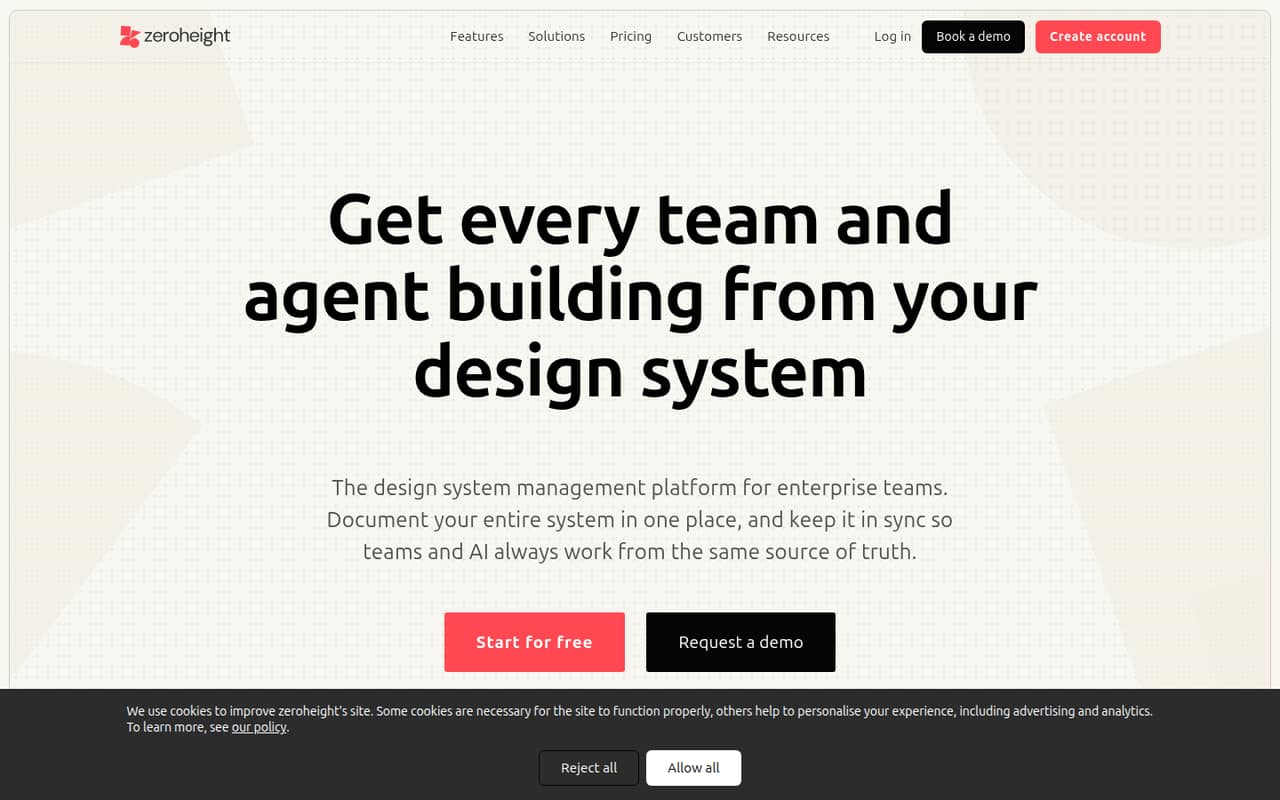
zeroheight brings design system documentation, components, tokens, code, and guidance together, with connections to Figma, Storybook, and code repositories. For a team that needs a shared, editable home for those materials, its free plan is a useful starting point.
Starter lists at $49 per editor/month with annual billing or $59 month to month. That can add up for a small team: three editors cost $147/month on annual billing, or $177 month to month.
Good fit if
- Teams documenting a shared design system
- Designers and developers editing together
- Teams syncing Figma and Storybook
Skip it if
- Teams needing several free editors
- Groups seeking a self-hosted docs platform
- Teams with a strict per-seat budget
ScoresHow it rates
What works
- Free plan includes one editor and styleguide
- Figma, Storybook, and repository source syncing
- No-code documentation editing and templates
- Token sets and brand or mode comparisons
- MCP context and adoption insights
What doesn't
- Free plan is limited to one editor
- Starter charges per editor
- Annual Starter billing requires $588 per editor upfront
- Enterprise pricing is custom
- Setup time and viewer-seat rules aren't published
01Who zeroheight is for
zeroheight is for teams that need design system documentation to serve more than the people maintaining Figma files or code. It brings guidance, components, tokens, and code together in a documentation site, with source syncing for Figma, Storybook, and repositories. No-code editing and templates are aimed at making the docs manageable for contributors who aren't writing the site by hand.
For a 1–10-person team, the fit depends on how many people need editor access. One person can start on Free, but teams with multiple editors need Starter, which supports up to five. That works for a small design or product group, though seat costs climb quickly. Reddit commenters describe zeroheight as a simpler CMS-style option for editors and viewers, and say its Figma connections help keep documentation in sync. If your team mainly needs a code-focused component workshop, one commenter says Storybook serves a different job. zeroheight makes more sense when cross-functional documentation is the work, not just a component gallery.
02zeroheight free plan and trial
The pricing page lists a Free plan at $0 with one editor, one styleguide, one token set, 500 MCP Standard Search calls per month, and seven days of page history. That is enough for a single contributor to build or assess a basic design system site, but it does not cover a small group of editors. The plan comparison also does not list longer history or extra styleguides and token sets on Free.
zeroheight lists a 14-day free trial, but the pricing details do not say which plan or limits the trial includes. Ask the vendor what features and seat count are available during the trial before planning a team rollout. If several people need to keep editing after the trial, Starter is the listed entry point: up to five editors, two styleguides, and three token sets.
03What a small team pays for zeroheight
The pricing page lists Starter at $59 per editor/month with monthly billing, or $49 per editor/month when billed annually. Annual billing is $588 per editor for the year, a listed 15% saving. For one editor, that is $59 monthly or $588 annually. For three editors, the math is $177 per month or $1,764 per year on annual billing, equivalent to $147 per month. Five editors cost $295 month to month or $2,940 per year, equivalent to $245 per month.
Starter supports up to five editors, two styleguides, three token sets, 500 MCP Standard Search calls per month, and 30 days of page history. The first Starter purchase has a minimum charge for one editor. The pricing details do not publish viewer-seat rules, so ask whether people who only read the docs count toward billing. Enterprise is custom priced and lists five or more editors and reviewers, five or more styleguides, and ten token sets. No separate add-on prices are listed.
04Getting started with zeroheight
The vendor does not publish a setup-time estimate, so a small team should budget for connecting its existing sources and organizing its docs rather than assume setup is instant. zeroheight lists syncing for Figma designs and variables, Storybook components, and repository code. Its no-code editor and templates can help contributors build documentation without hand-coding the site, while token management supports syncing tokens and pushing changes to code.
On day one, decide which source holds the current version of each design or component, then connect the sources your team actually uses. A Reddit discussion highlights that this choice matters: one commenter describes Figma as the source of truth for zeroheight and code as the source of truth for Storybook Docs. Another says zeroheight is simple for editors and viewers. That is user opinion, not a guarantee of how quickly your team will learn it. Test the editing flow with the people who will maintain the docs before moving a large library.
05When small teams outgrow zeroheight
The first pressure point is editor count. Free allows one editor, and Starter tops out at five; a team needing more editors moves into custom-priced Enterprise, which lists five or more editors and reviewers. Starter also caps the listed plan at two styleguides and three token sets. Teams managing more brands, themes, or documentation sites may need Enterprise, with custom pricing to confirm with the vendor.
Cost can be another reason to reassess: five Starter editors cost $295 per month with monthly billing, or $2,940 per year with annual billing. One Reddit poster says the cost feels high relative to the number of people who view their docs. Other commenters praise zeroheight's simplicity and Figma syncing, while a discussion also describes alternatives built around Storybook or a custom docs site. If you mainly need component previews or developer-owned docs, compare those workflows before paying for a documentation CMS. A self-hosted requirement is another reason to check fit: a Reddit thread seeking self-hosted options says zeroheight did not meet that team's publishing requirements.
From the threadsWhat users say
Reddit sentiment is mixed but leans positive on ease of use and documentation. Some users value the Figma connection and accessible CMS-style editing; others question the price or prefer code-centered or self-managed docs.
ZH is simple. Simple for editors and simple for viewers
Notion is great but compared to ZH has a weaker integration and synchronisation with Figma
ZH costs a lot of money compared to the actual viewers of or our docs
Zeroheight and SB Docs solve two different problems
Questions people ask
Is zeroheight free?
Yes. The pricing page lists a Free plan at $0 with one editor, one styleguide, one token set, 500 MCP Standard Search calls per month, and seven days of page history. It is a single-editor plan, so a team that needs multiple editors will need to consider Starter.
Does zeroheight use AI?
zeroheight provides design system context to AI agents through zeroheight MCP. Free and Starter list 500 MCP Standard Search calls per month. That describes access to system context; it does not mean the plan itself includes a general-purpose AI assistant. Check with the vendor for current MCP details.
How much does zeroheight cost for a small team?
Starter lists at $59 per editor/month with monthly billing, or $49 per editor/month billed annually. Three editors cost $177 monthly or $1,764 per year; five cost $295 monthly or $2,940 per year. Annual totals are charged per editor for the year.
What does zeroheight connect to?
zeroheight lists syncing for Figma designs and variables, Storybook components, and code from repositories. Its feature set also includes documentation sites, token management, AI context through MCP, change controls, and adoption insights. Connect the sources your team uses as its design system references.
Is zeroheight a good fit for a small team?
It can fit a small team that needs shared design system documentation and has room in its budget for per-editor pricing. Free covers one editor; Starter supports up to five. If your team needs more than five editors, more listed Starter capacity, or custom enterprise controls, ask the vendor about Enterprise pricing.