
We may earn a commission if you buy through links on this page. It never changes a score or a ranking. How we make money
The bottom line
A capable free whiteboard for small groups; Pro adds room to grow at a per-seat cost.
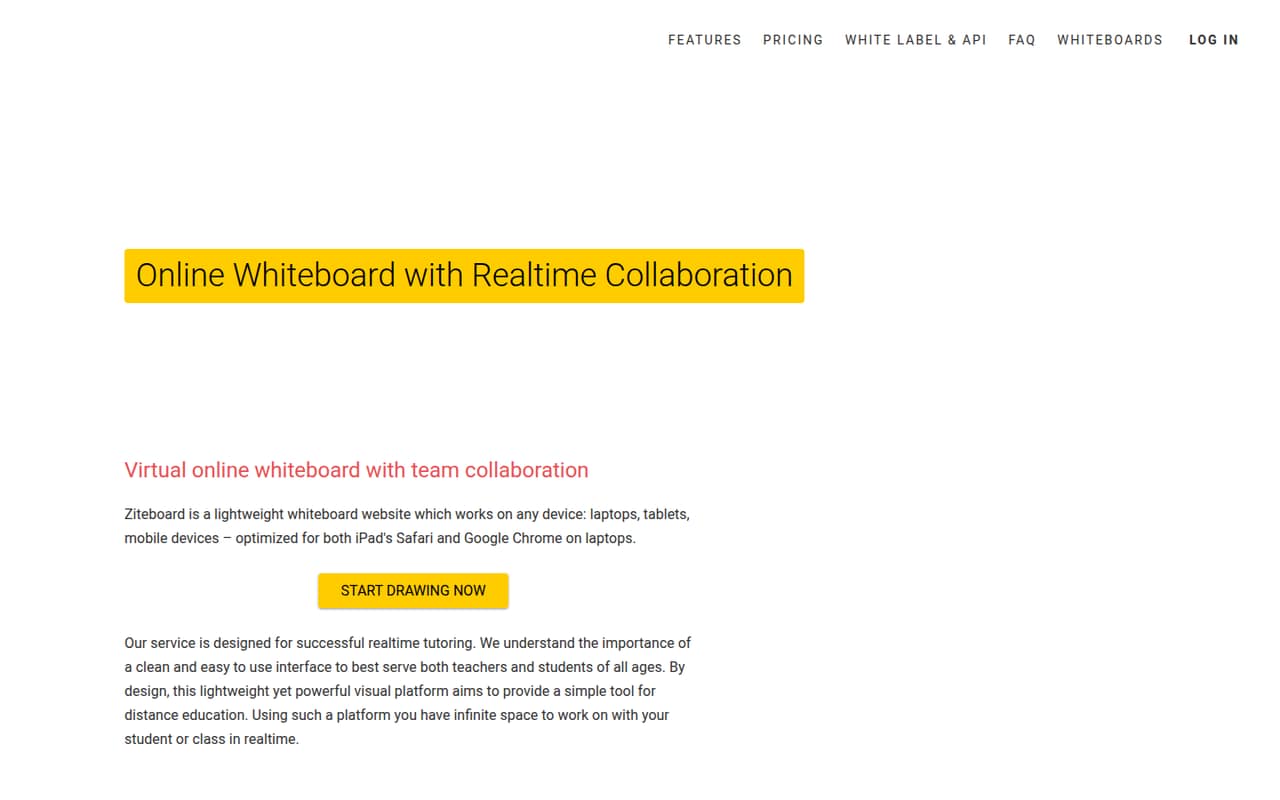
Ziteboard covers the basics small teams need for shared visual work: an infinite canvas, real-time collaboration, math tools, image and PDF imports, and several export formats. The free Starter plan allows unlimited collaborators, but limits you to three owned boards, three basic colors, and limited data traffic.
Pro starts at $9 monthly for one person, while teams of 2–5 pay $8 per seat monthly or a listed $6.50 rate for one year. It is a sensible fit for tutoring and lightweight teamwork; teams needing broader administration or integrations should check requirements before committing.
Good fit if
- Tutors and distance learning
- Small remote brainstorming groups
- Teams sharing visual plans
Skip it if
- Teams needing published integrations
- Heavy users on limited traffic
- Companies needing advanced administration
ScoresHow it rates
What works
- Free plan supports unlimited real-time collaborators
- Infinite canvas for lessons and visual planning
- Math tools include formulas and graph plotting
- Import images and selected PDF pages
- Export boards as PNG, SVG, or PDF
What doesn't
- Free plan limits owned boards to three
- Free plan has limited data traffic
- Free plan includes only three basic colors
- Team prices vary by seat count and term
- Anonymous-user add-on fee is not published
01Who Ziteboard is for
Ziteboard makes the most sense for a solo tutor, teacher, or small team of roughly 1–10 people that needs a shared visual space without buying a heavyweight project suite. It runs in a browser and provides an infinite canvas for lessons, brainstorming, plans, wireframes, and prototypes. People in different locations can work on the same board in real time.
The feature set is particularly suited to tutoring and distance learning: it includes math tools for formulas, graphs, circles, and arcs, plus in-app voice and video chat. For a small team watching its budget, Starter can cover occasional collaboration, while Pro is the paid step for more owned boards and unlimited data traffic. If you need company controls such as single sign-on or a dedicated server, those sit on Enterprise, which requires a custom quote.
02Ziteboard free plan and trial
The free Starter plan includes three owned boards, unlimited shared whiteboards, unlimited real-time collaborators, three basic colors, and limited data traffic. That is enough to try shared lessons or occasional team sessions, but the traffic limit and three-board cap may pinch if you use it every day. The feature list also says students can join in-app calls with Free accounts.
The pricing page lists no free trial. If you want Pro features for a short project, One Week Pro costs $5 as a one-time payment and includes unlimited owned boards, unlimited data traffic, high-quality image import, and audio and video chat. For ongoing use, Monthly Pro is $9 per month. Starter is the lowest-cost way to keep using Ziteboard, but it does not remove the listed board, color, or traffic limits.
03What a small team pays for Ziteboard
For one person, the pricing page lists Monthly Pro at $9 per month or Annual Pro at $85 per year, equal to about $7.08 per month. The $5 One Week Pro option is a one-time payment, not a monthly subscription.
A team of three or five falls in the 2–5 subscription tier. At the listed monthly rate of $8 per user, three seats cost $24 per month and five cost $40. The page also lists $7 per user for six months, then $6.50 per user for one year: that is $21 or $32.50 per month for three or five seats at those rates. The annual-rate totals are $252 and $390, respectively.
Team subscriptions include Pro features for members. An Anonymous Whiteboard add-on requires an active Pro account and covers up to 10–15 anonymous users per month; the fee is not published, and larger groups need to request a quote. Enterprise pricing is also custom.
04Getting started with Ziteboard
Ziteboard is browser-based, so a small team can start with a shared online board rather than setting up a separate whiteboard application. The core workflow is familiar: use the canvas for a lesson or plan, collaborate in real time, and bring in images or PDF pages when needed. The product also offers math tools and in-app audio and video chat.
That feature set suggests a fairly light learning curve for people who already use digital whiteboards, though Ziteboard does not publish a setup-time estimate. The pricing page does not list integrations, so teams that need their calendar, storage, or project tools connected should ask the vendor before choosing it. For a basic day-one use case, confirm that everyone can access the browser-based board and decide whether the free plan's board and traffic limits are enough.
05When small teams outgrow Ziteboard
The first reason to upgrade is running into Starter's three-owned-board cap or limited data traffic. Pro removes those limits and adds features such as high-quality image import; team plans extend Pro to members at per-seat rates. As you add seats, check the correct tier: the page lists different rates for 2–5, 6–20, and 21–100 subscriptions.
A team may also outgrow Ziteboard if it needs administration beyond the listed Pro features. Enterprise adds REST API access, single sign-on, a dedicated server, and custom domain and branding, but requires a custom quote. The available Reddit discussion is a connectivity investigation rather than a broad review of daily use. Ziteboard's operator described three reports of Comcast/Xfinity HTTPS failures, including an ERR_SSL_PROTOCOL_ERROR; the thread's Xfinity response directed the operator to its security-assistance team. Treat that as a specific access concern to check, not a general verdict on reliability.
From the threadsWhat users say
The Reddit discussion is about a specific Comcast/Xfinity connectivity investigation, not routine product use. It raises a possible access issue, but offers little evidence about overall customer satisfaction with Ziteboard.
We have received three independent reports from Comcast users of HTTPS failures involving app.ziteboard.com and other subdomains
An issue like this is handled by our Customer Security Assurance team
The final response stated that no Advanced Security block was in place
Unfortunately, a phone call alone is not a practical way to communicate packet captures, IP addresses, and detailed technical test results
Questions people ask
What does Ziteboard's free plan include?
Starter includes three owned boards, unlimited shared whiteboards, unlimited real-time collaborators, three basic colors, and limited data traffic. Students can join in-app calls with Free accounts. The listed limits make it best for occasional use or a small number of active boards.
How much does Ziteboard Pro cost?
Monthly Pro costs $9 per month, and Annual Pro costs $85 per year, or about $7.08 per month. There is also a $5 one-time One Week Pro option. Team plans charge per user, with rates depending on the number of subscriptions and the listed term.
Can free users join Ziteboard video calls?
Yes. Ziteboard's feature information says students can join in-app calls with Free accounts. One Week Pro includes audio and video chat. If call access is central to your teaching or team workflow, confirm which account needs to start the call and what the relevant plan includes.
Can I import PDFs and export Ziteboard boards?
Ziteboard supports importing specified PDF pages or page ranges, as well as images. It can export the visible screen as a PNG, the board as an SVG, or formatted pages as a PDF. Monthly Pro also lists backup export among its included features.
What does Ziteboard charge for anonymous users?
The Anonymous Whiteboard add-on requires an active Pro account and covers up to 10–15 anonymous users per month. Ziteboard does not publish the add-on fee; for a larger group, the pricing information directs customers to email for a quote.