
We may earn a commission if you buy through links on this page. It never changes a score or a ranking. How we make money
The bottom line
A flexible form builder with a useful free plan and a team tier that starts at 10 seats.
Zoho Forms suits small teams that need more than basic data collection: it offers conditional logic, approvals, workflow automation, and AI-assisted form creation. The Free plan covers one user and three forms, with a monthly submission limit.
For a team, Standard is the first plan with 10 users, at $25/month billed annually or $30/month billed monthly. Reddit feedback is mixed: users praise the ease of customization, while others report email delivery problems or workflow limitations.
Good fit if
- Teams collecting regular form submissions
- Zoho users who need workflow automation
- Solo users testing basic forms
Skip it if
- Teams needing many free forms
- Teams needing fewer than 10 paid seats
- Workflows requiring approval-stage triggers in Flow
ScoresHow it rates
What works
- Free plan includes three forms and 500 monthly submissions
- Standard supports 10 users and 25,000 monthly submissions
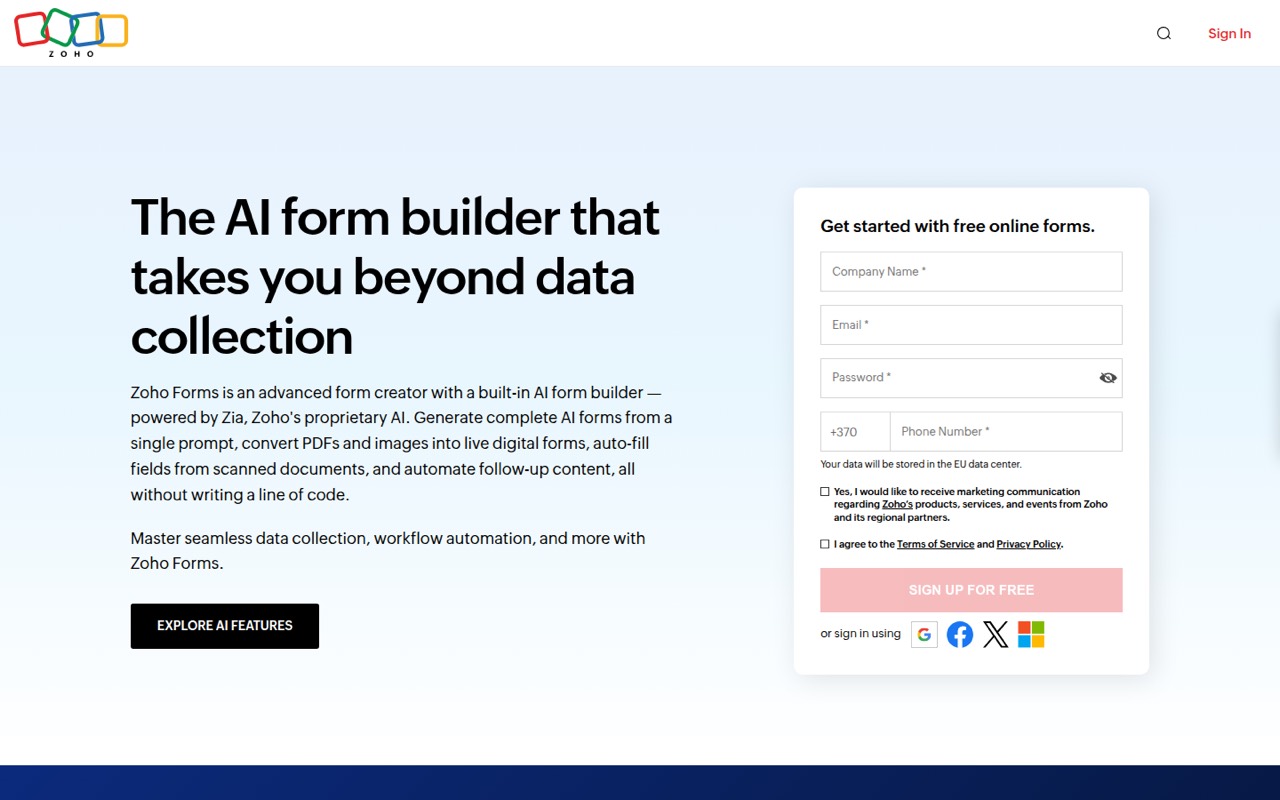
- AI can generate forms from prompts
- PDF and image conversion can digitize paper forms
- Conditional logic and multi-level approvals support workflows
What doesn't
- Free plan limits users to three forms
- Small paid teams must buy the 10-user Standard plan
- Submissions stop when a plan's monthly cap is reached
- Add-ons are unavailable on Free
- Reddit users report email and workflow snags
01Who Zoho Forms is for
Zoho Forms is for solo operators and small teams that collect information through applications, contracts, orders, or lead forms. The drag-and-drop builder handles form creation, while conditional logic, approvals, and workflow automation help route submissions after someone fills one out. AI features can generate a form from a prompt or turn PDFs and images into digital forms.
The free plan is a sensible starting point for one person testing basic forms. A team of up to 10 people should look at Standard: it includes unlimited forms and 25,000 monthly submissions, but its price applies even if only three or five people need access. That makes it a better fit for teams that will use the seats and workflow tools. If your needs are just a few simple forms and a handful of submissions, Free may be enough; if you need more users or submissions, budget for a paid plan.
02Zoho Forms free plan and trial
Free includes one user, three forms, unlimited form views, 500 submissions per month, and 200 MB of storage. That is enough to try the builder or keep a small set of low-volume forms running. The limit is clear: one person and three forms, so it is not a shared plan for a team, and add-ons are unavailable on Free.
The pricing page lists paid plans as monthly or at lower per-month rates when billed annually; the vendor doesn't publish a separate free trial. If one person needs more forms or submissions, Basic starts at $10/month billed annually or $12/month billed monthly. For multiple users, Standard is the first listed plan with team seats.
03What a small team pays for Zoho Forms
One person can stay on Free within its limits, or choose Basic for unlimited forms and 10,000 submissions per month: $10/month billed annually or $12/month billed monthly. Basic includes one user. That works out to $10 or $12 per user each month.
A team of three or five needs Standard for multiple seats. It costs $25/month billed annually or $30/month billed monthly and includes 10 users. Divided across three people, that is about $8.33 or $10 per person per month; across five, it is $5 or $6. You still pay the full plan price, not a smaller seat-based bill. Standard also raises the limit to 25,000 submissions per month and 2 GB of storage.
Watch usage add-ons: 10,000 extra submissions cost $12/month or $120/year, and 5 GB of extra storage costs $6/month or $60/year. The pricing page also lists 200 PDF credits for $5 one-time. Plans stop accepting entries at the submission cap; there are no automatic usage-based overages.
04Getting started with Zoho Forms
The drag-and-drop builder and theme controls make the basic setup straightforward on paper: create fields, adjust colors and fonts, add a logo or background, and publish a form. AI form creation can start from a plain-language prompt; PDF and image conversion offer another route when you're replacing paper forms. Smart Scan can extract information from uploaded document images and fill mapped fields.
The setup gets more involved when submissions need approvals or to move into another system. A Reddit user describes using Zoho Forms with Zoho Flow and Excel for a purchase-order process, but the available Flow trigger became a sticking point after final approval. Other commenters suggested workarounds. A separate Reddit thread discusses sending form data into Zoho CRM. Before building a key process, map the form, notification, approval, and handoff steps you need, then confirm the integrations support them.
05When small teams outgrow Zoho Forms
The first reason to upgrade is volume: Free stops at 500 submissions per month, Basic at 10,000, Standard at 25,000, Professional at 75,000, and Premium at 150,000. Storage also increases by tier, from 200 MB on Free to 2 GB on Standard. The pricing page says forms stop accepting entries at the submission cap, so teams with uneven demand should keep a close eye on usage.
The second pressure is seats. Standard includes 10 users, Professional 25, and Premium 100; a three-person team pays the full Standard price rather than a smaller team rate. Reddit users also describe workflow and delivery concerns: one thread reports a Flow limitation around final approval, while another reports missed email notifications for submissions. Those are individual accounts, not proof of a general fault, but they are reasons to test critical handoffs and keep a way to check submissions inside Zoho Forms.
From the threadsWhat users say
Reddit feedback is mixed and anecdotal. Some users value the easy customization, while others raise concerns about email notifications and approval workflows involving Zoho Flow.
All this was easily achievable with Zoho Forms
turns out I need to pay to customize
The problem: In Zoho Flow, the only trigger available is “Form Submission”
In the last 30 days we have missed 10 applications because they are not showing up in the designated email account
Questions people ask
What does Zoho Forms Free include?
Free includes one user, three forms, unlimited form views, 500 submissions per month, and 200 MB of storage. It is aimed at basic form use rather than a shared team workflow. Add-ons are unavailable on Free, and forms stop accepting entries when the plan reaches its submission cap.
How much does Zoho Forms cost for a small team?
Standard is the first listed plan with multiple users. It costs $25/month billed annually or $30/month billed monthly and includes 10 users. A team of three or five pays the same plan price, even if it doesn't use all 10 seats.
Can Zoho Forms convert PDFs and paper forms?
Yes. Zoho Forms can convert uploaded PDFs into editable digital forms and turn photos of paper forms into fillable online forms. Smart Scan can extract information from uploaded document images and fill mapped fields. The pricing page also lists paid PDF credits as an add-on.
Can Zoho Forms automate approvals?
Zoho Forms includes conditional logic, multi-level approvals, and workflow automation. A Reddit user seeking to trigger a Zoho Flow action only after final approval reported that Flow's available trigger was Form Submission. If a downstream action depends on approval completion, confirm the exact trigger and handoff before relying on it.
Does Zoho Forms have a free trial?
The vendor lists a Free plan, with one user, three forms, and 500 submissions per month. It doesn't publish a separate free trial for paid plans. If you need more forms, submissions, or users, check the paid plan limits and prices before switching.