
We may earn a commission if you buy through links on this page. It never changes a score or a ranking. How we make money
The bottom line
Good free scheduling for small hourly teams; time tracking starts at $2 per active member monthly.
ZoomShift helps hourly teams build schedules, track time and time off, and handle shift swaps. Its free plan covers up to 20 users, but limits scheduling to one location and two weeks ahead.
For longer-range schedules, time clocks and timesheets, the Starter plan costs $2 per active member monthly with annual billing, or $2.50 month to month. We like the low entry cost for a small team, but the vendor does not publish setup time or named integrations.
Good fit if
- Hourly teams with up to 20 users
- Small businesses needing basic schedules
- Teams adding time clocks and timesheets
Skip it if
- Teams needing long-range free scheduling
- Businesses requiring published integration details
- Organizations needing advanced features on free
ScoresHow it rates
What works
- Free plan covers up to 20 users
- Unlimited positions on the free plan
- Starter includes timesheets and a time clock
- Schedule reminders can go by text, push, or email
- Paid plans include PTO and break tracking
What doesn't
- Free scheduling reaches only two weeks ahead
- Free plan is limited to one location
- Time tracking requires the paid Starter plan
- Per-member costs rise with active team size
- Vendor does not publish named integrations
01Who ZoomShift is for
ZoomShift is for businesses that schedule hourly workers: think small retail, food service, or other teams organizing shifts. The free plan covers up to 20 users, making it a reasonable place to start if your main need is a shared schedule rather than time tracking.
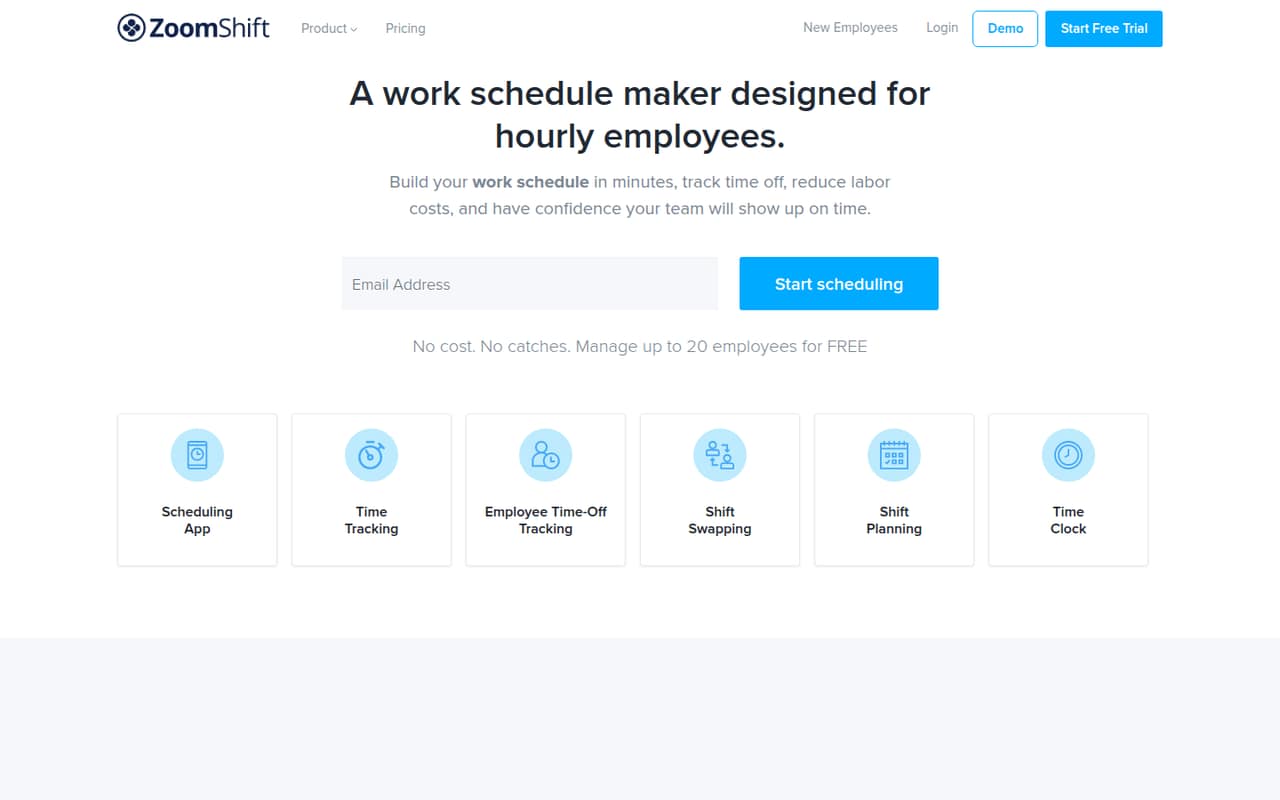
It puts schedules on a calendar, with templates and drag-and-drop shift arrangement. Managers can send schedules and reminders by text, push notification, or email. The product also covers time-off requests, PTO balances, approvals, shift swaps, messaging, and payroll report exports. Those features make it broader than a simple calendar, though the Starter plan is where timesheets and time clocks begin.
For a team of one to ten, the budget case is strongest when scheduling is the main problem and the free plan’s one-location, two-week horizon works. Teams with several locations or a need to track hours should compare the paid per-member cost before rolling it out.
02ZoomShift free plan and trial
The pricing page lists an Essentials plan that is free for up to 20 users. It includes one location, unlimited positions, and scheduling up to two weeks ahead. That is enough scope for a small team that needs to publish shifts without paying a subscription, provided its schedule stays within those limits.
The free plan does not list timesheets, a time clock, or PTO and break tracking; those are included with Starter, which starts at $2 per active team member monthly with annual billing. The pricing page also lists a 14-day free trial, but does not specify which plan or features the trial covers. Confirm that with ZoomShift before relying on it. If you need time tracking after the free plan, Starter is the cheapest listed option.
03What a small team pays for ZoomShift
Starter costs $2 per active team member per month with annual billing, or $2.50 per member month to month. That works out to $2 annually billed or $2.50 monthly for one person; $6 or $7.50 for three; and $10 or $12.50 for five. The annual figures are monthly equivalents, so the annual payment is billed on an annual basis.
Starter includes unlimited users, scheduling, and locations, plus timesheets, a time clock, PTO, and break tracking. Premium is $4 per active member monthly with annual billing or $5 month to month. It adds auto-scheduling, a geofence time clock, overtime warnings, priority support, and personalized onboarding. For one, three, or five people, Premium’s monthly equivalents are $4/$5, $12/$15, and $20/$25, respectively.
The pricing page says active team-member spots are billed by quantity and quantity changes are prorated; it does not list a separate seat fee. Budget against the number of active members you need, and confirm how ZoomShift counts them before subscribing.
04Getting started with ZoomShift
ZoomShift’s feature list points to a straightforward first task: create a schedule using the calendar, arrange shifts with drag and drop, and reuse schedule templates when they fit. You can share schedules and reminders by text, push notification, or email. The time clock and timesheets are on Starter, so a team adding those should include them in its initial plan and payroll workflow.
The vendor does not publish a setup-time estimate or name specific integrations in the pricing information. That makes it hard to judge how much work payroll connections or account configuration will take. Before rollout, ask ZoomShift which payroll systems it supports and whether your chosen plan includes the setup help you need. Personalized onboarding is listed with Premium; the pricing page does not list it as a Starter benefit.
A small team can keep the first rollout focused: set up its schedule, decide how staff will receive reminders, and confirm time-off approval rules.
05When small teams outgrow ZoomShift
The first pressure point is the free plan’s scope. It covers one location and schedules only two weeks ahead. If your team needs multiple locations or a longer planning window, Starter removes the location and scheduling limits, but costs $2 per active member monthly with annual billing or $2.50 month to month.
The second threshold is workforce management. Starter adds time clocks, timesheets, PTO, and break tracking. If you need auto-scheduling, geofence clock-ins, or overtime warnings, those are listed under Premium, at $4 per member monthly with annual billing or $5 month to month. A five-person team would pay a monthly equivalent of $20 or $25 for Premium, depending on billing.
The vendor does not publish named integrations or a separate seat fee, so teams with payroll requirements should confirm compatibility and active-member billing before upgrading. If those answers do not fit your operation, that is a sensible point to compare other scheduling tools.
Questions people ask
Is ZoomShift free?
Yes. The pricing page lists Essentials as free for up to 20 users. It includes one location, unlimited positions, and scheduling up to two weeks ahead. The free plan does not list timesheets or a time clock; Starter includes those features and starts at $2 per active member monthly with annual billing.
How much does ZoomShift cost?
Starter costs $2 per active team member per month with annual billing, or $2.50 month to month. Premium costs $4 with annual billing or $5 month to month. Essentials is free for up to 20 users. ZoomShift says active-member spots are billed by quantity, and changes are prorated.
What is included in ZoomShift Starter?
The pricing page lists unlimited users, unlimited scheduling, and unlimited locations with Starter. It also includes timesheets, a time clock, PTO tracking, and break tracking. The plan costs $2 per active member monthly with annual billing, or $2.50 with monthly billing.
Does ZoomShift offer a free trial?
The pricing page lists a 14-day free trial. It does not specify which plan or features the trial covers, so confirm the trial’s scope with ZoomShift before signing up. The Essentials plan is listed as free for up to 20 users, separate from the trial.
Does ZoomShift support multiple locations?
The free Essentials plan includes one location. Starter includes unlimited locations, according to the pricing page. If you manage more than one site, Starter is the lowest listed plan that covers multiple locations; its price is based on active team members.