
We may earn a commission if you buy through links on this page. It never changes a score or a ranking. How we make money
The bottom line
Cloud IPS is available through Firewall Advanced, but pricing and product details are hard to assess.
A small team should consider Zscaler Cloud IPS if it needs a broader security platform, not just a low-cost standalone IPS. The pricing page lists Cloud IPS through the Firewall Advanced add-on, with custom quotes and no published starting price or seat limits.
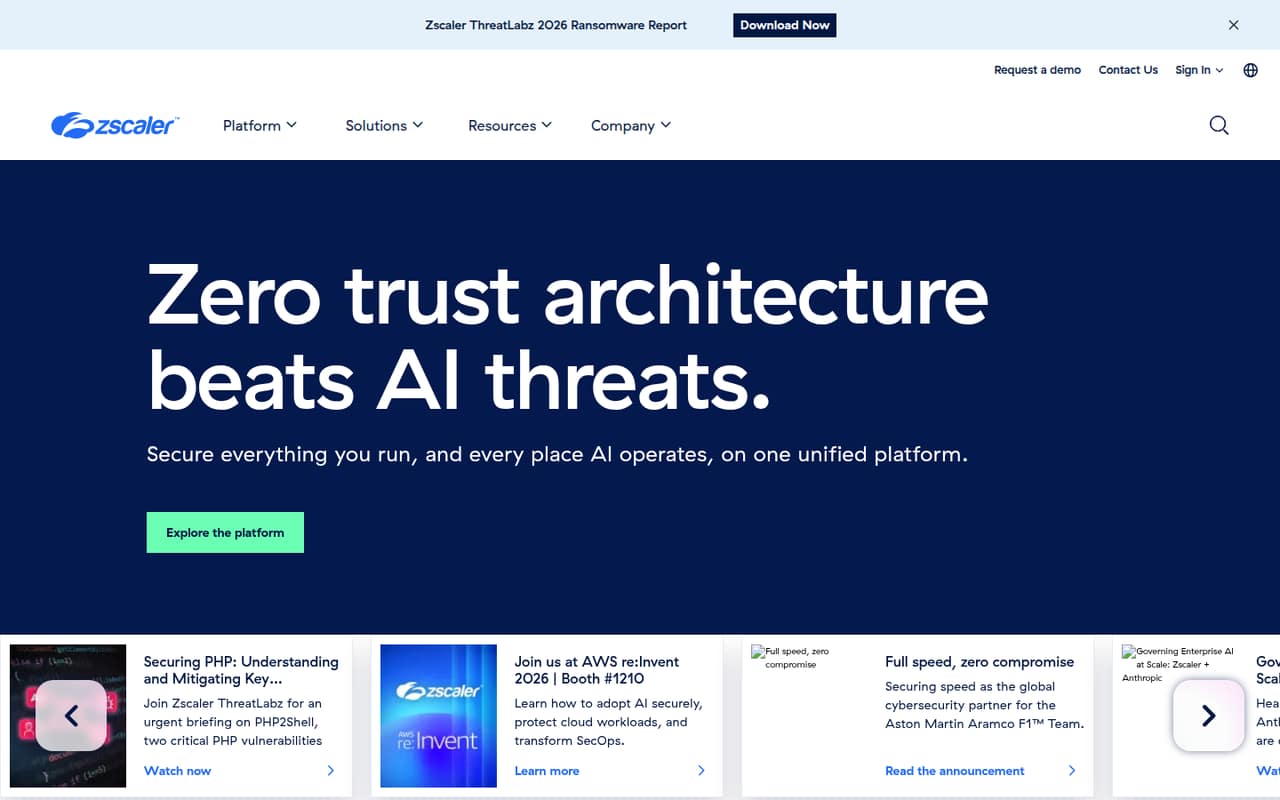
Zscaler describes its platform as using the Zero Trust Exchange to connect entities only to authorized resources. That’s a useful direction, but the homepage says little about Cloud IPS itself. Get a quote and confirm protocol coverage, deployment needs, and total cost before committing.
Good fit if
- Teams buying a wider security platform
- Organizations needing non-web protocol protection
- Security teams seeking Zero Trust controls
Skip it if
- Teams needing a published low-cost plan
- Buyers looking for a free IPS
- Small teams needing clear seat limits
ScoresHow it rates
What works
- Cloud IPS is available for non-web protocols
- Part of Zscaler’s broader security platform
- Platform applies Zero Trust access controls
- Homepage describes inline security
- Platform includes user, data, and AI security
What doesn't
- No free plan or trial is listed
- Pricing requires a custom quote
- Seat and usage limits are not published
- Cloud IPS details are sparse
- Firewall Advanced pricing is not published
01Who Zscaler Cloud IPS is for
Zscaler Cloud IPS is most likely to suit a small security team buying into Zscaler’s wider platform, rather than a 1–10-person company shopping for a simple, standalone IPS. The pricing page lists Cloud IPS as available through Firewall Advanced for non-web protocols, while the homepage describes the broader platform as protecting users, data, workloads, and AI.
In plain terms, Zscaler’s Zero Trust Exchange is meant to connect each entity only to resources it is authorized to reach. That may fit a team that wants access controls and security services in one platform. But the vendor does not publish a Cloud IPS starting price, seat limit, or usage limit, so a lean team cannot tell from the public pricing whether it fits a tight budget. We’d ask for a quote that spells out the add-on cost and what protection it covers before comparing it with standalone alternatives.
02Zscaler Cloud IPS free plan and trial
The pricing information lists no free plan and no free trial for Zscaler Cloud IPS. That means there is no published no-cost tier for a small team to start with or use to confirm fit.
The cheapest way in is not clear from public prices. Cloud IPS is available through Firewall Advanced, which the pricing information describes as an add-on module for non-web protocols. The Essentials Platform and Zscaler Platform are listed as platform options, but both require a custom quote and do not publish seat or usage limits. Ask Zscaler whether Firewall Advanced can be purchased on its own, which base platform is required, and whether a proof of concept is available. The vendor does not publish a trial offer.
03What a small team pays for Zscaler Cloud IPS
The pricing page lists no monthly or annual price for Essentials Platform, Zscaler Platform, or Firewall Advanced. It says custom quote required, and seat and usage limits are not published. So we can’t calculate a real cost for one person or a team of three or five, or compare monthly billing with an annual commitment; the vendor publishes neither a per-seat rate nor a starting price.
For budgeting, treat Cloud IPS as an add-on cost on top of a platform quote until Zscaler confirms otherwise. Firewall Advanced is listed as the add-on module that provides Cloud IPS for non-web protocols. The price of that module and any overage costs are not published. Ask for a written quote that shows the base platform, Firewall Advanced, user count, usage assumptions, billing term, and any overage charges. Without those details, a small team can’t tell whether the least expensive platform bundle is workable or whether the add-on pushes it beyond budget.
04Getting started with Zscaler Cloud IPS
The vendor does not publish Cloud IPS setup time, a step-by-step deployment process, or a list of required integrations in the material available for this review. The homepage describes Zscaler’s platform as sitting inline on connections, but does not explain the Cloud IPS deployment path. A small team should expect to confirm architecture and prerequisites with Zscaler before estimating effort.
Before signing, ask who configures policies, how traffic is routed, which non-web protocols are covered, and what logging or identity sources are needed. Also ask whether Firewall Advanced requires another Zscaler product or service. Those answers matter more to a two-person IT function than a broad platform description. A Reddit discussion about Zscaler egress IPs flags operational concerns around changing IP ranges and keeping allowlists current; that is adjacent to Cloud IPS rather than a report about its setup. Get the specific deployment steps and support responsibilities in writing.
05When small teams outgrow Zscaler Cloud IPS
For a small team, the main pressure point may arrive before a technical limit: the vendor does not publish seat limits, usage limits, or Cloud IPS pricing. As headcount and traffic grow, ask Zscaler to show how the quote changes and whether the Firewall Advanced add-on has thresholds or overages. Those terms are not published, so we can’t identify a specific user count at which an upgrade is required.
A Reddit discussion about Zscaler egress IP allowlisting describes ranges changing and the work of keeping vendor allowlists updated. One commenter also warns that allowing all datacenter ranges could open access to other Zscaler customers. These comments concern egress IP operations, not Cloud IPS performance, but they flag questions for teams relying on network allowlists. If your needs grow, reassess identity and device context alongside IP-based controls, and ask whether the platform still fits your security and budget requirements.
From the threadsWhat users say
The Reddit discussion is mixed and concerns Zscaler egress IP allowlisting, not direct reviews of Cloud IPS. Commenters point to both a preferred approach and practical concerns about changing ranges, extra hops, and relying on IPs rather than identity.
This is the preferred approach, and better than SIPA
The ranges change somewhat often
The user identity is way more important, and any additional device context
It’s just in a ZPA tenant that ZS manages for you
Questions people ask
What is Zscaler Cloud IPS?
Zscaler lists Cloud IPS as available through its Firewall Advanced add-on. The pricing information says the module provides Cloud IPS for non-web protocols. Zscaler’s homepage describes its broader platform and Zero Trust Exchange, but does not explain Cloud IPS features in detail, so ask the vendor for protocol coverage and deployment specifics.
Does Zscaler Cloud IPS have a free plan or trial?
No free plan or trial is listed in the pricing information. The vendor does not publish a no-cost tier or trial terms for Cloud IPS. Ask Zscaler whether it can offer a proof of concept, and confirm whether Firewall Advanced requires a platform subscription.
How much does Zscaler Cloud IPS cost?
The vendor does not publish a starting price, monthly or annual rate, or per-seat cost. Firewall Advanced is listed as an add-on, and its price is not published; custom quotes are required for the platform options. Ask for an itemized quote for your user count, add-on, billing term, and any overage charges.
Does Cloud IPS protect non-web traffic?
The pricing information says Firewall Advanced provides Cloud IPS for non-web protocols. It does not publish a protocol list or technical limits, so confirm that the traffic your team needs to protect is covered. Ask the vendor to include relevant protocols and exclusions in the quote or product documentation.
What should a small team ask before buying?
Ask whether Firewall Advanced requires Essentials Platform or Zscaler Platform, what the full cost is for your headcount, and how usage limits and overages work. Also request Cloud IPS deployment steps, protocol coverage, and support responsibilities. The vendor does not publish seat limits, usage limits, or a public starting price.