We may earn a commission if you buy through links on this page. It never changes a score or a ranking. How we make money
A small team may not need a dedicated AI audio tool at all: basic call notes or occasional transcripts might be enough. If audio work is regular, Auphonic is our first pick for finishing podcast audio, while Wispr Flow suits frequent cross-app dictation. Happy Scribe and Notta cover transcription and meeting notes; developer-led teams can look at Deepgram or Retell AI. Several options have free plans, but the useful limits—and the cost for multiple people—vary. Check whether you’re paying per seat, per audio use, or for a custom quote before rolling a tool out to all ten people.
Quick picksThe shortlist
 AuphonicAuphonicBest for small teams · $11/mo
 Wispr FlowWispr FlowBest for dictation · $12/mo
 Happy ScribeHappy ScribeBest for captions · $8.50/mo
 NottaNottaBest for meeting notes · $8.17/mo
 DeepgramDeepgramBest for voice products · $333.33/mo
 RevRevBest for evidence search · $25.49/mo
 Retell AIRetell AIBest for call automation · Free
 LALAL.AILALAL.AIBest for stem separation · $7.50/mo
01Compared at a glance
| Tool | Score | From | Free plan | Trial |
|---|---|---|---|---|
| AuphonicAuphonic | 8.0 | $11/mo | Yes | — |
| Wispr FlowWispr Flow | 7.8 | $12/mo | Yes | — |
| Happy ScribeHappy Scribe | 7.0 | $8.50/mo | Yes | — |
| NottaNotta | 7.0 | $8.17/mo | Yes | 7 days |
| DeepgramDeepgram | 7.5 | $333.33/mo | Yes | — |
| RevRev | 7.0 | $25.49/mo | Yes | — |
| Retell AIRetell AI | 8.0 | Free | Yes | — |
| LALAL.AILALAL.AI | 7.0 | $7.50/mo | Yes | — |
02The picks, in detail
- Best for small teamsAuphonicAuphonic
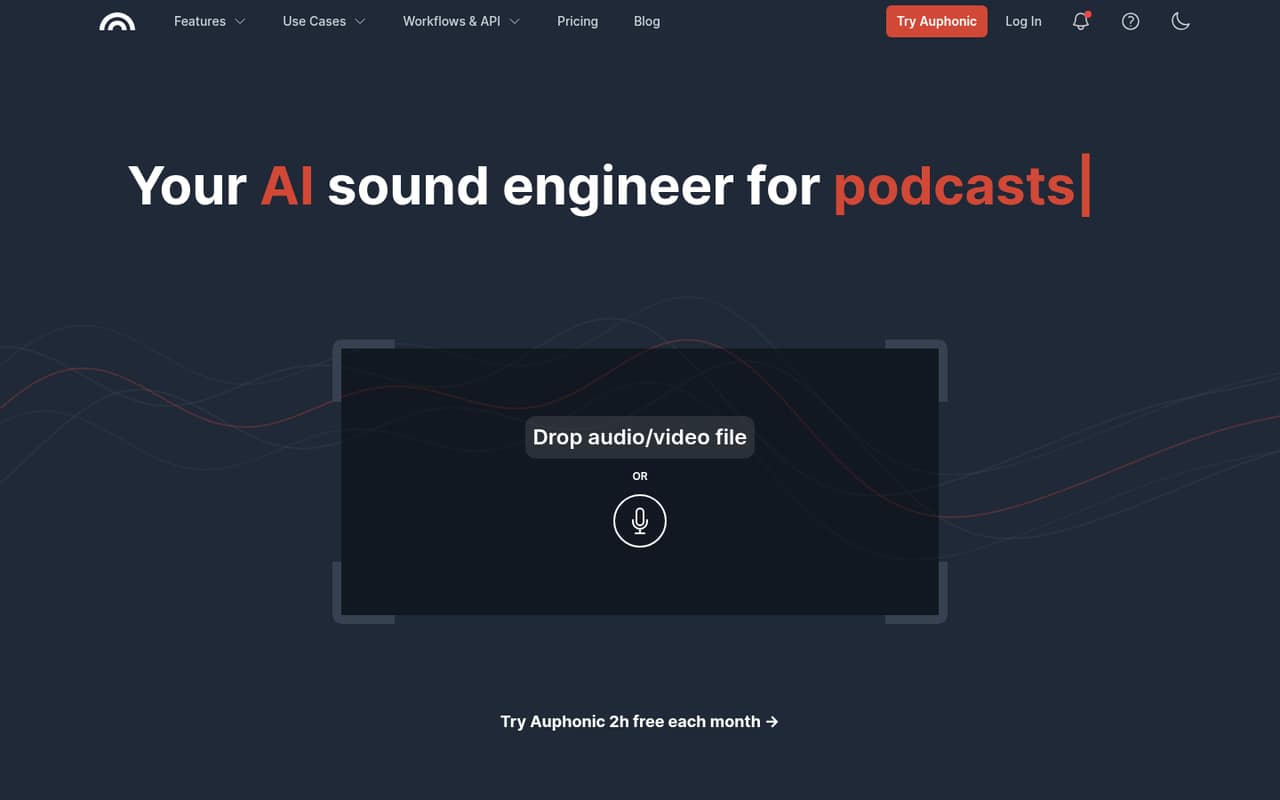
Auphonic is a practical fit for small podcast teams that need to even out audio across speakers. The pricing starts at $11 and includes a free plan; billing is based on processing hours rather than seats. That can suit occasional production, though teams processing more audio should check the hour allowance and paid-plan details before budgeting.
What works
- Free plan includes 2 processing hours monthly
- Balances levels across speakers, music and speech
- Lists noise and reverb reduction tools
What doesn't
- Free productions include a jingle
- Monthly credits do not roll over
- No per-seat charge is listed
- Best for dictationWispr FlowWispr Flow
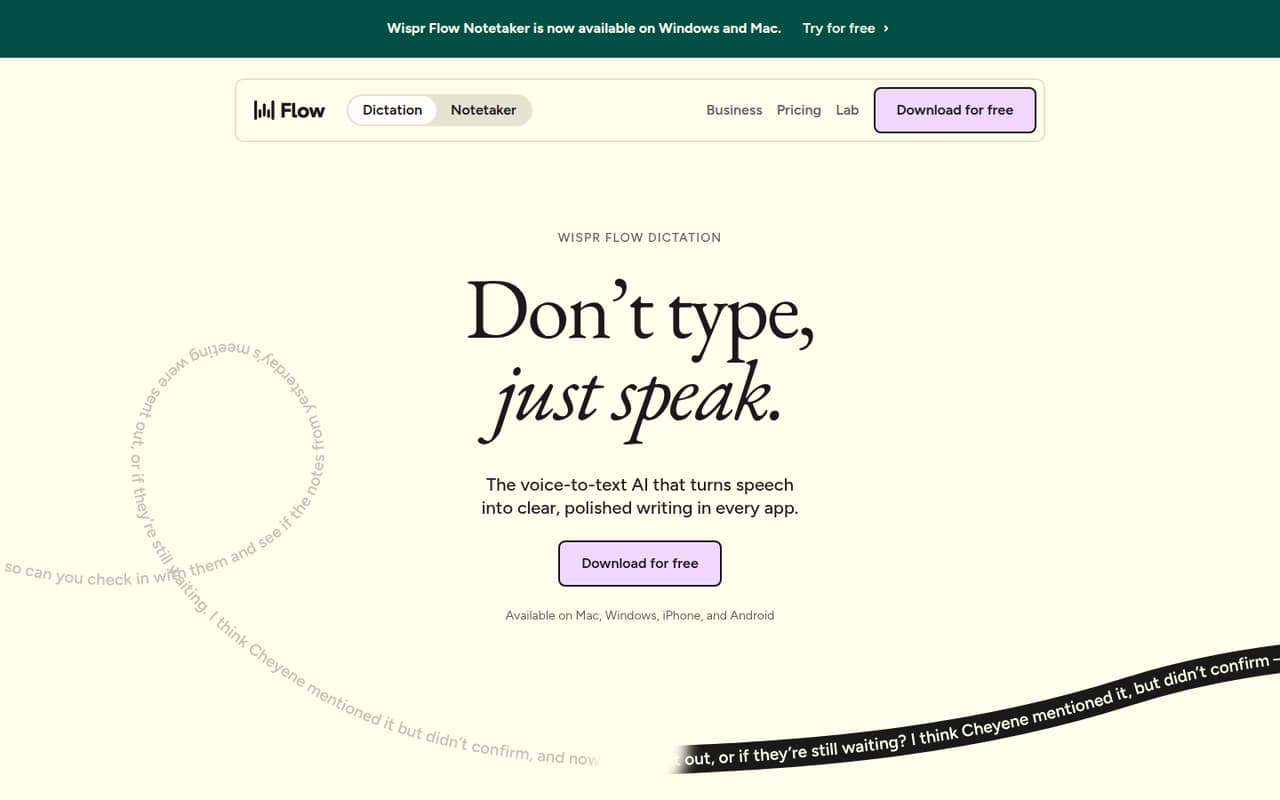
Wispr Flow is aimed at people dictating across apps, including small teams writing frequent messages and multilingual users. It has a free plan, with pricing from $12. That gives a team a way to try the workflow before paying, but budget for Pro if shared tools matter. Confirm how the plan handles multiple team members.
What works
- Dictates in any app without plugins
- Free plan supports four major platforms
- Pro includes unlimited dictations
What doesn't
- Free plan’s dictation cap isn’t published
- Pro costs $12–$15 per person monthly
- Team features start with paid Pro
- Best for captionsHappy ScribeHappy Scribe
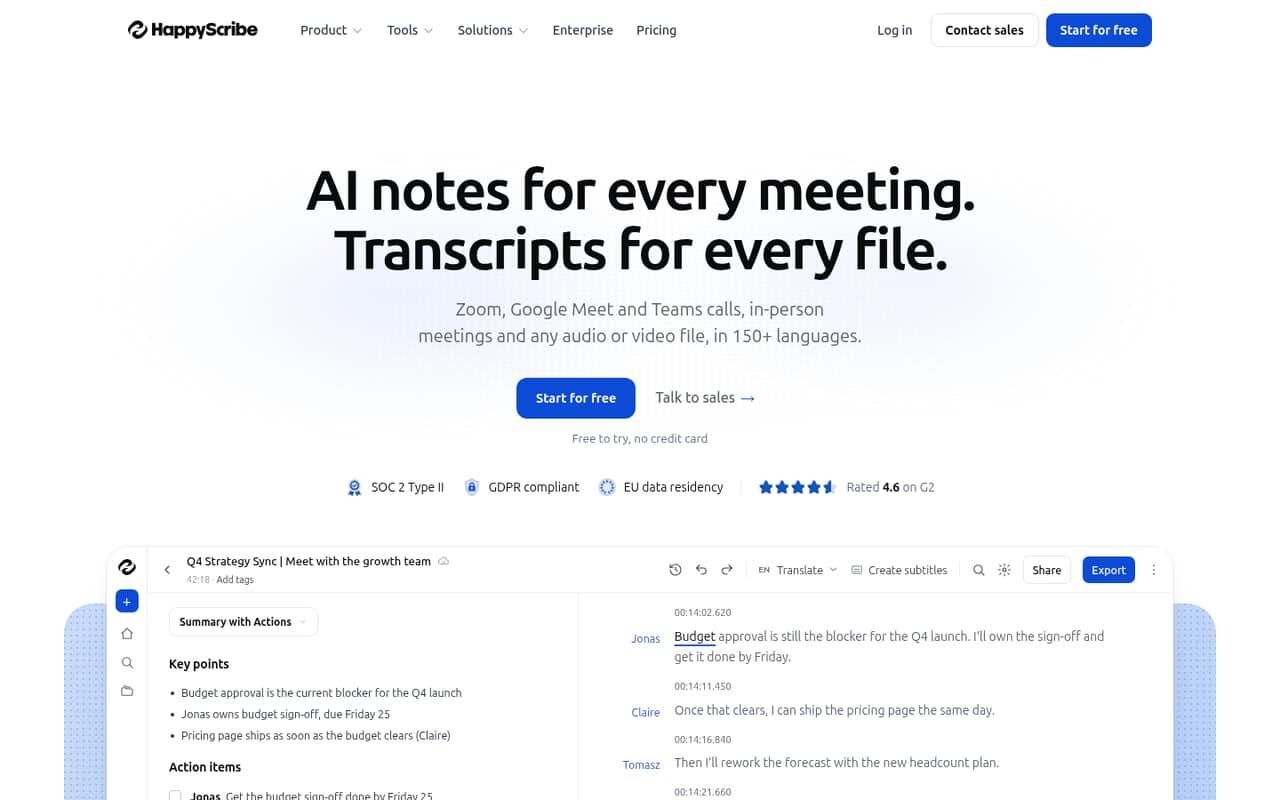
Happy Scribe covers audio transcription, video captions, and shared meeting notes, making it a flexible pick for teams with several audio jobs. Pricing starts at $8.50 and there is a free plan. Minute limits and seat costs can affect the real bill, so check both before inviting the whole team.
What works
- Transcribes audio and video in 150+ languages
- Combines transcripts, subtitles, and meeting notes
- Speaker identification links quotes to timestamps
What doesn't
- Free uploaded-file minutes are a one-time allowance
- Basic includes only 120 uploaded-file minutes monthly
- Additional seats cost $19 per month
- Best for meeting notesNottaNotta
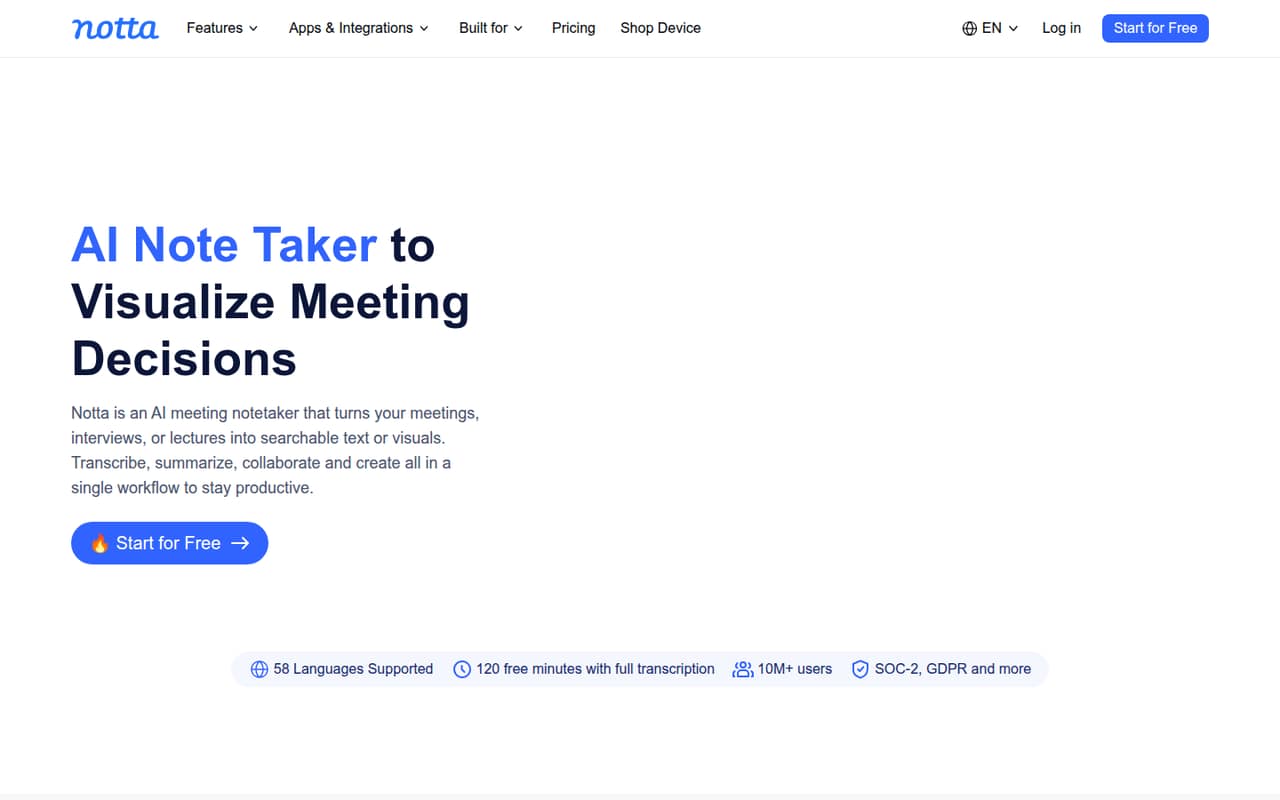
Notta is built for searchable multilingual meeting notes and workflows that turn notes into deliverables. It has a free plan and starts at $8.17. The trade-off is that shared workflows can get pricey for a small team. Check which plan includes the collaboration features you need and how the total changes with each seat.
What works
- Transcribes meetings and uploaded files
- Supports 58 languages for transcription and translation
- Searches across meetings with Notta Brain
What doesn't
- Free recordings stop at three minutes
- Free plan has no transcript export
- Business costs more as seats add up
- Best for voice productsDeepgramDeepgram
Deepgram fits small teams adding voice features to a product, including real-time transcription and agents. It has a free plan, but charges track usage rather than headcount, so the number of seats alone won’t predict the bill. It is best for teams able to build around the service; estimate audio use before launch.
What works
- $200 in credit with no expiration
- No minimum or card for Pay as you go
- Streaming and prerecorded speech-to-text APIs
What doesn't
- Usage costs vary by product and volume
- Growth requires $4,000 or more in annual credits
- No published per-seat price
- Best for evidence searchRevRev
Rev is a candidate for small legal and investigative firms that need to search mixed evidence files and draft from cited findings. It has a free plan and starts at $25.49. Ongoing use means budgeting for per-seat plans and add-ons, so check the full configuration and recurring costs before choosing it for a team.
What works
- Search across audio, video, images and documents
- Answers can cite the case record
- Free plan includes one user
What doesn't
- Free plan has just 45 AI minutes monthly
- Paid plans charge per seat
- Essentials analyzes up to 10 files at once
- Best for call automationRetell AIRetell AI
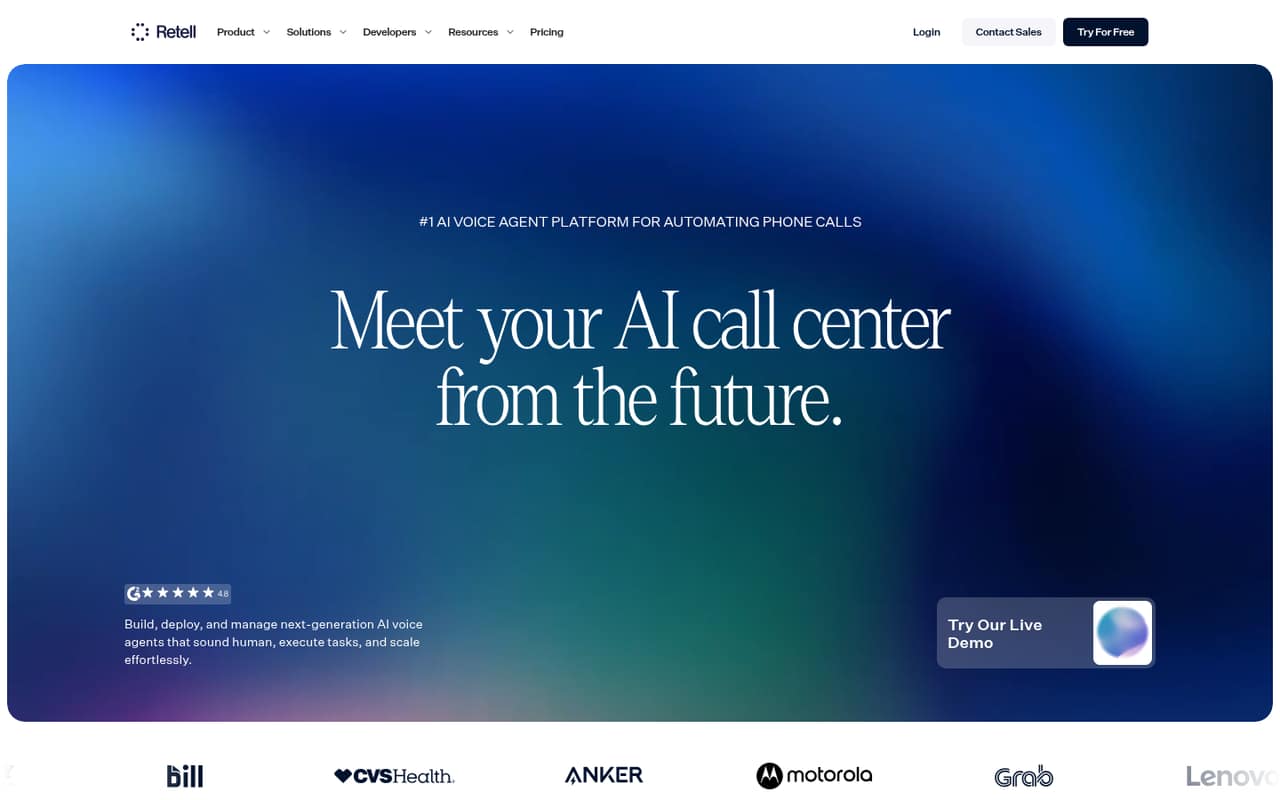
Retell AI suits teams automating inbound support calls or building custom voice-agent call flows. It has a free plan, which can help a small team start evaluating the fit, but costs depend on usage and need tracking as call volume grows. Expect to account for the custom setup involved in building the workflow.
What works
- Pay-as-you-go access has no published minimum or contract
- $10 in free credits gives teams a low-cost start
- Visual call flows support custom logic and integrations
What doesn't
- Voice rates vary by selected components
- Extra services can add several per-minute charges
- No per-seat or annual price is listed
- Best for stem separationLALAL.AILALAL.AI
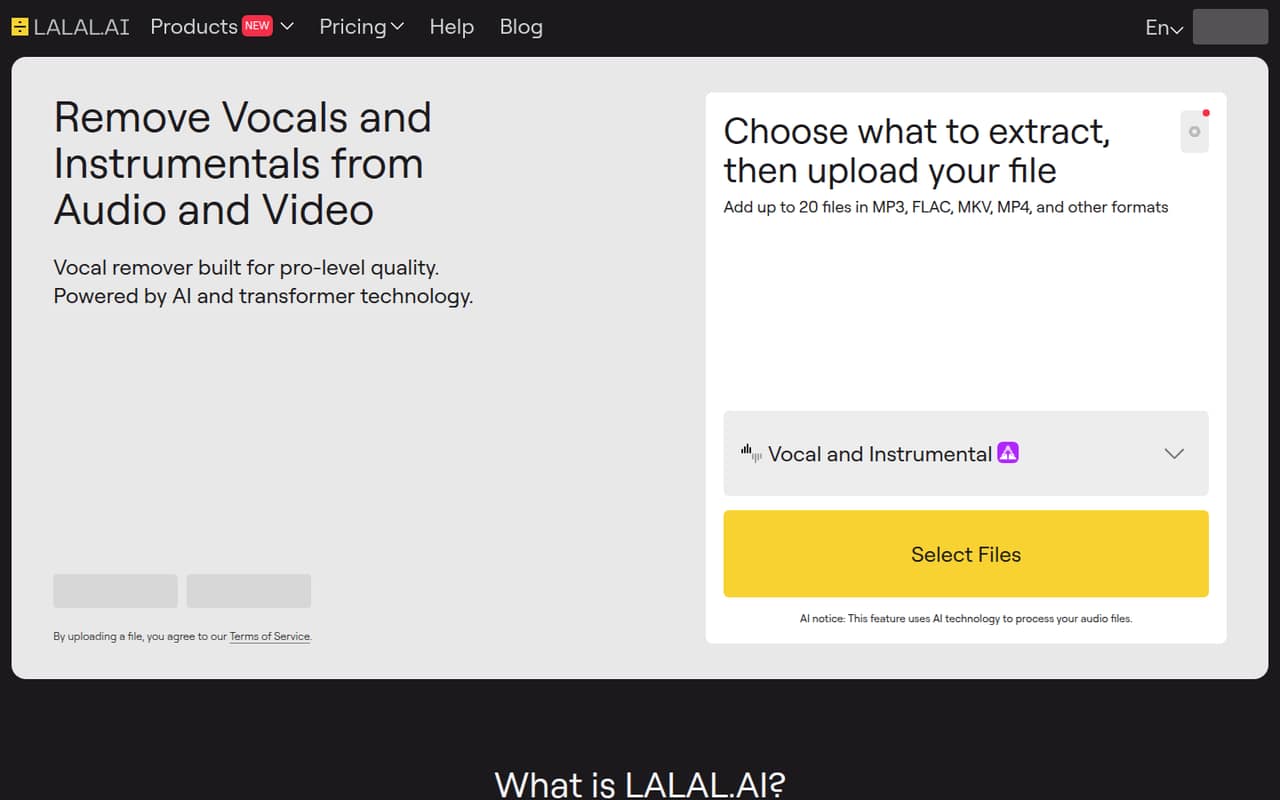
LALAL.AI is a useful option for small podcast and video teams that occasionally need stem separation or cleaner voice recordings. Pricing starts at $7.50 and there is a free plan. Annual billing and Fast Queue limits matter for budget-conscious teams, so check those terms against how often you expect to process audio.
What works
- Free Starter plan includes 10 Relaxed Queue minutes
- Separates vocals, instruments, drums, bass and more
- Voice cleaner reduces background noise
What doesn't
- Paid prices are listed only with annual billing
- Lite includes 90 Fast Queue minutes monthly
- Pro still limits Fast Queue minutes to 250 monthly
03How we chose
We ranked tools for a team of one to ten, not for the broadest feature list. We weighed whether a free plan exists, the listed starting price, how costs behave across seats or usage, and the setup implied by the tool’s intended job. We also treat plan limits, documentation clarity, and Reddit sentiment as checks a buyer should make before committing. A low starting price does not automatically mean a low team bill: minute caps, add-ons, usage charges, and custom quotes can change the math.
04Match the tool to the audio job
Start with the task your team repeats most. For podcast finishing and uneven audio across speakers, Auphonic is aimed at production teams. For dictating messages across apps, Wispr Flow is the closer fit. Happy Scribe and Notta cover transcription or meeting-note workflows, while Deepgram is intended for teams building voice features into a product. Retell AI is for custom call automation, not just recording a meeting.
Avoid buying a broad platform to solve one occasional task. If you only need a transcript now and then, compare the free plan and its limits with the cost of a paid subscription. For a recurring workflow, list who needs access, what they need to export or share, and whether a technical setup is required. That keeps a simple audio job from turning into a new project.
05Work out the real cost before adding seats
A starting price is not a team quote. Wispr Flow starts at $12, Happy Scribe at $8.50, and Notta at $8.17, each with a free plan, but their useful limits and shared-workflow costs can differ. Auphonic starts at $11 and bases pricing on processing hours, while Deepgram and Retell AI have usage costs to track. Those models make seat count a poor stand-in for the full bill.
Before buying, ask what each person needs: an individual account, shared notes, or access to an admin workflow. Check the free-plan allowance, paid-plan limits, billing frequency, add-ons, and what happens when usage rises. For tools with custom quotes or unpublished seat costs, ask the vendor for a one-to-ten-person estimate using your expected audio volume. Compare that figure with the cost of keeping the work occasional.
Questions people ask
What is the best AI audio software for a small team?
It depends on the job. Auphonic is our top pick for small podcast teams finishing audio. Wispr Flow fits frequent dictation, and Happy Scribe or Notta suit transcription and meeting notes. Teams building voice products can consider Deepgram; teams automating calls can look at Retell AI.
Which AI audio tools have a free plan?
Among these picks, Auphonic, Wispr Flow, Happy Scribe, Notta, Deepgram, Rev, Retell AI, and LALAL.AI list a free plan. Free access does not tell you how much audio or which collaboration features are included, so check the current plan limits before relying on it.
How much does AI audio software cost for a small team?
Listed starting prices range from $7.50 for LALAL.AI to $25.49 for Rev among our picks, and several offer free plans. These are starting prices, not a guaranteed total for several people. Seat charges, processing hours, minutes, add-ons, and usage can change the final bill.
Should we choose a per-seat or usage-based audio tool?
Choose based on what drives your work and bill. Per-seat pricing can be easier to estimate when a known group needs regular access. Usage-based pricing, like audio-hour or voice-use models, may suit variable workloads, but estimate volume and ask how costs change as usage grows.