
We may earn a commission if you buy through links on this page. It never changes a score or a ranking. How we make money
The bottom line
Useful for searchable multilingual meeting notes, but shared workflows can get pricey for a small team.
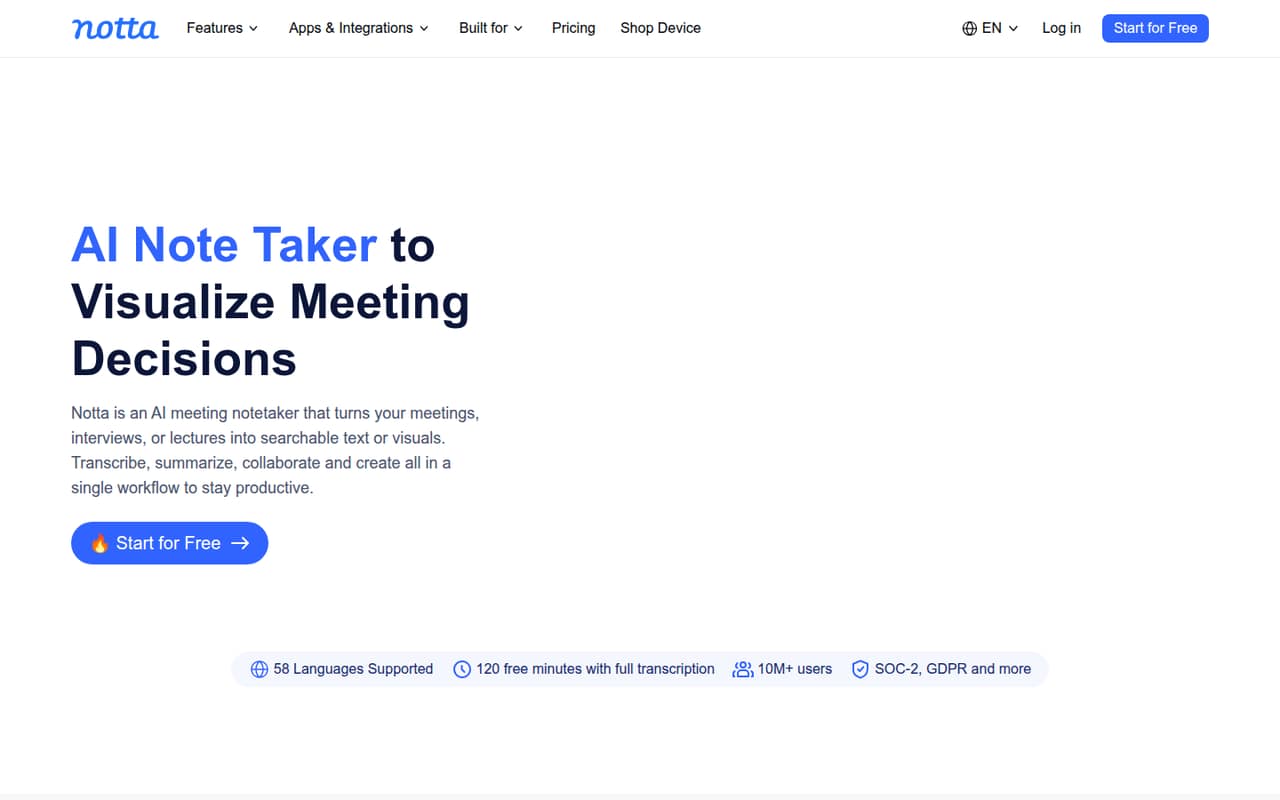
Notta turns meetings, interviews, lectures, and uploaded files into searchable transcripts and summaries. It also supports 58 languages and can turn meeting insights into presentations and infographics.
The free plan is useful for occasional notes, but its three-minute recording cap makes it a narrow test. For a team of three using shared workflows, Business starts at $83.97 monthly, or $50.01 per month on annual billing.
Good fit if
- Multilingual meeting notes
- Teams sharing meeting workflows
- People turning notes into deliverables
Skip it if
- Frequent users on a free plan
- Teams needing the lowest seat cost
- Buyers requiring published accuracy figures
ScoresHow it rates
What works
- Transcribes meetings and uploaded files
- Supports 58 languages for transcription and translation
- Searches across meetings with Notta Brain
- Creates presentations and infographics from insights
- Business includes unlimited transcription minutes
What doesn't
- Free recordings stop at three minutes
- Free plan has no transcript export
- Business costs more as seats add up
- CRM integrations are limited to Business
- Accuracy and setup time are not published
01Who Notta is for
Notta makes most sense for a solo professional or a small team of roughly 1–10 people that regularly needs searchable meeting records. It transcribes in-person and online conversations, as well as imported files, then adds summaries and action items. That covers recurring team meetings, interviews, lectures, and other conversations where writing everything down gets in the way.
The 58-language support is a practical draw for teams working across languages. Notta Brain can search across meetings and extract insights, while the tool can turn those insights into presentations and infographics. That is more than a basic transcript, but the extra features may be unnecessary if all you need is occasional audio-to-text. Budget-wise, the free plan is for light use; a solo professional can start with Pro, while shared team workflows point to Business, priced per user.
02Notta free plan and trial
The Free plan costs $0 and includes 120 transcription minutes per month, up to 50 file uploads, and 10 AI summaries. Its main catch is the three-minute maximum per recording, and the plan does not include transcript export. That makes it suitable for trying short recordings or handling occasional notes, but not for a normal-length meeting archive.
The pricing lists a seven-day Business trial. Business adds unlimited transcription minutes, web meeting video recording, CRM integrations, and admin roles, among other features. The trial duration is listed, but the terms for ending it are not included in the plan details; check Notta’s checkout or account terms before starting if you want to avoid an unwanted renewal. Free users are not eligible for the listed add-ons.
03What a small team pays for Notta
For one person, Pro is $13.49 month to month, or $8.17 per month when billed annually. The annual option is billed yearly, so that monthly equivalent comes to $98.04 for the year. Pro includes 1,800 transcription minutes a month, 100 uploads, 100 AI summaries, and transcript export.
For shared workflows, Business is $27.99 per user monthly or an annual-billing equivalent of $16.67 per user per month. Three seats come to $83.97 monthly, or $50.01 per month on annual billing ($600.12 for the year). Five seats cost $139.95 monthly, or $83.35 per month on annual billing ($1,000.20 for the year). Business includes unlimited transcription minutes, but its upload and summary allowances are per seat.
Optional add-ons include real-time translation from $6 per month billed annually and Notta Brain AI Credits from $7.80 per month billed annually. The listing does not show extra-minute purchases or variable minute overages.
04Getting started with Notta
Notta’s listed workflow is easy to understand: transcribe a live conversation or upload a file, then summarize, search, and work with the resulting notes. The service covers online and in-person meetings, plus imported files, so a team does not have to use it only for one meeting format. A setup-time estimate and a detailed onboarding checklist are not published, so we would not budget a specific number of minutes for setup.
For a team that needs CRM connections, the pricing page lists integrations on Business but does not name the services. Confirm that your CRM is supported before choosing the plan. The feature list includes a shared team workspace, but does not spell out particular calendar or meeting-platform integrations. Start by checking your actual meeting and file workflows against the plan limits.
05When small teams outgrow Notta
The first pressure point is the Free plan’s three-minute recording limit and lack of transcript export. Regular users are likely to need Pro or Business, depending on whether they work alone or need shared workflows. Pro allows 1,800 transcription minutes monthly; a team that needs unlimited minutes, admin roles, or the listed CRM integrations has to consider Business.
Seat costs are the next hurdle: Business is $27.99 per user month to month, so each new seat adds that amount unless you choose annual billing. At 51 or more seats, Notta lists Enterprise, with custom transcription quotas and organization features such as SAML SSO and audit logs. The Reddit discussion includes one person saying they could no longer afford Notta, while another thread calls it a solid multilingual option. Those are individual views, not a broad consensus. If uploads and export are your main needs, compare the cost against your actual volume before expanding.
From the threadsWhat users say
The Reddit mentions are mixed and limited: one post describes Notta as a solid multilingual option, while another says it became unaffordable. Other comments discuss alternatives, so they do not establish broad consensus.
Notta – A solid choice for multilingual transcription and flexible workflows across live conversations and uploaded files
Can’t afford Notta AI anymore
I'm trying to find a better way to take meeting notes because my current setup is not working too well
Vomo AI is way cheaper than Notta and doesn’t limit recording time or uploads
Questions people ask
How good is Notta AI?
Notta combines transcription with summaries, action items, searchable meeting insights, and visual deliverables. It supports 58 languages and handles live conversations and imported files. The pricing and feature details do not publish an accuracy score, so teams should judge transcripts against their own audio and language needs before relying on them.
Is Notta AI safe?
The plan details list SAML single sign-on and audit logs for Enterprise, but they do not specify broader data-handling or security practices. If those are requirements, ask Notta about data retention, access controls, and how recordings are handled before uploading sensitive meetings.
What does Notta’s free plan include?
Free includes 120 transcription minutes per month, a three-minute maximum per recording, 50 file uploads per month, and 10 AI summaries. Transcript export is not included. It can suit occasional short notes, but the recording cap makes it a poor fit for full-length meetings.
Can I export Notta transcripts?
The Free plan does not include transcript export. Pro includes export and full transcript translation, while the Business feature list focuses on team workflows and does not specify export details. Check the plan terms with Notta if export is essential to your team’s process.
Does Notta offer a free trial?
The pricing lists a seven-day trial for Business. The trial’s cancellation steps and renewal terms are not listed with the plan details, so check the checkout or account terms before starting. The Free plan is available separately and does not include paid-plan features such as transcript export.
Sources
- Notta homepage
- Notta pricing, compiled via web search from notta.ai, scribbl.co, amynote.app, transkriptor.com, checkthat.ai, tinrec.com, affine.pro
- Reddit: Which AI note taker are you using for meetings?
- Reddit: Can’t afford Notta AI anymore. Any alternative recommendations?
- Reddit: The 10 Best Speech-to-Text Software in 2026 (Ranked)