
We may earn a commission if you buy through links on this page. It never changes a score or a ranking. How we make money
The bottom line
A broad email-security toolkit, but small teams must get a quote before they can judge its value.
INKY is for teams that want more than a basic spam filter: it covers inbound and internal threats, outgoing email, encryption, and user coaching. It supports Microsoft 365 and Google Workspace, but does not publish plan prices or a free option.
For a small team watching its software budget, the main drawback is uncertainty: even the cheapest plan requires a sales quote, and costs for a few mailboxes are not published. Reddit opinions on the product and its support after the Kaseya acquisition are mixed.
Good fit if
- Teams protecting Microsoft 365 or Google Workspace
- Businesses wanting user coaching with email security
- Teams needing inbound and outbound protection
Skip it if
- Teams that need a free security plan
- Buyers who need public per-seat pricing
- Teams avoiding quote-based sales
ScoresHow it rates
What works
- Covers phishing, malware, spam, impersonation, and ransomware
- Includes internal mail protection and sender profiling
- Pro adds outbound protection and email encryption
- Offers live prompts to coach users
- Supports Microsoft 365 and Google Workspace
What doesn't
- No free plan is listed
- Trial availability is not published
- Plan prices and seat costs are not published
- Add-on pricing is not published
- Reddit users report mixed post-acquisition support experiences
01Who INKY is for
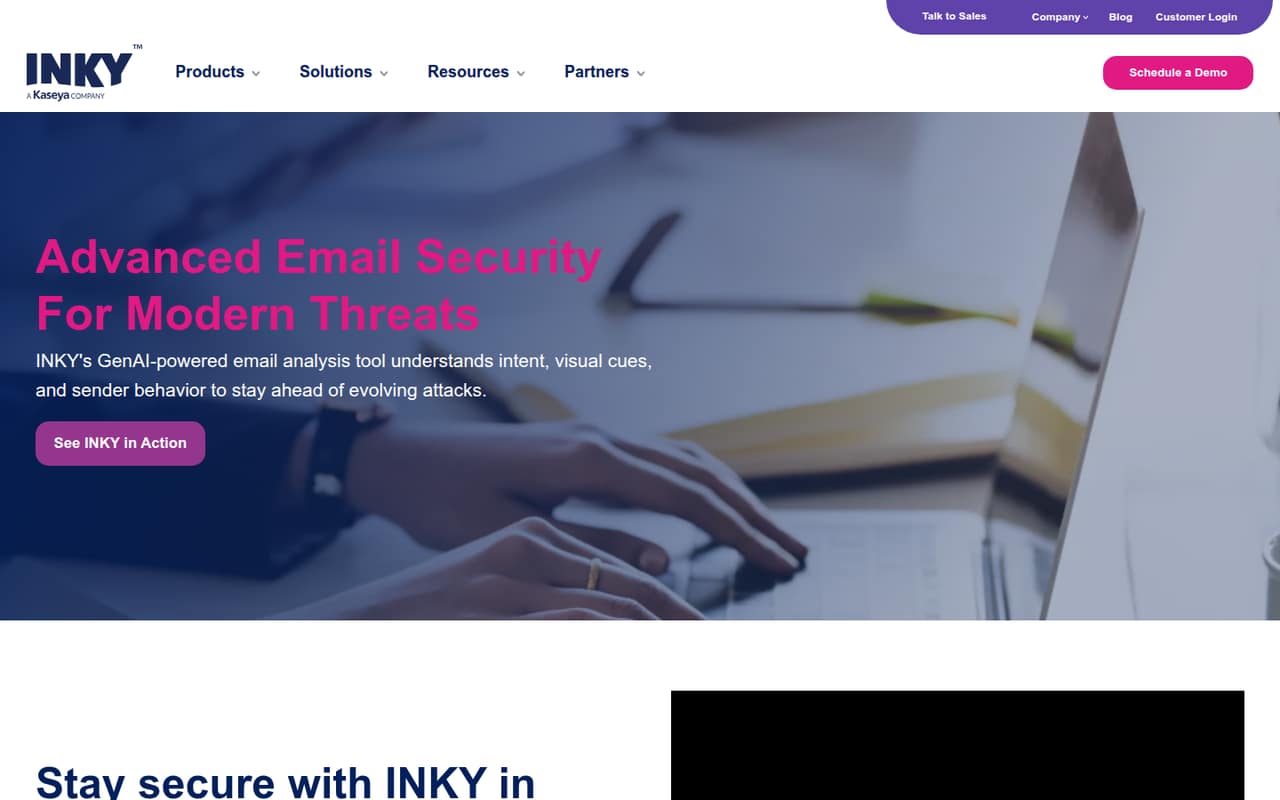
INKY fits a small business that relies on Microsoft 365 or Google Workspace and wants email security beyond spam filtering. It analyzes intent, visual cues, and sender behavior to help detect phishing, malware, impersonation, and data leaks. The feature list also includes internal mail protection, attachment analysis, encryption, and live prompts that coach people as they handle email.
For a team of one to ten, the practical question is whether those extra protections justify a sales-led purchase. The pricing page lists plans per active user mailbox, but the vendor does not publish a minimum seat count or per-seat price. That makes it hard to tell whether INKY fits a tight budget before speaking with sales. We would consider it when email is a meaningful security risk and the team can budget for a quote, rather than when the main goal is simply a low-cost spam filter.
02INKY free plan and trial
INKY does not list a free plan, and trial availability is not published. That means there is no stated free tier to cover a small team’s mailboxes while you decide whether the product is worth paying for. Ask sales whether they offer an evaluation, how long it lasts, and whether it includes the plan features you would actually buy.
The cheapest listed way in is INKY Advanced, which the pricing page describes as inbound mail protection, internal mail protection, advanced attachment analysis, graymail protection, and email signatures. Its price is quote-based, so there is no published starting price to compare with a small-team budget. Before agreeing to a quote, ask what is included per active user mailbox and whether any setup, minimum-seat, or contract terms affect the total.
03What a small team pays for INKY
INKY Advanced and INKY Pro are priced per active user mailbox, but the pricing page does not publish either plan’s monthly or annual price. It also says seat costs and overages are not published. So the cost for one person, three people, or five people cannot be calculated from public pricing; the vendor does not publish a starting price or billing terms.
Advanced is the lower listed tier. It includes inbound and internal mail protection, advanced attachment analysis, graymail protection, and email signatures. Pro includes everything in Advanced plus generative AI analysis, outbound mail protection, email encryption, and DMARC monitoring. DMARC monitoring, DLP, and encryption may be offered in higher tiers or as add-ons, and their costs are not published.
For a small team, ask sales for written monthly and annual quotes at your actual mailbox count, plus prices for add-ons and any minimum commitment. Confirm how seat changes affect billing before signing.
04Getting started with INKY
INKY is described as protecting Microsoft 365 and Google Workspace, so first confirm with sales which platform and mailboxes your team needs covered. The published feature list does not give a setup timeline, required admin steps, or the amount of work involved; those details are not published. Ask for a walkthrough of connecting your tenant, configuring policies, routing alerts, and handling false positives before choosing a plan.
The learning curve may also depend on how much you enable. Inbound filtering is the most direct starting point, while internal protection, outbound controls, encryption, and user coaching add policies and decisions for the team to manage. The user-coaching prompts are intended to guide people in real time, but the available description does not explain how admins customize them. Reddit users discussing email-security migrations call out tenant management and alert routing as things to check. Get the onboarding steps and support commitments in writing.
05When small teams outgrow INKY
The clearest reason to move up is needing protection beyond Advanced. The pricing page places outbound mail protection, email encryption, generative AI analysis, and DMARC monitoring in Pro. If those become requirements, ask for the upgrade price before relying on a budget based on Advanced. INKY does not publish seat costs, overages, or add-on prices, so mailbox growth can make costs harder to forecast.
A team may also outgrow the buying process if it needs public pricing, a free tier, or clear self-serve onboarding. Reddit discussion about INKY after its Kaseya acquisition is divided: some users describe concerns about support and billing, while others say their product experience remained positive and that billing issues were resolved. Those are individual reports, not a guarantee of service quality. Before committing, ask for renewal terms, support response commitments, minimum seats, and how mid-term mailbox changes affect the bill.
From the threadsWhat users say
Reddit opinions are mixed, with several MSP users expressing concern about support, contracts, or Kaseya ownership. Other commenters report a positive product experience or say their billing and development concerns improved.
generally been happy with the product itself (greymail, baner notification, etc.)
Friends don't let friends use Kaseya owned products and services
I have been pleasantly surprised that it hasn't gone to shit
under the new CEO, development has picked up again. Billing issues have been resolved for us and contracts are okay now
Questions people ask
What is INKY used for?
INKY is email-security software for Microsoft 365 and Google Workspace. It analyzes intent, visual cues, and sender behavior to help protect against phishing, malware, impersonation, and data leaks. Its listed features also include internal and outbound protection, attachment analysis, encryption, and prompts that coach users while they handle email.
Is INKY a spam filter?
It includes spam and graymail protection, but its scope is broader than spam filtering. The listed features cover phishing, malware, ransomware, impersonation, internal mail threats, outbound protection, email encryption, and user coaching. Advanced includes graymail protection; Pro adds outbound mail protection and encryption.
How much does INKY cost?
INKY uses quote-based pricing per active user mailbox. The vendor does not publish monthly or annual prices, seat costs, or overages, so a one-, three-, or five-person total cannot be calculated from public pricing. Ask sales for a written quote for your mailbox count and confirm add-on and contract costs.
Does INKY have a free plan or trial?
INKY does not list a free plan, and trial availability is not published. Advanced is the cheapest listed plan, but its price is quote-based. Ask sales whether an evaluation is available, what features it includes, and whether any seat minimum or contract commitment applies.
What is the difference between INKY Advanced and Pro?
Advanced lists inbound and internal mail protection, advanced attachment analysis, graymail protection, and email signatures. Pro includes everything in Advanced, plus generative AI analysis, outbound mail protection, email encryption, and DMARC monitoring. The vendor does not publish the price difference, so request quotes for both tiers.