We may earn a commission if you buy through links on this page. It never changes a score or a ranking. How we make money
A small team may not need a low-code platform at all: a shared spreadsheet or existing business software can be enough for a simple workflow. When you need a custom app, Appsmith is our first pick for teams willing to handle some JavaScript and setup; Plasmic suits teams with a React codebase, while Retool targets governed internal data apps. Free plans can help you explore, but listed starting prices do not always reveal what a few seats will cost. Confirm seat rules, plan limits, and setup needs before committing.
Quick picksThe shortlist
 AppsmithAppsmithBest for small teams · $15/mo
 PlasmicPlasmicBest for React teams · $39/mo
 RetoolRetoolBest for governed apps · $5/mo
 GadgetGadgetBest for JavaScript builders · $35/mo
 TeamDeskTeamDeskBest for custom databases · $49/mo
 Claris FileMakerClaris FileMakerBest for custom workflows · $17.50/mo
 PHPRunnerPHPRunnerBest for database web apps · Custom
 Alpha AnywhereAlpha AnywhereBest for field operations · Custom
 Mendix PlatformMendix PlatformBest for deployment flexibility · €918/mo
 OutSystemsOutSystemsBest for enterprise workflows · Free
 WaveMakerWaveMakerBest for private cloud · Custom
 Nextworld PlatformNextworld PlatformBest for ERP modernization · $4,166.67/mo
 TrackViaTrackViaBest for field workflows · $2,500/mo
01Compared at a glance
| Tool | Score | From | Free plan | Trial |
|---|---|---|---|---|
| AppsmithAppsmith | 8.0 | $15/mo | Yes | 15 days |
| PlasmicPlasmic | 8.0 | $39/mo | Yes | — |
| RetoolRetool | 7.1 | $5/mo | Yes | — |
| GadgetGadget | 7.4 | $35/mo | Yes | — |
| TeamDeskTeamDesk | 6.8 | $49/mo | No | 14 days |
| Claris FileMakerClaris FileMaker | 6.2 | $17.50/mo | No | 14 days |
| PHPRunnerPHPRunner | 6.2 | Custom | No | 21 days |
| Alpha AnywhereAlpha Anywhere | 6.2 | Custom | No | — |
| Mendix PlatformMendix Platform | 6.5 | €918/mo | Yes | — |
| OutSystemsOutSystems | 6.3 | Free | Yes | — |
| WaveMakerWaveMaker | 5.8 | Custom | No | 30 days |
| Nextworld PlatformNextworld Platform | 5.5 | $4,166.67/mo | Yes | 30 days |
| TrackViaTrackVia | 5.4 | $2,500/mo | No | Yes |
02The picks, in detail
- Best for small teamsAppsmithAppsmith
Appsmith combines a free plan with a listed starting price of $15, and its stated fit includes small teams building internal tools. It also offers JavaScript control and self-hosting options. That flexibility can mean more setup work, so it suits teams comfortable configuring their own tools better than buyers seeking a no-maintenance app builder.
What works
- Free cloud plan includes up to five users
- Community edition is available for free
- Connects to databases, SaaS tools, and APIs
What doesn't
- Business costs $15 per user monthly
- Free cloud plan has only three Git repos
- Self-hosting can involve infrastructure setup
- Best for React teamsPlasmicPlasmic
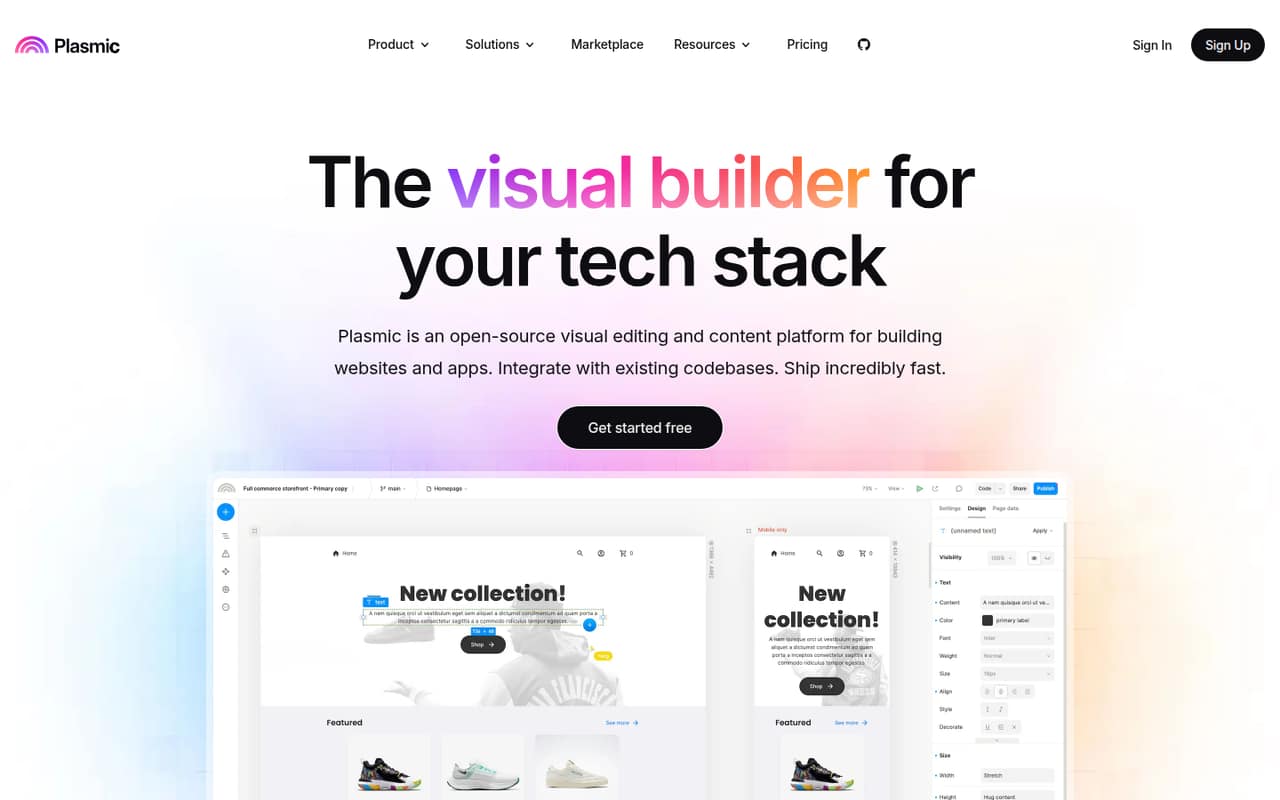
Plasmic has a free plan and a listed starting price of $39. Its strongest fit is a small team with a React codebase that wants visual editing for production-ready pages. It may be a mismatch if you need a standalone business app rather than a visual layer for existing code. Ask how seat costs change as more teammates edit.
What works
- Free plan includes 3 collaborators
- Unlimited projects and headless CMS on Free
- Connects visual editing to existing code
What doesn't
- Paid prices require annual billing
- Monthly-billing prices are not published
- Five Pro collaborators cost $123 monthly equivalent
- Best for governed appsRetoolRetool
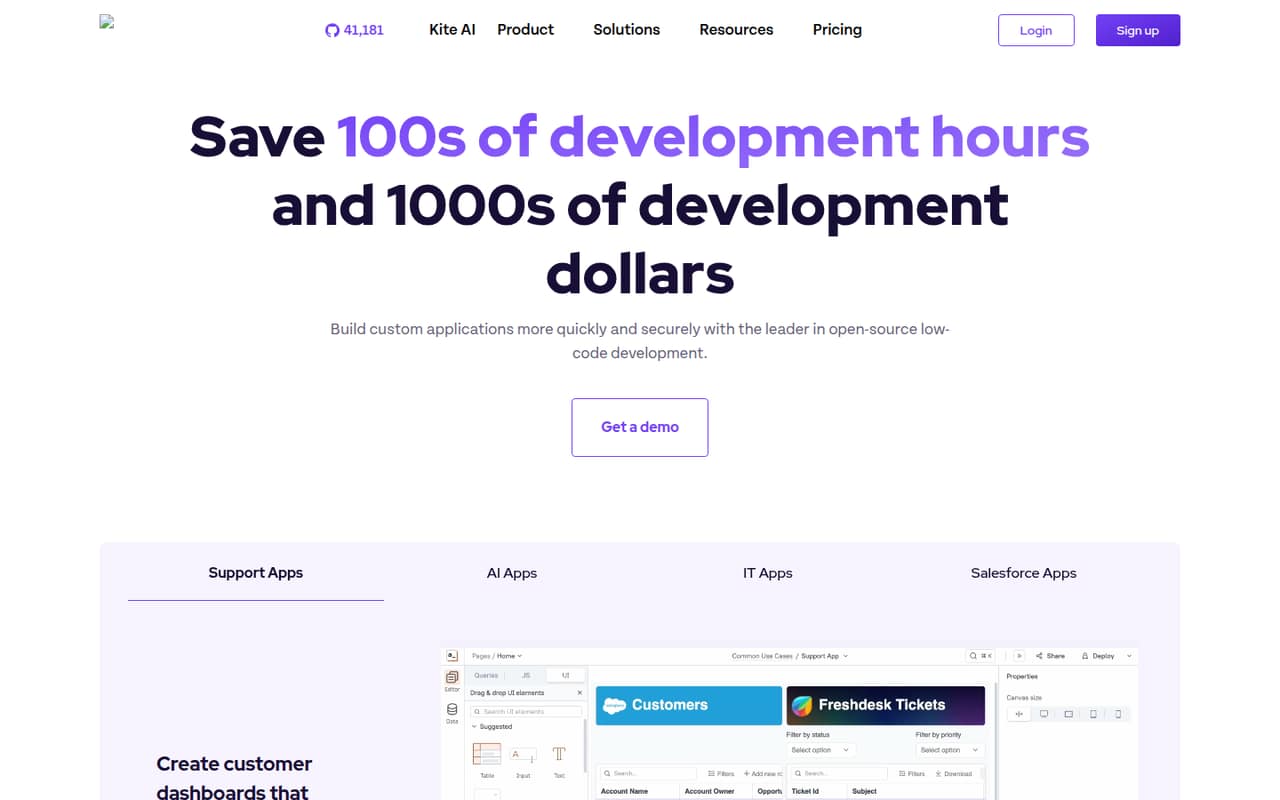
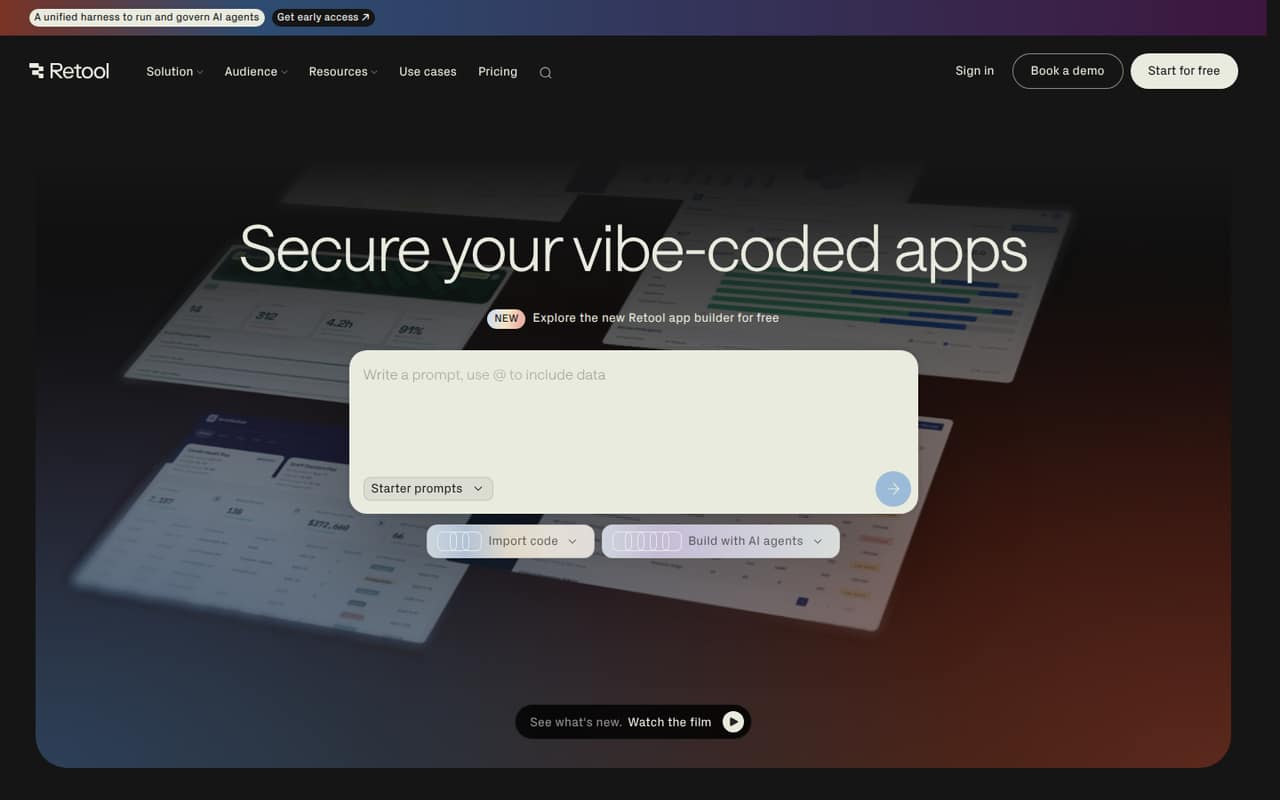
Retool is positioned for internal data apps and governed access, and its listing includes a free plan with a starting price of $5. That makes it worth comparing for teams that need more control than a basic shared app. Before choosing it, confirm which features the free plan covers and how user pricing works for your team.
What works
- Free plan allows up to five users
- Connects apps directly to production data
- Includes authentication and access controls
What doesn't
- Team and Business monthly billing prices are unpublished
- Team charges for builders and internal users
- Free plan is production-only
- Best for JavaScript buildersGadgetGadget
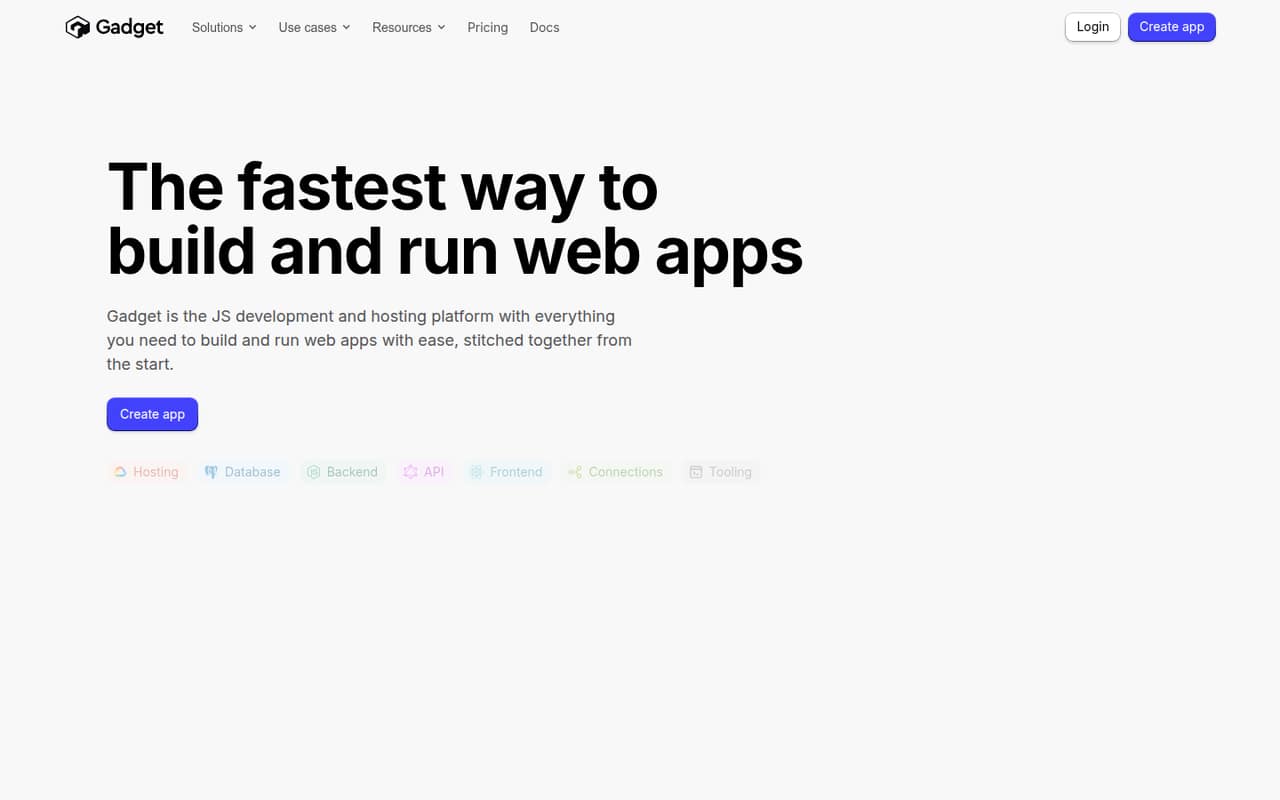
Gadget pairs a free plan with a listed starting price of $35. It is aimed at JavaScript app builders and small teams that want hosted infrastructure, so it could suit a developer-led project. The important budget check is the jump from free to paid: confirm what triggers that move and whether the paid tier fits your app.
What works
- Free Hobby plan allows up to two seats
- Backend, frontend and database in one platform
- Includes API actions, scheduled tasks and background jobs
What doesn't
- Hobby includes only 10 CPU hours
- Hobby storage is limited to 0.5 GB
- Three or more seats require the $35 Pro plan
- Best for custom databasesTeamDeskTeamDesk
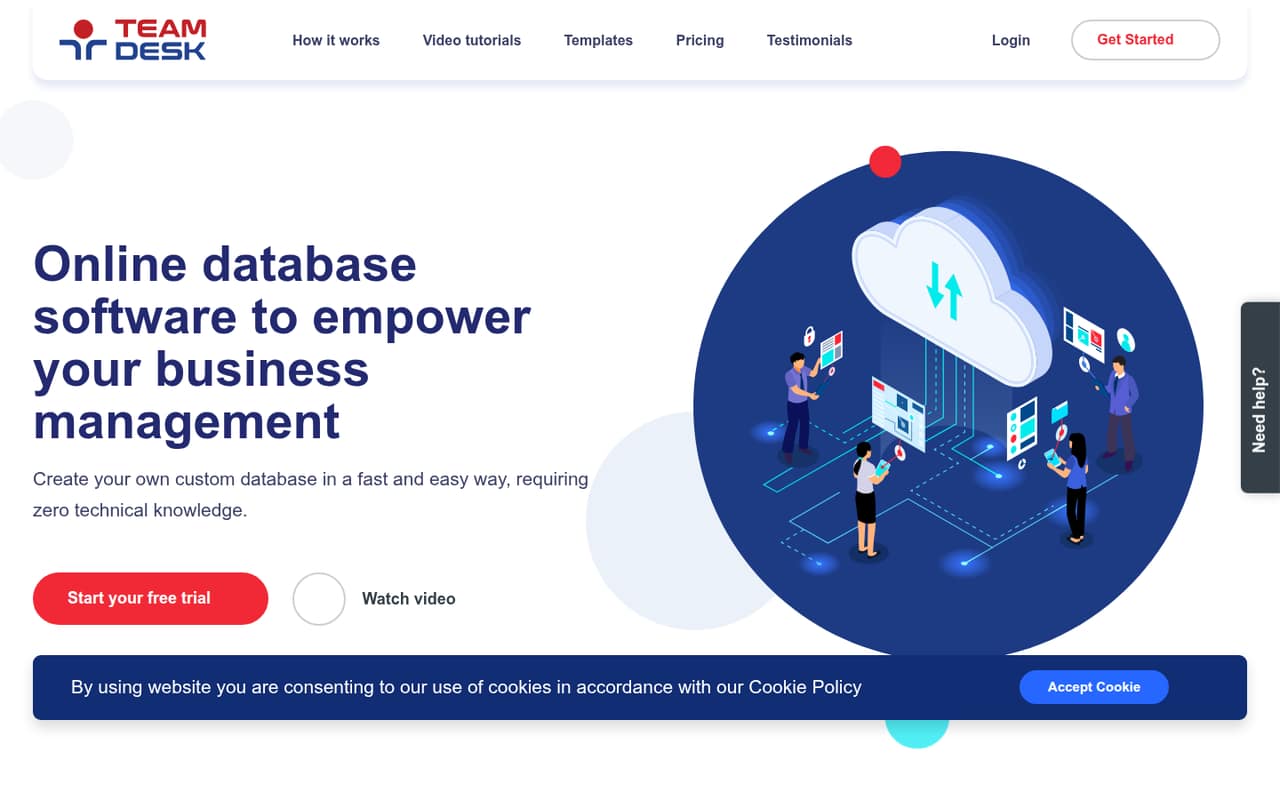
TeamDesk focuses on custom databases, established business workflows, and browser-based access. Its listed starting price is $49, with no free plan identified in its listing. It could be a straightforward fit when your team needs a shared database tailored to its process, but confirm the billing period, included users, and upgrade costs.
What works
- Starter includes up to five users
- Unlimited tables, records and storage
- Customer support is included
What doesn't
- No free plan
- Starter costs $49 per month
- Trial feature details are not published
- Best for custom workflowsClaris FileMakerClaris FileMaker
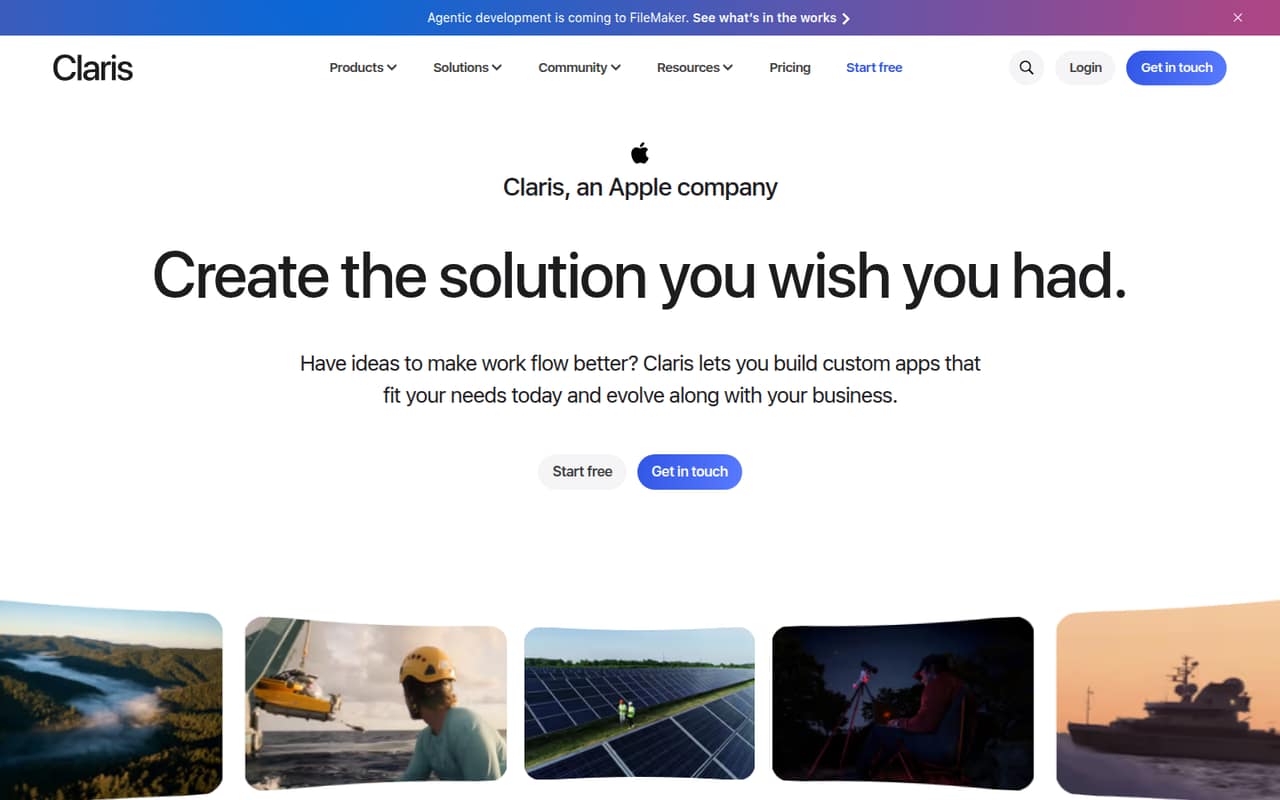
Claris FileMaker is aimed at teams replacing scattered tools or building custom CRM and business workflow apps. Its listed starting price is $17.50. That price alone does not show the total cost for a few seats, so ask for a team quote and compare it with the cost of a simpler shared app your team can already use.
What works
- Build apps around your team's workflows
- Supports CRM, projects, and invoicing
- Connects with third-party tools
What doesn't
- No free plan
- Shared subscriptions start at five users
- Subscription billing is annual only
- Best for database web appsPHPRunnerPHPRunner
PHPRunner is designed for database-backed web apps and buyers comfortable configuring app logic. It is also positioned for people who prefer one-time licenses, but the license price is not published in its listing. Ask the vendor to confirm current product details, license terms, and what ongoing costs apply before budgeting.
What works
- Visual drag-and-drop page designer
- Forms, reports, charts and dashboards
- Supports several listed database systems
What doesn't
- No free plan is listed
- $599 upfront for one developer
- Trial restrictions are not published

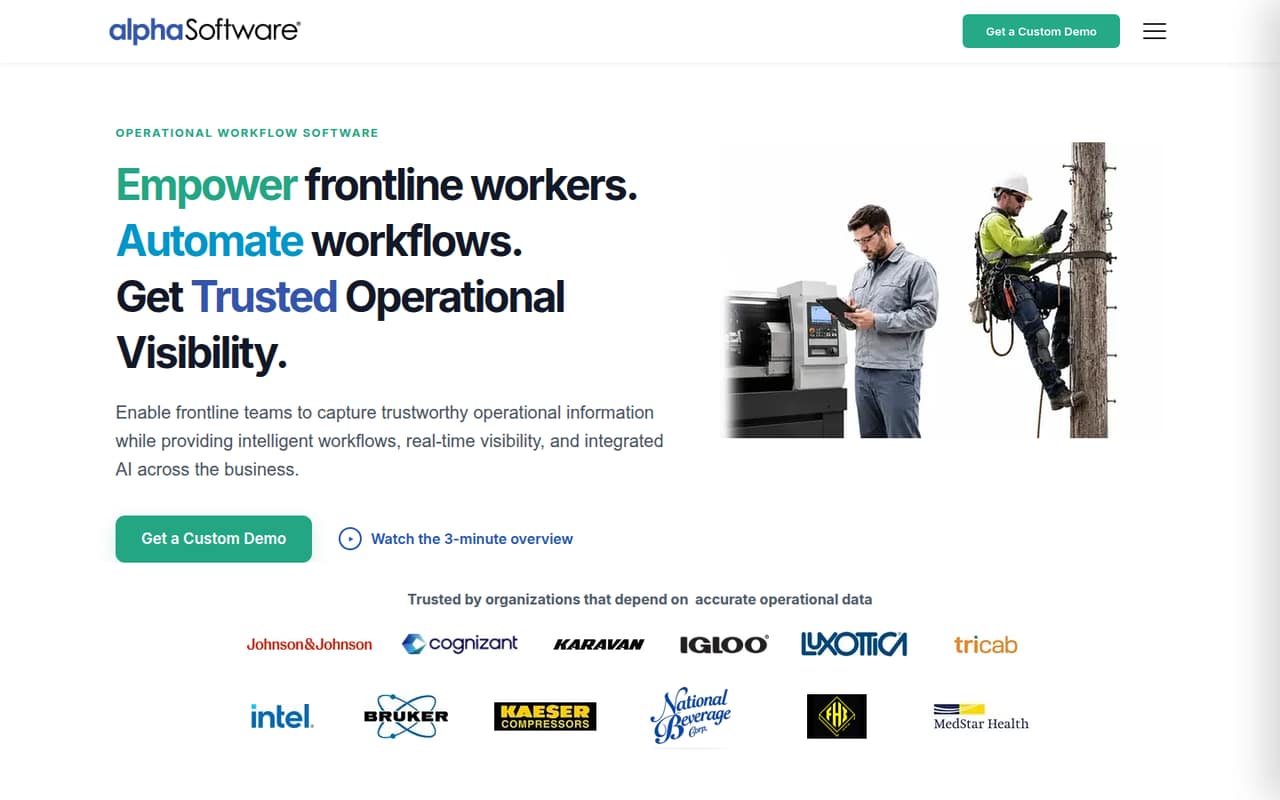
- Best for field operationsAlpha AnywhereAlpha Anywhere
Alpha Anywhere is aimed at field inspections, offline forms, approvals, and follow-ups. Those operational needs can make it a better match than a general internal-tool builder for teams working away from a reliable connection. Pricing and trial details need confirmation, so request a quote and ask what setup and support your workflow requires.
What works
- Builds web and mobile applications
- Supports offline mobile data capture
- Automates approvals, alerts, and assignments
What doesn't
- Plan prices and billing terms aren't published
- No free plan is listed
- Trial availability and terms aren't published
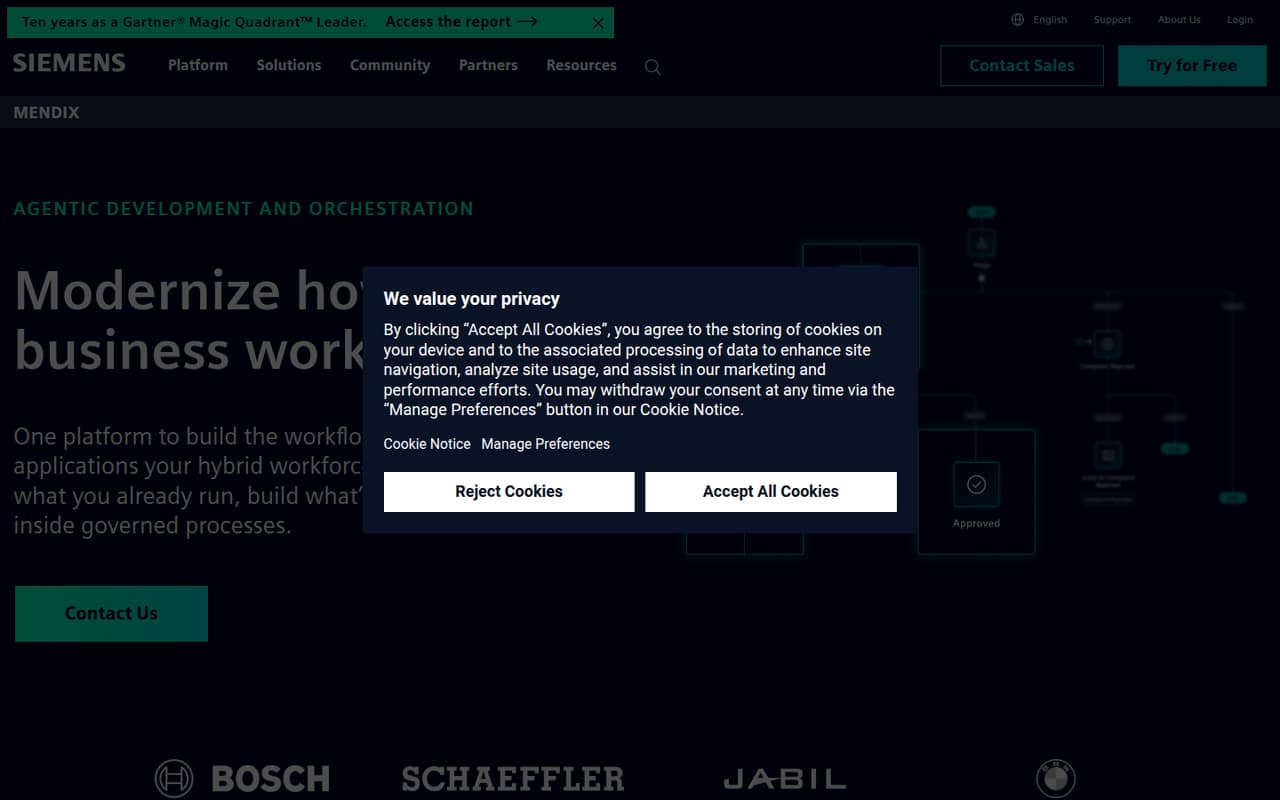
- Best for deployment flexibilityMendix PlatformMendix Platform
Mendix Platform targets business workflows, existing-system modernization, and teams needing deployment flexibility. Its listing includes a free plan and a $918 starting price for paid Standard, a substantial commitment for a small team. Confirm the billing period, free-plan limits, deployment options, and what changes when you move to Standard.
What works
- Two free plans include unlimited users
- Free deployment environment for each application
- Build apps, workflows, and AI agents
What doesn't
- Standard starts at €918 per month
- Cloud compute is not included in Standard or Premium
- Deployment options cost extra on paid plans
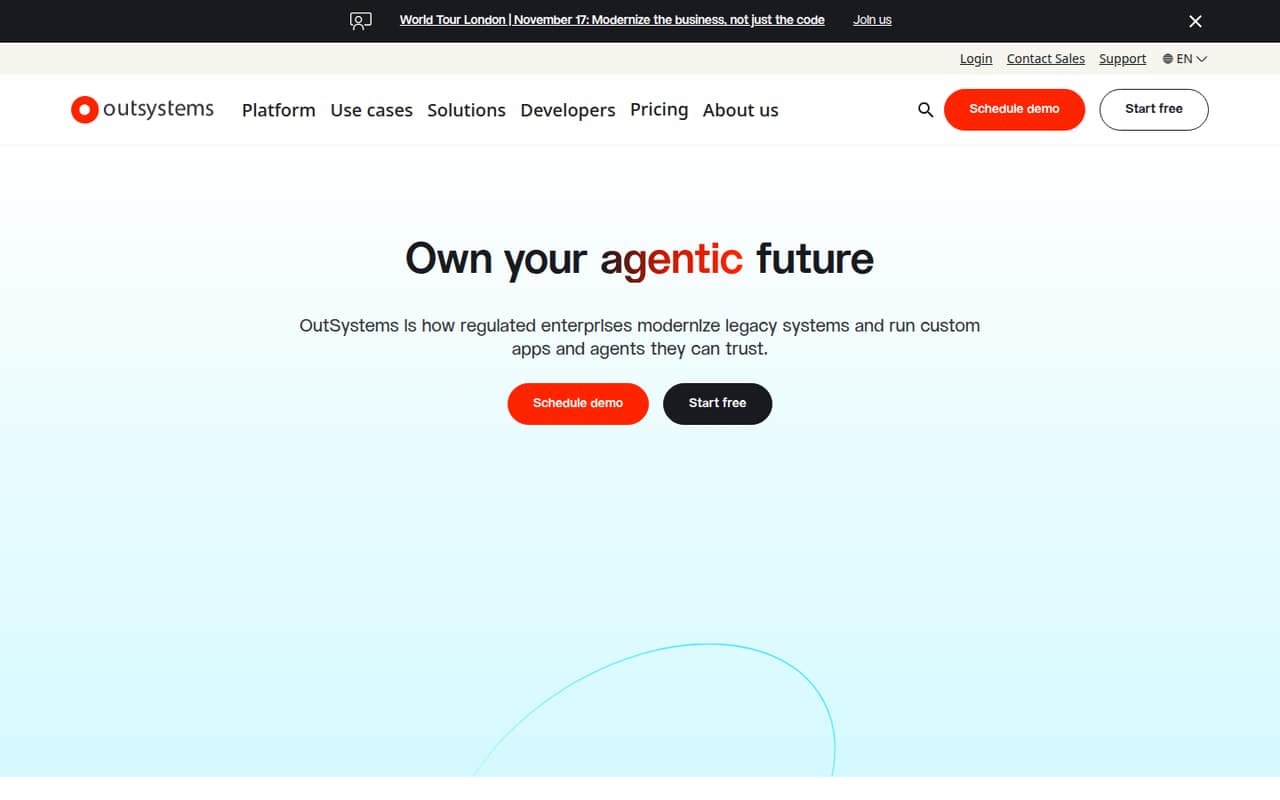
- Best for enterprise workflowsOutSystemsOutSystems
OutSystems is positioned for enterprise app modernization, governed apps, AI agents, and custom workflows. A free plan is listed, but paid pricing starts at n/a, so a small team cannot estimate its upgrade cost from the listing. Ask for a quote early and make sure the proposed plan matches your actual user count and app needs.
What works
- Visual development for custom applications
- AI assistance can start from natural language
- Agent Workbench includes guardrails and monitoring
What doesn't
- Enterprise pricing requires a custom quote
- Commercial plan starts with 100 internal users
- Monthly and annual prices are not published
- Best for private cloudWaveMakerWaveMaker
WaveMaker supports custom web or mobile app building, visual and code workflows, and private-cloud deployment. Its listing does not identify a free plan or publish a starting price, which makes it hard to compare on a tight budget. Ask for a written quote and confirm hosting, deployment, and the skills needed to maintain the app.
What works
- Unlimited applications on the listed plans
- Unlimited end users on the listed plans
- Figma designs can generate front-end code
What doesn't
- No free plan is listed
- Monthly and annual prices aren't published
- Teams plan seat cap isn't published
- Best for ERP modernizationNextworld PlatformNextworld Platform
Nextworld Platform is aimed at mid-sized and large organizations modernizing ERP or extending legacy systems. Its listing gives a $50,000-a-year Starter price, equivalent to $4,166.67 a month, and also identifies a free plan. That annual commitment is difficult to justify for most small teams unless the project has a clear enterprise-scale need.
What works
- Free plan includes one user and one dev environment
- Visual tools build data models, interfaces, logic, and apps
- ERP applications cover finance, procurement, inventory, and more
What doesn't
- Starter costs $50,000 per year when billed annually
- Starter includes 25 users, far more than many small teams need
- Extra users and functional apps cost more

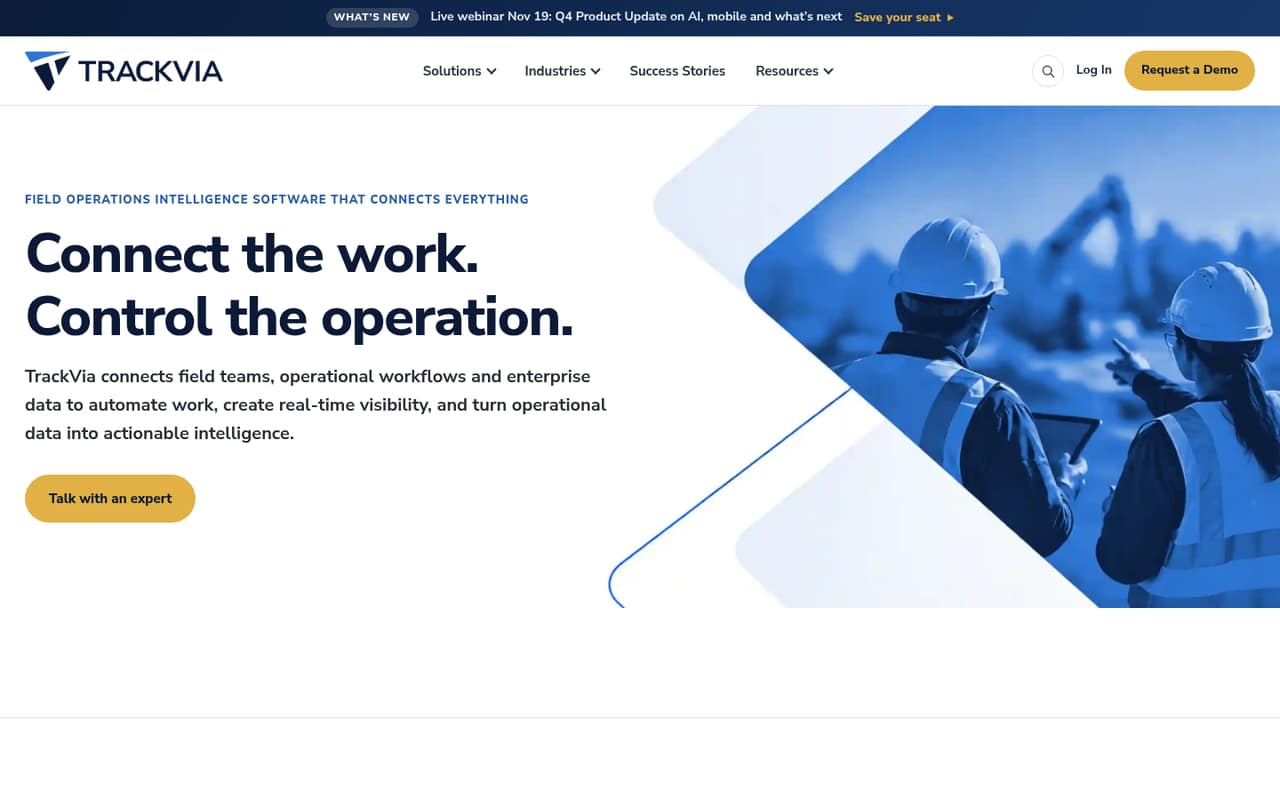
- Best for field workflowsTrackViaTrackVia
TrackVia is built for field teams with complex workflows and offline checklists. Its listed $2,500 monthly minimum makes it a poor budget fit for most teams of 1–10, even if those features match the work. Consider it only when field operations are central to the business and the vendor confirms the plan covers your users and requirements.
What works
- Build and adjust operational apps without a developer
- Automate workflows for jobs, assets, and approvals
- Mobile checklists work online or offline
What doesn't
- No free plan is listed
- Quick Start costs $2,500 per month
- Annual pricing is not published
03How we chose
We ranked these platforms for teams of 1–10, prioritizing whether a free plan is listed, what the listed starting price suggests about a small-team budget, and how much technical or deployment work the product appears to require. We also considered the stated use cases, plan limits where available, documentation, and user sentiment as checks buyers should make before committing. A starting price is not necessarily a quote for several seats. Where pricing or plan details need confirmation, we say so rather than estimating a total.
04Work out the real cost for your team
Do not treat a starting price as your total. Ask whether it is per user, per app, or for a plan with a minimum commitment, and whether it is monthly or annual. The listed prices here do not all specify those terms. For a team of five, request a quote that names five users and the features you need, then ask what happens if you add users or exceed a plan limit. Check whether the free plan is suitable for a live business app or mainly useful for evaluation. For products with no published starting price, ask for the minimum contract and any required services. A free plan can lower the cost of exploring, but the paid plan is the number to budget around if your team depends on the app.
05Match the builder to your workflow and skills
Start with the job, not the platform category. A team building internal data tools may favor a product positioned for governed access; a field crew that needs offline checklists has a different requirement. If your team already has a React codebase or JavaScript skills, a code-connected visual builder may make sense. If nobody can maintain app logic, hosting, or deployment, account for that work before choosing a tool that offers more control. Ask the vendor to show how your actual workflow would be built, what skills are needed to change it later, and how the app connects to your existing systems. Check documentation for setup steps and search user discussions for recurring complaints, but verify important limits and support terms directly with the vendor.
Questions people ask
Does a small team need a low-code platform?
Not always. If a shared spreadsheet or existing business app handles the workflow, a new platform adds cost and upkeep without much benefit. Consider low-code when you need a custom app, internal tool, or workflow that your current tools do not handle well.
Which low-code platforms have free plans?
The listings identify free plans for Retool, Gadget, OutSystems, Mendix Platform, Appsmith, Plasmic, and Nextworld Platform. Check each vendor’s current plan limits and confirm whether the free tier can support your intended use, users, and deployment.
Can I calculate the cost for five users from these starting prices?
Not reliably. A listed starting price does not necessarily say whether billing is per user, per app, or tied to a minimum contract. Ask vendors for a quote based on your seat count, required features, and billing term before comparing totals.
What should we confirm before moving off a free plan?
Confirm the paid-plan price, what features or limits change, and how existing apps and data are handled. Also ask about user pricing, hosting, deployment, support, and any contract minimum. These details determine whether a tool remains affordable and manageable as your team grows.