We may earn a commission if you buy through links on this page. It never changes a score or a ranking. How we make money
A small team may not need a social media data API at all: if you only need creator discovery or occasional reports, a focused tool may be easier to budget for. If you’re building a product or repeatable data workflow, start with YepAPI, ScrapeCreators, or a platform-specific API. They offer ways to try or pay for usage without committing to a high monthly starting price. Check whether the data covers your target networks, what requests cost at your expected volume, and whether team access or setup help costs extra.
Quick picksThe shortlist
 YepAPIYepAPIBest for small teams · Custom
 ScrapeCreatorsScrapeCreatorsBest low-cost trial · Free
 TwitterAPI.ioTwitterAPI.ioBest for variable X use · Free
 YouTube Data APIYouTube Data APIBest free platform API · Free
 SocialDataSocialDataBest for X workflows · Custom
 TikAPITikAPIBest for TikTok trends · $24.17/mo
 EnsembleDataEnsembleDataBest for multiple platforms · $100/mo
 ModashModashBest for Shopify creators · $199/mo
 ApifyApifyBest for ready-made scrapers · $19/mo
 Lobstr.ioLobstr.ioBest for no-code collection · $16/mo
 SociaVaultSociaVaultBest for occasional scraping · $29/mo
 X APIX APIBest for X product builds · $175/mo
 Data365Data365Best for live data projects · €300/mo
 Bright DataBright DataBest for proxy options · $499/mo
 PhylloPhylloBest for consented creator data · Custom
 PhantomBusterPhantomBusterBest for prospecting flows · $56/mo
01Compared at a glance
| Tool | Score | From | Free plan | Trial |
|---|---|---|---|---|
| YepAPIYepAPI | 9.5 | Custom | No | Yes |
| ScrapeCreatorsScrapeCreators | 7.6 | Free | Yes | — |
| TwitterAPI.ioTwitterAPI.io | 7.8 | Free | Yes | — |
| YouTube Data APIYouTube Data API | 7.0 | Free | Yes | — |
| SocialDataSocialData | 7.2 | Custom | No | — |
| TikAPITikAPI | 5.8 | $24.17/mo | No | 5 days |
| EnsembleDataEnsembleData | 6.4 | $100/mo | Yes | — |
| ModashModash | 7.1 | $199/mo | No | 14 days |
| ApifyApify | 7.5 | $19/mo | Yes | — |
| Lobstr.ioLobstr.io | 7.0 | $16/mo | Yes | — |
| SociaVaultSociaVault | 6.2 | $29/mo | No | Yes |
| X APIX API | 6.1 | $175/mo | Yes | — |
| Data365Data365 | 5.8 | €300/mo | No | 14 days |
| Bright DataBright Data | 6.7 | $499/mo | Yes | 7 days |
| PhylloPhyllo | 5.5 | Custom | No | — |
| PhantomBusterPhantomBuster | 6.8 | $56/mo | Yes | 14 days |
02The picks, in detail
- Best for small teamsYepAPIYepAPI
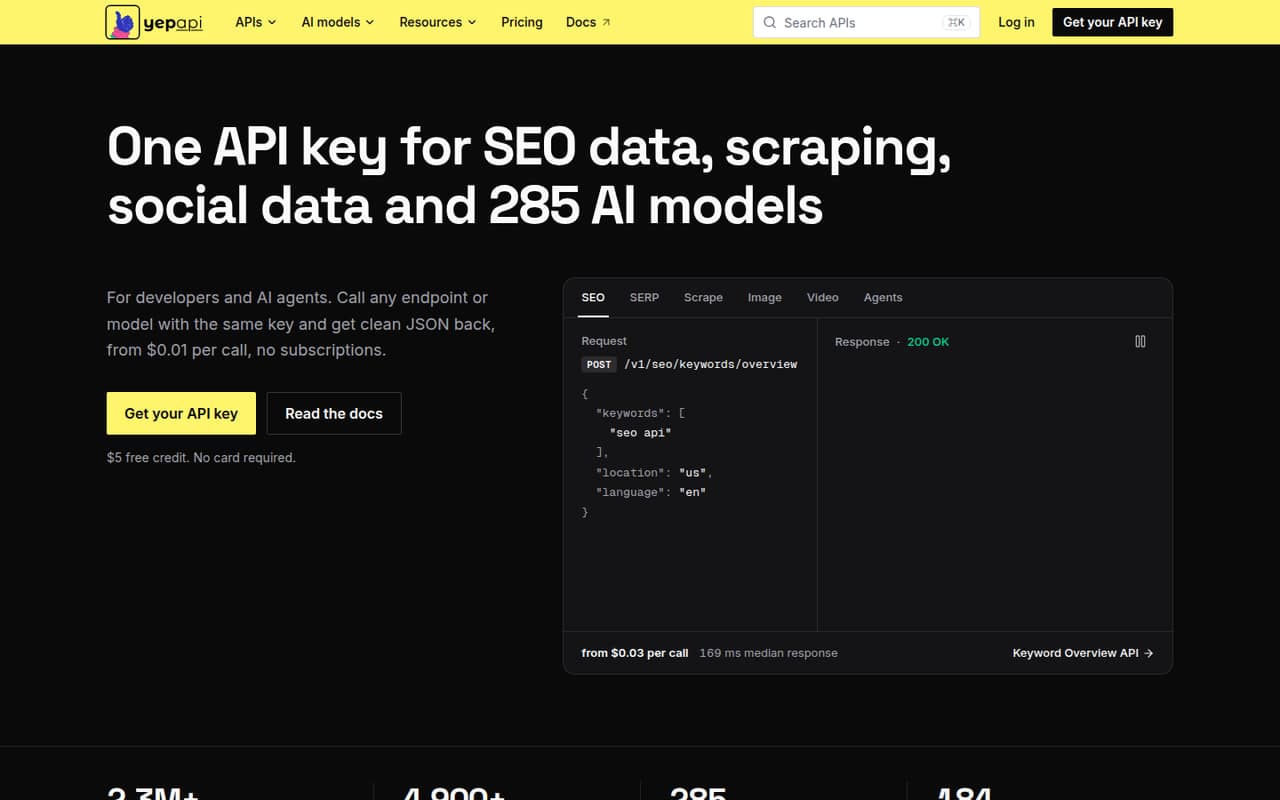
YepAPI is our first pick for a small team that needs several kinds of social data and wants to avoid a fixed monthly bill. Its catalog includes varied API endpoints, and the offer includes a $5 signup credit with no monthly fee. That makes it easier to explore than a service with a high monthly starting price. Check the per-call rates for your specific endpoints before building around it.
What works
- One API key covers several data categories
- Includes SEO, scraping, social, commerce, and AI
- $5 signup credit lowers the cost to try
What doesn't
- No ongoing free plan
- Most endpoint prices are not stated here
- Total spend depends on call volume
- Best low-cost trialScrapeCreatorsScrapeCreators
ScrapeCreators is a sensible starting point for a team building a social data feature or testing API workflows. It has a free plan and credit-based access, so the cost can follow usage rather than seats. The product is also positioned for AI-agent users. Before committing, check how quickly your planned requests use credits and what paid usage costs; a free tier is a way to test, not a promised production budget.
What works
- Free plan includes 100 credits and up to 1,200 bonus credits
- Paid credits do not expire
- No subscription or annual billing
What doesn't
- Paid credit purchases start at $47
- Additional credit-pack prices are not published
- No per-seat price is listed

- Best for variable X useTwitterAPI.ioTwitterAPI.io
TwitterAPI.io suits developers who need public X data and expect request volume to change. Its free plan and volume-based pricing are a better match for variable use than a per-seat subscription. The product also offers an MCP server for AI-agent workflows. Confirm request limits, what counts as a billable call, and whether the free allowance fits your development needs before choosing it for a live feature.
What works
- Tweets cost $0.15 per 1,000 returned
- No minimum spend on pay-as-you-go
- Up to $1 in sign-up credits
What doesn't
- Business subscription price is not published
- No recurring free allowance is stated
- Bills depend on returned data volume

- Best free platform APIYouTube Data APIYouTube Data API
YouTube Data API is a strong candidate when your project centers on YouTube search or video data and the team can handle API development. It has a free plan, which gives a low-cost way to start. The trade-off is quota management: the API uses quota rules, and audits can add friction as use grows. Check the quota model against your expected requests before making it part of a customer-facing product.
What works
- Free default plan with a daily quota
- Search videos, channels, and playlists
- Authorized users can upload and edit videos
What doesn't
- Requires API setup and authorization work
- General endpoints share a daily quota
- Search and upload calls have daily caps
- Best for X workflowsSocialDataSocialData
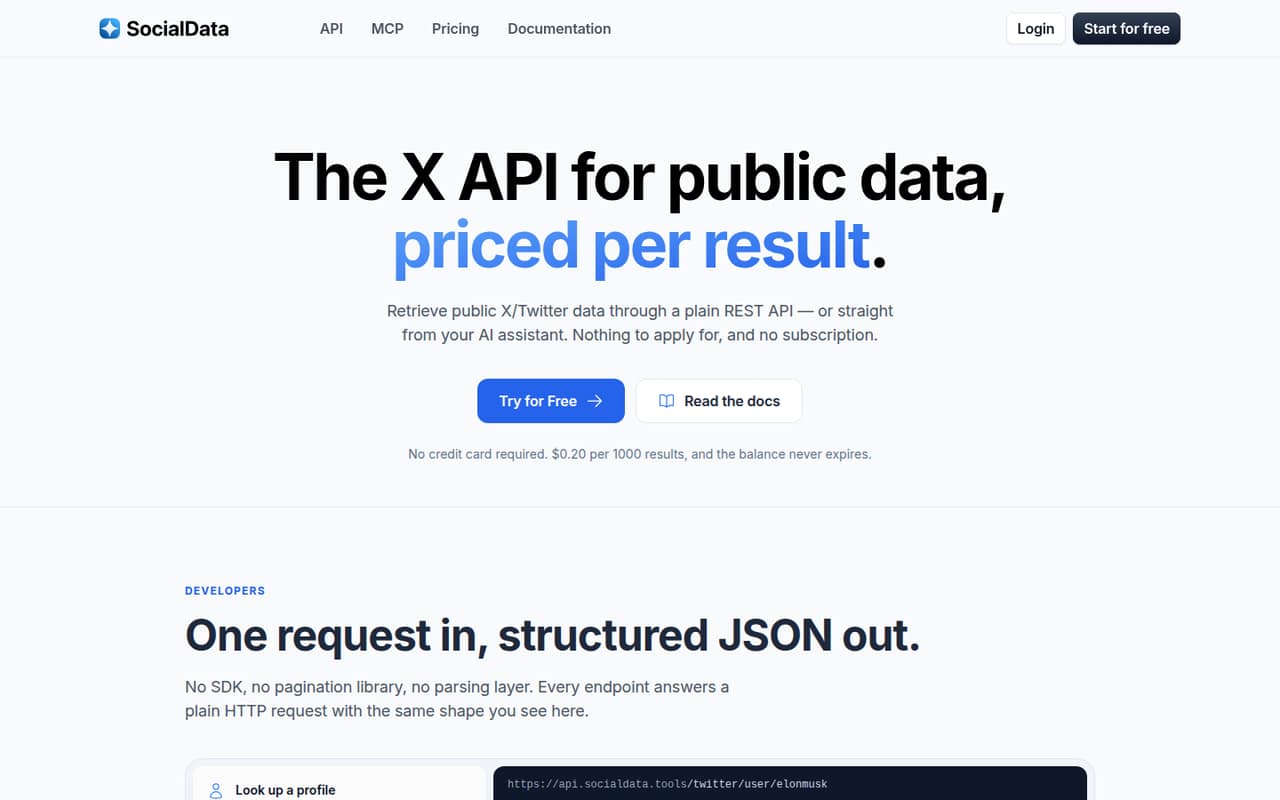
SocialData focuses on structured public X data, making it a fit for small teams building an X-specific workflow rather than a broad multi-network product. It is positioned for occasional data use and AI users querying X through MCP. The vendor does not publish a starting price in the listing, so ask about request rates and add-on costs. Also estimate your likely volume; frequent calls can change the economics.
What works
- Most endpoints cost $0.20 per 1,000 results
- No subscription, seat fee, or monthly reset
- Prepaid balance never expires
What doesn't
- No full free plan or published trial
- Custom rates and usage limits are not published
- Monitor rates can add variable costs
- Best for TikTok trendsTikAPITikAPI
TikAPI is the focused option for a small team tracking public TikTok data such as hashtags and sounds. The listing gives a $24.17 starting figure, while its summary says pricing starts at $29 per month, so confirm the current price with the vendor. The trial is brief, which leaves less time to evaluate it. Check the data you need and the plan limits before signing up.
What works
- Searches TikTok posts and users
- Includes video information and statistics
- Tracks sounds and hashtags
What doesn't
- No free plan
- Trial lasts only five days
- Starter costs $29 monthly
- Best for multiple platformsEnsembleDataEnsembleData
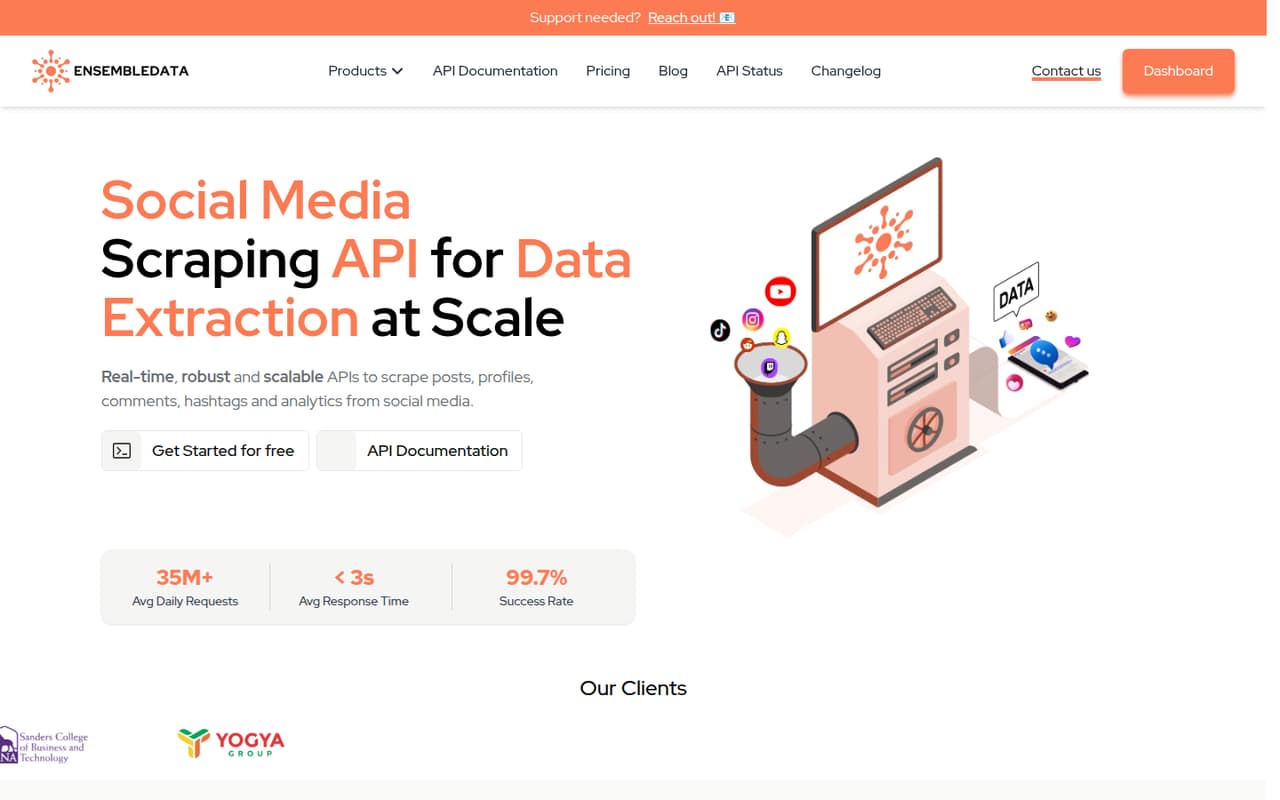
EnsembleData is aimed at technical teams building social data pipelines or collecting public data across multiple platforms. Its free plan gives a small team a way to evaluate the API, while paid plans start at $100 per month. That is a clearer entry point than products with no published production price, though the free tier is small. Check which endpoints and request limits are included before estimating a production bill.
What works
- Free plan includes 50 units per day
- Eight social platforms covered on listed plans
- REST APIs and SDKs are available
What doesn't
- Paid plans start at $100 per month
- Free tier is limited to 50 daily units
- Plans are usage-based, not seat-based
- Best for Shopify creatorsModashModash
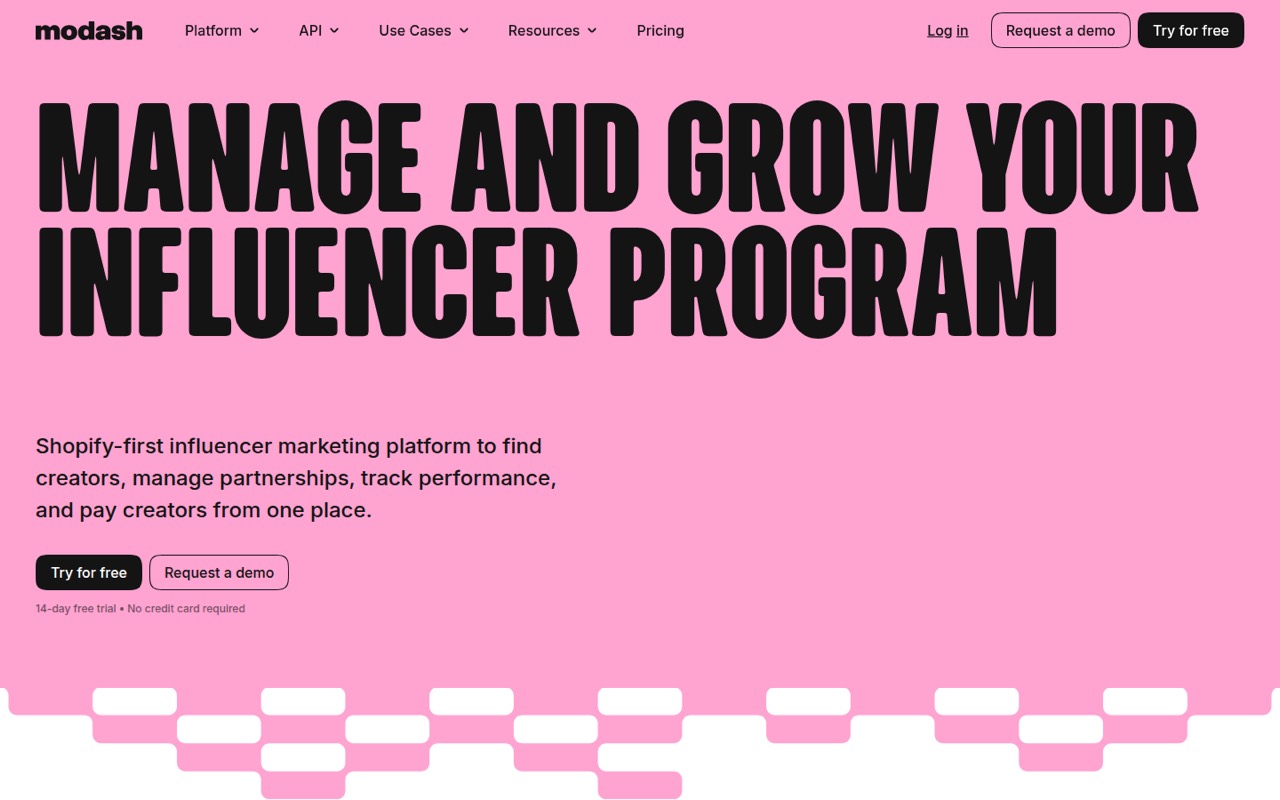
Modash is a better fit for Shopify brands running creator campaigns than for teams seeking a general-purpose social data API. Its creator discovery and campaign tracking workflows may suit a small marketing team, but the starting price is $199 per month. That is a meaningful fixed cost for a team of one to ten. Choose it when creator campaign work is the need, not just because you want occasional social data.
What works
- Discovery across Instagram, TikTok and YouTube
- Creator contacts, notes and campaign context in one CRM
- Gmail and Outlook syncing for creator outreach
What doesn't
- No free plan; the listed trial lasts 14 days
- Essentials includes just two team members
- Essentials caps monthly opened profiles at 300
- Best for ready-made scrapersApifyApify
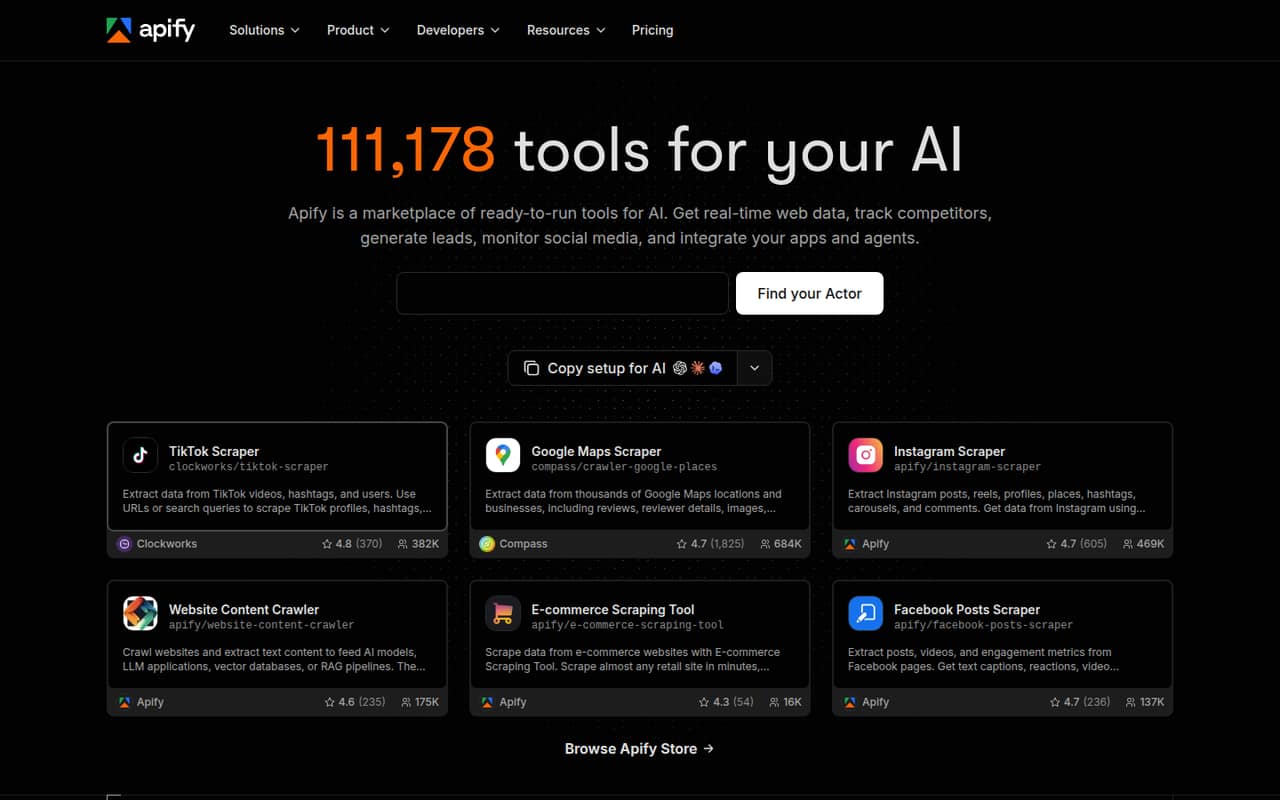
Apify is a flexible web-scraping toolkit for teams that want ready-made Actors or web data for AI workflows. Its free plan and $19 starting price make it accessible to try, but it is broader than a dedicated social media API. The team should check which Actor handles its target platform, what it costs to run, and how usage affects the bill. Treat credit use as part of the buying decision.
What works
- Free plan includes $5 monthly prepaid usage
- Marketplace includes ready-made web data Actors
- Build and deploy custom Actors
What doesn't
- Free plan allows five concurrent runs
- Unused prepaid credits expire each billing cycle
- Custom compute-heavy runs can raise costs
- Best for no-code collectionLobstr.ioLobstr.io
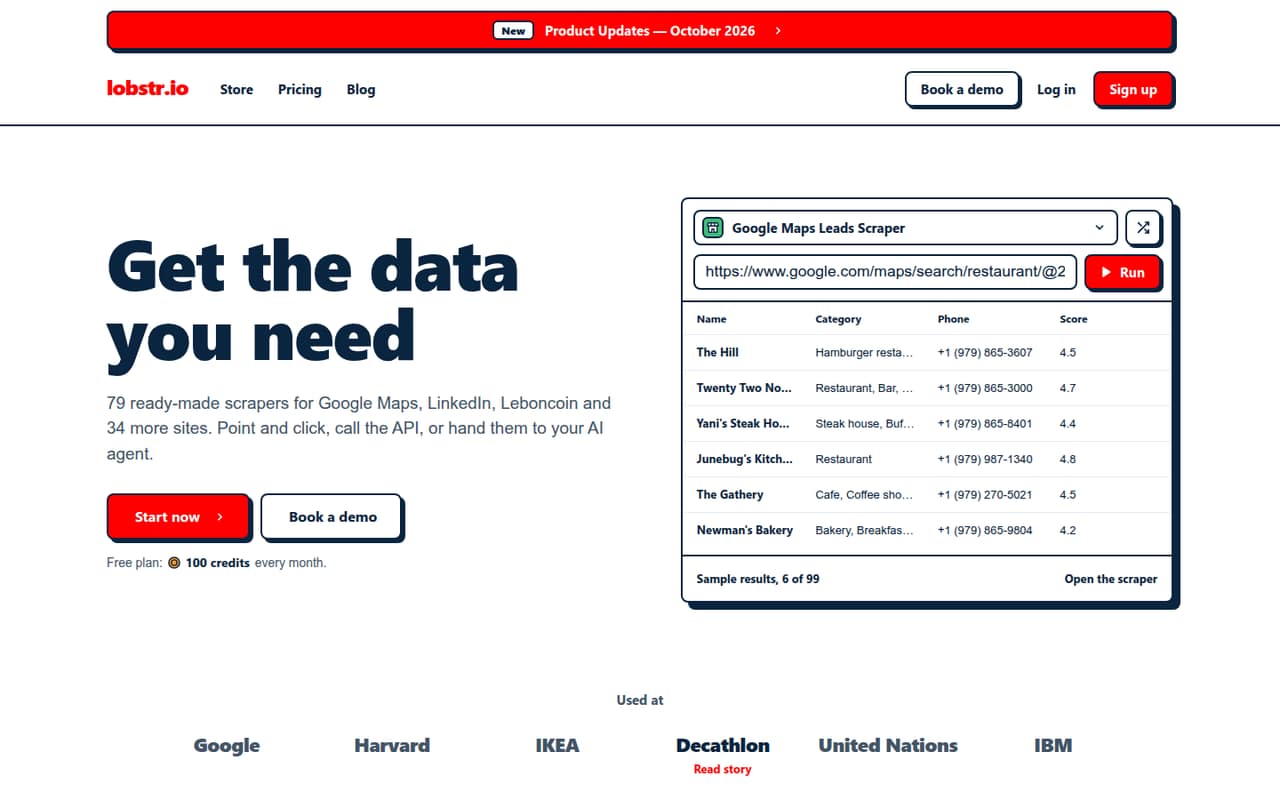
Lobstr.io is a broad scraper catalog for small teams that want no-code collection and exports, with API or MCP access also listed. It has a free plan and a $16 starting price, which makes initial evaluation accessible. It is not a social-only API, so verify that its catalog covers the networks and data fields you need. Check credit consumption before scaling a workflow or relying on it regularly.
What works
- 79 ready-made scrapers cover 37 sites
- Free plan includes 100 monthly credits
- Unlimited exports are listed on every plan
What doesn't
- Free plan has no scheduled runs
- Free results are kept for only seven days
- Extra data options consume credits per result
- Best for occasional scrapingSociaVaultSociaVault
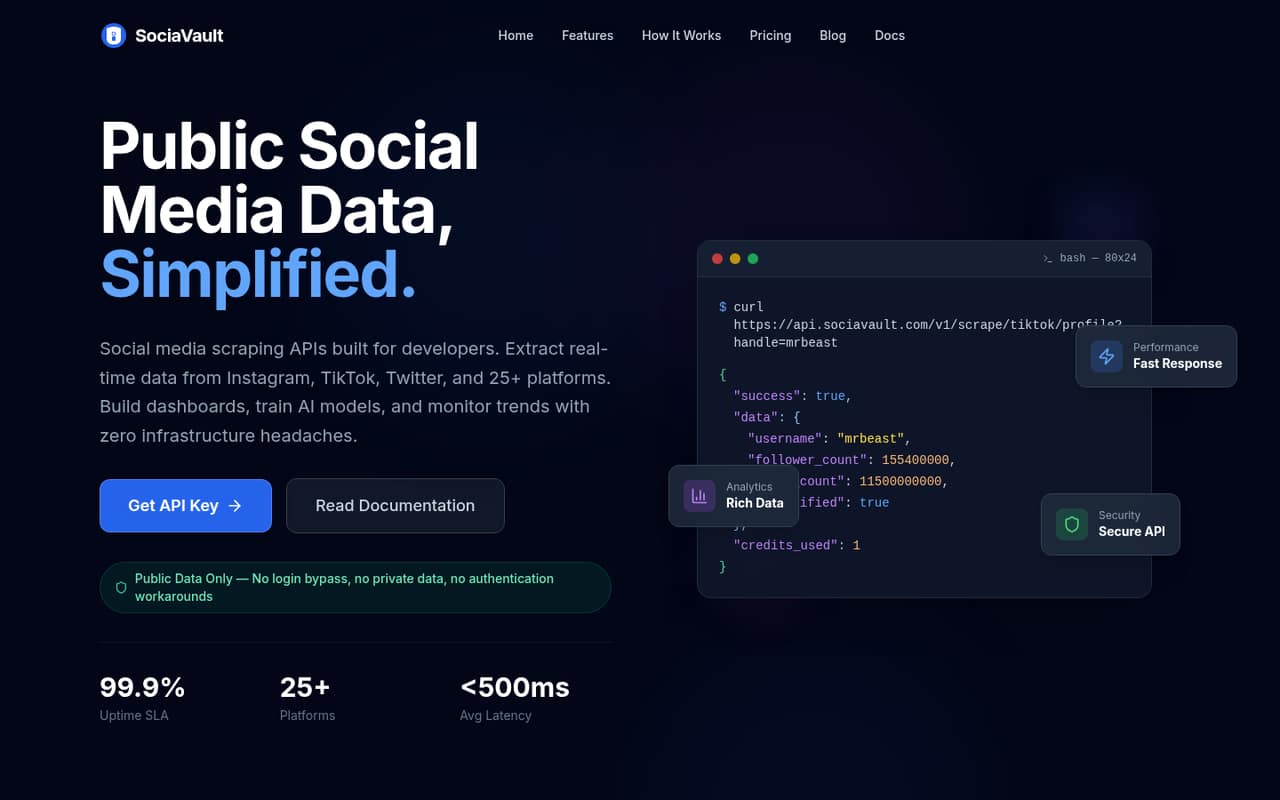
SociaVault is positioned for developer-led research and public-data analytics pipelines, with a $29 starting price. It may fit a team that needs occasional scraping rather than a high-volume, always-on data feed. The listing flags unclear team access and pack pricing, which makes it harder to forecast the bill for several people. Ask the vendor how access is shared and how packs map to your expected usage.
What works
- 50 trial credits, no card required
- Paid credits never expire
- One REST API covers all platforms
What doesn't
- No free plan
- Pack prices beyond the starting price aren't published
- No per-seat pricing is published
- Best for X product buildsX APIX API
X API is worth considering when you are building a product that connects directly to X and need its official API. The listed starting point is $0, but that does not mean there is a free plan: charges follow usage. For a small team, estimate requests before development and review how billing changes with volume. It is less suitable if you want a fixed, predictable monthly price for several seats.
What works
- Covers posts, search, streams and users
- Pay-Per-Usage has no base subscription
- Supports reading and writing X data
What doesn't
- No current free plan is listed
- Usage charges can be hard to forecast
- Prepaid credits can stop requests

- Best for live data projectsData365Data365
Data365 is aimed at teams building social data products or analytics projects that need live public data, especially when they have a defined network focus. Its listed starting price is $300, a steep monthly commitment for many small teams. This makes more sense when the data is central to a product or business workflow. Confirm the relevant network coverage and expected monthly cost before taking on that fixed spend.
What works
- Collects publicly available posts, comments and profiles
- Returns structured data in JSON
- Supports seven named social networks
What doesn't
- No free plan
- Basic starts at €300 per month
- Annual billing is not listed
- Best for proxy optionsBright DataBright Data
Bright Data covers multiple data tools and proxy options for technical teams collecting public-web data. A free plan gives teams a way to start, but ongoing team plans start at $499 per month, which is a high entry point for most small teams. Consider it when proxy options and broader data tooling matter to the project. Check what the free plan includes and how the paid team plan is priced.
What works
- Free Tier includes several monthly usage allowances
- Scraper APIs include pre-built or custom endpoints
- Offers proxies, datasets, and web access APIs
What doesn't
- Scale starts at $499 per month
- Usage costs vary by product and volume
- Annual pricing is not published
- Best for consented creator dataPhylloPhyllo
Phyllo is designed for creator-tool product teams and developers who need social data that is consented. That distinction may matter more than price when your product depends on creator data and its permissions. The vendor does not publish a production starting price or a free plan in the listing, leaving a small team without a public budget baseline. Ask for pricing, onboarding requirements, and the access model before planning a build.
What works
- Public and consented social data APIs
- Coverage across 25+ platforms
- Creator search across 470M+ profiles
What doesn't
- No production free plan listed
- Production pricing requires a custom quote
- Usage limits are not published
- Best for prospecting flowsPhantomBusterPhantomBuster
PhantomBuster is primarily a fit for small teams automating prospecting or chaining multi-step workflows, rather than teams looking for a dedicated social media data API. Its free plan is described as a sampler, and paid pricing starts at $56. It can make sense when those workflows are the goal, but check whether the required social data is available and what usage costs. Ask how account access works for your team.
What works
- Prebuilt automations cover common data and outreach tasks
- Flows chain tasks into multi-step workflows
- Exports live public data as CSV or JSON
What doesn't
- Free downloads stop at 10 rows
- Free plan includes only 30 minutes monthly execution
- Start costs $69 monthly without annual billing

03How we chose
We ranked these tools for teams of one to ten, not for enterprise buyers. We weighed whether a free plan or trial can support evaluation, the lowest published starting price, and whether pricing is monthly, credit-based, or tied to usage. We also considered the stated platform focus, plan limits, setup signals in the product descriptions and docs, and user sentiment on Reddit where relevant. A low entry price does not guarantee a low production bill, so we favor tools whose cost model a small team can check before building.
04Match the API to the data you need
Start with the network and fields your product actually needs: profiles, posts, comments, search results, or trends. A TikTok-focused API may be a better fit than a broad scraper if you only need TikTok hashtags and sounds. For a multi-platform pipeline, check whether each required platform and endpoint is available before comparing headline prices.
Also decide whether you need public data, creator data with consent, or a ready-made workflow rather than raw API access. Those are different buying jobs. A focused API can keep the project simpler; a broad catalog can help when requirements vary. Ask vendors for the exact endpoints, limits, and data access terms that apply to your use case. Do not assume that a tool with social data in its name covers every platform or data type you want.
05Budget for usage, setup, and growth
For a small team, a free plan is useful only if its limits let you evaluate the workflow you plan to run. Check request quotas, credit expiry or consumption, rate limits, and whether the free allowance applies to the endpoint you need. For paid plans, compare your expected monthly calls with the listed starting price; API pricing is often about usage, not seats. Ask whether multiple teammates can share access and whether there are extra costs for add-ons or higher volume.
Setup effort also belongs in the budget. If you need an API, plan for a developer to connect it, handle errors, and monitor usage. Review the docs before committing. As volume grows, recheck limits and the bill rather than assuming the starter plan will scale. If costs or access rules are unclear, get them in writing from the vendor.
Questions people ask
Is there a free social media API?
Yes. Several options here list free plans, including YouTube Data API, EnsembleData, ScrapeCreators, TwitterAPI.io, Lobstr.io, Apify, and Bright Data. Free access can have limits, so check whether the endpoints and request volume you need are included before using it for a live product.
Which social media API is best for a small team?
YepAPI is our top general pick for a small team that wants varied endpoints without a monthly fee; it includes a $5 signup credit. For a single network, consider a focused option such as TikAPI for TikTok or YouTube Data API for YouTube. Compare usage costs against your expected calls.
Do social media APIs charge per seat?
Not always. Several tools in this guide describe credit-based or usage-based pricing, rather than a per-seat price. Ask whether teammates share one account, whether additional users cost extra, and how request volume is billed. The vendor does not publish team-access details for every product.
What should we ask before choosing an API?
Confirm the platforms, endpoints, and data fields available; request limits; how billable usage is counted; and the price at your expected volume. Also ask about team access, setup support, and any plan restrictions. These details help reveal whether a low-cost trial can grow into a workable production plan.