We may earn a commission if you buy through links on this page. It never changes a score or a ranking. How we make money
A small team may not need a scraping tool at all: occasional research can be done by hand, while recurring collection or an app that needs fresh web data can justify automation. For a no-code start, Browse AI or Apify are good places to compare; developers can consider Scrapy, Crawlee, or Firecrawl. Several tools have free plans, but their limits and the cost for a few seats vary. Before choosing, match the tool to your sites, technical skills, and expected volume—not just its starting price.
Quick picksThe shortlist
 ApifyApifyBest overall · $19/mo
 Browse AIBrowse AIBest for recurring tasks · $19/mo
 ScrapyScrapyBest for coders · $9/mo
 FirecrawlFirecrawlBest for AI projects · $16/mo
 CrawleeCrawleeBest free library · Free
 OutscraperOutscraperBest for local leads · $1/mo
 ZenRowsZenRowsBest for developers · $16/mo
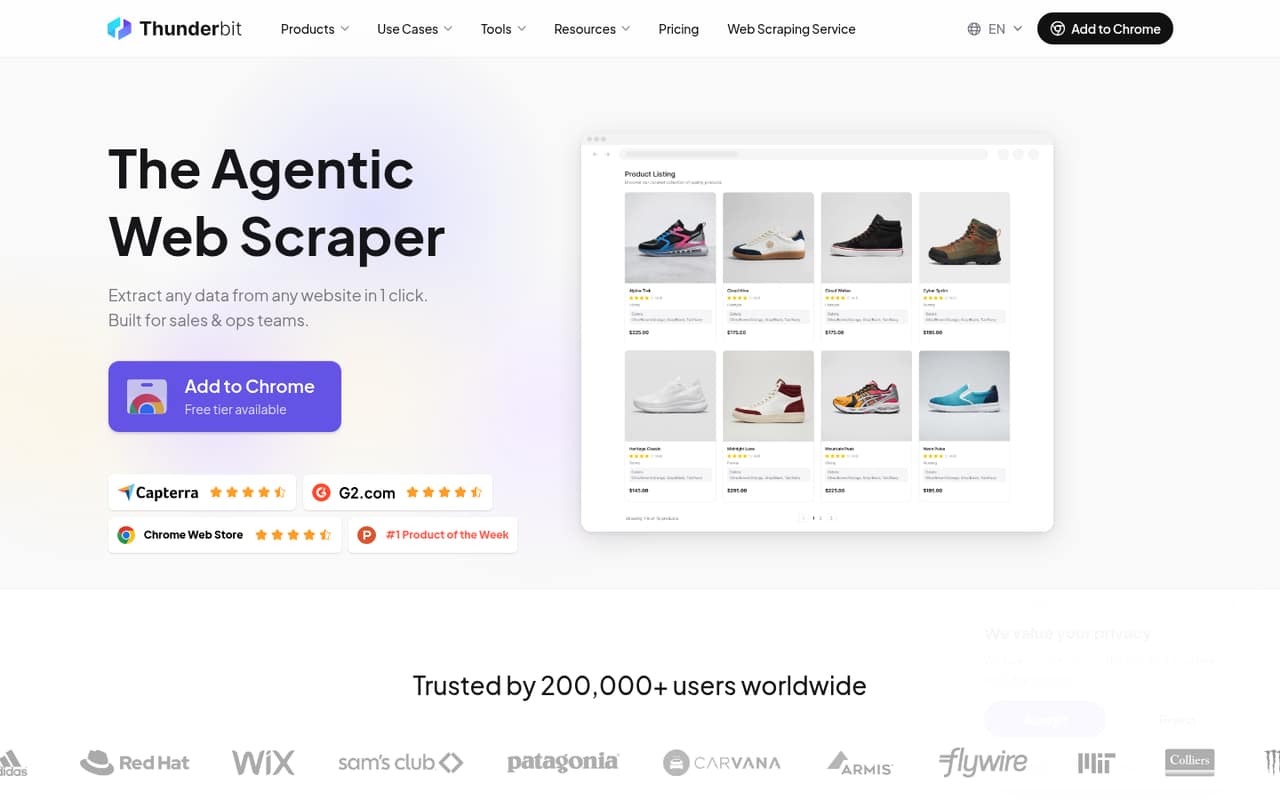
 ThunderbitThunderbitBest for quick no-code jobs · $9/mo
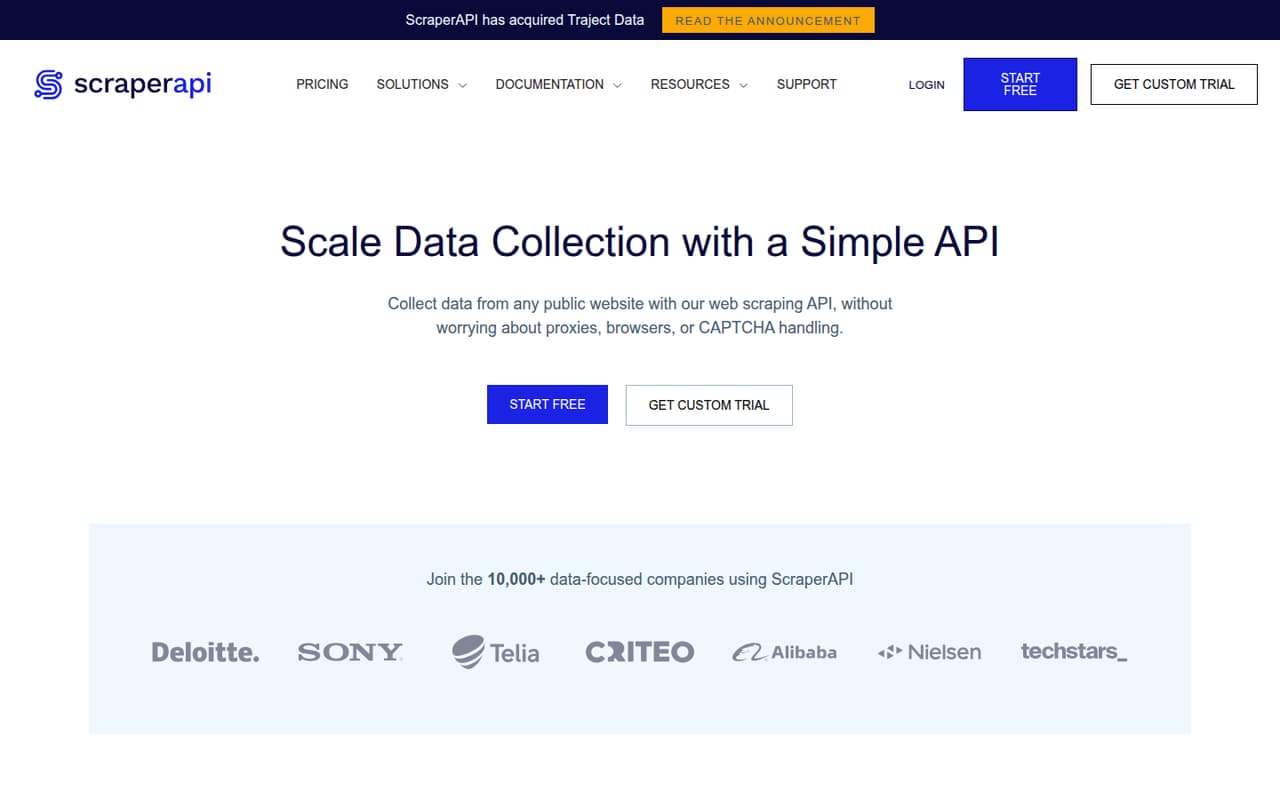
 ScraperAPIScraperAPIBest for managed scraping · $44.10/mo
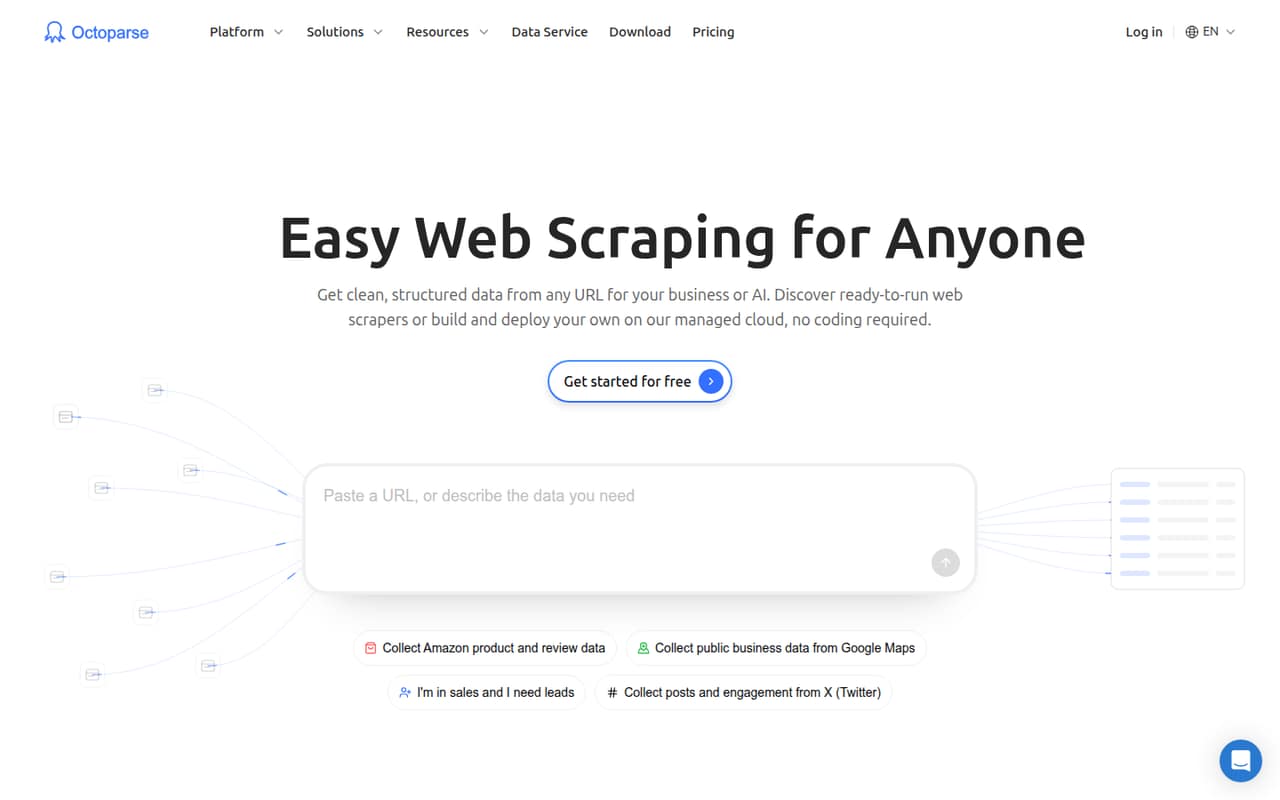
- OctoparseOctoparseBest visual builder · $69/mo
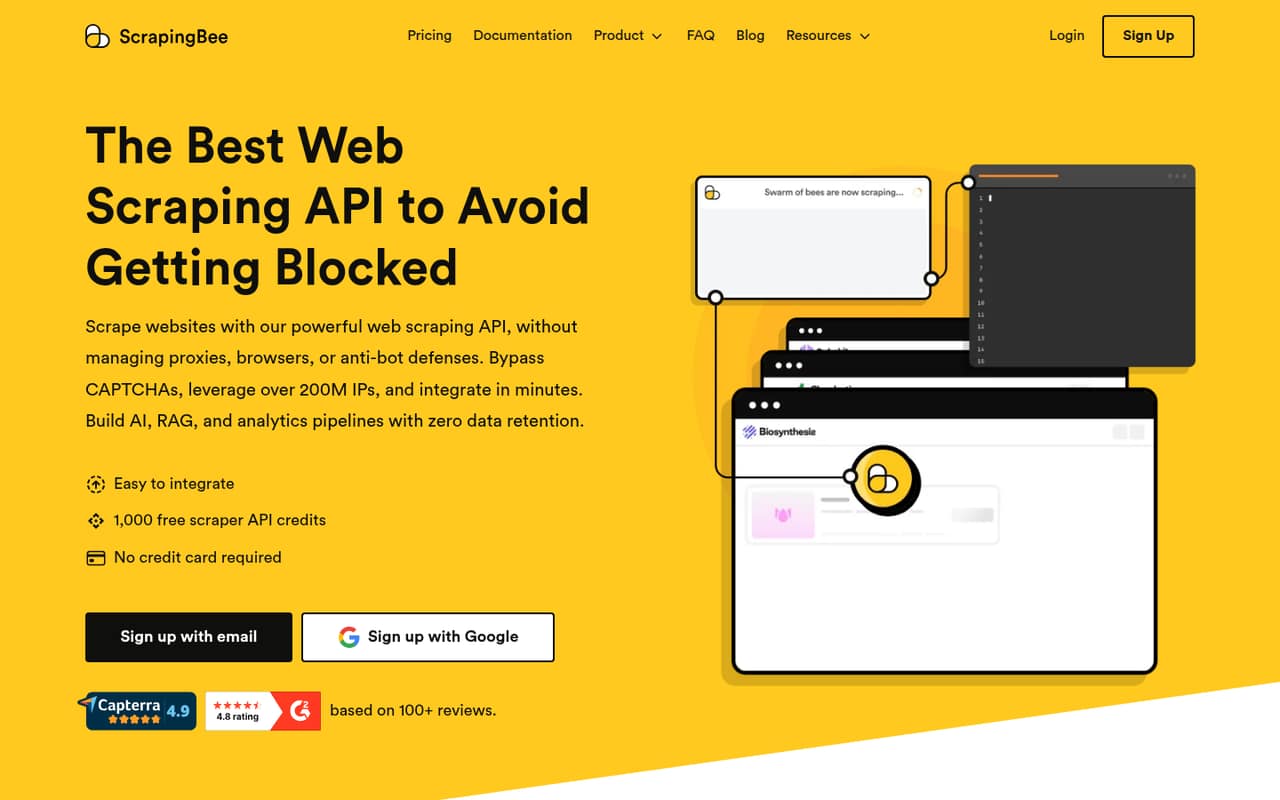
 ScrapingBeeScrapingBeeBest for JavaScript pages · $19/mo
 ZyteZyteBest for recurring delivery · $0.06/mo
 OxylabsOxylabsBest for multiple tools · $15/mo
 Data MinerData MinerBest for occasional scraping · $19.99/mo
 PhantomBusterPhantomBusterBest for prospecting chains · $56/mo
 Bright DataBright DataBest for proxy options · $499/mo
 Crawl4AICrawl4AIBest for self-hosted RAG · $10/mo
 SOAXSOAXBest for geo-targeting · $200/mo
 Captain DataCaptain DataBest for API workflows · Custom
01Compared at a glance
| Tool | Score | From | Free plan | Trial |
|---|---|---|---|---|
| ApifyApify | 7.5 | $19/mo | Yes | — |
| Browse AIBrowse AI | 7.5 | $19/mo | Yes | — |
| ScrapyScrapy | 8.0 | $9/mo | Yes | — |
| FirecrawlFirecrawl | 7.2 | $16/mo | Yes | — |
| CrawleeCrawlee | 7.8 | Free | Yes | — |
| OutscraperOutscraper | 7.0 | $1/mo | Yes | — |
| ZenRowsZenRows | 7.5 | $16/mo | Yes | — |
| ThunderbitThunderbit | 7.0 | $9/mo | Yes | — |
| ScraperAPIScraperAPI | 7.4 | $44.10/mo | Yes | 7 days |
| OctoparseOctoparse | 7.7 | $69/mo | Yes | — |
| ScrapingBeeScrapingBee | 7.0 | $19/mo | Yes | — |
| ZyteZyte | 7.0 | $0.06/mo | No | 30 days |
| OxylabsOxylabs | 6.8 | $15/mo | Yes | — |
| Data MinerData Miner | 6.6 | $19.99/mo | Yes | — |
| PhantomBusterPhantomBuster | 6.8 | $56/mo | Yes | 14 days |
| Bright DataBright Data | 6.7 | $499/mo | Yes | 7 days |
| Crawl4AICrawl4AI | 7.4 | $10/mo | Yes | Yes |
| SOAXSOAX | 6.0 | $200/mo | Yes | — |
| Captain DataCaptain Data | 4.8 | Custom | No | — |
02The picks, in detail
- Best overallApifyApify
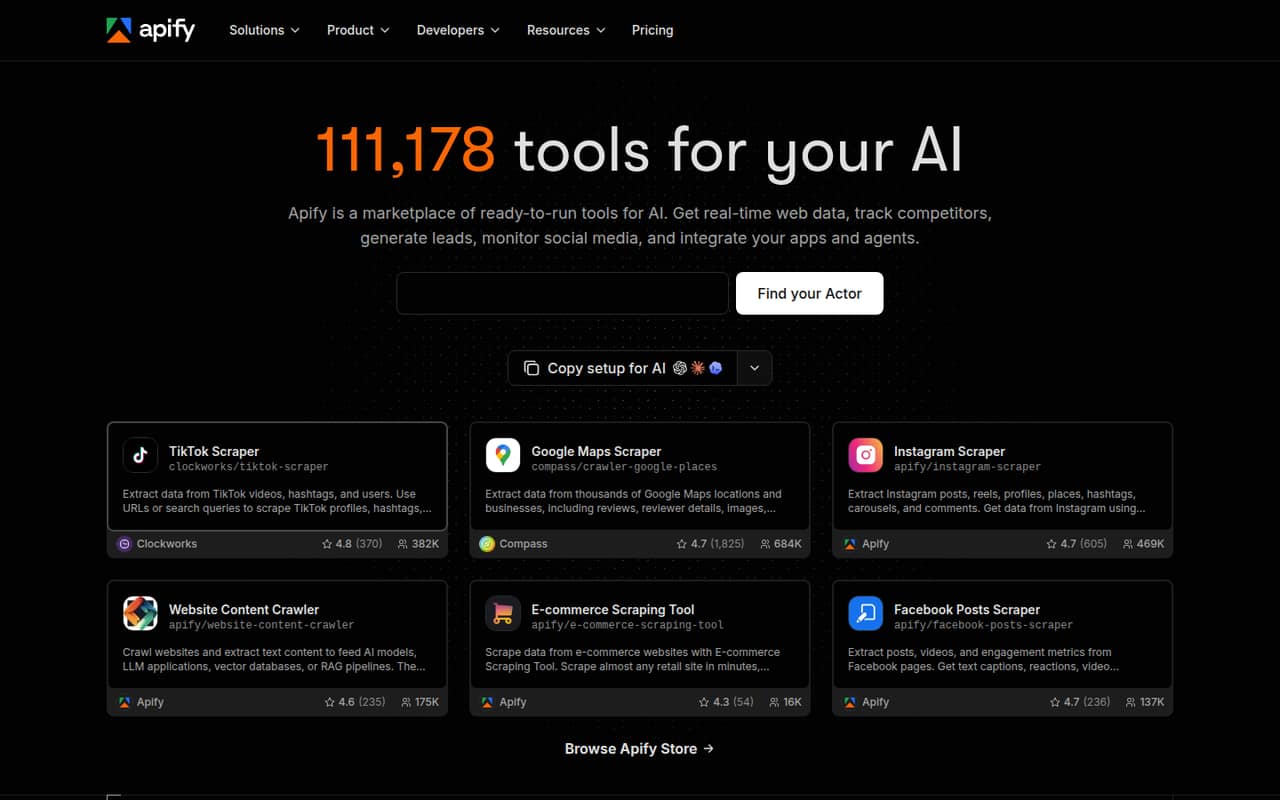
Apify is a flexible option for teams collecting web data regularly or using ready-made Actors in AI workflows. The pricing page lists a free plan and plans from $19. That gives a small team a way to start without committing to a larger subscription, though the cost can rise with use. Check the Actor, usage limits, and few-seat cost before building a recurring workflow around it.
What works
- Free plan includes $5 monthly prepaid usage
- Marketplace includes ready-made web data Actors
- Build and deploy custom Actors
What doesn't
- Free plan allows five concurrent runs
- Unused prepaid credits expire each billing cycle
- Custom compute-heavy runs can raise costs
- Best for recurring tasksBrowse AIBrowse AI
Browse AI suits small teams tracking public listings and sending recurring website data into spreadsheet workflows. The pricing page lists a free plan and plans from $19. Its fit is strongest when you want repeatable collection without building a crawler, but there is a learning curve and credits to monitor. Confirm the credit allowance and team-seat terms for the workflow you have in mind.
What works
- Free plan includes three users
- Unlimited robots on listed plans
- 200+ prebuilt robots for common tasks
What doesn't
- Free plan allows only 50 credits monthly
- Free plan covers just two websites
- Personal is limited to five websites
- Best for codersScrapyScrapy
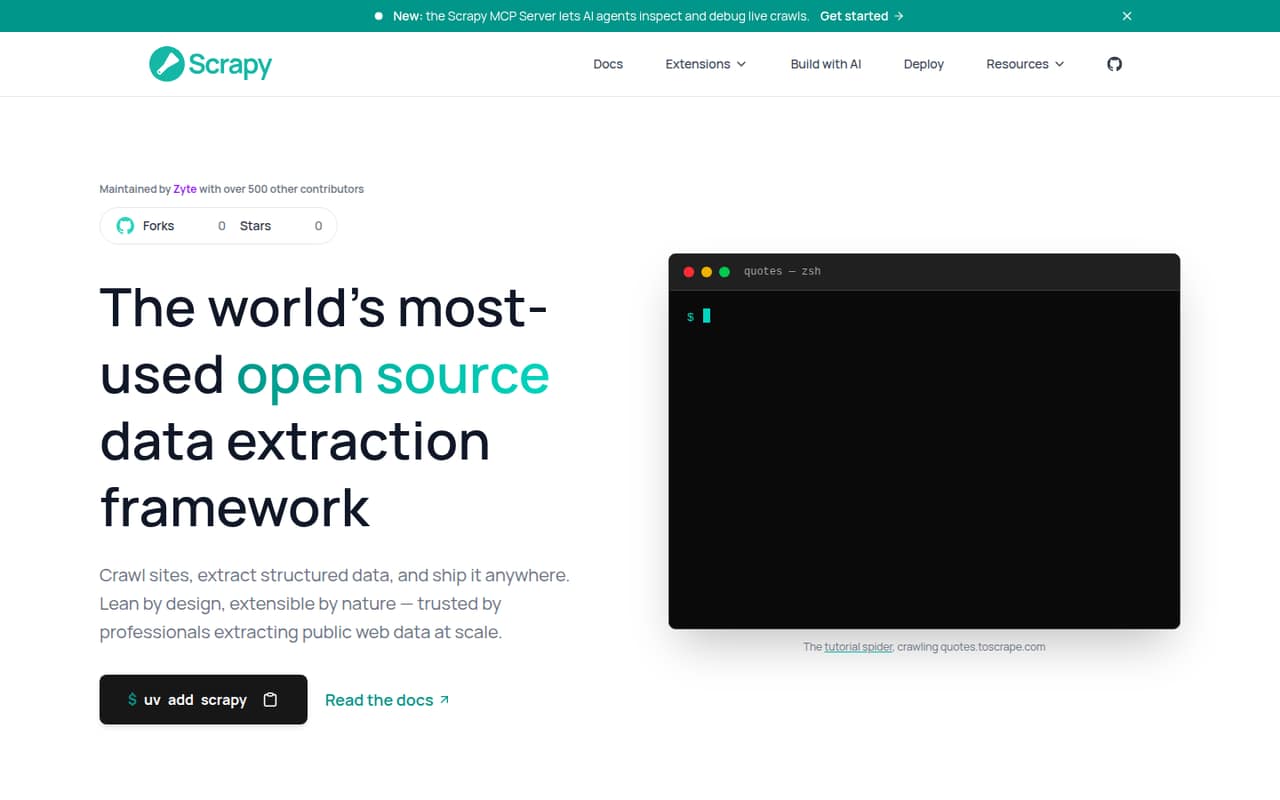
Scrapy is a strong free-first option for developers building custom crawlers and exporting structured data to JSON, CSV, or S3. The listed starting price is $9, alongside a free plan. The tradeoff is engineering time: the tool expects coding, and dynamic sites can require extra work. Choose it when your team can maintain a crawler, rather than expecting a no-code setup.
What works
- Open-source framework is free
- CSS and XPath selectors for extraction
- Interactive shell for trying selectors
What doesn't
- Setup and maintenance require engineering work
- Dynamic pages may take extra effort
- Hosted free jobs run up to one hour
- Best for AI projectsFirecrawlFirecrawl
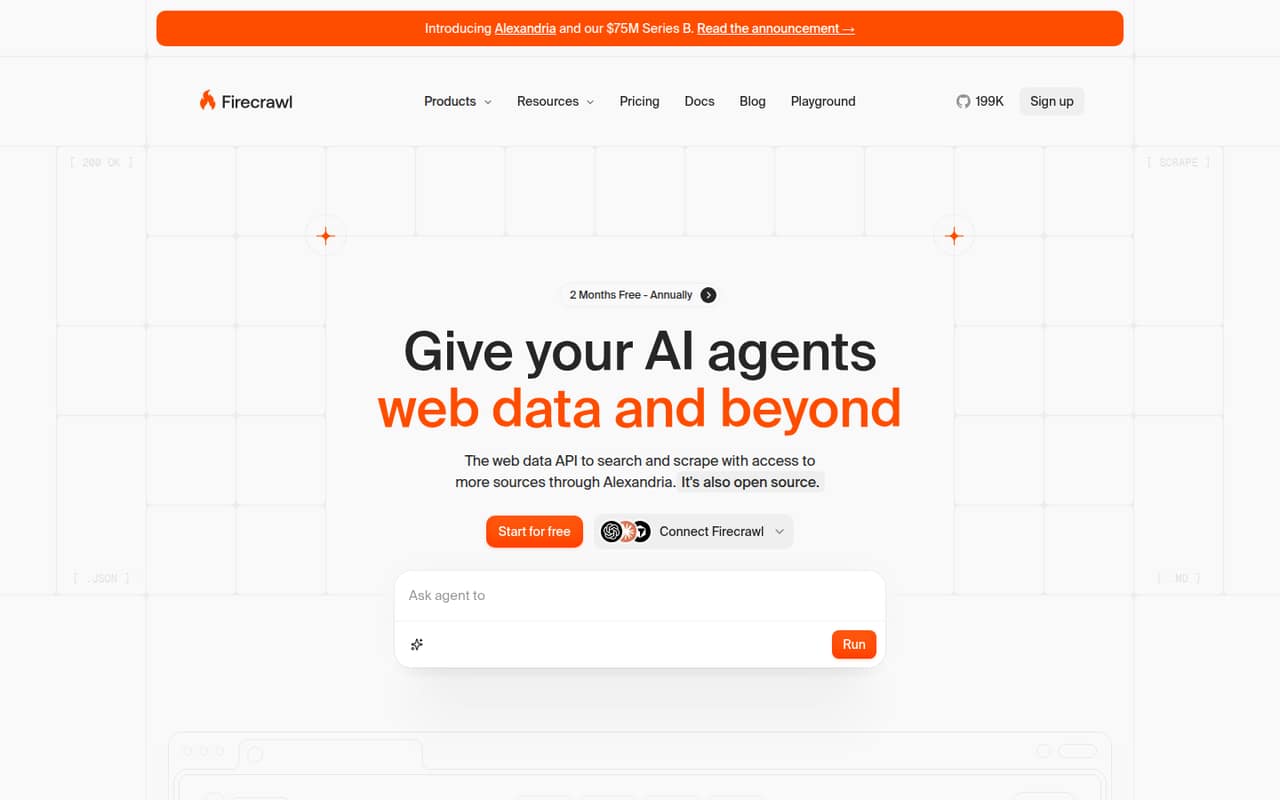
Firecrawl is aimed at developers building AI web-data tools, with search and extraction for small projects. The pricing page lists a free plan and paid plans from $16, with costs depending on usage. That makes it worth considering before committing to a larger data service. Check how the free tier and paid credits map to your expected volume; a starting price alone will not settle the monthly bill.
What works
- Free plan includes 1,000 monthly credits
- Search, scraping, and page interaction in one API
- Outputs include Markdown, JSON, and screenshots
What doesn't
- Free plan has low rate limits
- Paid usage is credit-based, not seat-based
- Self-hosting reports include setup and reliability complaints
- Best free libraryCrawleeCrawlee
Crawlee’s library costs $0 and suits teams comfortable building custom crawlers in JavaScript or Python. It is a budget-friendly choice when your team wants control and can run its own crawls. The listed price for a hosted service is not published, and your team still has to provide resources to run jobs. Count that operating work when comparing it with managed tools.
What works
- Free and open source under Apache 2.0
- Supports JavaScript and Python
- Includes crawling and browser support
What doesn't
- No paid support or service levels listed
- No published annual pricing or usage limits
- Servers and proxies are separate expenses

- Best for local leadsOutscraperOutscraper
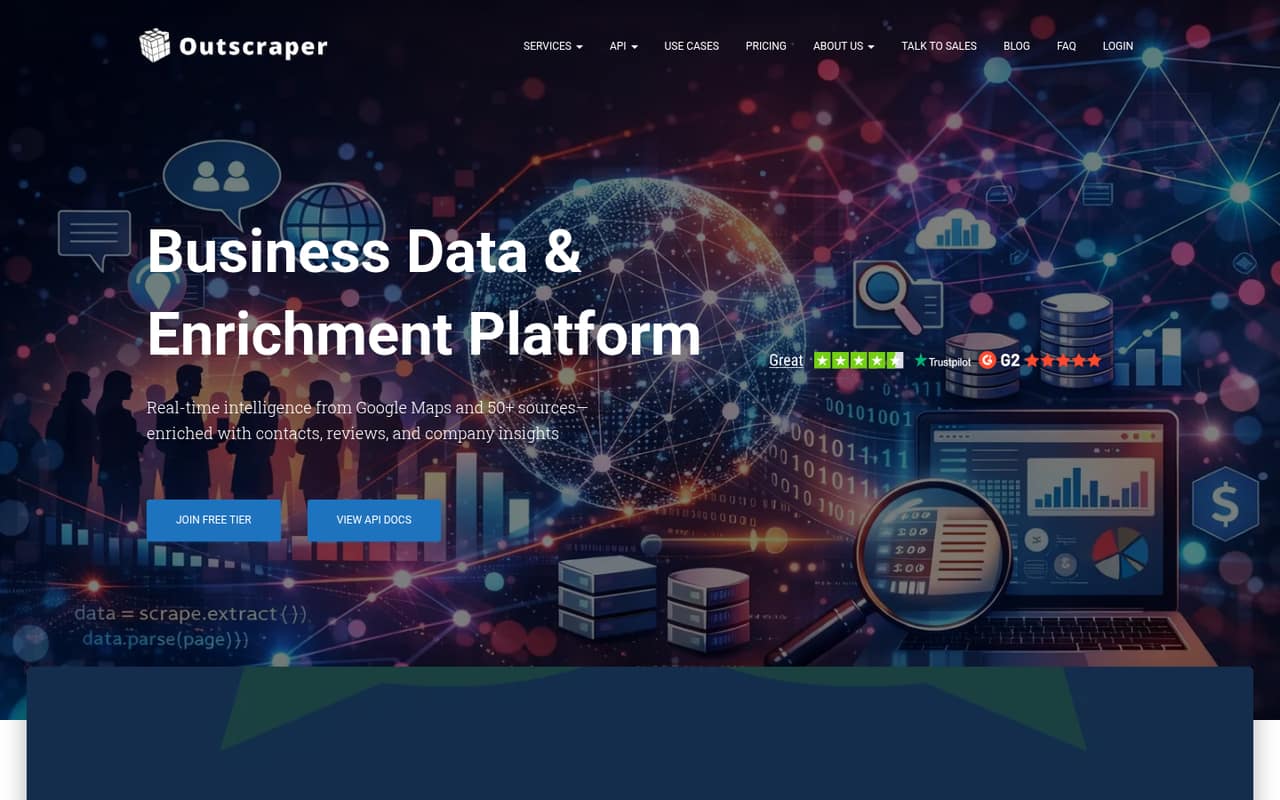
Outscraper fits small teams that occasionally pull business data, including Google Maps data, and are comfortable with usage-based charges. The pricing page lists a free plan and a starting price of $1. Its low entry point may suit intermittent work better than a fixed team subscription. Estimate your data volume first, since the cost depends on usage rather than the number of seats.
What works
- Free tiers cover the first 500 businesses
- Separate scrapers cover reviews, contacts and photos
- Medium tiers list API access for Maps data
What doesn't
- Costs change with volume and data type
- Pricing is not organized around team seats
- Enrichment charges are not listed in the pricing details
- Best for developersZenRowsZenRows
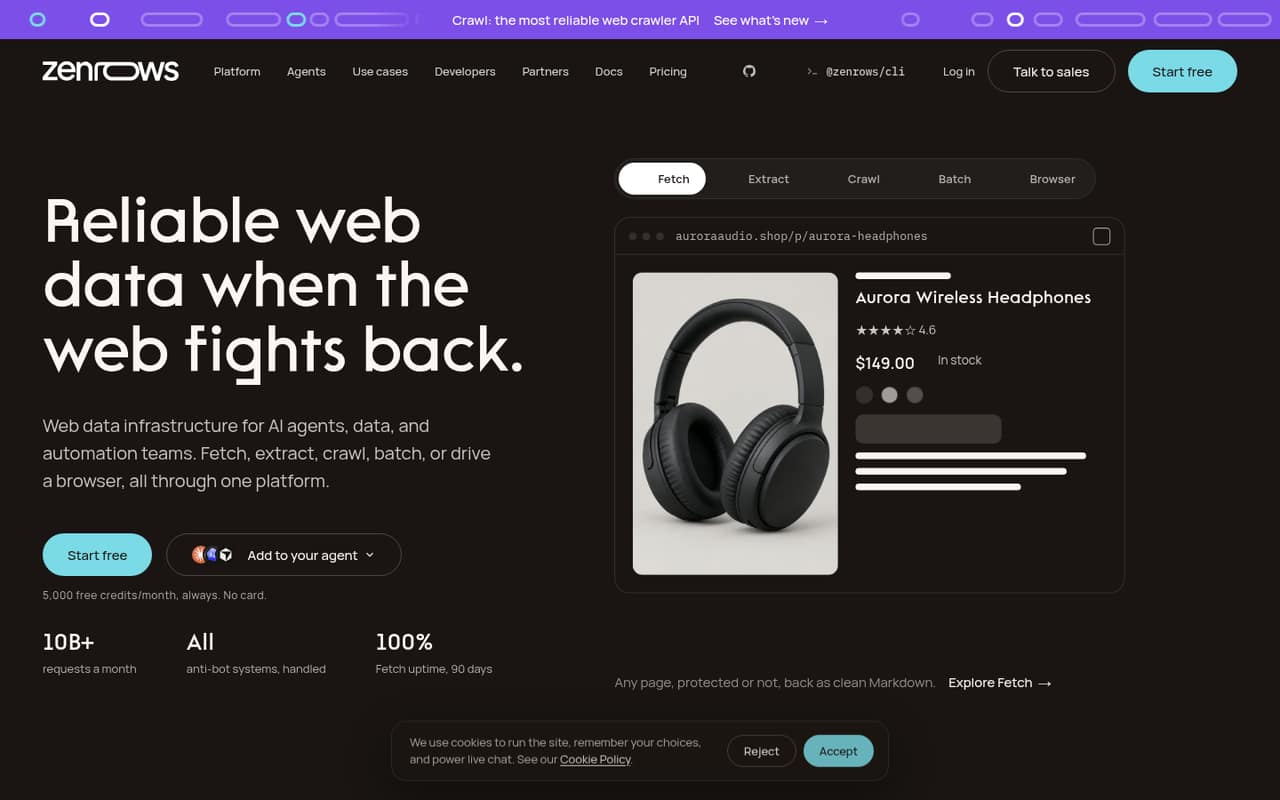
ZenRows is a credit-based service for developers building web-data workflows, testing scraping jobs, or supplying page content to AI agents. The pricing page lists a free plan and paid plans from $16 per month. It is a reasonable starting point for a small technical team, but credits are the key budget question. Check how your expected pages and jobs consume them before relying on the monthly entry price.
What works
- Free plan includes 5,000 credits monthly
- Fetch, Extract, Crawl, Batch, and Browser tools
- MCP server, CLI, and SDKs are available
What doesn't
- Free credits do not roll over
- Annual per-month prices are not published
- Top-up pricing is not published
- Best for quick no-code jobsThunderbitThunderbit
Thunderbit targets small teams doing occasional extraction with no-code and spreadsheet-based workflows. The pricing page lists a free plan and plans from $9. That low starting point makes it worth comparing for modest jobs, but credits and team-seat details need checking before you scale. Ask how many people can share the plan and whether your expected collection fits its credit allowance.
What works
- AI suggests fields for structured extraction
- Templates for popular sites use no AI credits
- Free plan includes data export
What doesn't
- Free plan is limited to six pages monthly
- Starter includes 500 monthly credits
- Team seat limits are not published
- Best for managed scrapingScraperAPIScraperAPI
ScraperAPI is for developers collecting data from several public websites who would rather avoid maintaining proxies. The pricing page lists a free entry point and plans from $44.10. It can make sense when reducing manual upkeep is worth the bill, but the paid starting price is a meaningful step for a small team. Check what the free tier covers and how usage affects the paid plan.
What works
- Free account includes 1,000 API credits
- Handles proxy rotation, CAPTCHA, and browser needs
- Structured endpoints cover Amazon, Google, and Walmart
What doesn't
- Free credits may not cover a recurring workflow
- Hobby costs $49 monthly before annual billing
- Credit cost by target website is not stated
- Best visual builder
OctoparseOctoparse
Octoparse is a visual, no-code option for nontechnical users building recurring scraping tasks. The pricing page lists a free plan and paid plans from $69, which is a higher starting point than several alternatives here. Its fit depends on whether visual setup saves your team enough effort and whether capped exports work for your project. Confirm paid-plan seats and monthly billing before committing.
What works
- Free plan includes 10 tasks and 50,000 monthly export rows
- Templates cover sources such as Amazon and Google Maps
- Build tasks with templates, AI assistance, or visual tools
What doesn't
- Paid-plan user and device limits are not listed
- Monthly-billing prices are not published
- Free exports stop at 50,000 rows per month
- Best for JavaScript pagesScrapingBeeScrapingBee
ScrapingBee is a managed scraping API for teams that need JavaScript rendering and proxy handling without maintaining those pieces themselves. The pricing page lists a free plan and plans from $19. For a small team, the main question is whether monthly credits cover both the target sites and rendering needs. Check usage rules and seat terms rather than comparing the starting price alone.
What works
- 1,000 free API credits; no card required
- JavaScript rendering included in listed plans
- Automatic proxy rotation and geotargeting
What doesn't
- Credits expire monthly without rollover
- JavaScript rendering uses five credits per success
- Premium proxies use 10 or 25 credits per success
- Best for recurring deliveryZyteZyte
Zyte is a flexible choice for recurring website-data delivery and for Scrapy users who need hosted crawlers. Its listed starting rate is $0.06, and the fit depends on usage rather than seats. That can suit a small team with a clear pipeline, but makes forecasting important. Estimate the volume you expect and ask the vendor how that usage translates into a monthly bill.
What works
- One API for website access and extraction
- HTTP and browser request pricing options
- Managed, deduplicated data delivery
What doesn't
- No free plan
- Trial credit is only $5
- Request rates vary across five website tiers
- Best for multiple toolsOxylabsOxylabs
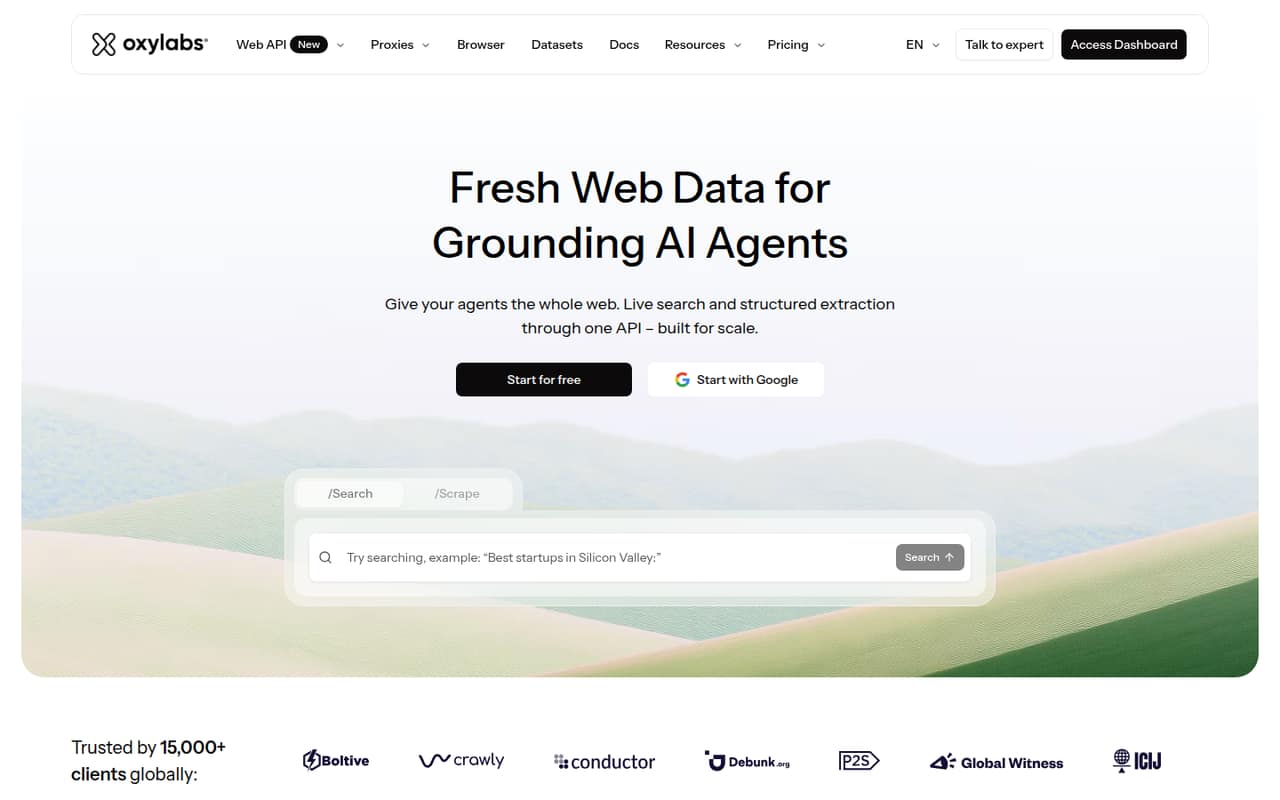
Oxylabs offers several data tools for teams collecting public web data or building AI agents that need search. The pricing page lists a free plan and an entry plan from $15. The free credit and paid entry point may not suit every small team, so check what each covers before planning a workflow. It is worth comparing when you need more than one scraping capability.
What works
- Offers search, scraping, proxies, and browser tools
- $5 welcome credit can be used toward any product
- Starter begins at $15 per month
What doesn't
- Free credit is small for sustained use
- Annual billing prices are not published
- Per-seat pricing is not published
- Best for occasional scrapingData MinerData Miner
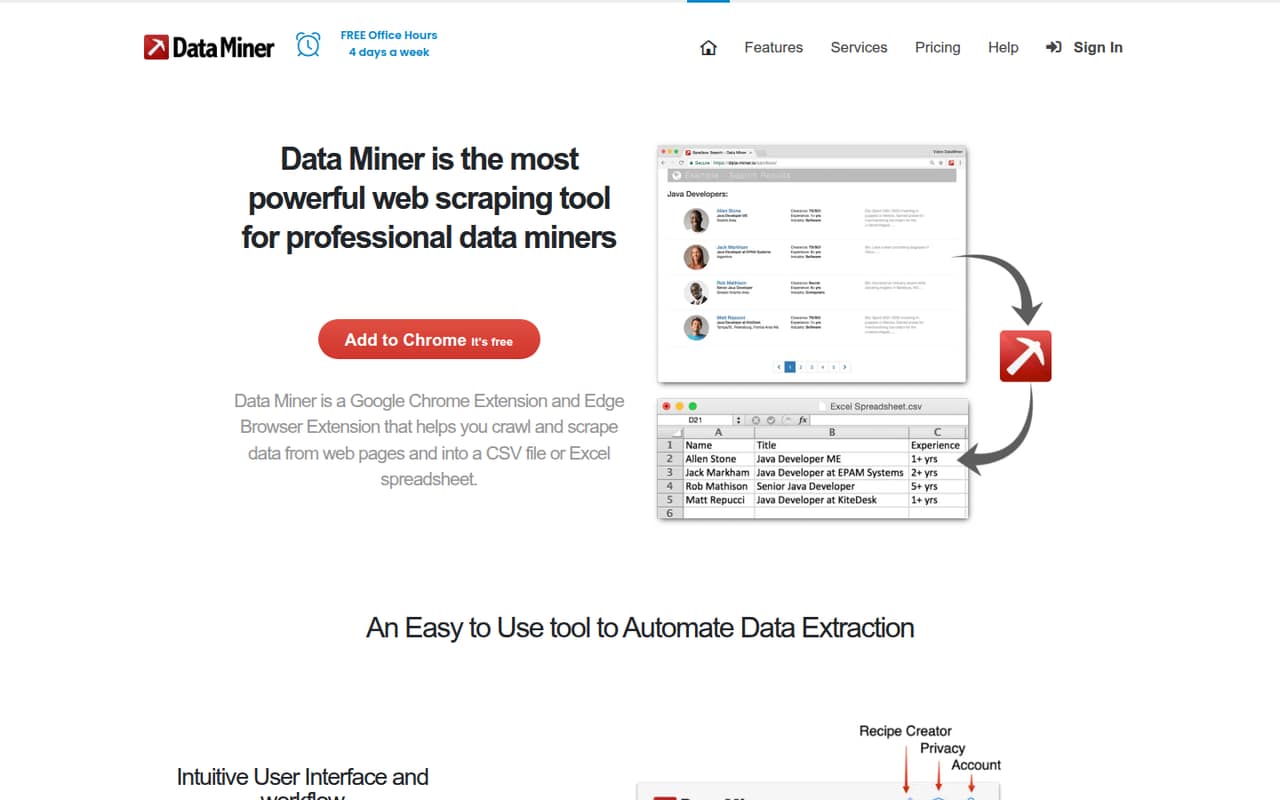
Data Miner is a browser-based scraper for occasional collection, including small sales or recruiting workflows. The pricing page lists a free plan and plans from $19.99. It may suit a team that prefers browser tools over building code, but team seat limits are unclear. Ask the vendor how many people can use the plan and what the free tier allows before rolling it out to coworkers.
What works
- Free plan includes 500 pages each month
- Create custom recipes or use public ones
- Can automate crawls and pagination
What doesn't
- Free plan is restricted on some domains
- Team seat limits aren't published
- Annual pricing isn't listed
- Best for prospecting chainsPhantomBusterPhantomBuster
PhantomBuster is aimed at small teams automating prospecting and chaining multi-step workflows, with account sharing for sales operations. The pricing page lists a free plan and plans from $56. The free tier is a sampler rather than a workhorse, so budget for paid use if the workflow becomes routine. Confirm how sharing works and whether the paid plan covers your team’s volume.
What works
- Prebuilt automations cover common data and outreach tasks
- Flows chain tasks into multi-step workflows
- Exports live public data as CSV or JSON
What doesn't
- Free downloads stop at 10 rows
- Free plan includes only 30 minutes monthly execution
- Start costs $69 monthly without annual billing

- Best for proxy optionsBright DataBright Data
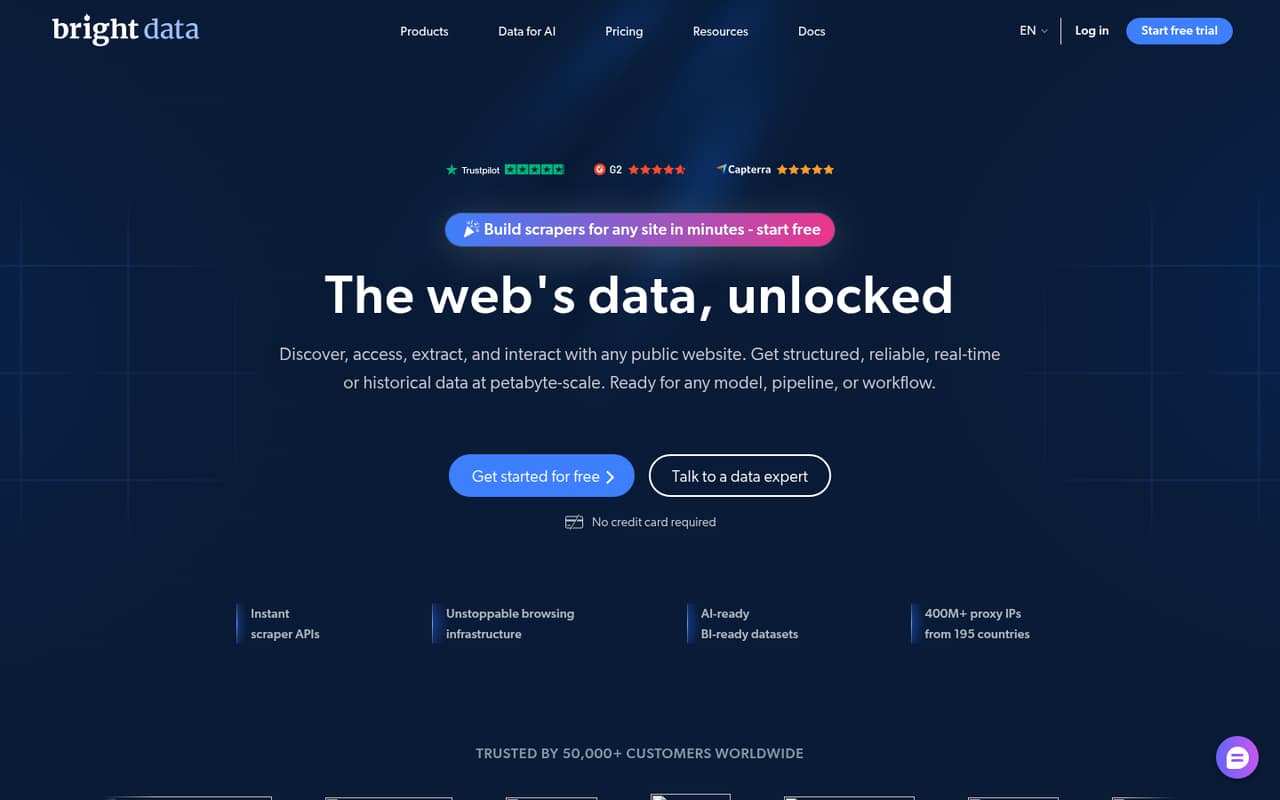
Bright Data is for teams collecting public-web data that need proxy options or several data tools. It has a free starting point, but ongoing team plans start at $499 per month, according to the listed pricing. That price is a substantial commitment for many teams of 1–10. Consider it when the proxy and data-tool requirements justify that spend, not simply because the free entry exists.
What works
- Free Tier includes several monthly usage allowances
- Scraper APIs include pre-built or custom endpoints
- Offers proxies, datasets, and web access APIs
What doesn't
- Scale starts at $499 per month
- Usage costs vary by product and volume
- Annual pricing is not published
- Best for self-hosted RAGCrawl4AICrawl4AI
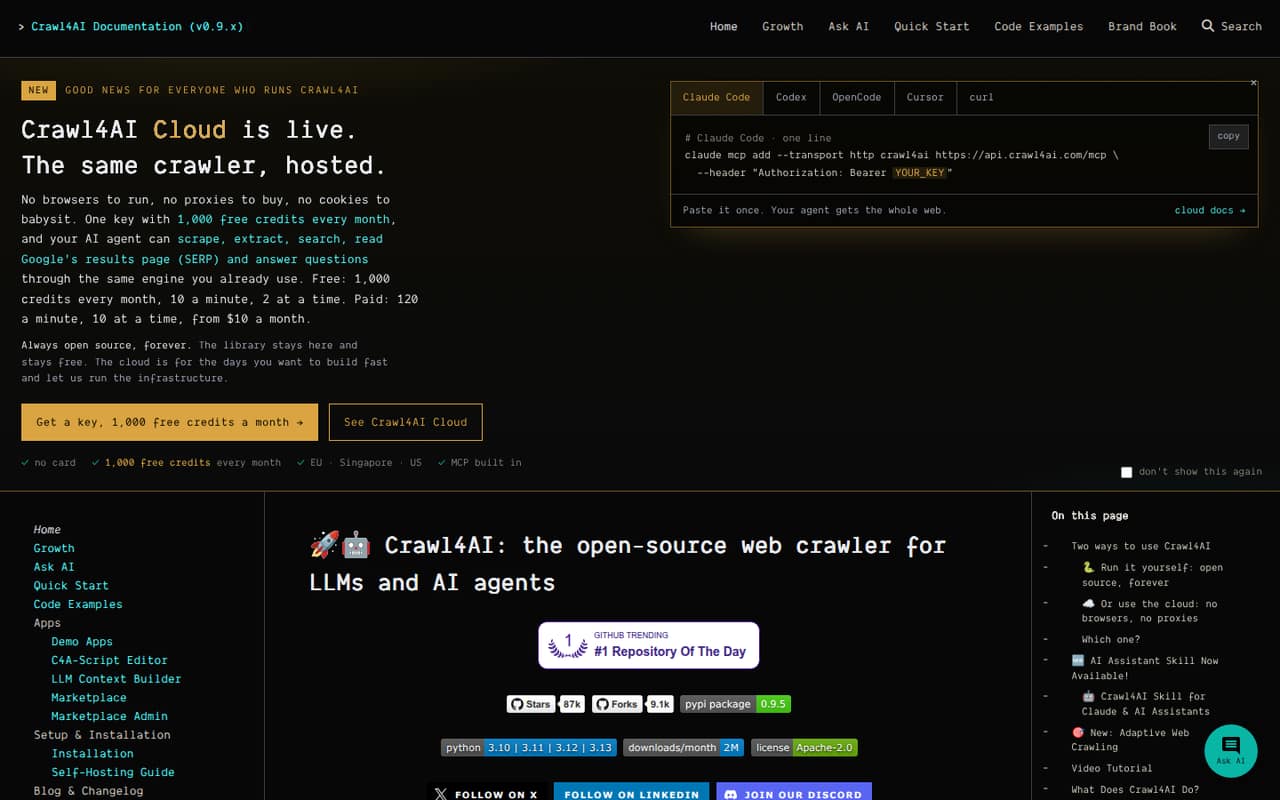
Crawl4AI suits technical teams building RAG pipelines or light scraping projects with self-hosted Python tools. The listed starting price is $10, alongside a free plan. The lower price is most useful if your team is comfortable handling setup and hosting. Hosted team-seat costs are not published, so ask the vendor for a quote if you need a managed option rather than running it yourself.
What works
- Free hosted plan includes 1,000 credits monthly
- Self-hosted library is free under Apache 2.0
- Converts pages into Markdown and structured data
What doesn't
- Hosted team-seat pricing is not published
- Credit consumption per task is not specified
- Self-hosting means paying infrastructure and proxy costs
- Best for geo-targetingSOAXSOAX
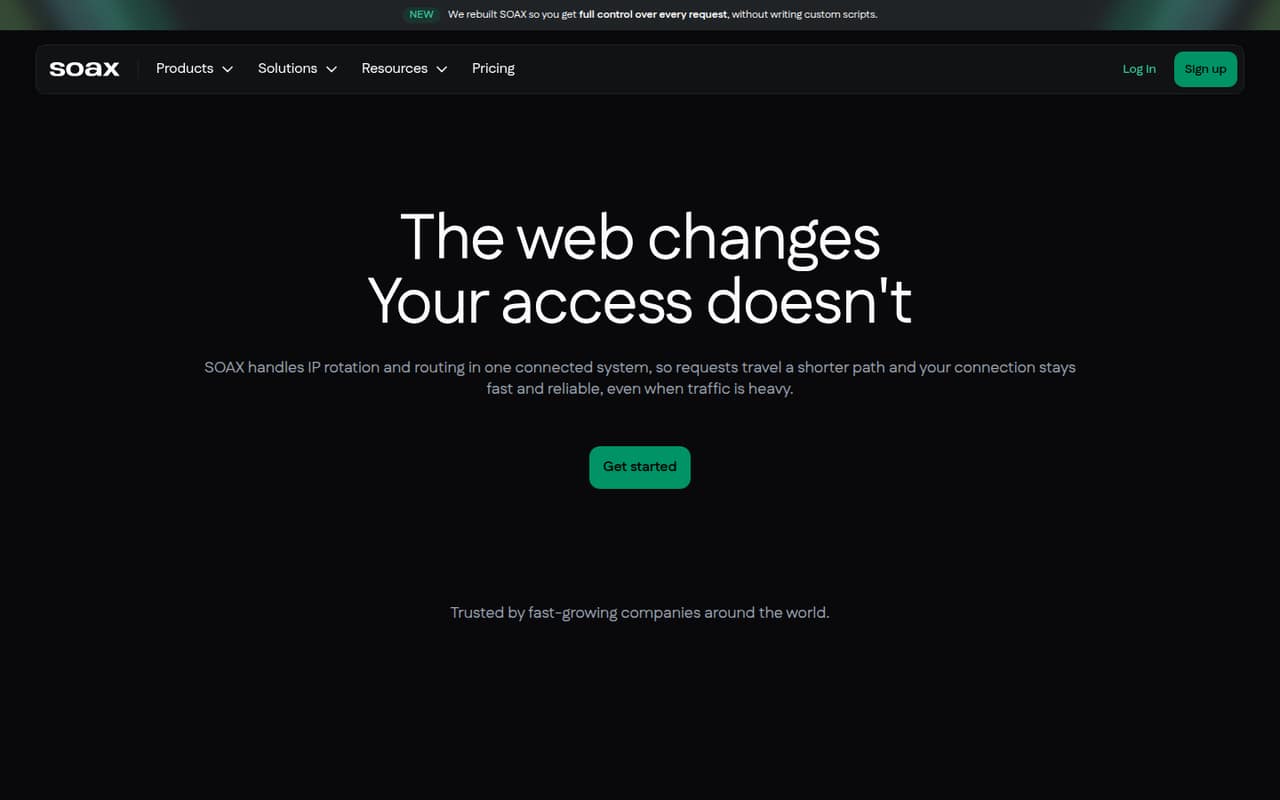
SOAX is aimed at technical teams with proxy experience and projects that need country or city targeting. The pricing page lists a free plan and paid plans from $200. That is not a cheap way for a small team to get started, so the use case should be specific before you budget for it. Confirm the plan’s targeting coverage and terms with the vendor.
What works
- Target locations by country, city, state, or ASN
- Choose when proxies rotate or stay sticky
- Custom pipelines can follow your schema
What doesn't
- Sandbox includes zero credits
- Builder starts at $200 per month
- Annual Enterprise pricing is not published
- Best for API workflowsCaptain DataCaptain Data
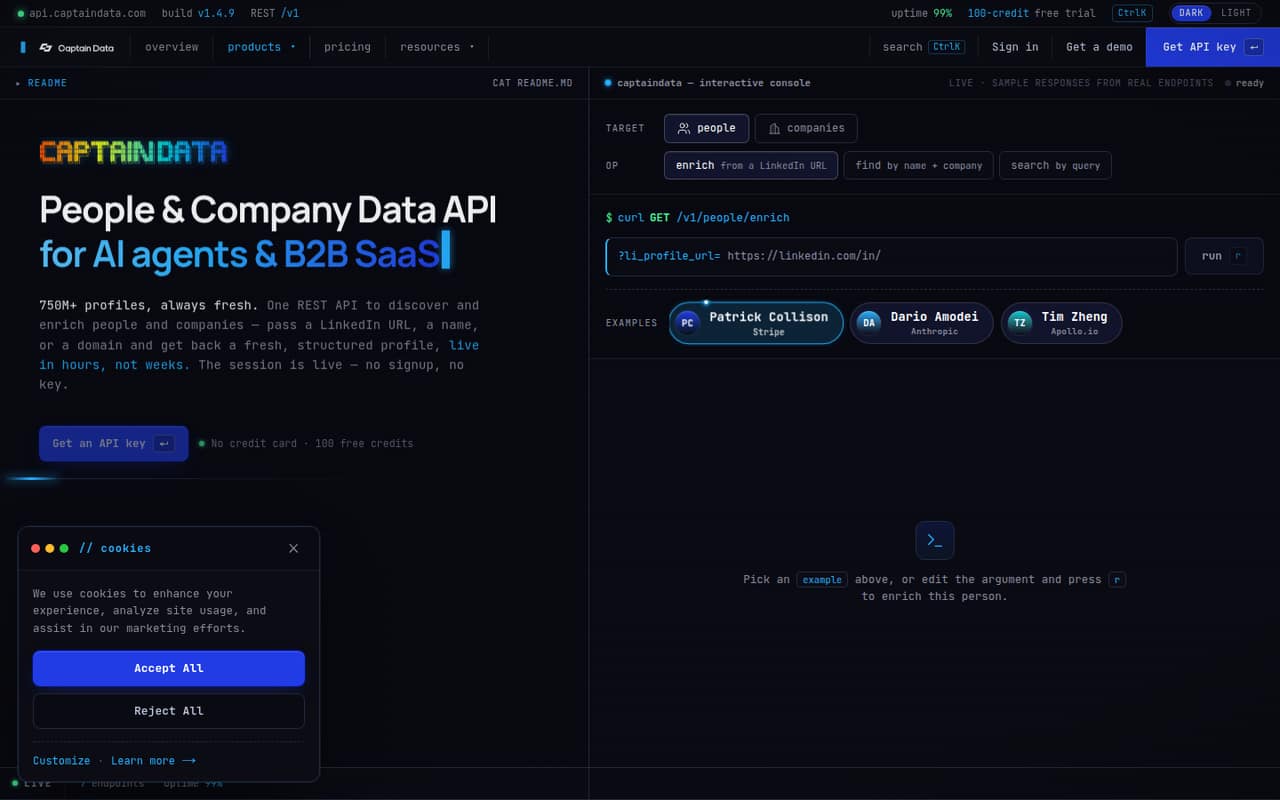
Captain Data is designed for API-first B2B prospecting and teams building data into an app, with flexible credit budgets. It has no free plan, and the vendor does not publish a USD price, making a small-team budget difficult to estimate. Ask for pricing based on your expected credits and users before choosing it. It is a better fit when the API workflow matters more than a clear entry price.
What works
- People and company enrichment endpoints
- Searches people and companies by query
- Find people by name and company
What doesn't
- No free plan is listed
- No USD plan prices are published
- Seat-based pricing is not published
03How we chose
We ranked these tools for teams of 1–10, weighing whether a free plan can support a real starting workflow, the listed entry price, setup effort, and the likely importance of usage or credit limits. A low software price is less useful if a team must build and run its own crawler; a free tier is less useful if it is only a sampler. We also consider documentation clarity and Reddit sentiment as cross-checks, not substitutes for vendor pricing. Where seat costs or limits are unclear, we flag them for buyers to confirm.
04Check the real cost for your team
A starting price is not the same as the cost for three or five coworkers. Some tools price around credits or usage, while others have listed monthly plans; a few-seat total is not always clear. Before you commit, ask the vendor whether billing is per user, per account, or by volume, and whether teammates can share workflows. Then estimate a typical month: pages collected, repeat runs, and any rendering or proxy needs. Compare that estimate with the free plan’s limits, not just its headline price. If those limits are not clear, ask for them in writing. For an occasional job, usage-based pricing may be easier to justify than a recurring subscription; for regular collection, budget around the expected monthly workload and leave room for spikes.
05Match setup to your team's skills
No-code tools can make it easier for a nontechnical teammate to build a task, while crawler libraries and APIs give developers more room to customize. The tradeoff is who owns setup and maintenance. With a self-run library, your team also has to run and resource the crawls; managed services can reduce some of that work but bring recurring usage costs. Start with the websites and output you actually need, then check whether the tool supports that workflow and whether its documentation explains setup clearly. For dynamic pages, rendering may matter; for prospecting or local business data, a focused workflow may be enough. If collection becomes central to an app or daily process, revisit reliability, volume, support, and the cost of operating the workflow as your team grows.
Questions people ask
Do small teams need a web scraping tool?
Not always. If you only need a small amount of information once in a while, manual collection may be simpler. A tool is easier to justify when the same collection repeats, the volume grows, or an app needs website data. Start with the workflow, not the software category.
Which web scraping tool has the best free plan?
That depends on whether your team prefers no-code tools, APIs, or a custom crawler. Apify, Browse AI, and Firecrawl list free plans; Scrapy and Crawlee also offer free tools but require technical work. Compare the free limits with your actual collection needs before deciding.
What should we budget for a few seats?
Use the listed starting price as a first check, not a team quote. Some tools charge by usage or credits, and some do not make seat terms clear. Ask the vendor whether users share an account, what counts toward usage, and what a typical month would cost for your workload.
When should a team move beyond a free plan?
Move when the free tier no longer covers the volume, frequency, or collaboration your workflow needs. Also revisit the choice if manual fixes or running crawls take too much team time. Before upgrading, confirm paid limits, billing terms, and whether the next plan solves the actual bottleneck.