
We may earn a commission if you buy through links on this page. It never changes a score or a ranking. How we make money
The bottom line
Aqua Voice makes frequent dictation practical, with a useful free tier and affordable individual Pro pricing.
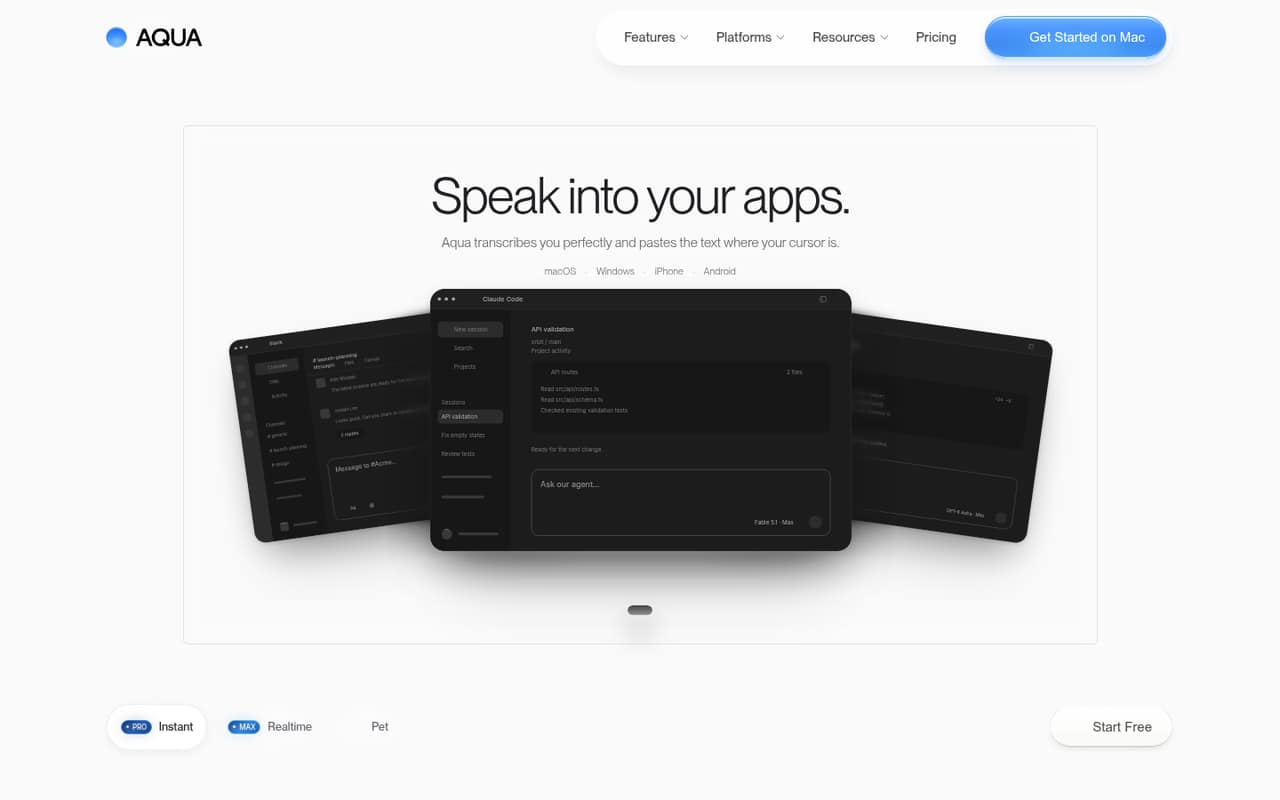
Aqua Voice turns speech into text in the app where your cursor sits, with options for technical terms, writing preferences, and 49 languages. Its free plan includes 1,000 words; Pro starts at $10 per month with annual billing or $12 month to month.
For a small team, the main choice is between separate individual Pro subscriptions and Business, which adds team administration but costs more and requires at least two seats. Reddit users praise its dictation accuracy and speed, while some raise questions about privacy and mobile availability.
Good fit if
- People who dictate throughout the workday
- Small teams writing across different apps
- Technical users with custom terminology
Skip it if
- Teams needing a shared free workspace
- People who require local-only processing
- Occasional users who rarely dictate
ScoresHow it rates
What works
- Free plan includes 1,000 words
- Dictates into the app under your cursor
- Pro includes unlimited words
- Custom instructions and personal dictionary on Pro
- Supports 49 languages
What doesn't
- Free plan is limited to 1,000 words
- Business requires at least two seats
- Business costs more than individual Pro
- Some Reddit users raise privacy concerns
- A Reddit user reported no current iOS app
01Who Aqua Voice is for
Aqua Voice suits a one-to-ten-person team where people spend time writing in email, documents, chat, or code editors and would rather speak than type. It listens to your speech and puts the transcription where your cursor is, so it can fit into an existing app workflow instead of asking the whole team to move into a new writing tool.
The free plan is a low-cost way for one person to see whether dictation fits their day. If someone regularly dictates more than 1,000 words, Pro is the straightforward paid option: $12 month to month or $10 per month with annual billing. The product also includes a custom dictionary and writing-style settings, which may help people who use specialized names or terminology. Teams that need shared dictionaries, SSO, or centralized administration should compare Business pricing before rolling it out.
02Aqua Voice free plan and trial
The pricing page lists a Free plan with 1,000 words, Avalon 1.5, Deep Context, and MCP / CLI. That is a real no-cost way to try the core dictation workflow, rather than a time-limited trial. The pricing page does not list a separate free trial, and the vendor does not publish an allowance reset period in the plan details.
The limit is words, not an unlimited allowance for regular dictation. If you reach it, Pro is the next step: it includes everything in Free, unlimited words, Custom Instructions, and Personal Dictionary. Pro costs $12 per month or $10 per month with annual billing. For occasional notes, Free may be enough; for daily work, budget for a paid plan.
03What a small team pays for Aqua Voice
For one person who needs unlimited words, Pro costs $12 monthly or $10 per month with annual billing ($120 for the year). Max, which adds Realtime Mode and Voice Commands, is $24 monthly or $19 per month billed annually.
For three people on separate Pro plans, the arithmetic is $36 per month or $30 per month equivalent with annual billing. For five, it is $60 monthly or $50 per month equivalent annually. Business is the team plan: it costs $24 per seat monthly or $19 per seat with annual billing, and requires at least two seats. That puts three seats at $72 monthly or $57 per month equivalent annually ($684 for the year), and five at $120 monthly or $95 per month equivalent ($1,140 for the year).
Business adds shared dictionaries, SSO and SCIM, and Zero Data Retention. The pricing page lists no add-ons. If you do not need those team controls, separate Pro subscriptions cost less.
04Getting started with Aqua Voice
The core workflow looks simple: dictate, and Aqua Voice transcribes speech into the field where your cursor is. The product description says it works across apps without extra setup. For a small team, that means people can keep their existing writing tools rather than learning a new place to compose everything.
The main adjustments are optional: set writing-style preferences and add names or technical terms to the custom dictionary. Pro includes Custom Instructions and Personal Dictionary. Aqua lists desktop and mobile support, but one Reddit commenter said there was no current iOS version at the time of their post. Check that the version you need is available for your devices before onboarding a team. The vendor's feature description does not name specific app integrations, so ask about any must-have workflow before buying.
05When small teams outgrow Aqua Voice
The first limit is volume: Free includes 1,000 words, so people who dictate regularly will need Pro for unlimited words. The next step depends on what the team needs. Max adds Realtime Mode and Voice Commands; Business adds shared dictionaries, SSO and SCIM, and Zero Data Retention. Business starts at two seats and costs $24 per seat monthly or $19 with annual billing, so its administration features come at a higher price than separate Pro plans.
Aqua may also be a poor fit if your team requires local-only processing. In a Reddit discussion, a commenter said everything ran through the company's servers and another raised privacy concerns. The product lists a privacy mode that keeps transcripts off Aqua's servers; ask the vendor how that works for your team's requirements. Reddit feedback is mostly favorable about accuracy and speed, but one commenter also wanted an iOS app.
From the threadsWhat users say
Reddit feedback is broadly positive, with users praising dictation accuracy and speed. Concerns include server-side processing, mobile availability, and whether a subscription is worth it for lighter users.
Aqua Voice, at least for me, had a much better success rate when it comes to getting different words, even if they are pretty different and pretty difficult words
It's very accurate and very fast, and overall, I had a great time with it
Everything runs through their servers, nothing’s local
it would be very nice to have it on iOS as well
Questions people ask
Is Aqua Voice free?
Yes. Aqua Voice has a Free plan with 1,000 words, Avalon 1.5, Deep Context, and MCP / CLI. The pricing page does not list a separate free trial. If you need unlimited words, Pro costs $12 per month or $10 per month with annual billing.
What does Aqua Voice do?
Aqua Voice converts speech to text and pastes it into the app where your cursor is. It is designed for everyday writing and code dictation, and includes settings for writing style and a custom dictionary. The product lists support for 49 languages and a privacy mode that keeps transcripts off Aqua's servers.
How much does Aqua Voice cost for a team?
Business costs $24 per seat per month or $19 per seat per month with annual billing, with a two-seat minimum. Three seats cost $72 monthly or $57 per month equivalent annually; five cost $120 monthly or $95 per month equivalent annually. Separate Pro plans cost less if you do not need Business features.
Does Aqua Voice work on iPhone?
Aqua's product description lists desktop and mobile support, but a Reddit commenter reported that there was no current iOS app at the time of their post. Availability can change, so check with Aqua before purchasing if iPhone access is essential to your workflow.
Does Aqua Voice store my transcripts?
Aqua lists a privacy mode that keeps transcripts off its servers, and Business includes Zero Data Retention. A Reddit commenter raised concerns about server-side processing. If your team has specific data-handling rules, ask Aqua how privacy mode and Zero Data Retention apply to your account and use case.