
We may earn a commission if you buy through links on this page. It never changes a score or a ranking. How we make money
The bottom line
A sensible CRM for small teams that value straightforward contact and pipeline management.
A team of one or two can start with Capsule’s free plan for contact and sales tracking. For more seats, Starter begins at $18 per user per month with annual billing, or $22 month to month; teams that need workflow automations need Growth.
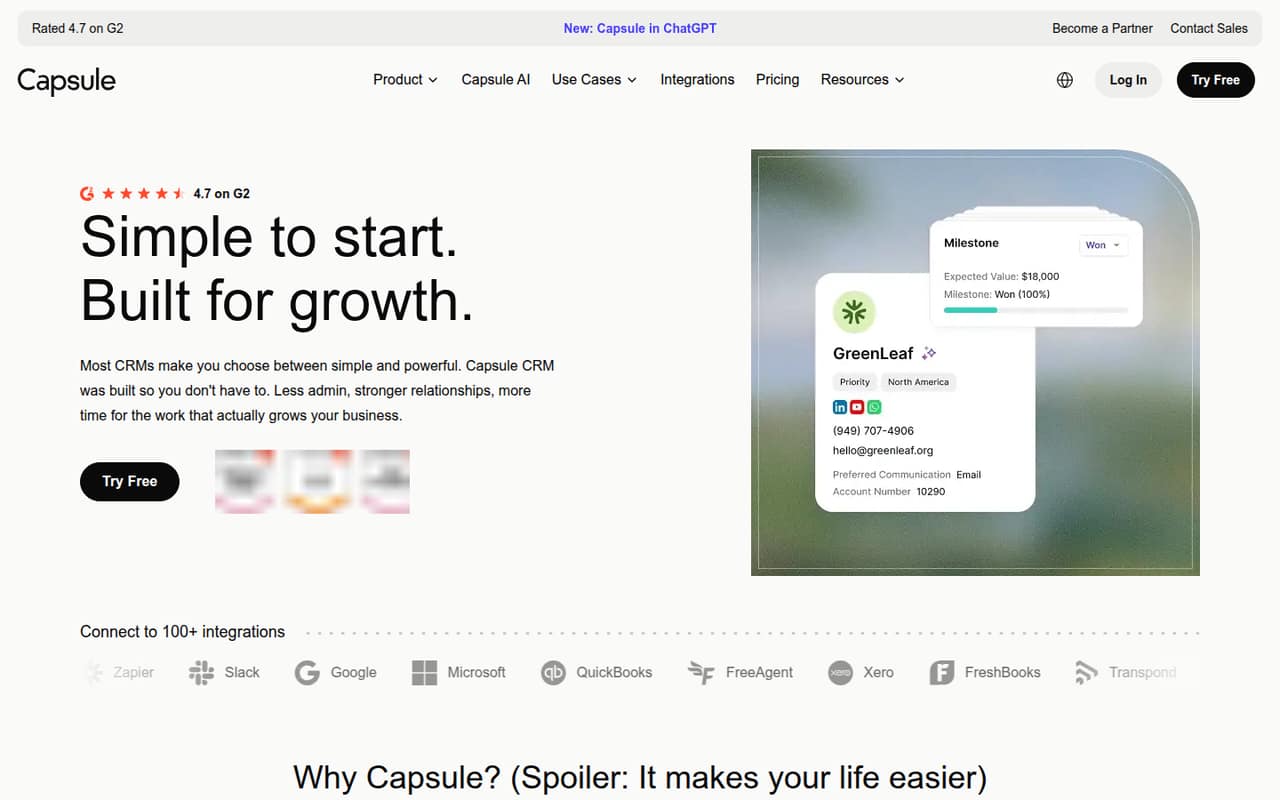
Capsule brings contacts, deals, projects and tasks together, and includes marketing tools. Reddit commenters describe it as simple and lightweight, though a reported migration raised concerns about preserving note formatting. It’s a good fit when you want a focused CRM, not a reason to buy a bigger suite.
Good fit if
- Small teams tracking contacts and deals
- Teams wanting projects beside customer records
- Businesses starting with a free CRM
Skip it if
- Teams needing free seats beyond two
- Teams needing workflows on Starter
- Businesses expecting complex reporting needs
ScoresHow it rates
What works
- Free plan supports up to two users
- Free plan includes one sales pipeline
- Contacts, sales and projects share one tool
- Starter includes 30,000 contacts and email templates
- Reddit users describe it as simple to use
What doesn't
- Free plan is limited to 250 contacts
- Paid plans charge per user
- Workflow automations start with Growth
- Premium integrations start with Starter
- A Reddit migration raised note-formatting concerns
01Who Capsule CRM is for
Capsule suits a solo operator or a small team that needs one place for customer details, conversations and sales activity. Its free plan covers up to two users, so it can work for a founder and a teammate who are keeping a modest contact list and one pipeline. The paid Starter plan is aimed at individuals and small teams, with room for more contacts and shared email tools.
The main appeal is keeping contacts, deals, projects and tasks together rather than adding a separate tool for each job. Capsule also includes workflow and marketing features, though the plan you need depends on which ones matter: workflow automations are listed on Growth, not Starter. If your team mainly needs straightforward lead tracking, Capsule may be enough. If you need a broad, highly customizable sales and marketing suite, one Reddit commenter suggests considering a fuller platform as the business grows.
02Capsule CRM free plan and trial
Capsule’s Free plan costs $0 and includes up to two users, 250 contacts, five custom fields and one sales pipeline. That is a useful starting point for a founder or a two-person team with a small contact list and a simple sales process. The published details do not list projects, workflow automations or email templates as Free-plan inclusions, so ask Capsule which features are available before building a process around them.
Capsule also lists a 14-day free trial. The trial’s feature limits and what happens when it ends are not published in the pricing details, so check those terms with the vendor. If you need a third user or more than 250 contacts, the first paid option is Starter, at $18 per user per month with annual billing or $22 month to month.
03What a small team pays for Capsule CRM
Capsule’s paid plans are priced per user. Starter costs $22 per user per month with monthly billing or $18 per user per month billed annually. That works out to $22 monthly or $18 per month on annual billing for one person; $66 or $54 per month for three; and $110 or $90 per month for five. Annual figures are monthly rates billed annually.
Starter includes 30,000 contacts, email templates, a shared mailbox, premium integrations and an AI Pipeline Generator. If your team needs workflow automations, Growth is the first listed plan with them: $40 per user monthly or $36 per user per month billed annually. That means three seats cost $120 monthly or $108 per month on annual billing; five cost $200 or $180. The pricing lists no add-ons. Check whether Starter’s integration options cover your tools, since the included integrations are described as premium but not named in the plan details.
04Getting started with Capsule CRM
Capsule combines contact management, a sales pipeline, tasks and projects, so a small team can start by deciding what customer details and deal stages it needs to track. Reddit commenters describe Capsule as lightweight and usable without much setup, but that is user opinion rather than a guarantee for every team. The vendor’s published details here do not specify setup time or a step-by-step onboarding process.
For day one, list the systems your team needs to connect and check Capsule’s integration options before committing. Starter includes premium integrations, but the pricing details do not name them. If you are moving from another CRM, test a small data export and import first. One Reddit migration discussion reports historical notes arriving without line breaks or bullets; other commenters suggested checking the export format and migration process. Ask Capsule or your migration provider how notes and formatting will transfer.
05When small teams outgrow Capsule CRM
The first clear limits are on Free: two users, 250 contacts and one sales pipeline. A third seat or a larger contact list means moving to Starter. Teams that want workflow automations need Growth, which costs $36 per user per month billed annually or $40 month to month. Advanced raises the listed limits to 120,000 contacts, 50 sales pipelines and 50 project boards; Ultimate adds expert support, an account manager and custom training.
You may also outgrow Capsule if your process needs capabilities beyond a focused CRM. One Reddit commenter frames Capsule as a fit for CRM, project management and email marketing, while another says a broader platform may suit teams that need more automation, reporting and sales-marketing handoff. Those are user opinions, not a feature-by-feature comparison. A separate migration discussion reports note-formatting problems during a move, so check how historical notes will export before switching tools.
From the threadsWhat users say
The Reddit discussion presents Capsule as a simple option for small teams that want CRM basics and project management together. Sentiment is qualified: one migration discussion raises a practical concern about note formatting, and commenters point to broader tools when teams need more scale or complexity.
If you need CRM, project management, email marketing via Transpond, go for Capsule
Capsule is great if you want simple contact + pipeline management without much setup
Capsule for simplicity now. HubSpot if you’re already thinking about scale
historical notes coming through as unformatted text, no line breaks or bullets etc
Questions people ask
Is Capsule CRM free?
Yes. Capsule lists a Free plan for up to two users, 250 contacts, five custom fields and one sales pipeline. A 14-day free trial is also listed. If you need a third user or exceed the contact limit, Starter is the first paid plan.
Does Capsule CRM include project management?
Capsule includes project management, and its Growth plan lists five project boards. Advanced lists 50 project boards. The Free and Starter plan details do not specify a project-board allowance, so check with Capsule before relying on project management at those tiers.
Does Capsule CRM have workflow automations?
Yes. Workflow automations are included in the listed Growth plan, which costs $36 per user per month with annual billing or $40 month to month. They are not listed among Starter’s inclusions, so teams that need them should budget for Growth.
Can Capsule CRM support email marketing?
Capsule includes marketing campaign tools, and a Reddit commenter describes using Capsule with Transpond for email marketing. The pricing details do not specify which marketing features come with each plan. Ask Capsule about plan eligibility and any separate terms before choosing it for campaigns.
Can I move my data out of Capsule CRM?
A Reddit discussion about moving from Capsule reports historical notes arriving without line breaks or bullets. Other commenters suggest checking the export format and migration process. Before switching, ask Capsule and your migration provider how contacts, notes and formatting will be transferred, and test a sample.