
We may earn a commission if you buy through links on this page. It never changes a score or a ranking. How we make money
The bottom line
Good for making interactive data stories; paid team costs and seat limits aren't published.
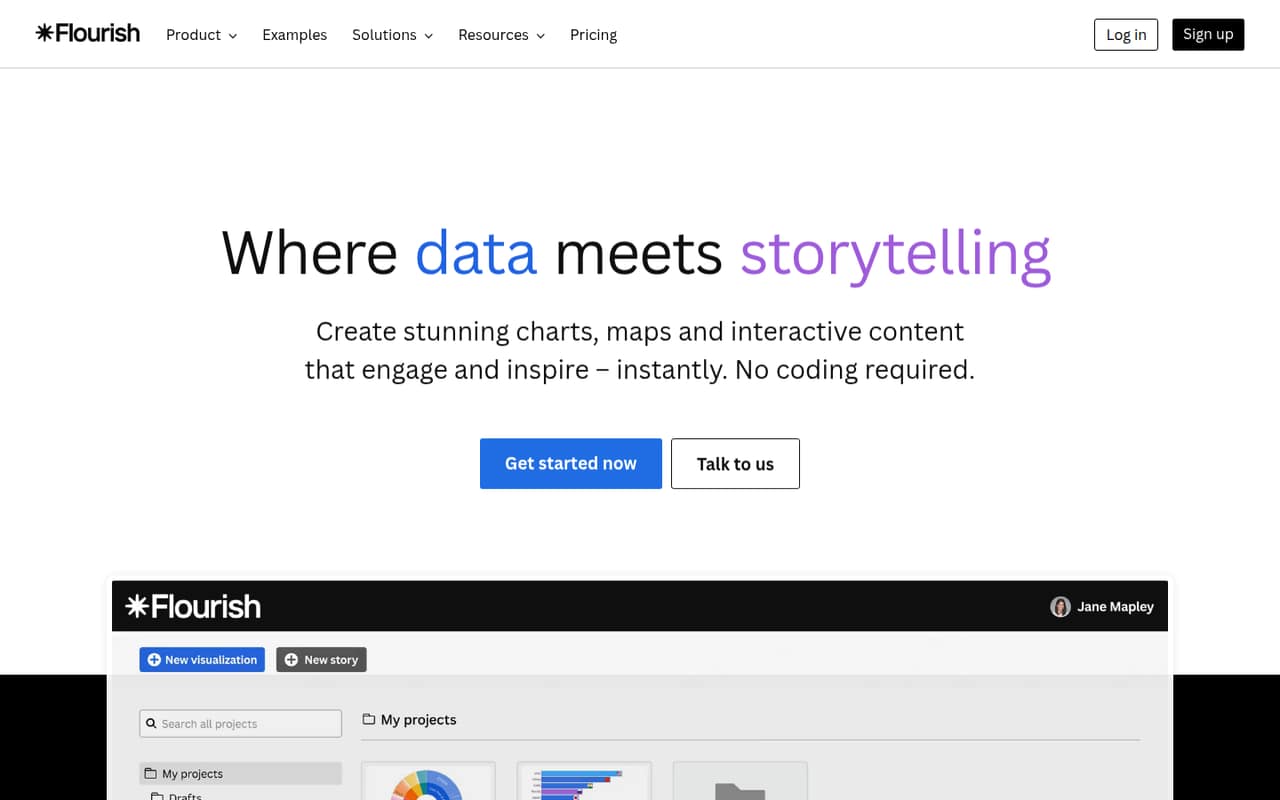
Flourish turns data into interactive charts, maps, and multi-step stories without coding. Its free plan lists unlimited projects and more than 50 templates, making it a practical place for an individual to start.
For a small team, the catch is budgeting: paid prices and seat limits aren't published. Presenter is available through Canva Business or Enterprise, while Publisher and Enterprise use quote-based pricing.
Good fit if
- People building data stories
- Small teams embedding interactive charts
- Presenters using Canva Business or Enterprise
Skip it if
- Teams needing published seat pricing
- Buyers who require known AI limits
- Teams seeking a confirmed low-cost paid tier
ScoresHow it rates
What works
- Free plan lists unlimited projects
- More than 50 templates on Free
- No-code charts and maps
- Stories combine charts and captions
- Visuals can be shared or embedded
What doesn't
- Paid plan prices aren't published
- Seat limits aren't published
- Assistant usage caps aren't published
- Presenter requires Canva Business or Enterprise
- Publisher and Enterprise require quotes
01Who Flourish is for
Flourish suits an individual or a small team of roughly 1–10 people that needs interactive charts, maps, or data-led explainers without building them in code. It turns data into visuals using no-code templates, and its Stories feature lets teams arrange charts and captions into a multi-step presentation.
The free plan is a sensible starting point for a solo creator or a team checking whether interactive storytelling fits its work. It lists unlimited projects and 50+ templates, though seat limits aren't published, so a team should confirm who can collaborate before relying on it. For teams that need collaboration, the Publisher plan lists team collaboration and quote-based pricing. Presenter is aimed at individuals making presentations and reports, and is available through Canva Business or Enterprise. If your work is mostly static charts or spreadsheets, Flourish may be more tool than you need.
02Flourish free plan and trial
The Free plan costs $0 per month and lists unlimited projects, more than 50 templates, and a Starter Assistant allowance. That gives an individual room to create charts, maps, and stories before paying. Flourish also describes sharing and embedding options for its visuals.
The limits that matter to a team aren't fully spelled out: seat limits and the Starter Assistant usage cap aren't published. A separate free trial isn't listed. Presenter has a Standard Assistant allowance, but it's available via Canva Business or Enterprise and its price isn't listed as a standalone Flourish price. For team collaboration, Publisher includes that feature, but pricing is quote-based. Before making Flourish part of a shared workflow, ask the vendor how many people can use Free and what each Assistant allowance covers.
03What a small team pays for Flourish
For one person, the listed Free plan costs $0 per month and $0 annually. The pricing page doesn't publish a seat limit, so we can't confirm whether a one-person setup is the only supported Free configuration. For a team of three or five, Free still lists $0, but eligibility and the number of seats are not published.
There is no published monthly or annual price for Presenter, Publisher, or Enterprise, so a paid total for one, three, or five people can't be calculated. Presenter is available via Canva Business or Enterprise; Publisher and Enterprise are quote-based. The pricing page doesn't state a minimum seat count, per-seat rate, or annual billing discount. It also doesn't publish seat or usage caps for paid plans. Ask for a quote that spells out the number of users, billing term, and Assistant allowance before comparing the cost with your budget.
04Getting started with Flourish
Flourish is described as a no-code platform, and its templates are the main starting point for charts and maps. A team can choose a template, add its data, and shape the result into a chart or story; the vendor doesn't publish a setup-time estimate, so plan for time to learn the templates and prepare your data.
For sharing, Flourish lists options to embed responsive visuals on websites and in digital publications. Its AI Assistant can refine visuals through plain-language requests, while AI Connector links Flourish to MCP-compatible AI tools. Those are the listed AI connections; don't assume a spreadsheet or other app integration without confirming it with the vendor. Before rolling it out, decide who will create visuals, where they need to appear, and whether the free plan's unpublished seat limits work for your group.
05When small teams outgrow Flourish
The first likely pressure point is collaboration. Free lists unlimited projects, but its seat limits aren't published, so a growing team should confirm how many people can work with the account. Publisher is the listed step for teams that need collaboration, with quote-based pricing and an Extended Assistant allowance.
AI use may be another reason to ask about an upgrade: Free includes a Starter allowance, Presenter a Standard allowance, Publisher an Extended allowance, and Enterprise the Maximum allowance. The pricing information doesn't give usage caps for any of them, so teams with regular AI-assisted work should request exact limits and costs. Enterprise is described as enterprise-grade access, but its seats, usage limits, and price also require confirmation. If Flourish still meets your needs, there's no published seat-based price to calculate against; get a quote before deciding whether a paid plan fits.
Questions people ask
What is the Flourish app and what does it do?
Flourish is a no-code platform for interactive data visualizations and stories. It offers templates for charts and maps, multi-step Stories with charts and captions, and options to share or embed visuals on websites and in digital publications.
Can you use Flourish for free?
Yes. The Free plan is listed at $0 per month and includes unlimited projects, more than 50 templates, and a Starter Assistant allowance. Flourish doesn't publish the Free plan's seat limit or the size of that Assistant allowance.
Is Flourish AI free?
The Free plan includes a Starter Assistant allowance, but Flourish doesn't publish its usage cap. Presenter lists a Standard allowance, Publisher an Extended allowance, and Enterprise the Maximum allowance. Paid plan prices and detailed limits aren't published.
Is Flourish owned by Canva?
The pricing information says Presenter is available through Canva Business or Enterprise. It doesn't establish whether Canva owns Flourish. Check with Flourish or Canva directly if ownership or account administration matters to your purchase.
Can a small team collaborate on the Free plan?
Flourish doesn't publish the Free plan's seat limits, so we can't confirm how many team members it supports. Publisher explicitly lists team collaboration and uses quote-based pricing. Ask Flourish to confirm Free access and Publisher costs for your team size.