
We may earn a commission if you buy through links on this page. It never changes a score or a ranking. How we make money
The bottom line
A broad agency toolkit, with a $53-per-seat starting price and no free plan.
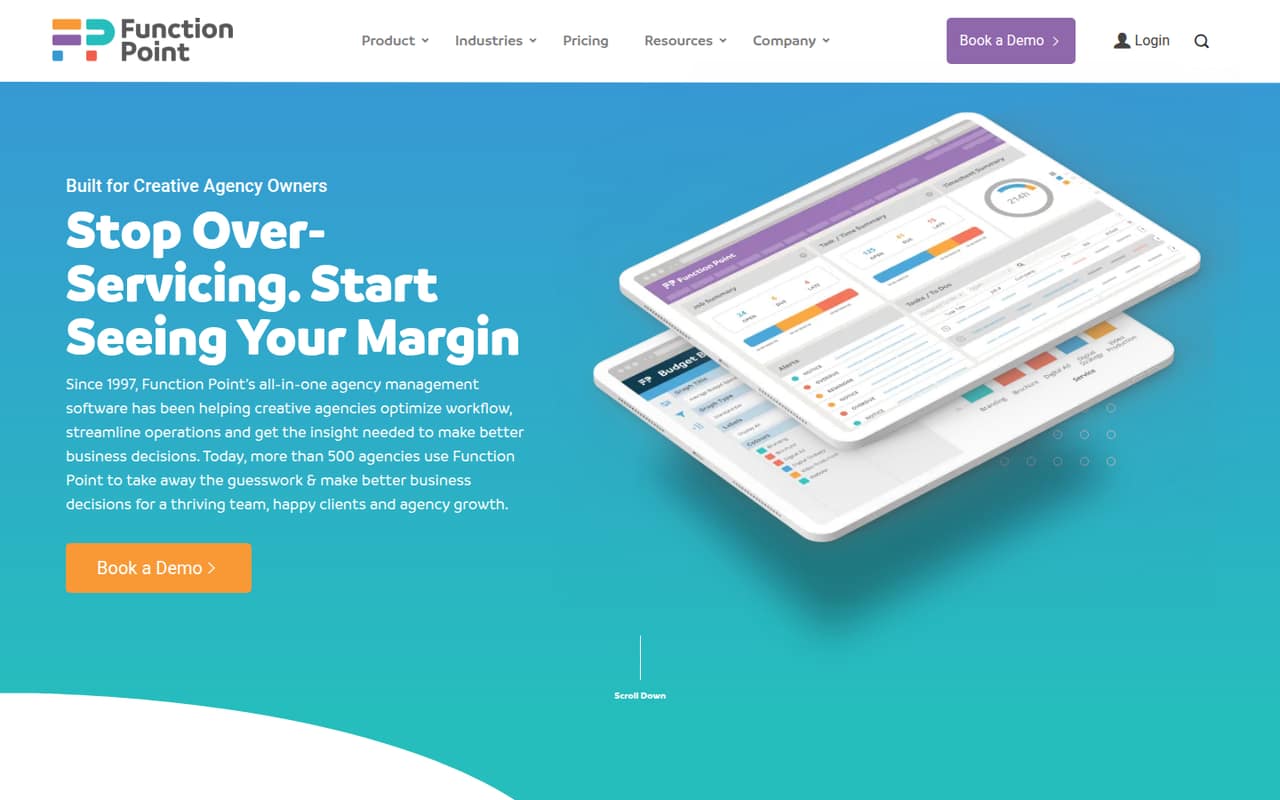
Function Point brings project work, time and budget tracking, resource planning, invoicing, and agency reporting together. That breadth suits creative agencies that want operational and financial workflows in one place.
The trade-off is cost: Standardize starts at $53 per user per month with annual billing, and the vendor lists an onboarding fee without publishing its amount. There’s no free plan, so a small team should confirm the full first-year cost before signing up.
Good fit if
- Creative agencies centralizing operations
- Teams tracking project margins
- Agencies needing resource forecasts
Skip it if
- Teams needing a free project tool
- Small teams on tight budgets
- Teams wanting simple task tracking
ScoresHow it rates
What works
- Combines project and agency financial management
- Includes time tracking and staff forecasting
- Standardize includes budgets and expense tracking
- Optimize adds QuickBooks Online integration
- Nonprofits get a per-seat discount
What doesn't
- No free plan is listed
- Starting price is $53 per user monthly
- Onboarding fee amount is unpublished
- Monthly payments still require a one-year term
- QuickBooks and BI reporting require Optimize
01Who Function Point is for
Function Point is for creative agencies that want one system for client opportunities, project delivery, staff workloads, and agency finances. A small team of three to ten people could consider it if project budgets, utilization, and margins matter as much as task lists. That’s a meaningful commitment: Standardize starts at $53 per user per month with annual billing, before the onboarding fee.
The software covers customer briefs, estimates, sales tracking, project schedules, time tracking, PTO, expenses, budgets, and invoicing. Resource planning helps forecast workloads, while reporting features help review revenue, billability, and project ROI. Those connected workflows are most useful when an agency is ready to manage delivery and finances together. If your team only needs a place to assign tasks, much of this scope—and its per-seat cost—may be more than you need.
02Function Point free plan and trial
Function Point doesn’t list a free plan or a free-trial offer. That means there’s no free tier to use for a few projects or keep after a trial ends; a small team should budget for a paid subscription from the start.
The cheapest listed entry point is Standardize, at $53 per user per month with annual billing, shown as a monthly equivalent. For a team that pays monthly, the listed rate is $58 per user per month, and the pricing page says those payments are based on a one-year subscription term. New customers also pay an onboarding fee, but the vendor doesn’t publish the amount. Before committing, ask for the onboarding total and confirm whether the product’s workflows fit your team.
03What a small team pays for Function Point
Standardize costs $53 per user per month with annual billing, or $58 per user per month when paying monthly. The pricing page says annual billing saves over 11%; its annual prices are monthly equivalents, and monthly payments are based on a one-year subscription term.
For one person, that’s $53 monthly equivalent with annual billing ($636 for a year) or $58 per month on the monthly-payment option. Three seats come to $159 monthly equivalent, or $1,908 for a year, versus $174 per month. Five seats cost $265 monthly equivalent, or $3,180 for a year, versus $290 per month. These totals don’t include onboarding.
Optimize costs $62 per user per month with annual billing or $68 with monthly payments. It adds QuickBooks Online integration and custom saved reports with data visualization and sharing. Registered nonprofits receive a $2-per-seat discount on monthly or annual subscriptions. The onboarding fee applies to new customers, but its amount isn’t published.
04Getting started with Function Point
Function Point brings several workflows together, so a team should plan to set up its client, project, time, and financial processes rather than expect a basic task board. The vendor doesn’t publish a setup-time estimate or a detailed learning-curve estimate in the pricing information. New customers pay an onboarding fee, but its amount isn’t listed; ask what that covers, how onboarding is delivered, and what your team needs to prepare.
For day-one needs, Standardize includes briefs, estimates, project schedules, time tracking, staff forecasting, budgets, expense tracking, and batch invoicing. If your accounting workflow depends on QuickBooks Online, that integration is listed under Optimize, not Standardize. The vendor also doesn’t publish a specific implementation checklist in the available plan details, so confirm data migration, training, and account configuration before purchase.
05When small teams outgrow Function Point
The main pressure point for a growing team is the per-seat bill: each additional user adds $53 per month with annual billing on Standardize, or $58 with monthly payments. The vendor doesn’t publish a seat cap in the plan details, so there’s no listed user limit that automatically forces an upgrade. Still, calculate the cost as roles and headcount expand, and include the unpublished onboarding fee in your first-year budget.
You may need to move from Standardize to Optimize when the agency needs QuickBooks Online integration or custom saved reports, visualizations, and report sharing. Those features are explicitly included in Optimize, which costs $9 more per user monthly on either billing option. A team may instead outgrow the product if it wants a free or lower-cost tool for basic project tracking; Function Point has no listed free plan. Ask the vendor about any needs that aren’t covered in the plan descriptions before choosing.
Questions people ask
Does Function Point have a free plan?
Function Point doesn’t list a free plan. It also doesn’t list a free-trial offer. Standardize is the cheapest listed plan, starting at $53 per user per month with annual billing. New customers also pay an onboarding fee, and the vendor doesn’t publish its amount.
How much does Function Point cost for a small team?
Standardize is $53 per user per month with annual billing or $58 with monthly payments. Three seats cost $159 or $174 per month, respectively. Five seats cost $265 or $290 per month. Annual prices are monthly equivalents, and monthly payments are based on a one-year subscription term.
What does Optimize add to Standardize?
Optimize includes everything in Standardize, plus QuickBooks Online integration, custom saved reports, data visualization, and report sharing. It costs $62 per user per month with annual billing or $68 with monthly payments.
Does Function Point integrate with QuickBooks?
The pricing page lists a QuickBooks Online integration in Optimize. It isn’t listed as part of Standardize. If your agency needs the integration, confirm the plan and any setup requirements with the vendor before subscribing.
Is Function Point monthly billing month to month?
The pricing page lists monthly-payment prices of $58 per user for Standardize and $68 for Optimize. It says monthly payments are based on a one-year subscription term, so this isn’t described as a month-to-month commitment.