We may earn a commission if you buy through links on this page. It never changes a score or a ranking. How we make money
A team of 1–10 may not need another tool if a shared task list already keeps work moving. If deadlines, handoffs, or project visibility are slipping, a project manager can help. Trello is our practical starting point for simple boards; Hive has a free starting point, while Asana suits teams coordinating shared projects and dependencies. Free plans can be enough at first, but limits and paid-seat costs matter as you add people. Check the vendor’s billing details before treating a listed starting price as your team’s total.
Quick picksThe shortlist
 TrelloTrelloBest for small teams · $5/mo
 HiveHiveBest free · $5/mo
 AsanaAsanaBest for shared projects · $10.99/mo
 TaigaTaigaBest for agile teams · €5/mo
 TodoistTodoistBest for shared tasks · $5/mo
 ClickUpClickUpBest for tool consolidation · $9/mo
 Teamwork.comTeamwork.comBest for agencies · $9.99/mo
 monday.commonday.comBest for visual workflows · £8/mo
 LinearLinearBest for product teams · $10/mo
01Compared at a glance
| Tool | Score | From | Free plan | Trial |
|---|---|---|---|---|
| TrelloTrello | 7.8 | $5/mo | Yes | — |
| HiveHive | 7.4 | $5/mo | Yes | 14 days |
| AsanaAsana | 7.6 | $10.99/mo | Yes | — |
| TaigaTaiga | 7.0 | €5/mo | Yes | — |
| TodoistTodoist | 7.3 | $5/mo | Yes | — |
| ClickUpClickUp | 6.5 | $9/mo | Yes | — |
| Teamwork.comTeamwork.com | 7.4 | $9.99/mo | Yes | 14 days |
| monday.commonday.com | 7.0 | £8/mo | Yes | — |
| LinearLinear | 7.4 | $10/mo | Yes | — |
02The picks, in detail
- Best for small teamsTrelloTrello
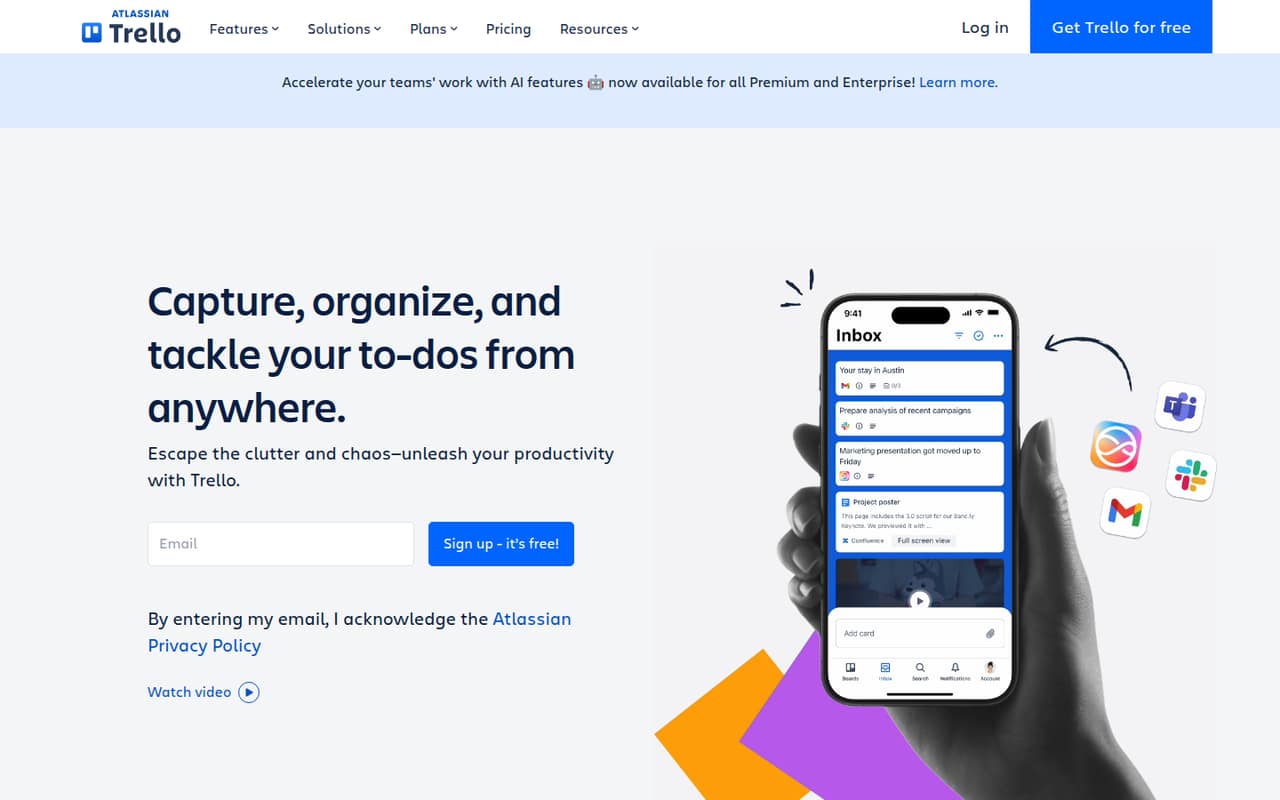
Trello’s free plan and $5 starting price make it a budget-conscious place to begin, and its board-based workflows suit teams tracking shared tasks. It is most compelling if your projects fit the Free limits; check those limits against your actual workflow before inviting the whole team or relying on it for more complex project coordination.
What works
- Free plan supports up to 10 collaborators
- Free plan includes up to 10 boards
- Inbox, Boards, and Planner organize work
What doesn't
- Free plan limits automation to 250 command runs monthly
- Free plan file size limit is 10MB
- Standard and Premium charge per user
- Best freeHiveHive
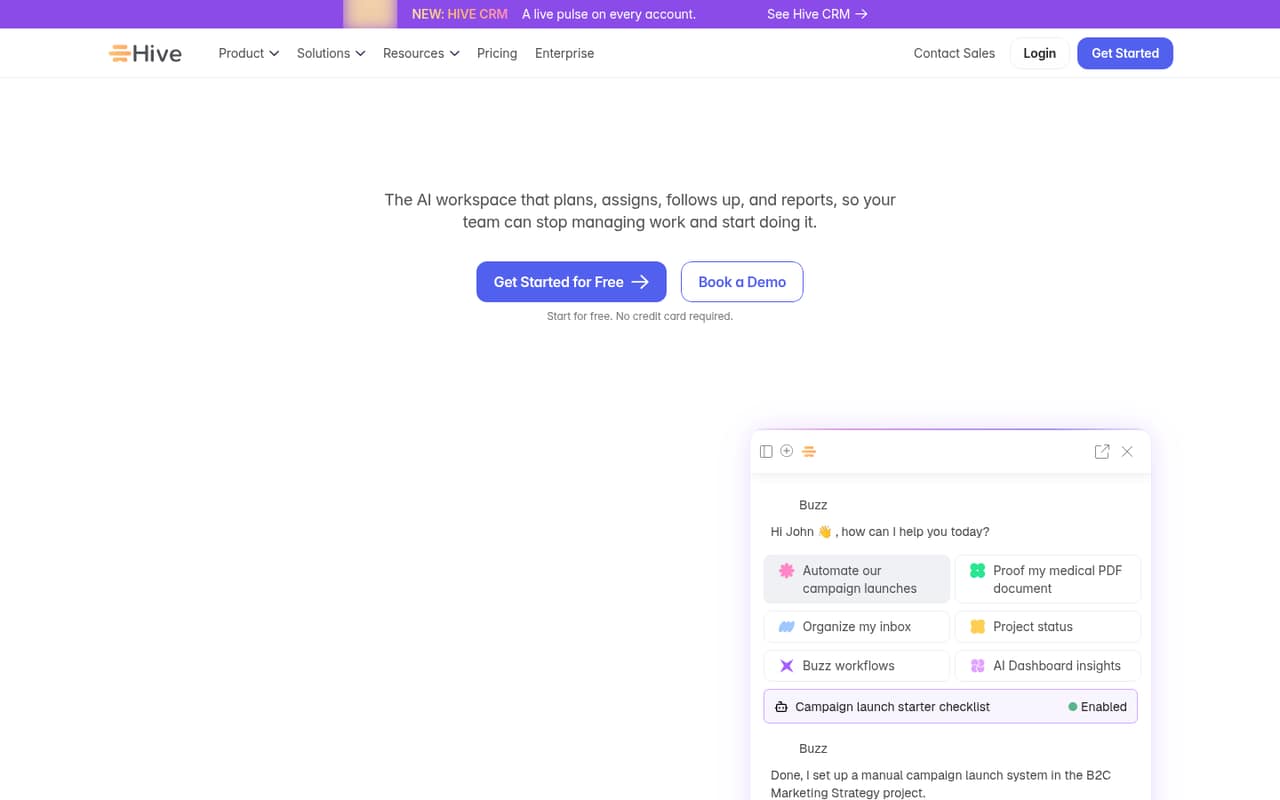
Hive offers a free starting point for teams tracking shared projects, with account visibility also among its strengths. Its listed starting price is $5. That gives a small team room to start without a paid commitment, but check which features require a paid plan or add-on before deciding what your routine project workflow will cost.
What works
- Free plan supports up to 10 workspace members
- Unlimited tasks are included on Free
- Collaborative notes come with Free
What doesn't
- Free storage is limited to 200MB
- Free project limit is not listed
- Starter is capped at 10 projects
- Best for shared projectsAsanaAsana
Asana is built for shared projects and deadlines, with task dependencies available for teams that need to manage work order. The free plan can suit two people starting out; its listed starting price is $10.99. Budget for paid seats as the team grows, and confirm the free plan’s current limits before building a process around it.
What works
- Personal is free for two users
- Unlimited tasks and projects on Personal
- Starter includes unlimited automations
What doesn't
- Personal is limited to two users
- Starter costs more with monthly billing
- AI Studio credits have a monthly allowance

- Best for agile teamsTaigaTaiga
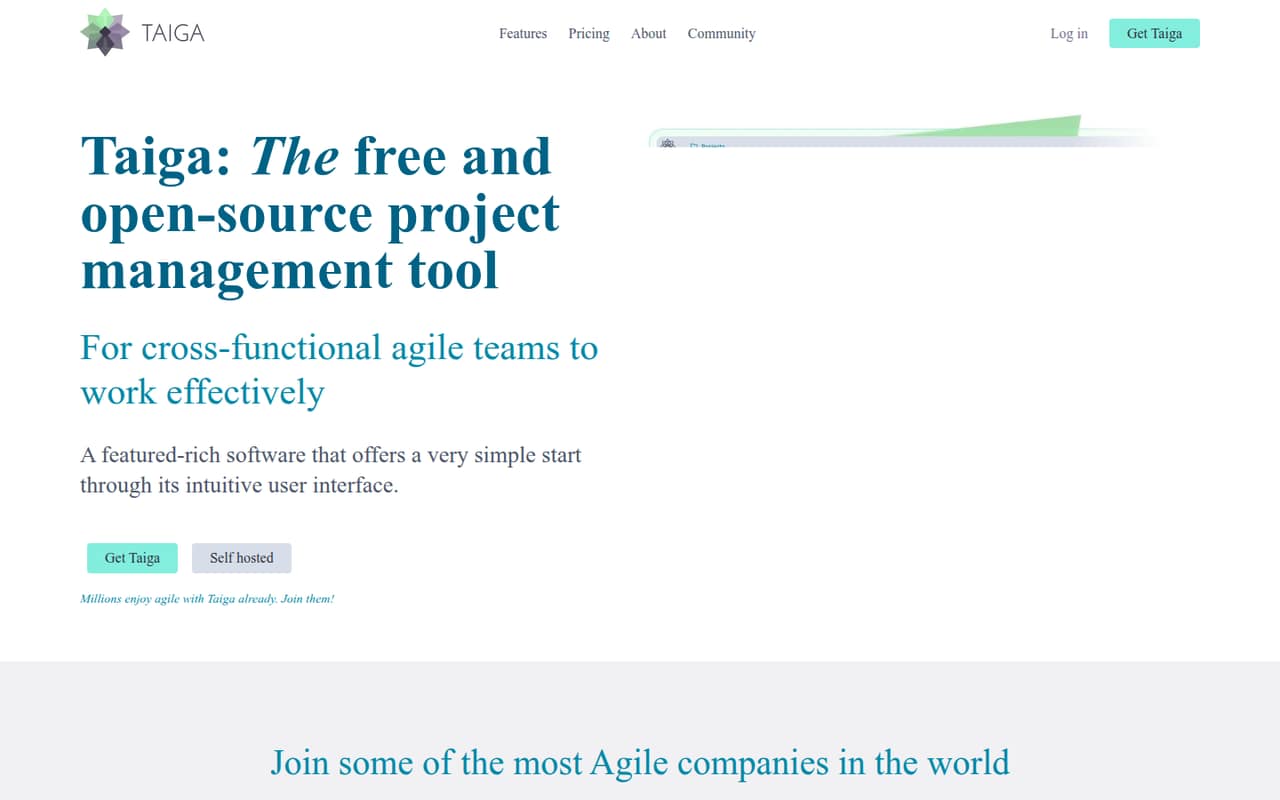
Taiga is a good match for small Scrum and Kanban teams, and it offers both a free plan and a $5 starting price. Self-hosting is an option for teams that want it. The fit depends on whether its project and storage caps work for your team, so check those limits before moving active work into it.
What works
- Free plan includes unlimited users
- Scrum and Kanban workflows in one tool
- Custom roles, fields, stages, and tags
What doesn't
- Free plan is limited to two projects
- Free storage is capped at 10MB
- Paid storage remains limited by plan
- Best for shared tasksTodoistTodoist
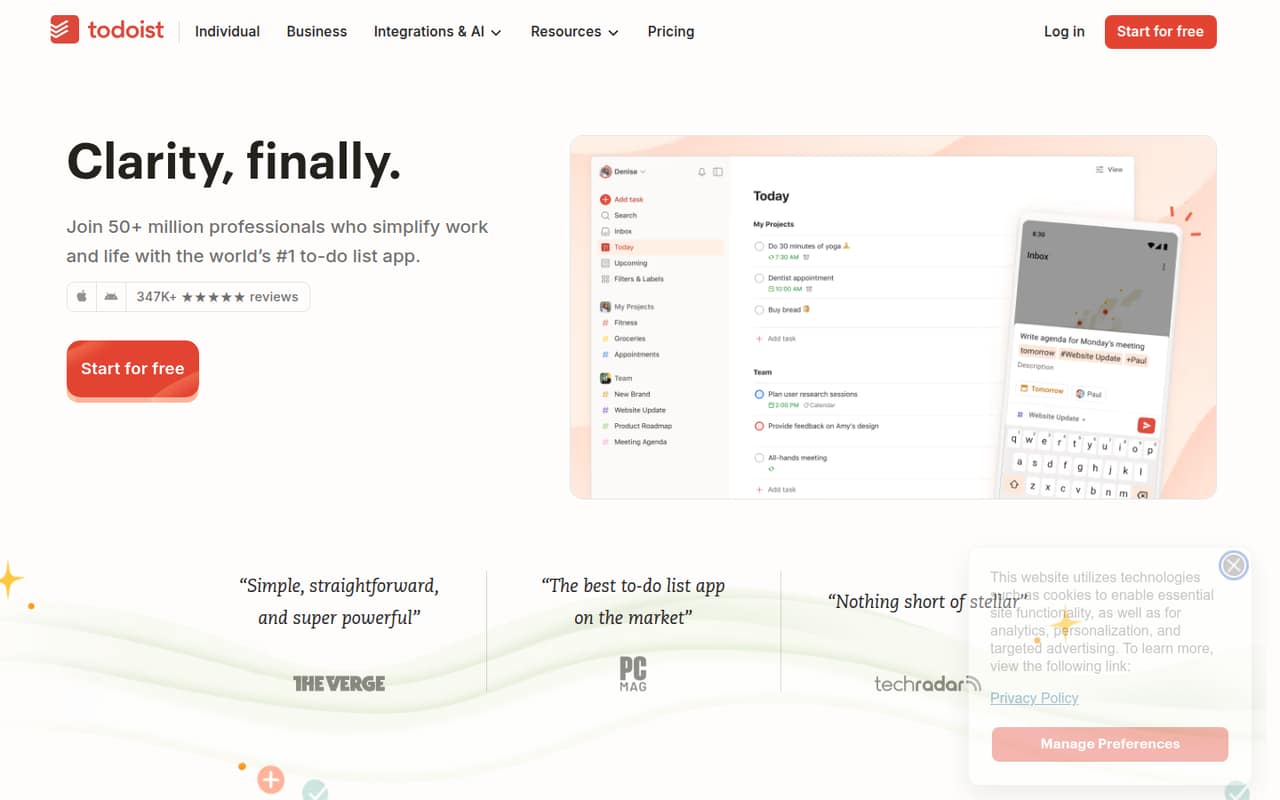
Todoist is a sensible choice when your team needs to share project tasks rather than manage a broad portfolio of work. You can start free for personal tasks, and its listed starting price is $5. The key buying point is the upgrade: shared workspaces require Business, so check that plan’s price before making Todoist your team’s home for projects.
What works
- Free Beginner plan includes five personal projects
- Natural-language task capture is included
- Recurring tasks and calendar view support scheduling
What doesn't
- Beginner is limited to five personal projects
- Business costs $10 per user monthly
- Annual Business billing requires $96 per user upfront
- Best for tool consolidationClickUpClickUp
ClickUp may suit project-heavy teams trying to bring several work tools together. It has a free plan and a $9 listed starting price, but the team should budget time to learn and manage its customization. If nobody owns the setup, all those options can create extra work. Start with a small set of workflows and confirm the plan limits first.
What works
- Tasks, docs, chat and time tracking share a workspace
- Free plan includes five spaces
- Free plan includes 100 monthly automation actions
What doesn't
- Free plan has only 60 MB storage
- Core and Business billing terms are unspecified
- A wide feature set can make the interface feel complex
- Best for agenciesTeamwork.comTeamwork.com
Teamwork.com is aimed at small agencies and service firms that want client-project tracking, time and margin visibility, or capacity planning. It has a free plan and a $9.99 listed starting price. Check what the free plan includes before paying for seats, especially if time tracking and project financials are central to your team’s process.
What works
- Free plan supports up to five users
- Tracks time across customer projects
- Project budgets and margins are included
What doesn't
- Free plan is limited to five projects
- Free file storage is 100MB
- Basics requires at least three users

- Best for visual workflowsmonday.commonday.com
monday.com suits teams that want visual work tracking and shared workflows, with automations as another reason to consider it. It has a free plan and an $8 listed starting price. Paid seats and plan limits deserve a close look: make sure the workflow your team wants is available on the plan you can afford.
What works
- Free plan covers up to two seats
- Includes boards, docs, and templates
- Offers automations and AI workflows
What doesn't
- Free plan is capped at two seats
- Paid prices are per seat
- Monthly-billed prices are not published

- Best for product teamsLinearLinear
Linear is focused on product and engineering teams that want issue workflows, rather than a general-purpose task board for every department. Its free plan is a useful starting point, and the listed price begins at $10. Paid plans require annual billing, so check the commitment and confirm that your team is comfortable working in its focused issue-tracking model.
What works
- Free plan allows unlimited members
- Free plan includes 250 issues
- Basic includes unlimited issues and uploads
What doesn't
- Free plan is limited to two teams
- Free uploads are capped at 10MB
- Basic and Business require yearly billing

03How we chose
We ranked tools for a team of 1–10, weighing whether a free plan is listed, the listed starting price, the kinds of projects each tool suits, and any stated limits or learning burden. A low entry price matters less if the free tier does not fit or paid seats push up the bill. We did not claim hands-on testing. Vendor docs are the place to confirm plan details and setup steps; Reddit reports can flag questions to investigate, but an individual comment is not a guarantee of your experience.
04Check the free plan before you move work
A free plan is useful only if it covers the way your team actually works. List the basics you need: how many people will collaborate, how many projects you’ll track, and whether you need dependencies, shared workspaces, or client access. Then compare that list with the vendor’s current plan limits. Some tools’ free offers are aimed at personal tasks or a small number of projects, not a full team workflow.
Before importing everything, choose one active project and agree on a simple structure: who owns tasks, where deadlines go, and how the team marks work complete. Check the vendor docs for setup and import steps. If your team relies on a feature that is only on a paid plan, price that plan now rather than discovering the gap after everyone has moved in.
05Price the team you have—and the team you’re adding
A listed starting price is not automatically the amount your team will pay. Confirm whether the price is per person, how often it is billed, whether there is a minimum number of seats, and which features are included. The listed entry price alone does not settle those questions. For three or five people, use the vendor’s pricing page to calculate the actual bill, including any required plan or add-on.
Also ask what happens when you add users or projects. A tool can be affordable for a few people and less attractive once the whole team needs access. Keep an eye on workflow limits, too: storage, project caps, automation access, or reporting may affect whether the plan remains useful. If your team’s process starts needing more administration than the tool saves, compare a more focused option before upgrading by default.
Questions people ask
What is the best project management software for a small team?
For straightforward shared task boards, Trello is our starting pick because it has a free plan and a $5 listed starting price. Hive is another free-start option. If your team needs shared projects and task dependencies, consider Asana. Compare each tool’s current limits with your workflow before choosing.
Can a small team use project management software for free?
Yes. Trello, Hive, Asana, Taiga, Todoist, ClickUp, Teamwork.com, monday.com, and Linear list free plans. What those plans cover differs. Check user, project, and feature limits on the vendor’s pricing page, especially if your team needs shared workspaces or particular project features.
How much does project management software cost for three people?
The listed starting prices in this guide range from $5 to $10.99 among the selected tools with a stated price. That does not establish a three-person total: check whether the rate is per seat, its billing cadence, and any seat minimums or add-ons on the vendor’s pricing page.
When should a small team switch to a paid plan?
Consider upgrading when a free-plan cap blocks the work your team needs to do, or when you need a paid feature such as Todoist’s shared workspaces. Before committing, check the full plan limits and calculate the cost for everyone who needs access.